

Turn recordings into transcripts and summaries in minutes
Upload audio or video for multilingual transcription, AI notes, and action items
Spent 2 hours in the meeting and another 2 organizing? You don't need a tool; you need a solution
"Who's going to type up the meeting notes?" is probably one of the most common kinds of invisible overtime in the workplace. A two-hour meeting can easily eat up another afternoon just replaying the recording, pausing, and typing. Even worse: you record a two-hour online course, then can't find the main points when reviewing. After an interview, you need to hand in a verbatim transcript, but the interviewee has an accent and there's background noise—making it especially painful to listen and type.
If you've been through any of these, this article is for you. We picked four of the most talked-about speech-to-text AI tools on the market and tested them in real-world scenarios to show which one actually solves the problem—not just "turns sound into text."
Before choosing a speech-to-text AI tool, get these 5 key points right
Many tools claim "98% accuracy," but the real experience is far from that. Before you start comparing, get these five things straight so you don't waste your money.
1. Accuracy: Look at real test conditions, not just the ads
The 99% that vendors claim is usually measured in a quiet recording studio with standard accents. Real meetings have air-conditioner hum, keyboard clicks, and people talking over each other, so accuracy drops noticeably. In our tests, we deliberately used a Cantonese news clip mixed with background noise—that's where the differences between tools really show.
2. You need more than text—you need post-processing
Getting the transcript is only the first step. Does it create automatic summaries? Can it pull action items from the meeting? Can you ask questions to find key points? These are what actually save time. If you only compare transcription minutes, most tools look similar, but post-processing ability directly affects how much extra time you spend later.
3. What's your recording source?
If you only record online meetings, a meeting-focused tool will do. But if you also want to organize classroom recordings, interviews, or even pull subtitles from YouTube videos, you need a tool that supports multiple input sources. Right now, many tools are meeting-only, and only a few can handle both files and online video in one place.
4. Is the free tier really enough?
Most tools have a free version, but the limits differ. Some give you 300 minutes a month but only for English; others hand out just a 3-minute trial. Start by estimating how many minutes you'll transcribe each month, then check whether the free plan covers it. Don't get fooled by the word "free" and sign up, only to find you can barely use it.
5. Cross-platform support and export flexibility
Record on your phone today, edit on your computer tomorrow—if the tool only supports one platform, it's a headache. Also, can you export the transcript as Word, TXT, or SRT? Can you push it straight into Notion or Google Docs and keep working? These small details affect how smoothly your workflow runs.
Tinrec(秒听录音)— Our top pick after hands-on testing
Tinrec is an AI organization tool that processes audio and video from multiple sources, and it supports iOS, Android, and web. Unlike traditional tools that only do transcription, it turns content into summaries, to-do items, and key points, and even lets you ask the recording questions as if you were chatting.
More than a transcript—a knowledge base you can talk to
When you open Tinrec in a meeting, it generates a transcript as you go. When the meeting ends, the AI automatically produces a summary and to-do list, clearly showing who should do what and by when. Even more special is its AI chat query feature: after recording a two-hour session, you can ask, "Who mentioned the budget number?" or "What was the conclusion?" and it pulls the answer from the full recording, instead of offering only keyword search results. At this price point, almost no other tool has this feature.
Online videos can also be turned into text
Besides live recording and file uploads, Tinrec can paste in public video links from YouTube, Bilibili, or Xiaohongshu (RED) and pull out the transcript and key points. That's very handy for creators and students who need to organize online material.
Test data: performance with Mandarin and Cantonese
We used a 5-minute Cantonese news recording (captured on an iPhone 15, in a 26°C indoor environment, tested in June 2025). Tinrec had a character error rate of about 8.3%, the best result in this mixed-Chinese scenario. On clear Mandarin meeting audio, accuracy can reach 95% or higher, but it drops a bit when backgrounds get noisy or people talk over each other—a common limitation for all tools.
Stop organizing recordings by hand
Upload audio or video and automatically get a transcript, summary, and action items
Pros
- Multi-source input: live recording, file upload, and online video links—one tool handles all your audio and video organizing.
- Powerful AI post-processing: automatic summaries, chapter splitting, to-do extraction, and natural-language queries about the recording, saving huge amounts of manual re-listening time.
- Complete cross-platform and export options: seamless sync between phone, computer, and web; export to TXT, Word, SRT, and send directly to Notion, Google Docs, and other third-party tools.
Limitations
- The free version has a basic monthly transcription quota (the exact minutes aren't public; the account displays around 100 minutes). Heavy users need to pay, but for someone who has 2–3 meetings a week, it's enough to experience the full features.
- The AI summary can occasionally oversimplify. For critical meetings, double-check against the original text.
Who is it for?
If you regularly record meetings, classes, or interviews, and you want to avoid spending time sifting through transcripts to find key points—or you'd rather ask questions directly—or you work with both Chinese and English content, Tinrec is currently the most comprehensive choice.
What are the other options besides Tinrec?
Otter.ai: Best for English meetings, but no Cantonese support
Otter.ai is North America's most popular meeting transcription tool. The free plan gives you 300 minutes per month, which is generous, and its English recognition is excellent. But it can't handle Cantonese or Taiwanese-accented Mandarin, and it has no web-video transcription feature. If your meetings are primarily in English, Otter.ai's free plan is a better deal than Tinrec. However, the moment your needs extend into Chinese or any audio/video content, it's clearly not enough.
Notta: More transcription minutes, but no chat-based querying
Notta's feature set overlaps heavily with Tinrec. The free plan includes 120 minutes per month, and the Pro plan has 1,800 minutes, making it very competitive on transcription volume. But Notta lacks AI chat-based querying, so after transcription you have to search the text manually; it also cannot paste in a web video link directly. If you only need to transcribe large volumes of English or Japanese files, Notta is worth considering. If you want to ask questions to pull out key points, Tinrec is the better fit.
PLAUD Note: A great portable recorder, but you'll need to buy extra hardware
PLAUD Note is a standalone AI recording device. It has a sleek design and one-touch recording, which is great for capturing ideas or in-person meetings. But the hardware costs extra (starting around NT$5,000), and transcription is tied to the companion app, so it can't process existing audio files or online videos. By comparison, Tinrec works with just an app download—no extra device to carry—and can handle a wider range of audio and video content.
How to avoid traps: 4 mistakes people make when choosing a speech-to-text AI
1. Only looking at the official accuracy claims
Many tools advertise "98%," but that number comes from testing in ideal conditions. Meetings have HVAC noise and keyboard clicks; lectures have echoes. Real-world performance can differ a lot. We recommend trying the free trial with your own recording to see whether the output is actually usable.
2. Ignoring the "after transcription" organizing time
It's easy to think that once you have the text, you're done. But the most time-consuming part is re-listening, marking highlights, and writing the summary. If the tool doesn't have built-in summary and Q&A features, you'll still spend a lot of time manually combing through the file. With a tool like Tinrec, you can directly ask, "What was the meeting's conclusion?" and save far more time than the transcription itself.
3. Evaluating only a single platform or a single use case
Today you record on an iPhone; tomorrow you want to organize on a Windows computer. This week you're in meetings; next week you need key points from a YouTube video. If a tool only works on one platform or with one type of input, it will quickly gather dust. Before you choose, confirm that it can handle phone, computer, live recording, and external files all at once.
4. Getting lured by the word "free"
The free plan sounds appealing, but some restrictions are strict: only 10 minutes per month, no export, degraded Chinese recognition, and so on. First estimate how many minutes you use each month, then decide between free and paid so you won't be forced to upgrade halfway through.
Summary: Which one should you actually choose?
Based on our collective test results, if you can only choose one, Tinrec is our team's top pick—it doesn't just transcribe; it also saves you a lot of time on post-meeting organization.
Recommendations by scenario
- Need Mandarin + Cantonese support plus post-processing → Tinrec (most complete AI summaries and chat queries)
- Pure English meetings, want the most free minutes → Otter.ai (300 free minutes/month)
- Bulk transcription of Japanese or English files, don't need chat queries → Notta (1,800 minutes on Pro)
- Just want a portable recorder and don't mind an extra device → PLAUD Note
For most people, Tinrec's free version can already handle everyday meetings and classes. Download it and test whether the monthly quota fits your usage. Upgrade only if you really need it—you don't have to start paying right away.
References
- 【AI Voice Notes】5 AI-to-Text Tools Recommended! Get Transcripts and Meeting Notes Highlights: Free vs. Subscription, Pros and Cons | 104 Career Force
- 6 Speech-to-Text Tools Recommended for 2026: Convert Audio Files to Text Online for Free!
- AI Speech-to-Text Tools: 8 Options Compared—Which Is Best for Meeting Notes, Transcripts, and Voice Input? | Leading Era
- Online Speech-to-Text AI Tool: Free MP3 or Recording to Text Transcript - MyEdit
- Online AI Speech, Video, and Audio-to-Text Transcription—Free Trial - cSubtitle
Turn every recording into actionable outcomes
Get 60 free transcription minutes when you sign in. No credit card required.
Related Reading
You might also like

Notta Transcription in 2026: Notta Sin Spread vs. Tinrec Comparison Guide
Searching for "notta sin spread review" might bring up Notta Sin, an Indian sugar-free chocolate spread, or Notta.ai, a meeting transcription tool. This guide clarifies the two, then focuses on the transcription tool: bot-free recording, post-transcript summaries and action items, team roles and seats, and compares Tinrec, Notta, Otter.ai, and Granola to help you make an informed choice in 2026.

How to Identify Meeting Note Tools in 2026: 3-Step Verification + Tinrec Hands-On Test
When searching for "notta nother builder reviews," half the results are UK construction company registration data and half are meeting note tool reviews. This guide first shows you how to verify a company's background in 3 steps, then explains how to choose a meeting note tool, and includes a hands-on test of Tinrec's complete workflow for bot-free recording, summarization, action items, and team knowledge retention.

2026 Nottage Hill Wine Price Comparison: US, UK, and Taiwan Market Prices at a Glance
How much should a bottle of Nottage Hill cost to be reasonable? This article compiles reference prices for Hardys Nottage Hill in the US, UK, and Taiwan, along with volume conversion and actual tasting notes, and highlights 4 easily overlooked points before buying to help you quickly decide whether the price is worth it at the wine shelf.

4 Free YouTube Video Summary Tools Tested in 2026: Free Tiers Vary Widely, but Few Support Follow-Up Work
Most people use free YouTube video summary tools with a common misconception: they think pasting a link is all it takes. This article tests and compares four tools—Tinrec, Notta, NoteGPT, and TurboScribe—from four angles: free quota, summary structure, follow-up organization, and Chinese recognition. It explains who each tool suits, where the free versions fall short, and how to avoid getting a summary that still requires rewatching the video.

Nottagen Guide | DQ7 Reimagined 7-Step Walkthrough: Save at the Right Time or Both Past and Present Are Ruined
Nottagen in Dragon Quest VII Reimagined is notorious for easy mistakes: can't find the monster in the church, a hidden battle in the well, and missing the save before the boss locks you into an outcome. This guide breaks the flow into 7 steps, plus branching choices, missable content, and common pitfalls so you clear it in one go and grab the achievement.
2026 Speech-to-Text Tools Tested: After the Nottoway Fire, How Oral History Survives
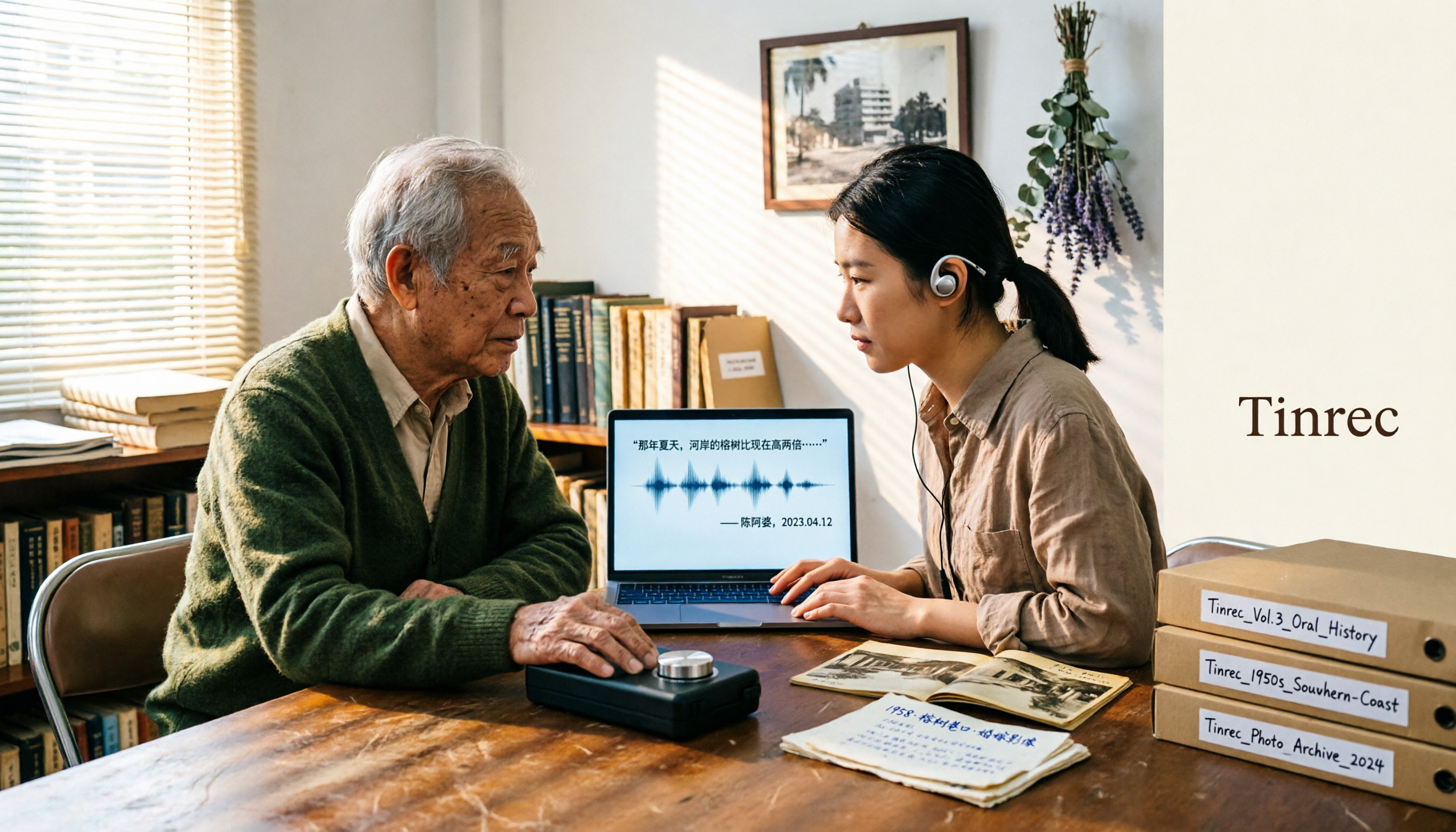
On May 15, 2026, Nottoway Plantation in White Castle, Louisiana, was destroyed by fire, leaving behind decades of oral memories from tour guides, researchers, and the community. This article addresses the common misconception that 'keeping a recording is not the same as preserving it,' explains four key considerations for organizing interview recordings, and tests and compares Tinrec, Otter.ai, Granola, and TurboScribe for oral history organization.

Good Tape Review 2026 & Audio Transcription Tool Buying Guide: 5 Comparisons and Recommendations
Starting from Good Tape's privacy positioning, actual transcription performance, and user feedback, this guide outlines key considerations for choosing an audio transcription tool and compares Tinrec, Otter, Notta, and TurboScribe in meeting notes, post-meeting organization, and team collaboration.
2026 AI Meeting Transcription Tools Compared: Is Notta AI Worth It? Plus a Better Option for Chinese Meetings
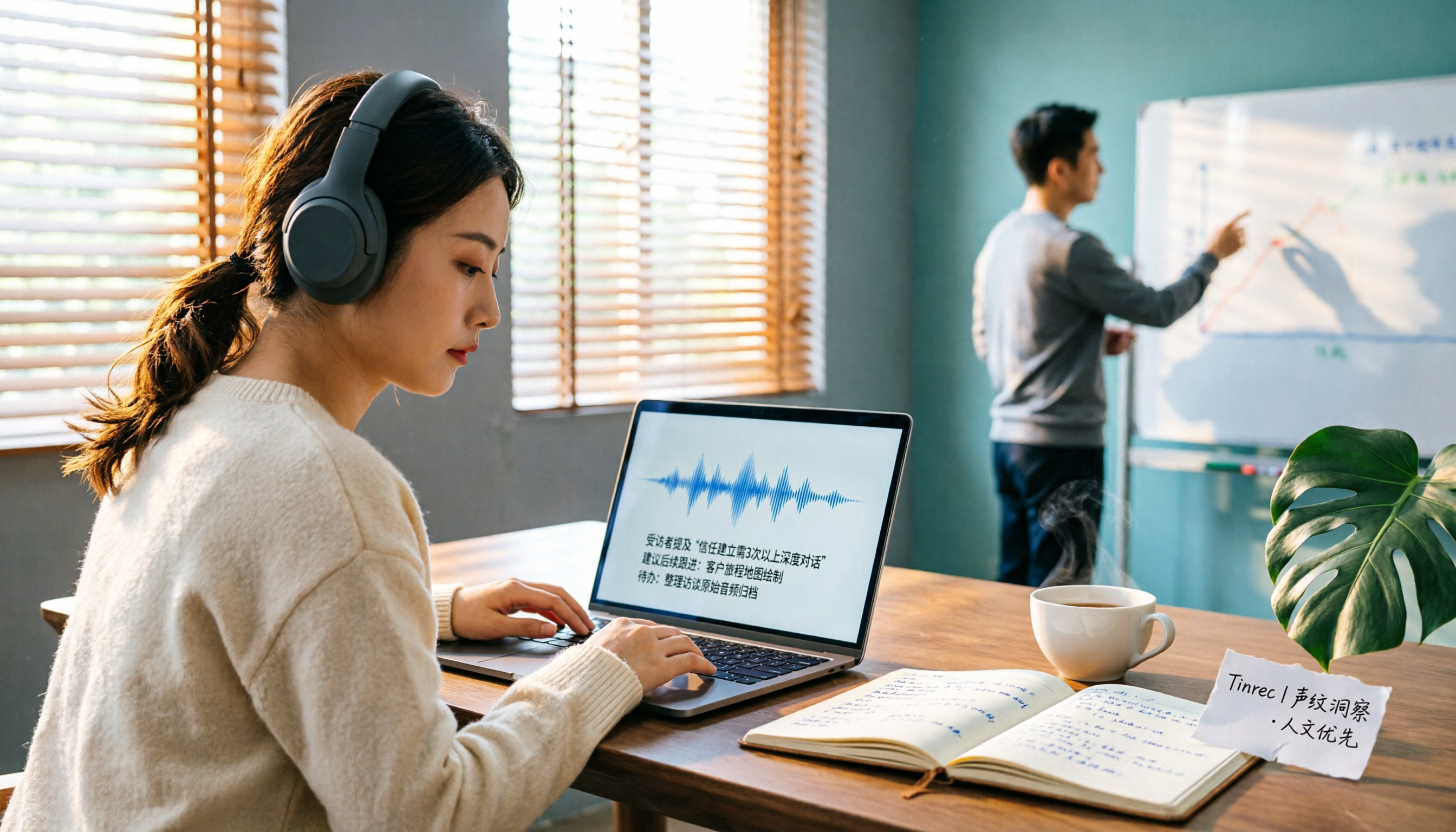
I tested three AI meeting transcription tools using the same set of real interview recordings. This article covers Notta AI's strengths, pricing, and privacy policy controversy, and explains why I ultimately moved my workflow to Tinrec: no-bot recording for online meetings, post-meeting summaries and action items, AI Q&A you can follow up with, and practical ways to retain team data.

2026 PLAUD Note Review & Buying Guide: 3 AI Meeting Tools Tested and Compared
Searching for 'PLAUD Note review Dcard' brings up plenty of recorder praise, but you still can't decide if it's worth buying. This guide starts from real Dcard user feedback, breaks down the 4 most misunderstood points about AI meeting tools, and tests Tinrec, PLAUD Note, Notta, and Granola across online meetings, in-person recording, post-meeting organization, and team collaboration. Includes a pitfalls guide and scenario-based recommendations.