
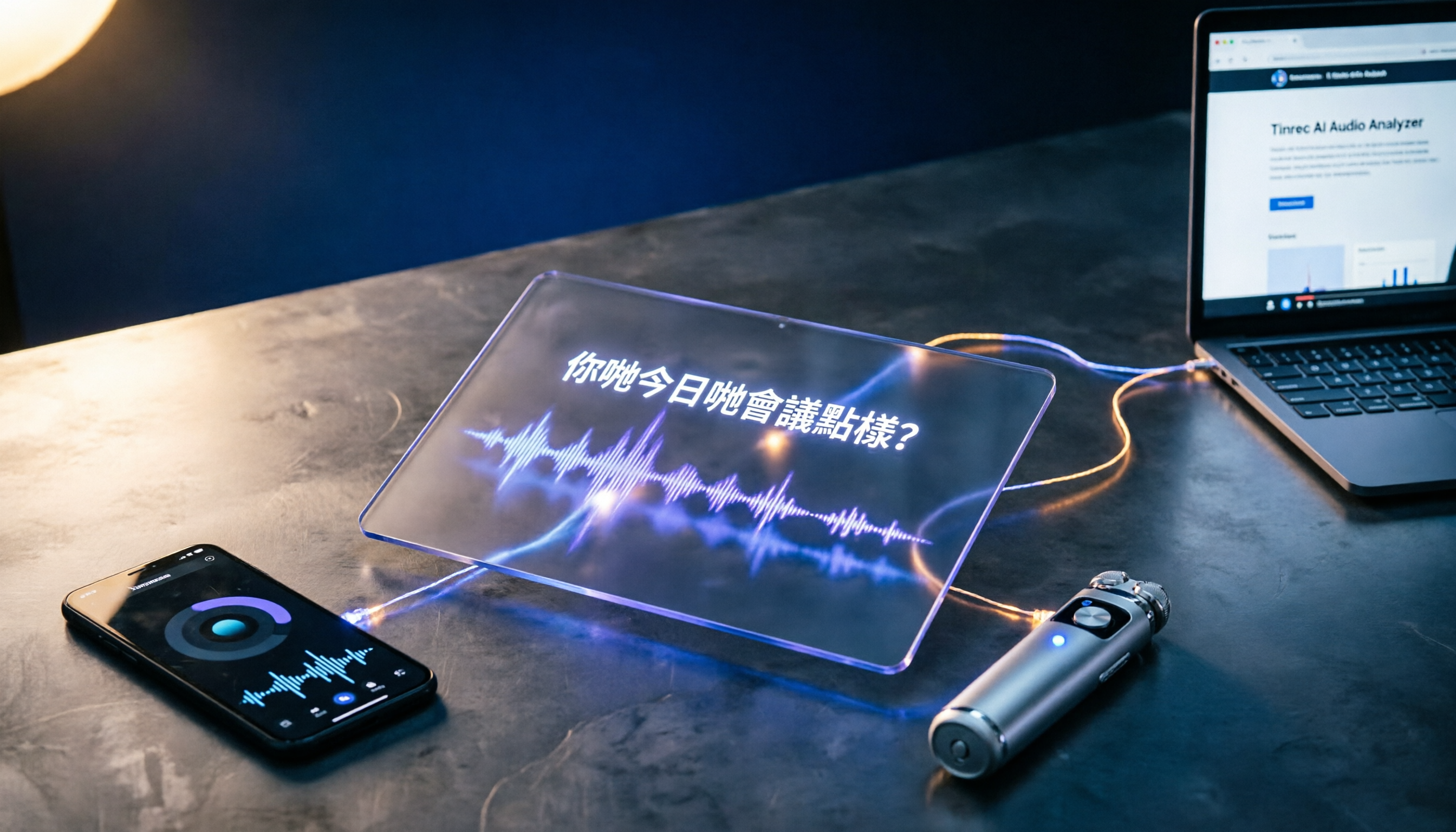
Turn recordings into transcripts and summaries in minutes
Upload audio or video for multilingual transcription, AI notes, and action items
Why Do You Need a Cantonese Subtitle App?
I have about 15 meetings every week, but the most frustrating part isn't the meetings themselves—it's having to edit clips from meeting recordings for training materials, or adding subtitles to customer interview snippets for internal platforms. Cantonese is full of homophones and colloquialisms, so manually subtitling a 30-minute video can take two hours. I tried a bunch of AI subtitle tools and finally found a few that actually handle Cantonese, from free to paid, from websites to hardware. This article is my team's hands-on review, so you don't have to spend time searching.
Tinrec (Instant Recording) — The Most Complete AI Recording and Subtitle Organizing Assistant
Tinrec is my go-to tool. It's not just a subtitle tool but an AI recording and audio/video organization workbench. You can record in real time, upload audio or video files, or even paste a YouTube or Bilibili link, and it will automatically transcribe the content, then generate a summary, chapters, to-do items, and of course export an SRT subtitle file.
I tested it by feeding a 30-minute internal training recording. In less than 5 minutes it produced a verbatim transcript and subtitles. Although the Cantonese part sometimes converts 'm goi' into 'ng goi' (a common typo), overall it's over 70% accurate, and you can fix the ten or so errors quickly. The best part is the AI Q&A feature: you can ask 'Does this video mention the budget?' and it will find the relevant segments for you—something other subtitle tools can't do.
For export, Tinrec supports exporting to Notion, Google Docs, and more. You can also ask it to generate formal meeting minutes or reports based on the recording, which is very practical for professionals who frequently work with documents.
Free/Paid Plans: The free plan includes a monthly transcription quota, so you can try real-time recording and web video parsing. If you have heavy usage, the weekly card is good for short bursts, the Pro monthly plan suits regular users, and the annual plan is the best value. Check the official website for current pricing, as plans are updated from time to time.
Who is it for? People who need to handle meetings, courses, interviews, and online videos in one place; professionals who want to go beyond subtitles and turn content into organized notes.
Subanana — Hong Kong's Free Cantonese Subtitle Wonder Tool
Subanana is a completely free web app developed by a Hong Kong developer that specializes in Cantonese. Just paste a YouTube link or upload a video, and it will automatically generate subtitles. In a reporter's hands-on test, accuracy was about half, because Hong Kongers often mix English into their speech, and the tool sometimes translates English words as Cantonese sounds, producing odd text. However, you can directly edit subtitles and adjust the timeline on the page, and use keyboard shortcuts to segment and loop small sections for easier review. Finally, you can export the subtitles as an .srt file.
Free/Paid Plans: Completely free, no hidden fees.
Who is it for? YouTubers, KOLs, or anyone who occasionally needs to add subtitles to videos without paying.
Zeemo — Automated Cantonese Subtitle Generation with Custom Editing
Zeemo has an app and a web version, and supports automatic Cantonese subtitle generation. After you upload a video, the AI analyzes the audio and creates subtitles. It also offers an intuitive online editor where you can correct timing and text, and customize fonts, colors, and positioning—perfect for content creators who care about brand image. The process is straightforward and you can choose from different export formats.
Free/Paid Plans: Some features are free. If you need higher volume or advanced features, you'll need to upgrade to the paid version, but there are no publicly listed prices—check the official website.
Stop organizing recordings by hand
Upload audio or video and automatically get a transcript, summary, and action items
Who is it for? Video creators who need reliable automated subtitles and want to customize the appearance of their subtitles.
CantoSub — Multilingual AI Subtitle Generation with One-Click Translation
CantoSub emphasizes full automation. After uploading a video or audio file, you can get professional subtitles in a few minutes. It supports Cantonese, Mandarin, English, and other languages. The standout feature is one-click translation of subtitles into other languages, which is handy for creators with multilingual audiences. However, there is no subtitle editing function currently, so it may be better suited for generating subtitles first and doing post-production yourself.
Free/Paid Plans: Pricing is not publicized; you may need to contact the developer before using.
Who is it for? Content creators who need to generate multilingual subtitles quickly and don't mind fine-tuning later.
VocaEase — Cross-App Real-Time AI Subtitle Translation Recorder
VocaEase is a hardware device, not just an app. It is powered by ChatGPT and supports over 138 languages, including Cantonese. Its main selling points are real-time translation and cross-software functionality. You can get real-time subtitles and translations during video calls or in any app, and even generate meeting minutes and mind maps, which is attractive for business users. But since it's a hardware device, you need to carry it separately, and the price is relatively high.
Free/Paid Plans: The hardware itself must be purchased and is available at SearchingC. There is currently no subscription fee.
Who is it for? Business professionals who frequently need cross-language meetings or real-time translation.
With so many options, which one should you choose?
The most important thing is to consider your needs and usage frequency:
- If you want one tool to handle recording, subtitles, AI organization, and report export → Tinrec is the only choice. It doesn't just produce subtitles—it turns your content into knowledge.
- If you simply want to add Cantonese subtitles to YouTube videos for free → Subanana is completely free, and even though you need to manually proofread, it's zero cost.
- If you need multilingual translated subtitles → CantoSub's automatic translation feature is the most straightforward, ideal for quickly producing multiple language versions.
- If you want to customize subtitle appearance and brand it → Zeemo's editor is flexible enough for content creators.
- If you often have meetings abroad or need real-time translation → VocaEase's hardware and cross-app features are the most practical, but you'll need to invest in the device.
My current workflow is to use Tinrec as the main tool for most work and as a knowledge base, Subanana when I need free and fast subtitles, and Zeemo when my design team needs to make subtitles look polished.
3 Things to Know Before Using Cantonese Subtitle Apps
- AI subtitles are not 100% accurate: Especially for Cantonese colloquialisms, lazy pronunciation, and mixed Chinese-English speech, results will be affected. After generating, always do a quick manual review and use Tinrec or Subanana's editing features to correct errors.
- Audio quality matters most: If the recording is noisy or the speaker has a heavy accent, even the best AI will make more mistakes. Investing in a better microphone or ensuring a quiet environment is more practical.
- Respect copyright: When generating subtitles from an online video link, make sure you comply with platform rules and copyright requirements. Don't use content you don't own for commercial purposes.
Conclusion
Automatic Cantonese subtitle generation is nothing new, but finding the right tool still takes some effort. After this round of testing, Tinrec is the most feature-complete option, Subanana is the best free backup, and Zeemo is great for customization. Instead of trying each one one by one, pick one based on the scenarios above and start turning your videos into useful written materials.
References
- CantoSub | Hong Kong | Cantonese | AI Subtitle Generation!
- Subanana Hong Kong Cantonese Subtitle Tool Tested: Auto-Adding Subtitles to YouTube Videos Made Easy | Tech Playthings
- Subanana | Most Popular AI Subtitling & Transcription Tool in ...
- Cantonese Subtitle Generator - Zeemo
- VocaEase First Cross-App Real-Time AI Subtitle Translation Recorder | Supports Cantonese and 130+ Languages - Gray (In Stock) - SearchingC
Turn every recording into actionable outcomes
Get 60 free transcription minutes when you sign in. No credit card required.
Related Reading
You might also like

3 Cantonese Subtitle Generator Tools Compared in 2026: Which One Gets Movie Dialogue Right?
Struggling to watch movies without subtitles? We tested 3 tools that generate Cantonese subtitles, comparing accuracy and ease of use to help you quickly add subtitles and enhance your movie-watching experience.

Best Cantonese Input Method 2026: 4 Tested, This Free Cross-Platform IME Is the Winner
Want to type Chinese with Cantonese romanization but not sure which input method to use? This article tests 4 popular Cantonese input methods, including Jyutping IME, Online Cantonese Input Method, CantoKey, and iOS built-in, comparing platform support, Jyutping schemes, reverse lookup, and more, to help you pick the best free tool.

2026 Cantonese Subtitle Tools Compared: Which Delivers the Most Natural Transcription?
We tested CapCut, Subanana, and Tinrec — three automatic Cantonese subtitle tools — by comparing spoken Cantonese accuracy, AI summarization capability, and cross-platform flexibility to find the best time-saver for post-production.

2026 Cantonese Voice Input Tools for Windows 10: Which Free Option Is Most Accurate?
Looking for Cantonese voice input on Windows 10? We tested Tinrec, VoiceIn, and Google Docs voice input—comparing accuracy, real-time dictation vs. recording transcription, free limits, and post-processing features—to help you pick the best Cantonese speech-to-text solution.

Best Free Cantonese Speech-to-Text Apps in 2026: 4 Tools Tested and Compared for Hong Kong Workers
We tested several free Cantonese speech-to-text tools, focusing on Tinrec. We analyze its features, accuracy, and pricing to help you find the most budget-friendly and practical transcription app.

Which Customer Interview Transcription Tool Is Best? 2026 Test of 5, and This One Is the Perfect "Second Brain"
Tired of spending hours transcribing interviews? Drawing on practical experience as a productivity consultant, this article analyzes five solutions—from AI transcription and AI summarization to manual transcription. Among them, Tinrec doesn't just convert speech to text; it also helps you extract key points and build a searchable interview database, making it the top choice for in-depth customer interview management.

2026 Android Cantonese Voice Input Apps Tested: Which AI Summarizer Is the Most Complete?
Looking for a reliable Cantonese voice input app for Android? This hands-on comparison of 4 tools covers speech recognition accuracy and AI-powered organizing features to help you pick the best work companion—even on the free tier.

2026 Legal Meeting Transcription Tools: 5 Tested Compared—Who Wins on Transcript Accuracy and Privacy?
Legal professionals struggle with meeting minutes and transcripts. We spent two weeks testing five tools to find which one performs best on accuracy, privacy, and legal terminology recognition for Taiwanese legal workers.

2026 Free Speech-to-Text Solutions: 5 Tools at a Glance
Tired of spending hours turning meeting and class recordings into text? This article reviews the free plans of 5 mainstream AI speech-to-text tools, with Tinrec as the main focus. It covers core features, real-world use cases, and key factors to consider when choosing a tool, helping you find the best option and stop being held hostage by transcripts.