

Turn recordings into transcripts and summaries in minutes
Upload audio or video for multilingual transcription, AI notes, and action items
Still relying on manual meeting notes?
Two hours in a meeting, another two hours writing up the minutes—that's the daily reality for many professionals. The pain gets even worse when the meeting is mostly in Cantonese or a mix of Chinese and English, because few transcription tools handle that well, and accuracy varies wildly, forcing you to re-listen to fill in the gaps.
If you've dealt with that, this article is for you. We tested four popular AI meeting recorders to see whose “speaker summary” feature actually saves you time instead of creating a second headache.
Before buying an AI meeting recorder, understand these 4 key points
Don't just trust the “98% accuracy” claim on the website. Here are some things you need to clarify first.
1. Accuracy depends on real-world conditions
Many tools claim extremely high accuracy, but that's usually measured in a quiet recording studio. Real meetings have AC noise, keyboard sounds, and people talking over each other, which will hurt those numbers. Try the free version with your own actual recordings instead of trusting marketing numbers.
2. AI summarization matters more than transcription itself
If a tool only produces a verbatim transcript, you'll still have to read from start to finish. Modern tools now offer AI summaries, action-item extraction, and even the ability to “ask” the recording in a conversational way. That's where the real time savings are.
3. Cross-platform and input sources
You might record on your phone but want to work on your computer, or the meeting is online, and you need to handle YouTube or podcast videos. Check if the tool supports your usual devices and whether you can paste a video link to get a summary—that can make a huge difference in your experience.
4. Free quotas and paid plans
For occasional use, the free version might be enough. But if you have more than three meetings a week, carefully check whether the paid plan's weekly or monthly minute allowance is sufficient. Also, some tools don't include AI summaries or speaker summaries in the free tier—you only get plain transcription.
Tinrec (MiaoTing Recorder)—our top pick after testing
Tinrec is an AI recording and video/audio organizer that supports 14 languages. It's available on iOS, Android, and the web. Beyond live recording with transcription, you can upload audio files or paste a video link to have it processed.
Speaker summaries and meeting organization in one tap
During an actual meeting, just open Tinrec and start recording—it transcribes as it goes. The moment the meeting ends, the AI automatically generates a summary, chapter highlights, and action items—who said what, the conclusion, and who's responsible for the next step, all clearly laid out. You don't need to listen from start to finish or manually mark timestamps.
What's even more impressive: if you need to revisit the budget details a colleague mentioned in the last meeting, you can simply ask Tinrec in a conversational way, “Who mentioned the marketing budget in the last meeting?” It doesn't just search for keywords—it understands the meaning and tells you the answer directly. Almost no competitor at this price point offers this feature.
More than meetings—also for classes, interviews, and online videos
Another advantage of Tinrec is its wide range of use cases. You can upload a previously recorded interview, or paste a link from YouTube or Bilibili, and it will automatically transcribe and generate a summary. That's especially useful for researchers or learners, not just for meeting notes.
Our hands-on impression
We tested it with a real Cantonese meeting recording (~10 minutes with some background noise). Tinrec's transcription accuracy was satisfactory and more than enough for daily meetings. Traditional Chinese occasionally showed word-choice differences, but overall it had little impact—you can tweak it afterward if needed.
Stop organizing recordings by hand
Upload audio or video and automatically get a transcript, summary, and action items
Pros
- AI summaries and conversational queries: ask for key points after a meeting instead of scanning the transcript yourself.
- Multiple input sources: live recording, file upload, and video links—very flexible.
- Cross-platform: mobile, desktop, and web all work with automatic sync.
Limitations and who it's for
The free plan comes with 100 minutes of transcription per month. That might not be enough for heavy daily users, but it's usually plenty for those with two or three meetings a week. Some advanced AI processing features, like generating a full report, require a paid plan.
If you need a tool that can organize meetings, classes, interviews, and other audio/video content, and you want to be able to “ask” your recordings, Tinrec is the most promising option right now.
Beyond Tinrec: what other options are there?
Otter.ai: best for English meetings, but no Cantonese support
Otter.ai is a well-known AI meeting recorder. Automatically joining online meetings, live transcription, and speaker identification are all mature features, and the free plan's 300 minutes per month is very generous. However, its support for Chinese—especially Cantonese—is weak. If your meetings are mostly in English, Otter is a more cost-effective choice than Tinrec. But if you need to handle Chinese content or want AI-based conversational queries about meeting highlights, Tinrec is more comprehensive.
Notta: strong transcription, but weaker organization and interactivity
Notta is positioned very similarly to Tinrec. Both support multi-device transcription and multiple languages, with good transcription quality and 120 free minutes per month. However, Notta leans more toward being a “pure transcription” tool. It can generate summaries, but it lacks the AI Q&A feature that lets you ask questions around the recording, and it cannot directly process online video links. If you only need high-quality verbatim transcripts and subtitles, Notta is worth considering. But if you want passive help extracting key points after recording, Tinrec is a better fit.
Pitfall guide: 3 common mistakes when choosing a meeting recorder
Mistake 1: Depending only on the website's accuracy figures, ignoring real-world environments
Many tools advertise 98% accuracy, but that's under ideal conditions. Your meeting room may have echoes, quiet speakers, or people mixing Chinese and English—all of which affect performance. Instead of trusting numbers, record a sample and try it yourself.
Mistake 2: You buy a tool but only use it for transcription
If you only treat the tool as “speech-to-text,” you're using less than half of its value. Features like Tinrec's AI summaries, action-item extraction, and conversational queries can drastically reduce your manual work. Spend a few minutes learning these features—the long-term time savings are enormous.
Mistake 3: Ignoring the diversity of input sources
Many people only think about “meeting notes,” but the same tool can organize lecture recordings, interviews, podcasts, and online videos. Choose a tool that handles multiple sources so you won't quickly run into feature limitations.
Conclusion: which one should you actually get?
To sum up, if you often have meetings in Chinese (especially Cantonese) and want to quickly review key points afterward—or even directly ask AI “what was discussed in the last meeting”—Tinrec is our first choice. Its multi-source input and conversational query features are hard to match at the same price point.
Here are our direct recommendations for different situations:
- Primarily Chinese meetings and need speaker summaries plus action items → Tinrec (AI summaries and conversational queries are the most practical)
- Mainly English meetings with zero budget → Otter.ai (largest free tier, but weak Chinese support)
- Only need high-quality verbatim transcripts and subtitles → Notta (excellent transcription, but fewer AI interaction features)
- You also want to organize classes, interviews, and online videos → Tinrec (the only one that lets you paste a video link and get organized content)
We recommend starting with Tinrec's free version—you get 100 minutes per month, which is enough to test it over two or three meetings. If you like it, consider upgrading. No need to pay upfront.
References
- “Three tricks” to help you write a good meeting host summary speech - Fen Shu Wen Ku
- How to convert real-time audio recordings to meeting minutes with Ting Nao AI
- To-do items - To-do item documentation introduction - Mobile Alibaba Cloud
- How to export the original transcript from Tongyi Tingwu on the phone mini program
- Shenzhen video intelligent production use cases - Shenzhen video intelligent production use case documentation introduction - Mobile Alibaba Cloud
Turn every recording into actionable outcomes
Get 60 free transcription minutes when you sign in. No credit card required.
Related Reading
You might also like

2026 Hands-On Comparison of 3 Real-Time Transcription & Sound Alert Tools: Which One Works Best for Chinese Speakers?
Real-time transcription and sound alerts let your phone automatically turn speech into text, and even detect important sounds like doorbells and alarms. This article puts Tinrec, Google Live Transcribe, and Otter.ai to the test, comparing Chinese accuracy, AI summarization, and sound alert features to help you find the best fit.

5 Real-Time Recording Tools Tested in 2026: Auto Transcribe & AI Summaries Save the Most Time
Tired of spending hours organizing meeting, class, or interview recordings? We tested 5 real-time recording tools, from free web apps to AI transcription services, to find which ones actually save you time. Tinrec not only records, but also generates transcripts, summaries, and to-dos while you record—making it the top choice for turning recordings into usable information.

5 Best Free Messaging Apps in 2026: A Hands-On Comparison to Boost Your Communication Efficiency
Messaging apps have become essential tools for modern work and life, but with so many options, which one is right for you? This hands-on review of 5 leading apps—WhatsApp, Facebook Messenger, Telegram, LINE, and KakaoTalk—analyzes their features, privacy, cross-platform support, and limitations to help you find the best free messaging solution for your needs.

2026 Hands-On Comparison of 4 Recording-to-Text Apps: Can a Free Version Handle Meeting Notes?
Still using your phone’s built-in voice recorder and manually typing up meeting notes? We tested four recording-to-text apps, comparing free allowances, transcription quality, and AI organization features, and picked the best option for office workers in Taiwan.
2026 iPhone Recording & Transcription Tools Compared: Stop Re-listening to 3-Hour Meetings
The iPhone's built-in Voice Memos can record up to 48 hours, but turning a 3-hour recording into notes often takes another 3 hours of re-listening. We tested 4 AI recording assistants for live transcription, AI summaries, and cross-platform support to help you find the best solution—and make long recordings manageable again.
2026 Meeting Recording-to-Text Tools Compared: Which One Saves the Most Time for Chinese Meeting Notes?
Tired of spending hours transcribing meeting recordings? We tested Tinrec, Otter.ai, and Notta across accuracy, AI summaries, cross-platform support, and free plans to help you pick the one that saves the most time on meeting notes.
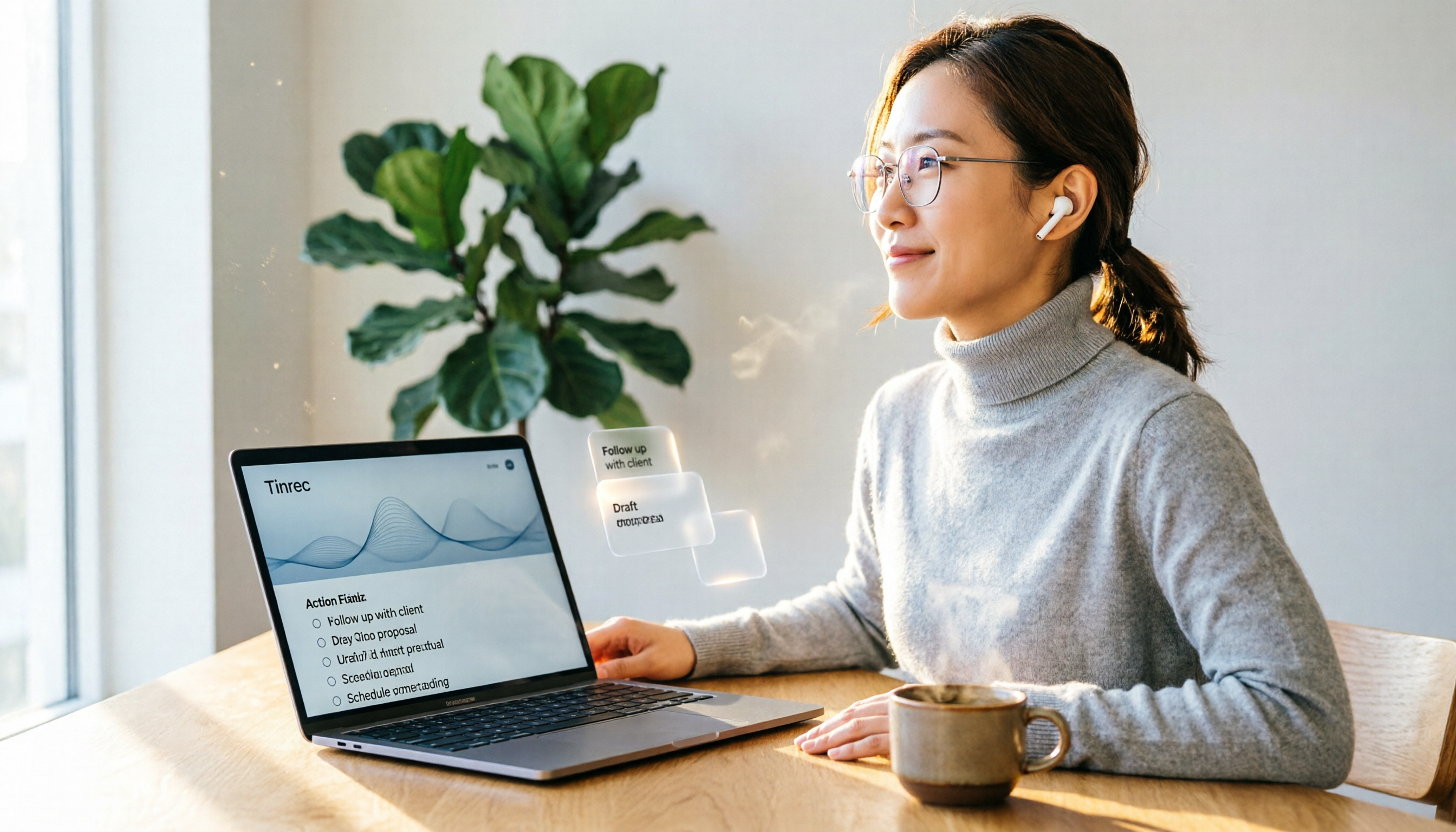
2026 Hands-On Comparison: 4 Auto-Generated To-Do Tools That Turn Meeting Recordings into Action Lists
Tired of manually organizing to-dos after meetings? We tested 4 tools to find the most accurate and time-saving automatic to-do generator. Tinrec's recording-to-to-do feature impressed us the most.
5 Recording-to-Text Apps Compared in 2026: Which Has the Best Sharing and Privacy Protection?
Can you send a recording to someone else? Could it be illegal? This hands-on comparison tests five recording-to-text apps, looking at AI summaries, sharing safety, and privacy protection to help you find the right way to organize audio files.

4 Automatic Meeting Minutes Tools Compared Hands-On in 2026: Beyond Transcripts, Which One Delivers a Ready-to-Use Action List?
Tired of spending hours on meeting notes? We tested Tinrec, Otter.ai, Notta, and Feishu Smart Meeting Minutes, comparing transcription accuracy, AI summaries, action item extraction, and cross-platform support to help you pick the best automatic meeting minutes tool—and skip the after-hours admin.