
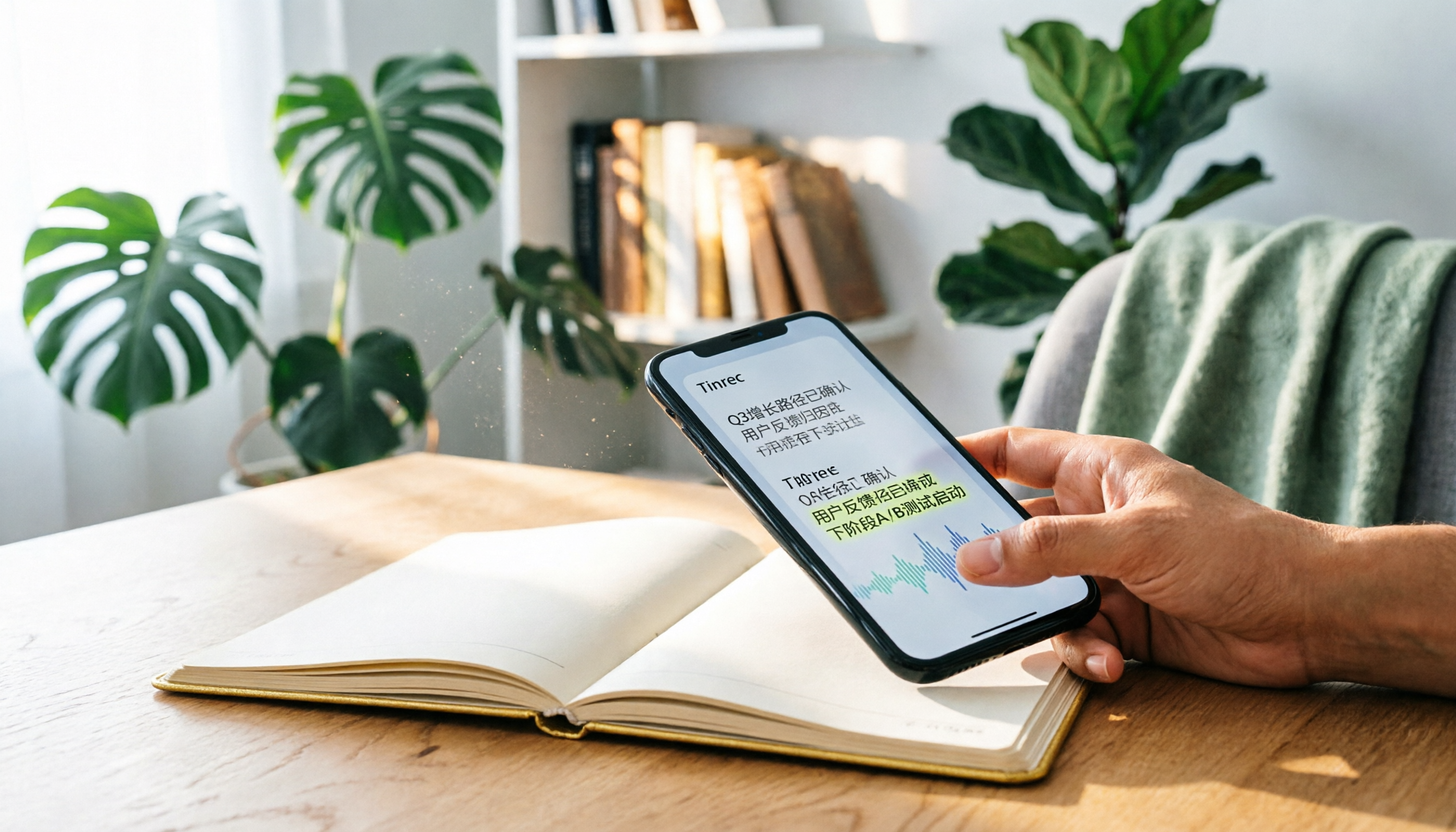
Turn recordings into transcripts and summaries in minutes
Upload audio or video for multilingual transcription, AI notes, and action items
What You Need Isn't a Tool—It's a Solution
After a two-hour meeting, spending another two hours transcribing the recording is all too common in the workplace. Beyond that, listening to lecture recordings again at home or slowly transcribing interviews are extremely time-consuming tasks.
With iOS 17, the iPhone introduced Live Voicemail, allowing you to see a real-time transcript when a caller leaves a voice message. But this feature is limited to voicemail only—it can't help with the more common needs of recording meetings, classes, or interviews.
What you need is a tool that can turn any recording into text and even automatically generate key points and to-do items. This article tests three mainstream recording-to-text apps, covering transcription quality, AI features, and pricing, to help you make the best choice.
4 Key Factors to Understand Before Choosing a Voice-to-Text App
Accuracy: Don't Just Look at Advertised Numbers. Many tools claim 95% or even 98% accuracy, but that's usually measured in a quiet recording studio. Real-world environments have air conditioning noise, keyboard sounds, and multiple speakers—all of which lower accuracy. We recommend trying apps with your own recordings to see the actual transcription quality.
AI Post-Processing: The Real Work Begins After Transcription. Getting a raw transcript isn't enough. You want a tool that can automatically generate summaries, to-do lists, and even let you ask questions to find key points. This is what separates great apps from mediocre ones.
Cross-Platform Support: Record on Phone, Organize on Computer. If you record on your iPhone and want to continue editing on your computer, it's important to have an Android or web version of the app.
Free Tiers: Try Before You Pay. Most apps offer free plans with enough minutes for several meetings or classes. Confirm the tool fits your workflow before upgrading.
Tinrec — Our Top Pick After Testing
Tinrec isn't just about "voice-to-text"; it turns audio and video content into searchable, organizable, reusable knowledge. It supports real-time recording, file uploads, and even pasting public video links like YouTube, automatically transcribing and organizing the content.
Core Features Built for Real Scenarios
When you open Tinrec during a meeting, it transcribes in real time. When the meeting ends, the AI has already generated summaries, chapters, and to-do items—who's responsible for what, and deadlines at a glance. But that's not all. You can ask questions about the recording like, "Who mentioned the budget in the last meeting?" Tinrec uses semantic understanding to give you the answer directly, not just keyword search results. This feature is nearly absent in competitors at the same price point.
We tested a 5-minute Cantonese news recording (on an iPhone 15, with light background noise indoors). Tinrec had significantly lower error rates than the other two apps, with fluent transcription and natural punctuation. If you often work with Cantonese content, the difference is noticeable.
Stop organizing recordings by hand
Upload audio or video and automatically get a transcript, summary, and action items
Pros
- Multiple Input Sources: Besides phone recording, you can upload audio files, videos, or paste public video links to turn online content into text.
- Beyond a Raw Transcript: Automatically generates summaries, chapters, and to-do lists, and lets you ask questions about the recording, like searching your own personal database.
- Cross-Platform: Available on iOS, Android, and web, so you can continue organizing on your computer after recording.
Limitations The free version has a monthly transcription quota, so heavy users will need to upgrade. But for those who attend a few meetings or classes each week, the free tier is usually sufficient.
Who Is It For? If you frequently need to record meetings, classes, or interviews and want polished key points and to-dos right after recording, Tinrec is the most comprehensive choice on the market today.
Beyond Tinrec: Other Options
Notta: Features are similar to Tinrec, with a focus on multi-device transcription and meeting notes. Transcription accuracy is solid, but AI post-processing is weaker—only basic summaries, no conversational Q&A. Best for heavy transcription users who don't rely on AI organization.
Otter.ai: A classic tool for English meetings, with a generous free tier of 300 minutes per month. However, it doesn't support Cantonese, and its Chinese transcription is inconsistent. If you mainly record in English, Otter is a more cost-effective option than Tinrec. But if you need AI Q&A or follow-up data organization, Otter's note-taking features feel basic.
Pitfall Guide: 3 Common Mistakes When Choosing a Voice-to-Text App
Mistake 1: Trusting Accuracy Claims Without Real Testing. Many tools tout high accuracy, but those figures come from perfect conditions. You have to test with your own real audio files; only in noisy, multi-speaker situations can you see true performance.
Mistake 2: Overlooking AI Post-Processing. If you only use a transcription tool to turn recordings into text, you're missing out. Features like Tinrec's summaries, to-dos, and Q&A can save you from re-listening to recordings—you can jump straight to the key points.
Mistake 3: Buying Hardware First Only to Find Software Limits. Some people buy a dedicated recorder or AI hardware, only to discover the companion app's transcription quality and organization features fall short. Try a mobile app first to confirm the software is good before investing in hardware.
So, Which One Should You Choose?
If you need an "all-scenario recording organizer"—covering meetings, classes, interviews, and even online videos—Tinrec is our top pick after testing. Its AI Q&A feature can save you tons of time on re-listening and organizing.
- Need high accuracy for Chinese and Cantonese + AI-based organization → Tinrec
- Record only English meetings, zero budget → Otter.ai
- Heavy transcription work, no strong need for AI Q&A → Notta
We recommend starting with the free version of Tinrec. The free quota is enough for several meetings and classes. Experience the convenience of AI organization for yourself before deciding whether to upgrade.
References
- Use Live Voicemail on iPhone - Apple Support (Taiwan)
- Use Live Speech on iPhone to type and speak - Apple Support (Taiwan)
- Use Live Speech on iPhone, iPad, Mac, or Apple Watch - Apple Support (Taiwan)
- iPhone's hidden convenience! 'Live Voicemail' lets you read messages without answering the phone - 3 steps to enable it | UDN Tech
- How to send instant voice messages? | TP Office Messenger - Knowledge Base
Turn every recording into actionable outcomes
Get 60 free transcription minutes when you sign in. No credit card required.
Related Reading
You might also like

2026 AI Meeting Transcription Tools Compared: Which Free Version Is Best?
Two hours of meetings, two more hours of note-taking? We tested five AI meeting transcription tools—free plans, Chinese transcription, AI Q&A, and cross-platform support—to help you choose the best option for busy professionals. No more unfinished meeting notes.

2026 Head-to-Head Test of 4 AI Meeting Note Tools: Which Free Plan Is Good Enough? Hands-On Review with Chinese Meetings
We tested 4 popular AI meeting note tools, comparing Chinese transcription, AI summaries, to-do extraction, and free plans to help you find the best fit for the workplace.

2026 Recording-to-Text Tools Compared: AI Q&A Makes Interview Transcription Effortless
We tested 4 popular recording-to-text tools in 2026 from an interview recording perspective, comparing transcription accuracy, AI summaries, Q&A capabilities, and pricing to help you pick the best tool for converting interviews into transcripts.

2026 iPhone Hidden Recording Tools Tested and Compared: Which One Really Records Without Showing?
Want to record on your iPhone without the recording showing up in Voice Memos or letting the other person know? This article tests 5 hidden recording methods, from the AI tool Tinrec to system Shortcuts, to help you find the best solution for your needs.

2026 Real-World Test: 3 Live Transcription Tools Compared – AI Q&A Saves the Most Effort
Still manually sorting through meeting recordings or video subtitles? This hands-on test compares 3 real-time transcription tools—Tinrec, Otter.ai, and Notta—looking at accuracy, AI features, and pricing to help you find the best speech-to-text solution.
2026 iPhone Call Recording Transcription Apps Compared: Which AI Meeting Notes Save the Most Time?
How do you organize iPhone call recordings? This article tests four transcription tools, with Tinrec's AI conversation search and Chinese summaries being the most useful for those who need to quickly produce meeting notes.

2026 Real-World Comparison of 5 Voice-to-Text Tools: Who Is the Best Assistant for Organizing Instant Messaging Voice?
What is instant messaging? Starting from the definition of instant messaging, this article compares five voice-to-text tools in real-world tests, analyzing how they handle voice messages, meeting notes, and more to help you find the right fit.

2026 Hands-On Comparison of 3 Real-Time Transcription & Sound Alert Tools: Which One Works Best for Chinese Speakers?
Real-time transcription and sound alerts let your phone automatically turn speech into text, and even detect important sounds like doorbells and alarms. This article puts Tinrec, Google Live Transcribe, and Otter.ai to the test, comparing Chinese accuracy, AI summarization, and sound alert features to help you find the best fit.

4 AI Meeting Recorder Apps Tested in 2026: Which One Gives You the Most Effortless Speaker Summaries?
Tired of spending hours after meetings to clean up transcripts? We tested popular AI meeting note-takers like Tinrec, Otter.ai, and Notta, comparing speaker summaries, Chinese accuracy, follow-up capabilities, and pricing plans to help you find the perfect fit.