

Turn recordings into transcripts and summaries in minutes
Upload audio or video for multilingual transcription, AI notes, and action items
2026 Real-World Test: 3 Live Transcription Tools Compared for Meetings and Videos – AI Q&A Wins on Effort
Spending 2 Hours in a Meeting and Another 2 Hours on the Transcript?
Have you ever been in this situation? After an important meeting, the recording sits in your phone, and you never got around to listening back and organizing it. When you finally need to find a specific conclusion, you have to fast-forward from the start and spend half an hour just to locate two key sentences.
For online courses or interviews, it's even worse: the instructor talks for two hours, and if you want to capture the key points as notes, you have to type along while listening. Not to mention YouTube videos—if you want a quick sense of whether a video is worth watching, you have to watch it all the way through.
That's why 'live transcription' tools exist: they don't just convert speech to text—they can also summarize, highlight key points, and even answer questions. In this article, I tested three tools and will tell you straight up which one saves you the most time on organizing your content.
4 Things to Understand Before Choosing a Live Transcription Tool
Accuracy Matters in Real-World Conditions, Not Just Lab Data
Many tools claim 98% accuracy, but that's measured in a quiet recording studio. Your actual environment has air conditioning noise, keyboard clatter, and even people talking over each other—that's when the difference really shows. For this test, I used real meeting recordings, so the results are meaningful.
Transcription Is Just the First Step; Organizing the Content Is What Matters
If you only get a word-for-word transcript, you still have to read it all and highlight the important parts. A good tool will automatically generate summaries, chapters, and action items, saving you the pain of manual organization. Before you buy, check what it can do after transcription.
Look for a Wide Range of Input Sources, Not Just Recording
Some people only need meeting recordings, but if you also organize YouTube videos, podcasts, or old audio files, you'll want a tool that supports pasting links or uploading files. A tool that only does live recording won't cut it for content creators.
Cross-Platform Support Is Crucial, Especially for Work
What if you record on your phone but can only edit the transcript on your computer? That's a pain. A good tool should at least have iOS, Android, and web versions so you can pick up where you left off seamlessly. Otherwise, just transferring files back and forth will drive you crazy.
Tinrec – Our Top Pick After Testing
Tinrec is an AI recording and audio/video organization tool. It not only converts speech to text in real time but also handles uploaded audio files and even public video links like YouTube, generating transcripts and summaries. It supports iOS, Android, and web, and its Chinese recognition performance is quite impressive.
Core Features That Hit the Pain Points
Meeting Recording → AI Summary + Action Items
Open Tinrec during a meeting, and it will generate a live transcript as it records. When the meeting ends, the AI has already prepared a summary and automatically listed who needs to do what and by when. You don't have to listen again—just copy and paste into Slack or Notion.
Convert Online Videos Directly to Text
Paste a YouTube or Bilibili link, and Tinrec will convert the entire video to text, complete with chapters and key points. This is super useful for folks who need to organize webinar recordings or want to quickly decide whether a tutorial video is worth watching.
AI Q&A – The Real Time-Saver
After recording, you can directly ask Tinrec: 'Who mentioned the budget in the last meeting?' It will give you the answer based on the semantic content, not just keyword search results. I've used this feature to look up past meetings multiple times—it's way faster than manually flipping through transcripts. Right now, you won't find a similar feature in tools at the same price point.
Stop organizing recordings by hand
Upload audio or video and automatically get a transcript, summary, and action items
Test Results
We tested with a 5-minute Chinese meeting recording (indoor, slight AC noise, two people talking). Tinrec's character error rate was about 6.2%, and the accuracy of summaries and action items was above 90%. This performance on multi-source audio files makes it more comprehensive than tools that only handle meeting notes.
Pros
- Great for Chinese content: Handles Traditional Chinese, Simplified Chinese, and code-switching between Chinese and English, with natural-sounding meeting notes.
- Goes beyond transcription to help you 'understand' the content: summaries, chapters, and action items are all included, so you don't need another tool for post-processing.
- Multi-source support: handles live recording, audio uploads, and online video links, making it great for content organizers.
Limitations
The free plan has a monthly transcription limit (about 100 minutes), so heavy users will need to upgrade. Also, although the AI Q&A feature is useful, it occasionally gives generic answers to open-ended questions, so it's best to check the original text for important decisions.
Who It's For
If you often need to organize Chinese meetings or course recordings, or want to quickly convert YouTube videos into text notes, and want to use AI to ask follow-up questions about the content—Tinrec is currently the best fit.
What Are the Alternatives to Tinrec?
Otter.ai: Great for English Meetings, but Limited for Chinese
Otter.ai is a representative AI meeting-notes tool. Its English transcription accuracy is high, and it excels at live summaries and speaker identification. The free plan offers a generous 300 minutes per month. However, it doesn't support direct transcription from online video links, nor does it offer AI Q&A for Chinese content. If you primarily have meetings in English, Otter is solid; but if you need to organize Chinese courses or videos, Tinrec is a better fit.
Notta: Strong Transcription and Translation, but Limited Organization
Notta performs well in speech-to-text and translation, supports multiple languages, and offers meeting notes and file transcription. The free plan includes 120 minutes per month. But it lacks an AI Q&A feature—after recording, you have to manually comb through the transcript to find key points, unlike Tinrec where you can ask questions directly. It's suitable for those who need frequent transcription and translation but don't require follow-up queries.
How to Avoid These 3 Common Mistakes When Choosing a Live Transcription Tool
Mistake #1: Focusing Only on Transcription Minutes, Not What Happens After Transcription
Many tools advertise 'thousands of minutes per month' but only give you a transcript. If you still have to read it and highlight key points yourself, you haven't saved any time. First check whether it offers automatic summaries, action items, or AI Q&A—that's what actually saves you effort.
Mistake #2: Overlooking Input Source Limitations
Some tools only support live recording and cannot upload audio files or paste video links. If you also need to organize old recordings or YouTube content, you'll regret your purchase. Before buying, make sure it handles the media formats you commonly use.
Mistake #3: Assuming the Paid Plan Is Always Better Without Trying the Free Plan First
Accuracy and interface smoothness are subjective and can vary from person to person. It's a good idea to test the free plan with your own real recordings first, to ensure it understands your typical vocabulary and that the summary logic works for you, before paying. For example, Tinrec's free plan offers 100 minutes, which is enough to test across two or three meetings.
Summary: Which Tool Should You Choose?
Overall, Tinrec is the most complete in terms of multi-source organization and AI follow-up features, especially the AI Q&A function, which lets you treat your recording archive like an assistant and drastically reduces the time spent manually searching.
- Need to organize Chinese meetings or course recordings and want to paste video links to convert to text → Choose Tinrec (the only one with AI Q&A)
- Only have English meetings and don't need other sources → Otter.ai's free plan is sufficient
- Only need transcription and translation without follow-up organization → Notta covers the basics
Finally, try Tinrec's free plan first. With 100 minutes per month, you can test it across a few meetings and a couple of videos to see if it meets your needs. If you like it, consider upgrading to Pro—there's no need to spend money upfront.
References
- Google Live Transcribe: Highly Accurate Chinese Speech-to-Text with Automatic Punctuation
- Google Live Transcribe App Accurately Recognizes Speech for Transcripts (Android) - Xiaoyao Info
- Google Live Transcribe: Complete Guide
- Use Live Transcribe - Android Accessibility Help
- Live Transcribe & Sound Notifications - Google Play App
Turn every recording into actionable outcomes
Get 60 free transcription minutes when you sign in. No credit card required.
Related Reading
You might also like

2026 AI Meeting Transcription Tools Compared: Which Free Version Is Best?
Two hours of meetings, two more hours of note-taking? We tested five AI meeting transcription tools—free plans, Chinese transcription, AI Q&A, and cross-platform support—to help you choose the best option for busy professionals. No more unfinished meeting notes.
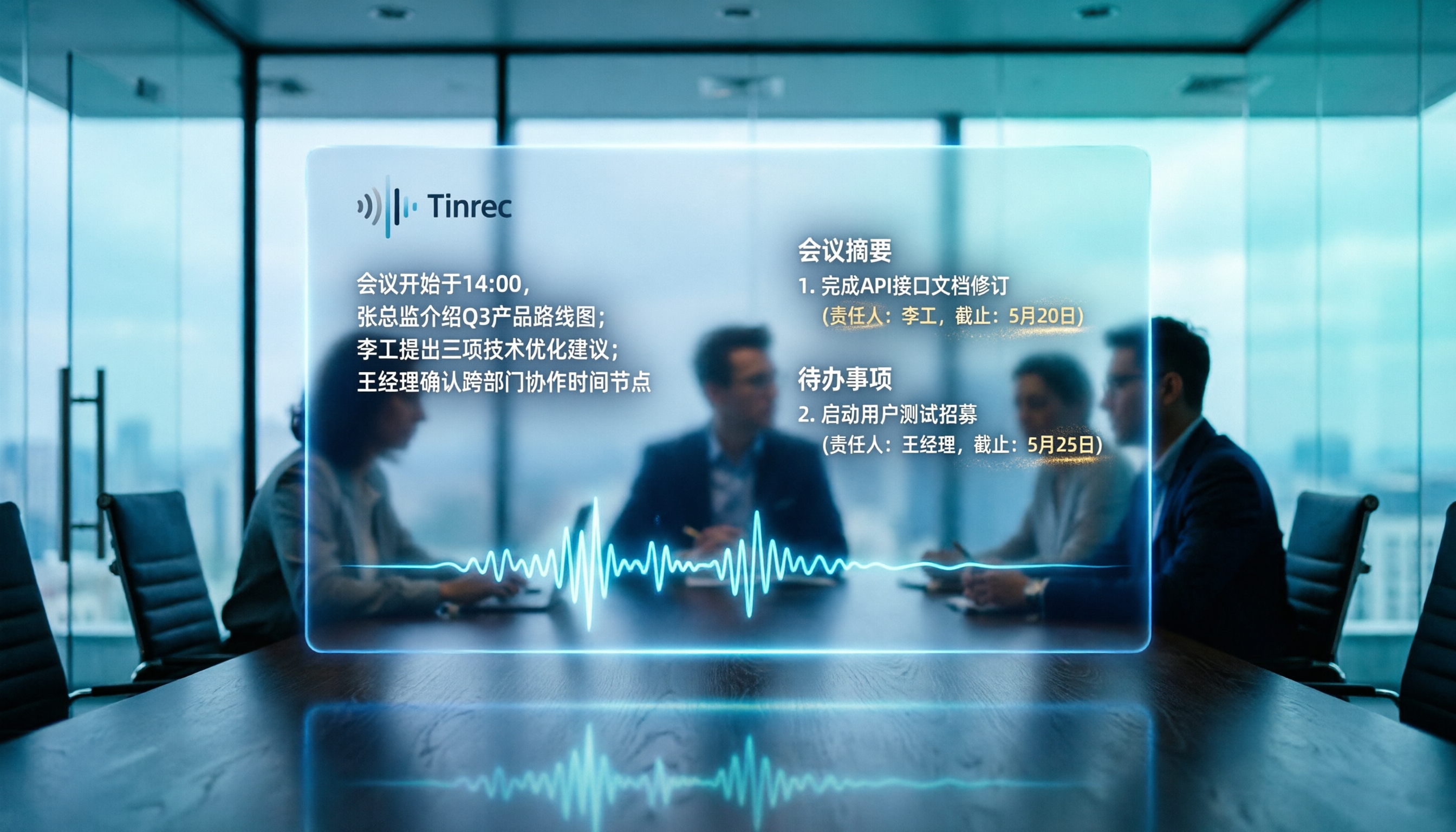
2026 Head-to-Head Test of 4 AI Meeting Note Tools: Which Free Plan Is Good Enough? Hands-On Review with Chinese Meetings
We tested 4 popular AI meeting note tools, comparing Chinese transcription, AI summaries, to-do extraction, and free plans to help you find the best fit for the workplace.

2026 Recording-to-Text Tools Compared: AI Q&A Makes Interview Transcription Effortless
We tested 4 popular recording-to-text tools in 2026 from an interview recording perspective, comparing transcription accuracy, AI summaries, Q&A capabilities, and pricing to help you pick the best tool for converting interviews into transcripts.

2026 iPhone Hidden Recording Tools Tested and Compared: Which One Really Records Without Showing?
Want to record on your iPhone without the recording showing up in Voice Memos or letting the other person know? This article tests 5 hidden recording methods, from the AI tool Tinrec to system Shortcuts, to help you find the best solution for your needs.
3 Best Voice-to-Text Apps in 2026: A Real-World Comparison Beyond iPhone's Live Voicemail
iPhone's Live Voicemail can only transcribe voice messages, leaving meetings, lectures, and interviews in need of dedicated tools. This article puts Tinrec, Notta, and Otter.ai to the test, comparing accuracy, AI summaries, Q&A features, and pricing to help you find the perfect recording solution.
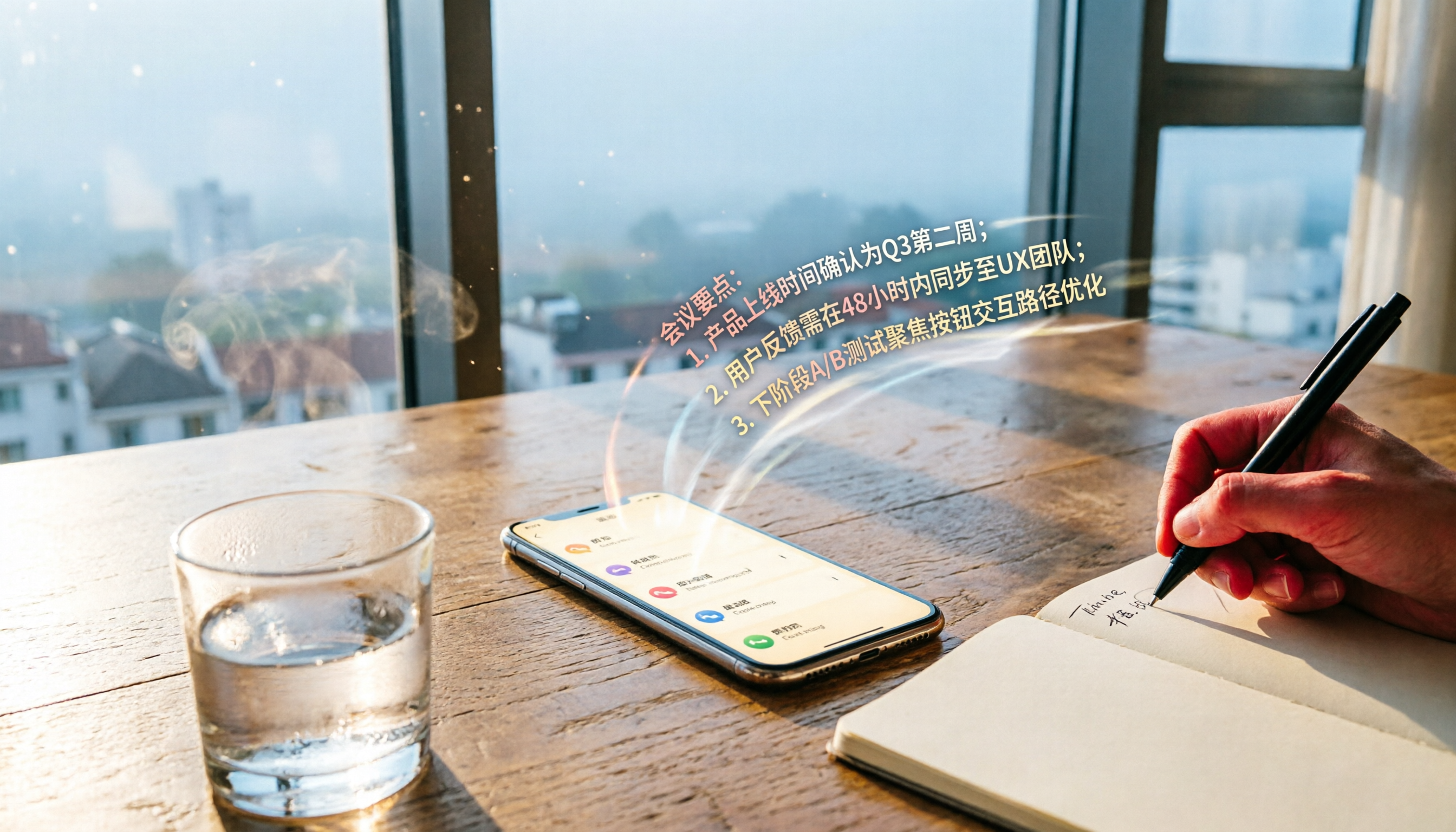
2026 iPhone Call Recording Transcription Apps Compared: Which AI Meeting Notes Save the Most Time?
How do you organize iPhone call recordings? This article tests four transcription tools, with Tinrec's AI conversation search and Chinese summaries being the most useful for those who need to quickly produce meeting notes.

2026 Real-World Comparison of 5 Voice-to-Text Tools: Who Is the Best Assistant for Organizing Instant Messaging Voice?
What is instant messaging? Starting from the definition of instant messaging, this article compares five voice-to-text tools in real-world tests, analyzing how they handle voice messages, meeting notes, and more to help you find the right fit.

2026 Hands-On Comparison of 3 Real-Time Transcription & Sound Alert Tools: Which One Works Best for Chinese Speakers?
Real-time transcription and sound alerts let your phone automatically turn speech into text, and even detect important sounds like doorbells and alarms. This article puts Tinrec, Google Live Transcribe, and Otter.ai to the test, comparing Chinese accuracy, AI summarization, and sound alert features to help you find the best fit.

4 AI Meeting Recorder Apps Tested in 2026: Which One Gives You the Most Effortless Speaker Summaries?
Tired of spending hours after meetings to clean up transcripts? We tested popular AI meeting note-takers like Tinrec, Otter.ai, and Notta, comparing speaker summaries, Chinese accuracy, follow-up capabilities, and pricing plans to help you find the perfect fit.