
Turn recordings into transcripts and summaries in minutes
Upload audio or video for multilingual transcription, AI notes, and action items
Facing an all-English speech, classroom recording, or international meeting, the most frustrating part is often not "not understanding" but "not being able to keep up." Traditional dictation methods require 3-4 times the recording length to transcribe, and if you need to translate English content into Chinese notes, the workload doubles. Although there are many transcription tools on the market, which one truly solves the pain point of "English audio to Chinese understanding"?
This article reviews 5 speech-to-text tools suitable for Traditional Chinese users in 2026. We evaluate them from four dimensions: language support, translation integration, free tier, and ease of use. If you want completely free and don't mind manual work, Google's ecosystem is the first choice; if data privacy and technical control matter, OpenAI Whisper is the best open-source solution; and if you need automated meeting minutes and Chinese key point summaries, an integrated AI tool (like Tinrec) will be the most efficient option.
Why Is "English to Chinese" So Difficult? Common Tool Limitations
Before choosing a tool, it's important to clarify a technical reality: most basic "speech-to-text (STT)" tools (like built-in phone dictation) usually only do "English to English" or "Chinese to Chinese."
For users who need "English speech recording → Chinese transcript/notes," they typically encounter the following gaps:
- Language barrier: The tool outputs a wall of English text, still hard to read.
- Information overload: The transcript is too long, making it hard to find key points.
- Cumbersome translation: You have to first transcribe to English text, then copy to a translation tool—a tedious process.
Therefore, the next generation of AI tools is no longer just a "transcriber" but more like a "translation assistant," with summarization and cross-language understanding capabilities.
2026 Top 5 English-to-Chinese Transcription Tools Reviewed
1. Google Docs / Google Live Transcribe (Best Free Basic Option)
Google's ecosystem offers the most accessible free tools. "Google Live Transcribe" is ideal for Android users in real-time, supporting over 80 languages, and can instantly convert English speech to text. "Google Docs" voice typing is suitable for computer use.
- Pros: Completely free, no time limit, readily available.
- Cons: Its main function is "transcription" not "translation integration." You need to translate the English output yourself; also, it does not support importing audio files (requires a virtual audio cable or external speaker).
2. OpenAI Whisper (Advanced Accuracy Choice)
Widely regarded as the most powerful open-source speech recognition system. It handles accents and background noise very well, and is completely free (requires self-hosting or a desktop client like Whisper Desktop).
- Pros: Extremely high English recognition accuracy, supports offline local operation, good privacy.
- Cons: Has a learning curve for non-technical users, and native output is usually the original text (English), requiring additional steps for translation.
3. Otter.ai (Best for English Meetings)
An internationally known meeting transcription tool, excellent at English recognition and speaker identification.
- Pros: Smooth English transcription, seamless integration with Zoom/Meet.
- Limitations: Does not support Chinese. This is a major drawback. If your scenario involves mixed Chinese and English, or you need a Chinese interface and Chinese notes, Otter won't meet your needs—it's suitable only for pure English environments.
4. Tinrec (Integrated Chinese Understanding & Summarization)
Tinrec is an AI recording assistant that emphasizes "from recording to action." Unlike traditional tools, it not only provides transcripts but also offers AI-powered "content understanding." It supports real-time transcription while recording, and can automatically generate "meeting minutes" and "action items" afterward. For English speeches, users can directly use AI chat to query English recording content in Chinese, breaking the language barrier.
- Pros: Supports recognition of 10 languages including Chinese, English, Japanese, Korean; features AI key point summarization and chat-based query; multi-device sync.
- Best for: Students or office workers who need to quickly understand English content and produce Chinese notes.

Stop organizing recordings by hand
Upload audio or video and automatically get a transcript, summary, and action items
5. MyEdit (Quick Short Audio Processing)
Developed by Taiwan's CyberLink, suitable for short audio editing and transcription.
- Pros: User-friendly interface, online operation without installation, supports Chinese.
- Limitations: Free tier is limited (only a few minutes per day), not ideal for long speeches or full meeting records.
In-Depth Tool Comparison Table
To help you choose more intuitively, here is a core dimension comparison:
| Dimension | Google Live Transcribe | OpenAI Whisper | Otter.ai | Tinrec | MyEdit |
|---|---|---|---|---|---|
| Primary Function | Pure transcription | Pure transcription (high accuracy) | English meeting notes | Recording + transcription + AI summary | Audio editing + transcription |
| English Recognition | Good | Excellent (noise resistant) | Excellent | Good | Good |
| Chinese Support | Supported | Supported | Not supported | Full support | Supported |
| Cross-Language Understanding | Requires manual translation | Requires extra steps | None | AI chat query (ask in Chinese, get answers) | None |
| Free Tier | Unlimited (live only) | Free (open-source) | 300 minutes/month | 100 minutes/month | Very short daily limit |
| Best For | Budget-conscious/light users | Tech-savvy/privacy-conscious | Pure English corporate environments | Note-takers/cross-language workers | Short video creators |
Practical Tutorial: How to Convert English Speech Recordings into Key Chinese Notes
Simply getting a 5,000-word English transcript doesn't help much with note-taking. Here's a demonstration of how to complete the full workflow from "recording → transcription → Chinese key points" using an AI-powered tool (using Tinrec as an example).
Step 1: Import and Recognize
For an English speech, you can choose "record live" or "upload file."
- Scenario A (Live): Enable real-time recording to text. Your phone or computer records and outputs text simultaneously. Even if the speaker talks fast, the AI captures it in real time.
- Scenario B (File/Video): If you already have an audio file or YouTube link, use audio file to text or podcast/web video to text to import.

Step 2: Generate Transcript and Speaker Diarization
The system automatically processes the audio, converts English speech to text, and distinguishes different speakers based on voice patterns (Speaker Diarization). This is crucial for differentiating the speaker from the host or for panel discussions.
Step 3: AI Summarization and Chinese Notes (Key Step)
This is the biggest difference from traditional tools. No need to read the entire English transcript yourself:
- Click AI Meeting Minutes; the system automatically summarizes conclusions, key data, and next steps.
- Use the AI Chat Query feature. You can ask questions in Chinese, for example: "What are the speaker's main viewpoints on AI trends?"
- Tinrec answers in Chinese based on the English recording content, and tags the original timestamps for quick verification.

Step 4: Export and Share
After finishing, you can export the timestamped transcript or AI summary as TXT, Word, or PDF, and send it directly as class notes or meeting minutes.
Frequently Asked Questions (FAQ)
Q1: Is the English recognition accuracy of free speech-to-text tools high enough? In clear recording environments, modern AI tools (like Whisper models or Google engines) typically achieve 90-95% English recognition accuracy. However, accuracy drops with strong non-native accents, background noise, or multiple overlapping speakers. It's recommended to choose tools with speaker diarization to improve readability.
Q2: Can I use the tool just for "translation" rather than "transcription"? Most tools work by first transcribing to the original text, then translating. The advantage of AI tools like Tinrec is that they allow you to query the English content in Chinese after transcription, saving you the step of sentence-by-sentence translation.
Q3: What limitations do iPhone users face? iPhone's built-in voice memo transcription capabilities are basic and not easy to export for editing. For long recording transcription, iOS users should consider dedicated apps (like Tinrec iOS or Otter) to bypass built-in time limits and support cloud sync.
Q4: How do I handle very long recordings (over 1 hour)? Many free online tools limit file size or length (e.g., only transcribe the first 3 minutes). For long audio files, consider using open-source Whisper (unlimited but requires computer power) or a paid subscription professional tool. Tinrec's Basic plan offers 600 minutes of recording per month, enough for long speeches.
Q5: Will using these tools leak meeting privacy? Privacy depends on the tool's data policy. Offline tools (like local Whisper) are the most secure. Cloud services require checking their privacy policies. For example, Tinrec uses encrypted transmission and emphasizes not using user proprietary data for public model training, making it suitable for general business use.
Q6: Can the tool recognize Chinglish (mixed Chinese and English in the same speech)? Mixed-language recognition is a challenge for all AI. Few tools support it, and usually you need to manually set the primary language. It's recommended to set the main language (e.g., English) in settings; small amounts of Chinese may be marked as unrecognizable or phonetic.
Turn every recording into actionable outcomes
Get 60 free transcription minutes when you sign in. No credit card required.
Related Reading
You might also like

2026 Comparison of 2 User Interview Analysis Tools: Tinrec vs Otter.ai — Which Handles Chinese Interview Organization Better?
After user interviews, transcribing, extracting insights, and organizing action items take the most time. This article compares Tinrec and Otter.ai across recording capture, Chinese transcription, post-interview follow-up, audio file import, team knowledge retention, and pricing plans to help you decide which tool fits your interview workflow.

2026 Meeting Recording Knowledge Base Comparison: Why Tinrec Is the Top Notta Alternative
A meeting recording knowledge base isn't just about turning recordings into transcripts—it's about making every meeting searchable, queryable, and transferable. This article examines the decision points for team data retention and compares Tinrec vs. Notta on bot-free recording, AI Q&A, team spaces, and Chinese language experience, plus an overview of Tinrec's core features, use cases, and buying advice.

4 AI Meeting Transcription Tools Compared for 2026: Which One Actually Builds a Searchable Meeting Archive?
Spending all day in meetings and then overtime writing notes? This article approaches the decision from whether meeting content can be retained long-term, comparing four AI meeting tools. It covers five key factors to understand before choosing, hands-on experience with Tinrec's bot-free recording and AI Q&A, and four common pitfalls to help you find a meeting archive you can actually search later.

Team Knowledge Base vs. Meeting Notes in 2026: A 5-Dimension Comparison — The Difference Isn't Just Whether You Can Find It Again
Meeting notes and team knowledge bases are often treated as the same thing, but they differ in purpose, lifecycle, searchability, action linkage, and ownership. This article breaks down the differences across 5 dimensions and explains how to use Tinrec to turn scattered meeting notes into a searchable, queryable, and transferable team knowledge asset.
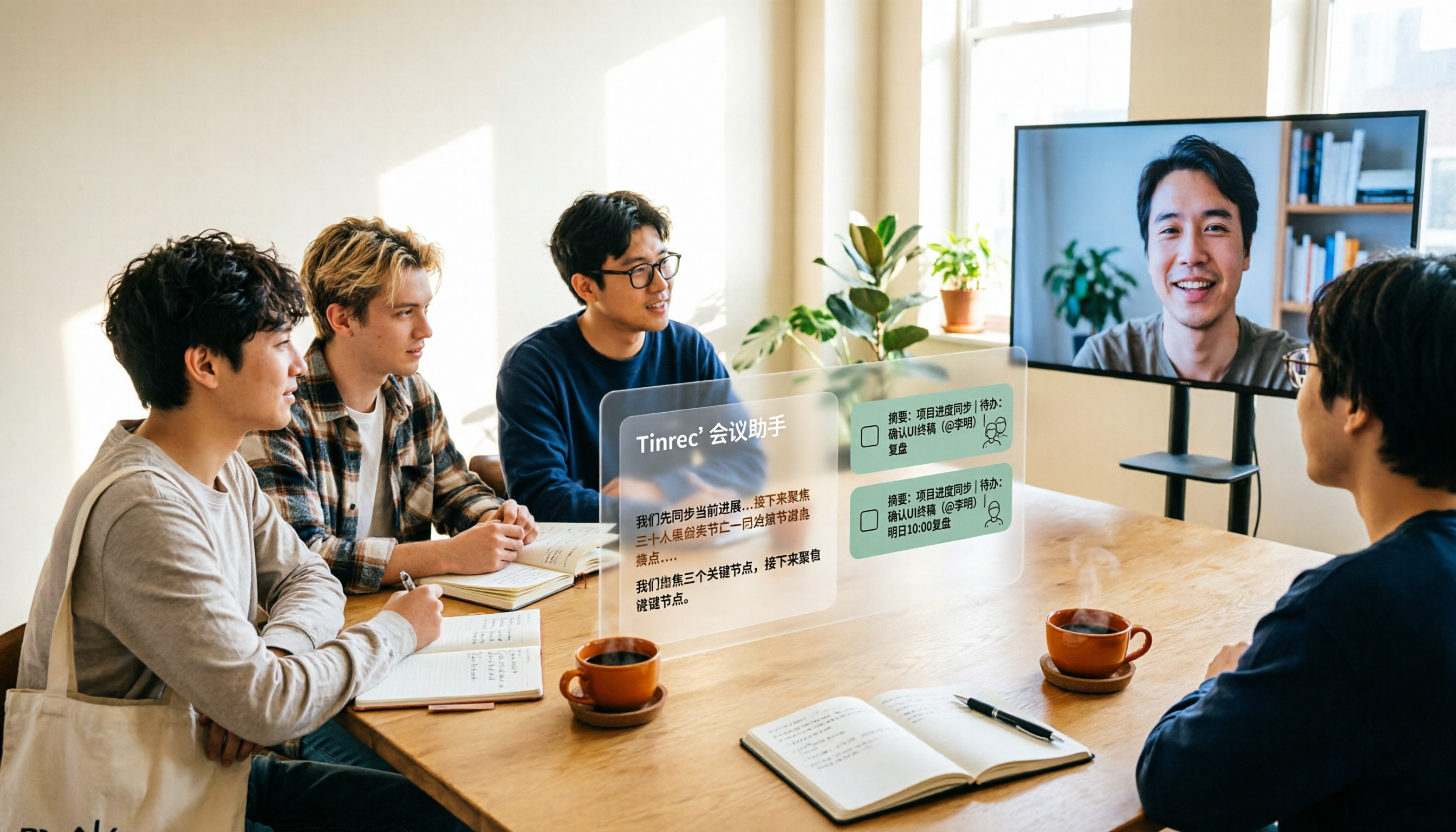
2026 Complete Guide to AI Team Meeting Assistants: Auto-Generate Transcripts, Summaries & Action Items
From student group projects to internship team weekly meetings, how do you actually use an AI team meeting assistant? This 2026 complete guide first breaks down common misconceptions, then explains core capabilities, real-world use cases, and 6 key considerations for choosing one. It also demonstrates Tinrec's full workflow for bot-free online meeting recording, real-time transcription, AI summaries, action item extraction, and meeting Q&A.

2026 Comparison of 4 Meeting Data Centralization Solutions: Stop Treating Cloud Storage as Organization
Centralizing meeting data isn't just dumping attachments into a shared cloud drive. This article examines common pitfalls, breaks down four common approaches to meeting data management, and uses Tinrec as an example to explain real-time transcription, AI summaries and action items, AI Q&A, team spaces, and seat governance. It concludes with 5 purchasing considerations and FAQs.

Tinrec vs Notta 2026: 5-Dimension Comparison — Which Is Better for Team Meeting Databases?
A mid-level manager who holds 15 meetings a week compares Tinrec and Notta across 5 dimensions to help you choose the right team meeting database. From bot-free recording and AI action item extraction to team spaces and pricing quotas, get it all in one article.
How to Take Sales Meeting Notes in 2026: 5 Steps from Recording to Customer Follow-Up
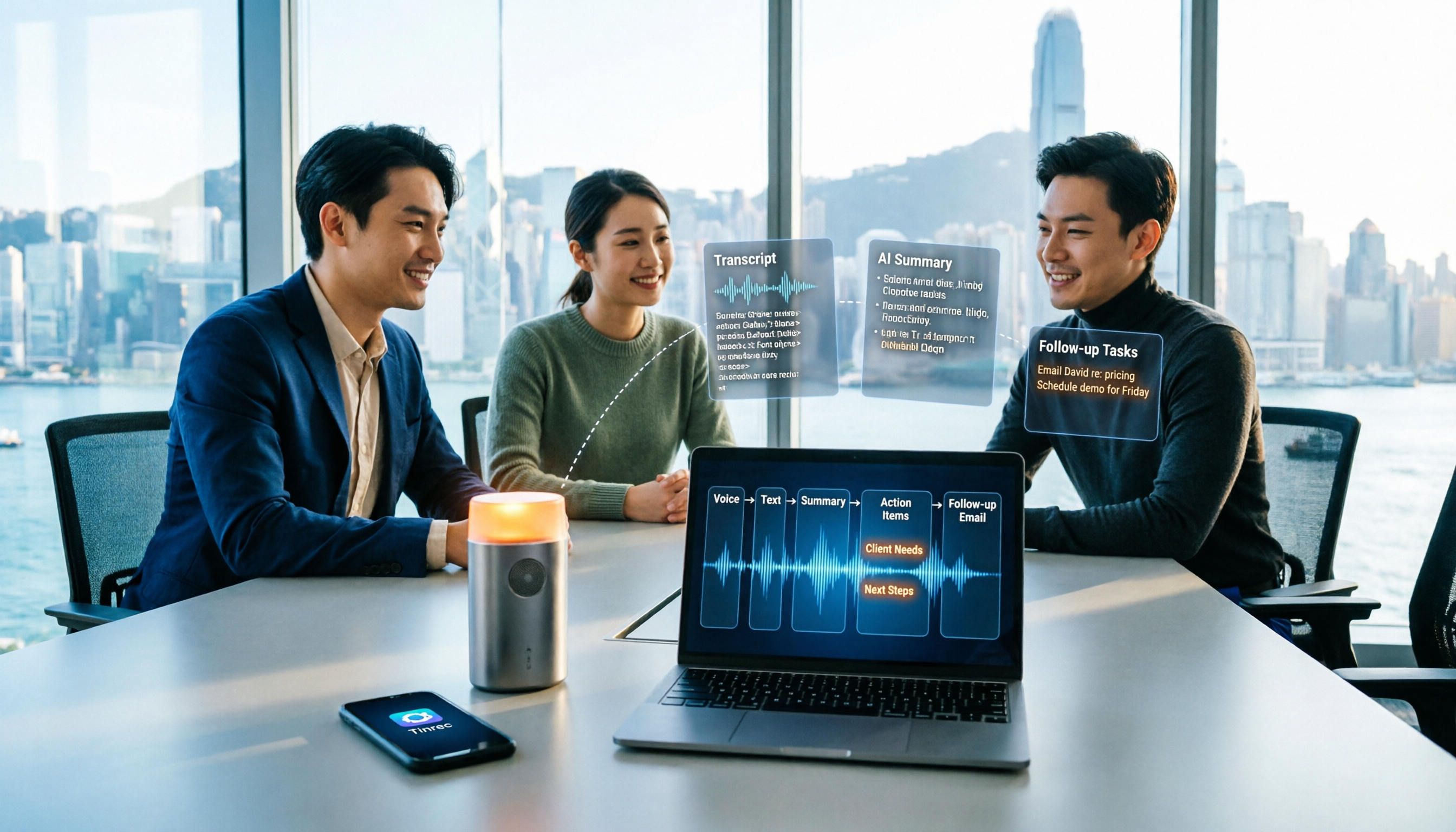
Sales meeting notes shouldn't wait until the meeting ends. This article breaks down the complete process in 5 steps, from recording, transcription, AI summaries to customer follow-up, and compares Tinrec and Otter.ai dimension by dimension to see which is better suited for Hong Kong sales teams communicating in Chinese.

5 AI Meeting Knowledge Base Tools Tested and Compared in 2026: Can Meeting Notes Become Searchable Team Assets?
Meeting notes aren't just about speed—you need to find them later. This article approaches the topic from a purchasing decision perspective, breaking down the core capabilities of AI meeting knowledge base tools, real-world use cases, and 5 key buying considerations. It uses Tinrec to demonstrate a complete workflow: bot-free online meeting recording, transcripts and real-time translation, AI summaries and action items, AI Q&A, and team spaces with seat governance.