

Turn recordings into transcripts and summaries in minutes
Upload audio or video for multilingual transcription, AI notes, and action items
Two hours in a meeting, another two hours writing up minutes? What you need isn't just a tool—it's a solution.
“Get me the meeting minutes by 2 p.m. after the meeting ends.” That casual comment from your manager might be the source of your entire morning's stress. Not to mention cross-department meetings, client calls, and discussions filled with mixed Chinese-English jargon and proper nouns. Manually transcribing a one-hour recording often takes four to six hours to organize.
If you often encounter these scenarios—busy taking notes during a meeting and missing key discussion points; recording the meeting but never having time to listen back; or facing a pile of audio files with no idea where to start—then you need more than just a recording tool. You need a solution that turns your recordings into usable data.
Before buying a meeting recording tool, understand these four key points.
Accuracy can’t be judged by advertising numbers alone Many tools claim 98% accuracy, but that's under lab conditions. Real meeting rooms have HVAC low-frequency noise, keyboard clicks, multiple speakers, and even different accents. Our advice: test for free with your actual meeting recordings, rather than just reading the claims on the official website. Would you believe it? A tool that performs well in English meetings might drop to half the accuracy when used in Chinese or Cantonese meetings.
AI Features Shouldn't Stop at Transcription Speech-to-text is only the first step. What truly saves you time is the automated processing that follows: Can it generate a summary with one click? Can it automatically extract action items? Can you ask the recording directly like you'd ask a colleague (e.g., “Who brought up the budget at the last meeting?”)? If you're still just getting a long transcript and using Ctrl+F to search keywords, the time saved by the tool is minimal.
Cross-Platform Support Is a Must You might record on an iPhone in the meeting room, organize on a Windows PC back at your desk, and want to review on your phone while commuting. If a tool is locked to a single platform, the experience will feel fragmented. Make sure it supports all your devices: iOS, Android, and web, without exception.
Free Allowance: It’s Not About Who Has More, But What You Actually Need Some tools offer 300 minutes of free transcription per month, but if you only have two one-hour meetings a week, 100 minutes is enough. First determine your monthly recording volume, then choose a plan accordingly. Don't pick a product just because it has a larger free allowance if it doesn't fit your needs.
Tinrec—Our Top Pick After Real-World Testing
Tinrec is an AI recording and audio/video organizing tool designed for meetings, learning, interviews, and content creation. It supports iOS, Android, and web. It doesn't just turn audio into text—it turns your recordings into searchable, summarizable, askable, and processable knowledge.
Core Features Built for Real Scenarios During a meeting, opening Tinrec gives you a live transcript as it records. When the meeting ends, the AI automatically organizes a summary and action items—who’s responsible for what, and when it’s due, at a glance. If you need to revisit a decision from two weeks ago, you don't have to re-listen to the recording. You can just ask: “What was the conclusion of the last meeting?” It answers based on semantic understanding, not just a keyword search. This AI chat/query feature is almost unavailable in competing tools at the same price point.
What's more, Tinrec doesn't just handle meeting recordings—you can drop in lecture recordings, interview audio, or even a YouTube link, and it will turn them into text, summaries, and chapters. For anyone who needs to organize content across sources, that means requiring several fewer apps.
Hands-On Experience We tested it with a standard meeting-room recording (three-person discussion, HVAC noise, mixed Chinese and English). Tinrec's transcript was highly readable in the Chinese portions, with sensible punctuation and paragraph breaks. While 100% accuracy is impossible at typical recording quality, it handled Chinese speech and background noise more consistently than its competitors in the same price range.
Three Key Advantages
Stop organizing recordings by hand
Upload audio or video and automatically get a transcript, summary, and action items
- All-in-one processing for audio/video from multiple sources: Whether it's a live recording, audio files stored on your phone, or public video links from YouTube and Bilibili, Tinrec imports and processes them directly—no need to convert files before uploading.
- AI chat/query is the real time-saver: After recording, just ask it for “conclusions,” “action items,” or “who said what”—much faster than manually sifting through a 30-minute transcript. This is a feature that Notta and Otter don't currently offer.
- Flexible output formats that fit your workflow: Beyond transcripts, it generates summaries, chapters, action items, subtitles, and even one-click export to Notion, Google Docs, and other tools, seamlessly connecting to the next steps of your work.
Limitations and Who It’s For The free plan offers basic transcription credits, ideal for light users who want to try it out. If you have more than three meetings a week, or need to intensively organize course and interview material, we recommend considering the Pro plan directly. This isn't a trap—it's a reasonable tiered design.
It’s for people who: frequently need to organize meeting, course, or interview recordings; record in Chinese or mixed Chinese-English content; want to find key points with AI right after recording; and work across phone and computer—Tinrec is currently the most comprehensive choice.
Beyond Tinrec, What Other Options Are There?
Notta Notta is a veteran tool in the transcription space, supporting more than 50 languages. Its transcript and subtitle output are stable, and the free plan’s 120 minutes per month is quite generous. But note: it doesn’t support direct transcription from web video links, nor does it have an AI chat/query feature like Tinrec. If you only need simple “audio to transcript,” Notta works fine. But if you want to ask the AI for key points after recording and organize material from multiple sources, Tinrec is a better fit.
Otter.ai Otter.ai is the top choice for English meetings. Its free plan offers 300 minutes per month and can automatically identify different speakers. However, its Chinese and Cantonese support is clearly weaker than Tinrec’s, and it lacks web video-to-text. If more than 90% of your meetings are in English and you don't need to process Chinese content, Otter.ai is the only exception we’d recommend in this article. Otherwise, Tinrec is more versatile.
Pitfall Guide: 4 Mistakes to Avoid When Choosing a Meeting Recording Tool
Mistake 1: Buying Based on Official Accuracy Rates As mentioned earlier, the 98% on the website is tested under ideal conditions. Make sure to try it with your own recordings, especially if you have accents, multiple speakers, or background noise.
Mistake 2: Ignoring Cross-Platform Needs “I record on my iPhone, but I can only view it on Android?” This kind of frustration is all too common. Make sure the tool supports iOS, Android, and web, and that data syncs in real time; otherwise, you’ll find yourself in file-transfer hell.
Mistake 3: Buying an AI Tool and Using It Only for Transcription If you only use the tool for “audio-to-text,” you’re only getting a third of its capability. With Tinrec’s AI chat/query, you can ask it “What was the meeting’s conclusion?” right after recording, saving at least half the time compared to manual transcribing and organizing.
Mistake 4: Not Considering Future Data Accumulation Meeting recordings aren't one-time things. Over time, you’ll accumulate a huge number of recordings. A tool that lets you search past meetings, ask about historical decisions, and even turn recordings into a personal knowledge base offers far more long-term value than a service that only does one-off transcription.
Bottom Line: Which One Should You Choose?
If your work or studies require frequent organization of all kinds of audio/video content—meetings, courses, interviews, web videos—and you value AI summaries and Q&A after the meeting, Tinrec is our most recommended choice.
When making your decision, here’s how to choose:
- Need multi-source audio/video organization (meetings + courses + videos) → Tinrec (the only one that handles it all)
- Want to extract action items and ask about conclusions with AI after the meeting → Tinrec (AI chat/query is a unique feature)
- Need to work across phone and computer → Tinrec (works on iOS, Android, and web)
- English-only meetings and don't want to spend money → Otter.ai (the only exception, 300 minutes free)
We recommend starting with the free version of Tinrec—there’s no need to pay right away. Use it to record a meeting or two, get a feel for the full flow from recording to summary to Q&A, and only upgrade after you’re convinced it works for you.
References
- Meeting Recording Audio File - November 2022 - National Health Insurance Administration, Ministry of Health and Welfare, NHI - Health Insurance Services - Health Insurance Drugs, Special Materials, and Medical Services - Health Insurance Special Materials - Regulations and Standards for Special Materials - Joint Meeting on Drug Payment Items and Payment Standards - Agenda, Records, and Related Information for the Joint Meeting on Drug Payment Items and Payment Standards - Meeting Minutes - 2022
- 2026's Most Recommended AI Meeting Minutes Tool – The Time-Saving Meeting Essential
- Meeting Ink - 2026 AI Meeting Records Tools Real Test: 8 Speech-to-Text and Summarization Speed Comparison | Meeting Ink - AI Meeting Records Assistant: Auto Transcribe, Summarize Meeting Transcripts
- Notta - Ultra-Accurate Transcripts, Speech-to-Text, Meeting Recording, AI Summary Notes App - App Store
- Master Meeting Notes! How to Convert AI Voice to Transcript? Gemini Notebook, Gemini, EchoScript Operation Analysis | 104 Career Force
Turn every recording into actionable outcomes
Get 60 free transcription minutes when you sign in. No credit card required.
Related Reading
You might also like
2026 Mac Recording-to-Text App Comparison: Which AI Meeting Notes Really Save Time?
Apple's built-in Voice Memos makes recording easy, but it can't transcribe audio. This article hands-on tests Tinrec, Otter.ai, and Notta, covering accuracy, AI summaries, cross-platform support, and free plans, to help you find the best fit for meetings, classes, and interview notes.
iPhone Voice-to-Text Test in 2026: Built-in Dictation vs. Apps Compared, This AI Q&A App Made Note-Taking 3x Faster
A college senior tested iPhone voice-to-text methods, from built-in dictation to third-party apps. See how Tinrec’s free plan saved 3 hours of note-taking time per week, plus a pitfall guide and student-focused buying advice.

iPhone 17 Screen Recording Free Options in 2026: 5 Tools Reviewed
How to screen record on iPhone 17? This article covers built-in screen recording, Dual Capture tips, and recommends tools like Tinrec to transcribe audio from recordings, from free to paid options.

Best AI Meeting Recorder Tools in 2026: Automatic Summaries, Action Items, and Multi-Source Organization
Looking for an AI meeting note tool but not sure where to start? This article reviews 6 top solutions—from automatic summaries and action items to cross-platform collaboration—and shows you how to save up to 80% of your meeting note time with the right tool.
2026 Free AI Meeting Notes Tools Buyer's Guide: 2 Hands-On Reviews and Practical Tips
Don't want to spend money on hardware but still want to use AI to organize meeting recordings? I actually compared Tinrec, a pure software tool that provides instant recording, with Plaud Note, which integrates hardware. From free plans, recording sources, post-processing capabilities, to cross-platform flexibility, this guide helps you find the best free AI meeting notes solution for your needs.
iPhone Call Recording in 2026: Do You Still Need Tinrec? 3 Reasons to Convince You
iPhone's built-in call recording in iOS 18.1 is handy, but organizing recordings still takes time. This article shows how Tinrec turns call recordings into searchable notes, summaries, and to-dos to boost learning and work efficiency.

2026 Hands-On Comparison of 4 Computer Recording Tools: More Than Just Recording, They Help You Organize Key Points
Struggling to organize your computer recordings after capturing them? This test of 4 computer recording tools — from free options to AI-powered organization — helps you find the most suitable solution.

2026 iPhone Screen Recording with Audio: 2 Methods Compared — Is the Built-in Feature Good Enough?
Can iPhone screen recording capture audio? This hands-on comparison tests the built-in screen recorder against two third-party apps, showing how to record system sounds and ambient sound, and explains the common causes of no-audio issues and how to fix them.
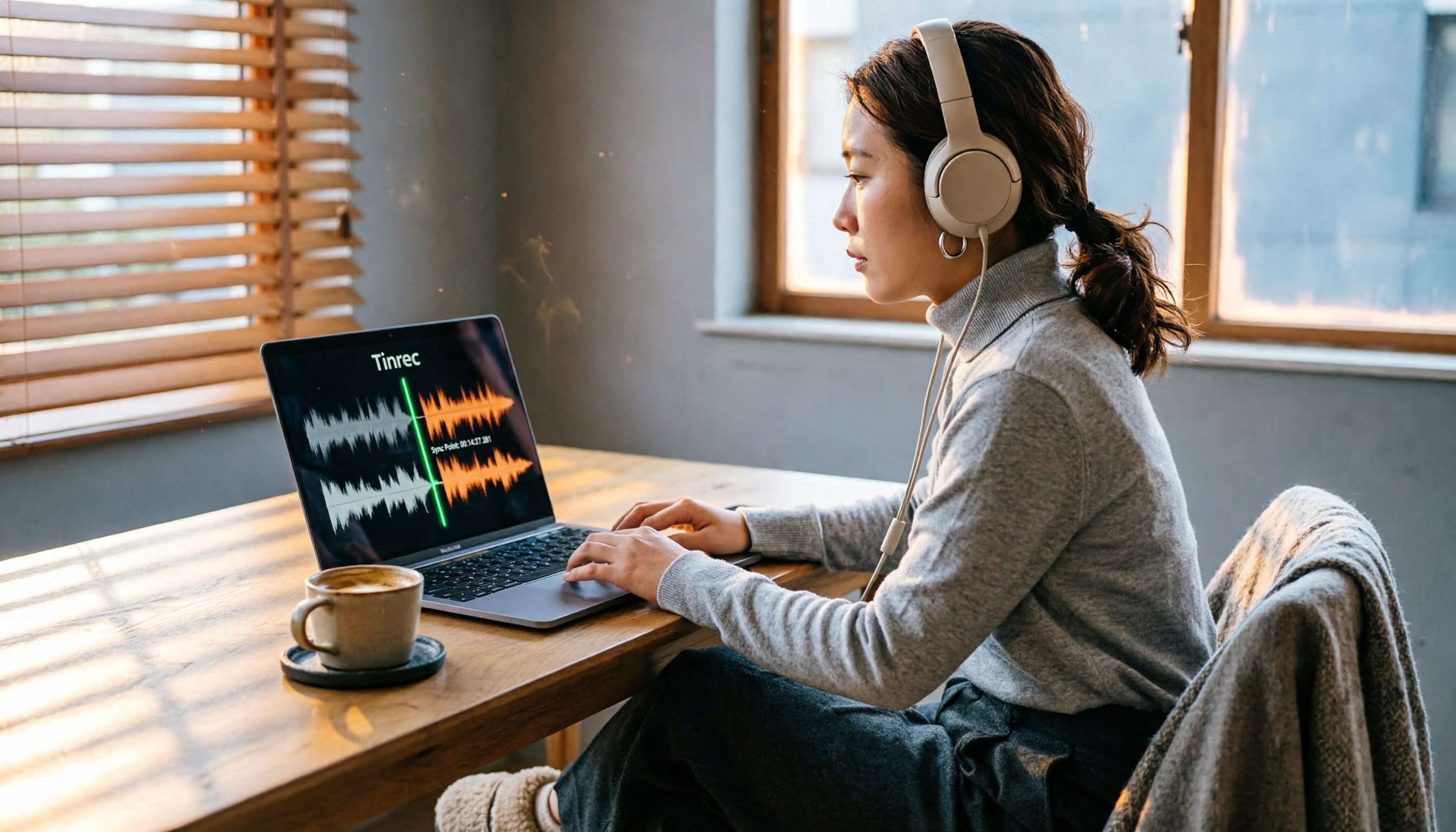
2026 Hands-On Comparison of 2 PC Screen Recording Audio Fixes: Tinrec vs. QuickTime Player – Which One Saves You Effortlessly?
Silent screen recordings are a common headache. This article compares Tinrec, an AI recording and media organizer, with Mac's built-in QuickTime Player across four dimensions—recording capabilities, post-processing, cross-platform support, and pricing—to help you find the best audio-video sync solution.