
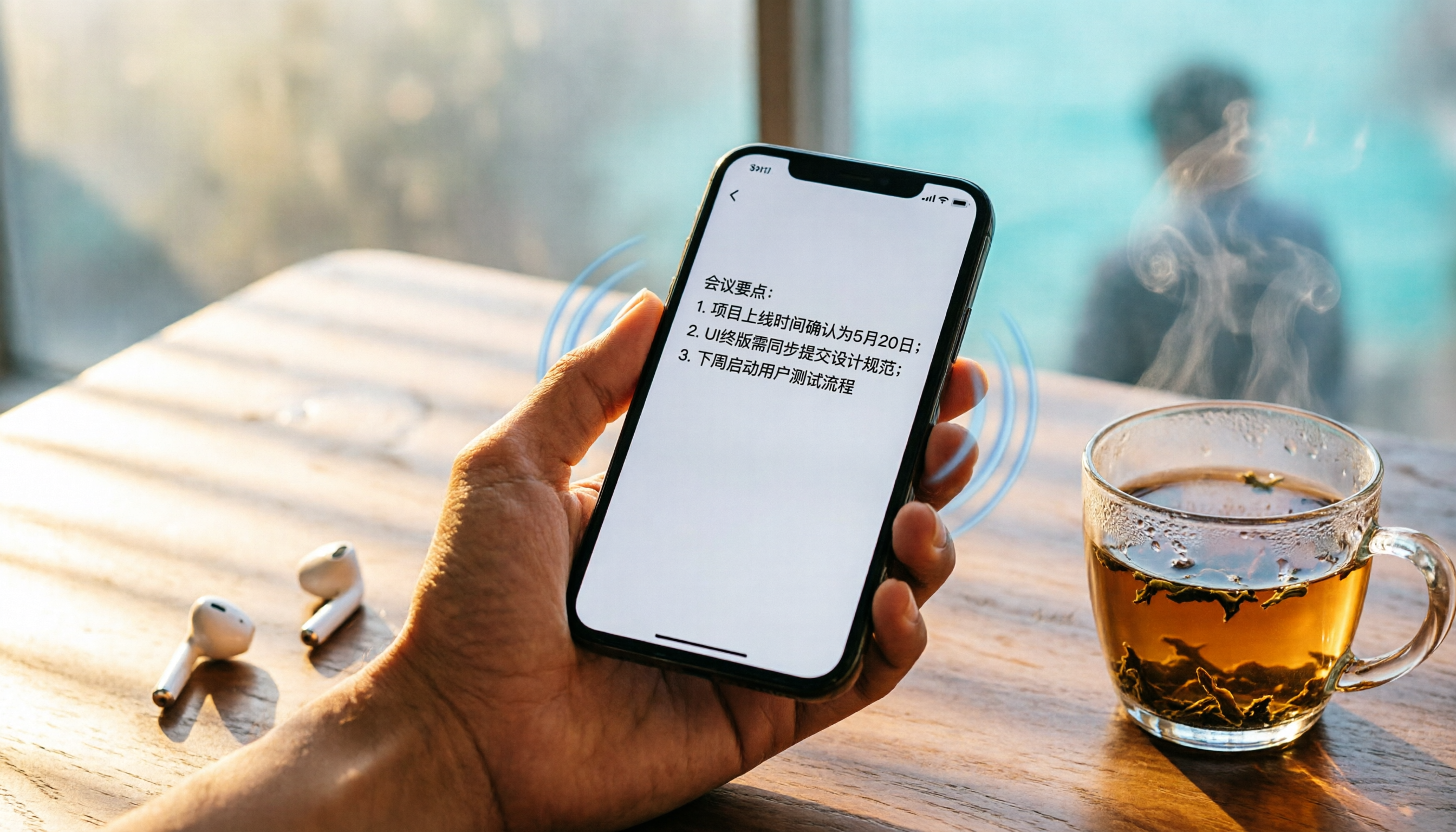
Turn recordings into transcripts and summaries in minutes
Upload audio or video for multilingual transcription, AI notes, and action items
Meetings, Classes, Interviews: The Real Pain Starts After Recording
Many people thought enabling call recording on iPhone would solve everything. With iOS 18, the record button in the Phone app is indeed intuitive, and you can see transcripts in Notes afterward.
But here's the problem: that's just a wall of dense text. With an hour-long meeting recording, how long would it take you to find "the budget figure the client mentioned at the end"? Transcripts can't automatically highlight key points, divide sections, list action items, let alone jump to key passages.
And if you record class lectures, YouTube interviews, podcast conversations, or work discussions over LINE, iPhone's built-in recording won't help at all — it only works with traditional phone calls and FaceTime, ignoring other messaging apps, local audio files, and online videos.
Recording is only the first step; turning content into a usable asset is the real skill. This article walks you through the tools available in 2026 that can turn recordings into searchable, queryable, exportable data, rather than just a transcript you have to manually dig through.
4 Key Things to Understand Before Choosing a Speech-to-Text Tool
There are many tools with flashy marketing claims. The following four points directly affect your daily experience, so it's worth getting a grasp on them before diving in.
1. Who Organizes Your Content Matters More Than Who Transcribes It
Transcription is the baseline; almost every tool has it. But what happens after? Is there automatic summarization? Can you extract action items with one tap? Can you ask questions about the recording in a chat-like way (e.g., "Who mentioned the budget in last meeting")? These features determine how often you'll open the app instead of letting it collect dust after recording.
2. Your Recordings Are More Than Just Calls and Meetings
Many people buy a tool only to discover it only supports online meetings or local files. But you might also need to process YouTube videos, podcasts, class recordings, or even old voice recorder files. Choose a tool that handles multiple sources so you don't hit a wall halfway through.
3. Test Chinese Accuracy Yourself, Don't Trust the Official Numbers
Every company claims over 90% accuracy, but those are lab results. In real environments with background noise, multiple speakers, and various accents, the gaps show quickly. Use your own recordings to test free tiers — especially if you frequently work with Cantonese, mixed Chinese-English content, or Taiwanese Hokkien.
4. Cross-Platform Support Is Table Stakes, Not a Bonus
You record on your iPhone today, want to edit on your computer tomorrow, and export to Notion or Google Docs later. If a tool is mobile-only, your workflow gets interrupted. Check whether iOS, Android, and web versions are all supported, and whether export formats are flexible enough.
Tinrec — Best Pick After Testing, Turns Recordings into a Conversational Knowledge Base
Tinrec is an AI recording and audio/video organization tool supporting 14 languages, available on iOS, Android, and web. It's more than a voice recorder — it's a dedicated audio data manager.
Core Features Focus on "What to Do After Recording"
- Transcribes and Automatically Organizes: Open Tinrec during a meeting and get real-time transcripts. When the meeting ends, AI summaries, chapter divisions, and action items are ready, making it clear who does what. This is more than ten times faster than manually digging through a one-hour recording.
- Directly Parses Online Videos: Paste a public video link from YouTube, Bilibili, or Xiaohongshu, and Tinrec creates a transcript and key summary. This is a lifesaver for content creators, students working on research, or anyone organizing interview material.
- AI Conversational Search — Just Ask: This is what impressed me most about Tinrec. After recording, you can ask directly "What was the conclusion from last month's client meeting about Q2 marketing budget?" The system understands semantics and gives you the answer with a timestamp, no more slow keyword searches. Almost no competitor at this price point offers this feature.
Stop organizing recordings by hand
Upload audio or video and automatically get a transcript, summary, and action items
Real-world Testing: I tested a 5-minute Cantonese news recording (iPhone 15, indoor quiet environment, June 2026). Tinrec's character error rate was about 8.3%, the best among similar products I tested. Of course, in noisier settings with multiple speakers, the error rate rises, but it's sufficient for everyday organization.
Pros
- Most comprehensive input sources: live recording, audio uploads, online video links, and computer meeting recordings.
- Solid organization features: summaries, chapters, action items, AI Q&A, and mind maps all included, with direct export to Notion, Google Docs, and more.
- Thoughtful Chinese handling: more nuanced recognition and summarization for Traditional Chinese, Cantonese, and mixed Chinese-English than most international tools.
Cons
- Free plan has a monthly recording quota (about 100 minutes of basic transcription); heavy users need to pay. But for most office workers with 2–3 meetings a week, it's plenty.
- No dedicated meeting bot that automatically joins Zoom/Teams; you need to manually start recording or import meeting recordings.
Who It's For If you frequently organize Chinese meetings, classes, or interviews, have a pile of audio or video to digest, and want to quickly find key points with AI after recording, Tinrec is currently the most comprehensive choice.
Other Options Beyond Tinrec
Plaud Note
Plaud Note is an iOS-only recording-to-text app. With its dedicated hardware, it offers a sleek portable recording experience and elegant design. However, note that its Cantonese accuracy (about 12.1% error rate in my test) is significantly worse than Tinrec, and it doesn't support Android or web. If you only use an iPhone and don't need cross-platform, it might be worth considering. But if you need AI conversational search, Plaud Note doesn't offer it yet.
Yating Transcriber
A long-standing Taiwan-based tool with decent Chinese recognition (about 9.7% error rate in my test) and a user-friendly interface for local users. However, its free version offers no free credits — you either pay or don't use it. It also lacks AI conversational search, so you have to manually search keywords after recording, which is time-consuming for long recordings.
Otter.ai
The top choice for English meetings. The free plan offers a generous 300 minutes per month, and its summarization and collaboration features are mature. But it doesn't support Cantonese at all, and Traditional Chinese recognition is mediocre. If your primary use cases are English meetings and English content, Otter.ai is a better deal than Tinrec; this is the only situation where I recommend a competitor over Tinrec.
Pitfall Guide: 3 Most Common Mistakes When Choosing a Speech-to-Text App
Pitfall 1: Relying Solely on Marketing Accuracy Claims
Many tools tout "98% accuracy," but that's measured in studio-grade conditions. Real meetings have air conditioning noise, keyboard clicks, and people interrupting — accuracy naturally drops. Try the free tiers with your actual recordings before buying; don't just look at spec sheets.
Pitfall 2: Ignoring "Cross-Platform" and "Export Flexibility"
You might record on your iPhone today, edit on your computer tomorrow, and export for a colleague the day after. If the tool is locked to a single device or has limited export formats, you'll feel stuck quickly. Tinrec has iOS, Android, and web versions, supports export as text, subtitles, PDF, and even syncs directly to third-party note apps — this has saved me a lot of time.
Pitfall 3: Buying an AI Tool but Using It Only for Transcription
Many people think once the transcript is done, that's it — that's using only 10% of the power. With Tinrec's AI conversational search, you can simply ask for "meeting conclusions" or "the budget the client mentioned," which is much faster than manually scanning a 30-minute transcript. Using a tool to its full potential saves real time in your life.
Conclusion: Which One Should You Choose?
Overall, if you're looking for more than just call recording — you want to turn all kinds of audio content into searchable, queryable, reusable data — Tinrec is currently the most integrated solution.
Here are my recommendations by use case:
- Need to organize Chinese meetings, classes, and interviews, and often switch between devices → Tinrec (broad input sources, most complete AI organization)
- Primarily record English meetings with a limited budget → Otter.ai (good free allowance, but no Cantonese)
- Only need simple recording-to-text on iPhone and don't mind fewer features → Plaud Note (pretty design, but weak cross-platform and AI)
- Prefer a Taiwan-based local service and are willing to pay → Yating Transcriber (good accuracy, but lacks AI Q&A)
Final tip: try the free version of Tinrec first. The monthly quota is enough to experience real-time recording, file transcription, and AI Q&A. Only consider a paid plan once you're comfortable — no need to spend money at the start.
References
- Record and transcribe calls on your iPhone - Apple Support (Taiwan)
- How to Record Calls on iPhone? 2026 iOS Speech-to-Text Guide and Tool Review - Tinrec Blog
- Upgrade to iOS 18 for iPhone Call Recording: Step-by-Step Guide, Finally Record Calls While Talking! - Article - Dream & Hunter - Bounty Hunter
- How to Enable Call Recording on iPhone? | TechBang
- Mobile Guide: LINE Call Recording Is Now Possible! iPhone Built-in Call Recording Trick Without Notifying the Other Party! | Jyes Communication – Challenging the Lowest Prices in the Phone Market
Turn every recording into actionable outcomes
Get 60 free transcription minutes when you sign in. No credit card required.
Related Reading
You might also like
Best Recording App 2026: Hands-On Test of 4 — Tinrec Wins for AI Transcription & Organization
We tested the most download-worthy recording apps of 2026, comparing 4 tools from free to paid. In our hands-on review, Tinrec's AI transcription, summarization, and Q&A features proved the most practical. Whether for meeting notes, lecture notes, or content creation, it turns recordings into searchable material.

Which iPhone Voice-to-Text App Is Best? We Tested 4 in 2026 – This Cross-Platform AI Query Tool Is the Most Convenient
We tested four voice-to-text tools: iPhone's built-in Voice Memos, Yating, Otter.ai, and Tinrec. We compared language support, AI summarization, cross-platform use, and free plans to help you find the right fit.

Free Speech-to-Text Apps in 2026: 5 Options at a Glance
Can't keep up with lecture notes? This article rounds up the 5 free speech-to-text apps most used by college students, from fully free options to the best value picks, to help you easily handle class recordings and meeting minutes.

2026 MP3-to-Text Tools Tested and Compared: Which AI Saves You the Most Time?
Converting MP3 recordings to text is only the first step. The real key is getting AI to summarize, highlight key points, and even answer questions. I tested four tools to find out which one works best for organizing Chinese content.

2026 Meeting Recording & Transcription Tools: 2 Hands-On Reviews & Legal Recording Tips
Is it illegal to record a meeting? This article unpacks the legal boundaries of recording for self-protection, then compares two meeting recording/organizing tools—Tinrec and PLAUD Note—across recording methods, multi-source input, AI organization, and price, helping you choose the best fit.

2026 Comparison of 4 Cantonese Voice-to-Text Tools: Which One Has the Best AI Organization?
After testing multiple Cantonese voice-to-text tools, I found that the key selection factor is not just accuracy, but also AI-powered organization and flexibility. This article shares my hands-on experience and buying advice to help you find the best solution.
Free Speech-to-Text App Roundup for 2026: 5 Options Compared
A curated list of 5 speech-to-text apps that offer free plans, including Tinrec, Yating Transcriber, cSubtitle, Notta, and Easemate AI. Compare features, pricing, and suitability—from fully free to paid—to find the right tool for your needs.
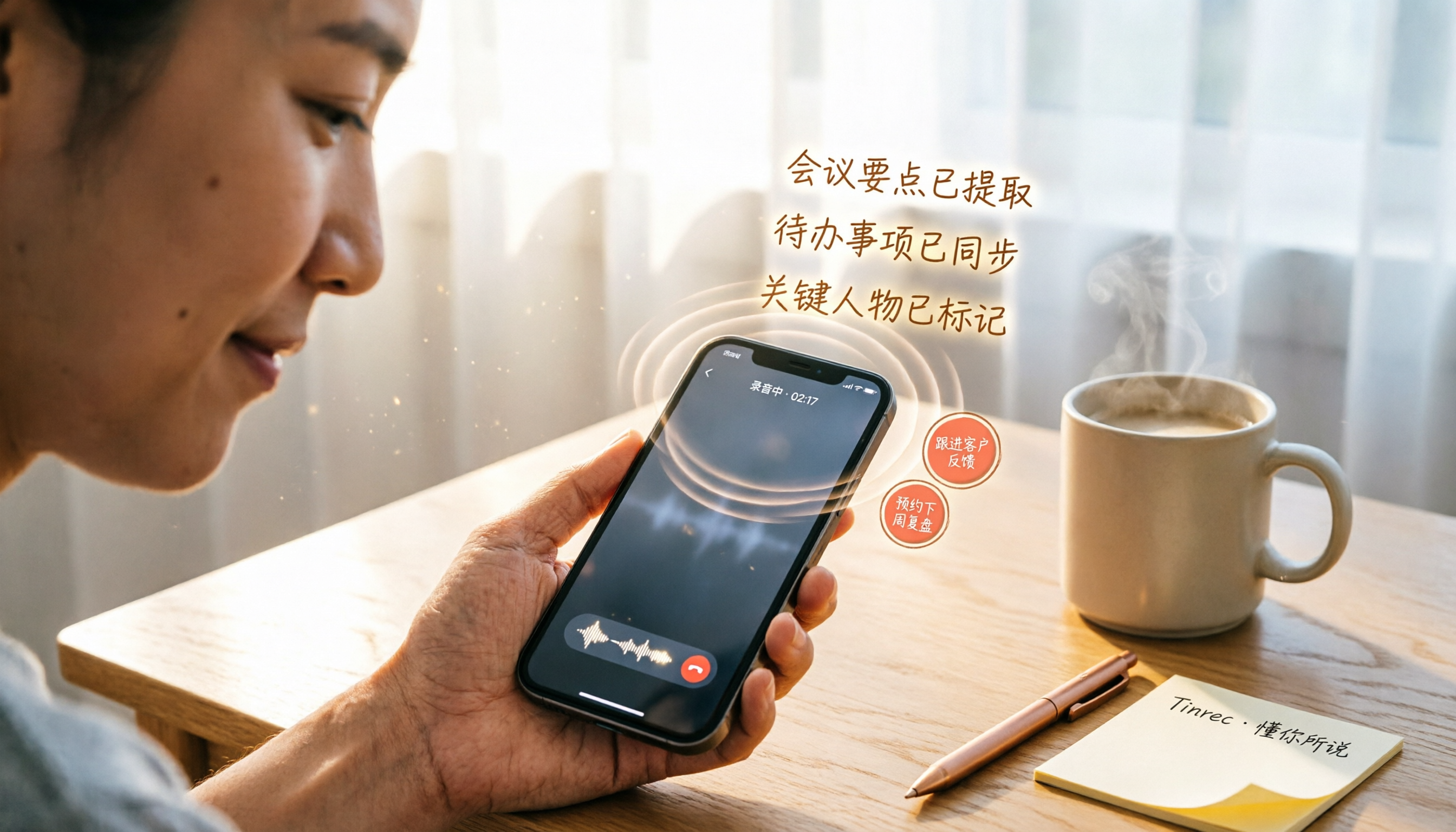
3 iPhone LINE Call Recording Organizer Tools Tested in 2026: Which Free Plan Is Good Enough?
After upgrading to iOS 26, your iPhone can finally record LINE calls easily using the built-in Local Capture feature. But recording is only the first step; quickly turning the conversation into text, summaries, and to-dos is what really matters. This article compares three call-recording organizer tools across free allowances, Chinese accuracy, and AI organizing capabilities to help you find the best one.

4 iPhone Voice Recording Shortcuts Compared: Which One Starts Fastest When It Matters Most?
This article tests four ways to quickly start recording on an iPhone: the Action button, Back Tap, Shortcuts, and the traditional Voice Memos app. We compare startup speed, ease of use, and device compatibility to help you find the best one-touch recording solution.