
Turn recordings into transcripts and summaries in minutes
Upload audio or video for multilingual transcription, AI notes, and action items
Have you ever encountered this situation: You want to learn hardcore knowledge from a YouTube video, but the video is an hour long, and just finding the main points takes up most of your time? Or you often stare at the video in a daze, only to forget what it was about after watching? Facing a sea of audiovisual information, we all wish we had the superpower to "extract key points with one click." Don't worry—that's exactly what AI video-to-text summarizer tools are for.
This article will review the 6 most popular tools on the market in 2026. We won't talk about vague concepts; instead, we compare them directly across four dimensions: accuracy, link support, free credits, and integration. Whether you're looking for a free web tool or professional software that can handle large files, you'll find the answers here.
Quick Navigation Conclusion:
- Lightweight free users: Try Google Gemini first—just chat directly.
- Heavy learners/workers: If you need to process YouTube links, audio recordings, and generate structured notes, Tinrec or Notta are more feature-rich options.
- Hardware enthusiasts: If you prefer physical recording devices, Plaud Note is a good choice.
Why Do You Need YouTube Video-to-Text Tools?
Before diving into tool recommendations, let's clarify "why convert videos to text." In work and study scenarios, these tools solve three main pain points:
- Low information density: Videos deliver far less information per minute than reading text. With transcription tools, you can read a summary of a 1-hour video in 5 minutes.
- Inability to search: Videos are linear timelines—you can't Ctrl+F to find keywords like in a document. Once converted to a transcript, knowledge points become indexable.
- Language barriers: When watching foreign language videos (English/Japanese/Korean), AI tools can simultaneously translate and summarize, breaking language barriers.
2026 Top 6 YouTube Video-to-Text Summarizer Tools Review
We've compiled the following recommendations based on Chinese support, ease of use, and feature completeness:
1. Google Gemini: Free and Powerful Native Integration
As long as you have a Google account, you can use it for free. Gemini (formerly part of Bard) has significantly improved its understanding of YouTube. Just type "Please summarize this YouTube video: [paste link]" in the chat box, and it will extract the main points. The advantage is that it's completely free and requires no installation. The downside is that it sometimes fails to read very long videos and produces relatively brief summaries.
2. Tinrec (MiaoTing Recording): All-in-One Audio & Video Note Assistant
Tinrec is a tool focused on "from recording/video to action." Unlike standard transcription tools, it offers a link parsing feature specifically designed for content creators and learners. Simply paste a YouTube, podcast, or online video URL, and it automatically generates a transcript, distinguishes speakers, and produces structured meeting minutes or study notes.
- Highlight: Supports direct parsing of YouTube/TikTok links and features an AI chat query function that lets you "ask questions" about the video content.
- Best for: Students and professionals who need to deeply study video content and organize study notes.

3. ChatGPT: Highly Customizable All-Rounder
ChatGPT itself cannot directly watch videos (unless using specific GPTs plugins), but it is the most powerful tool for processing existing transcripts. You can copy the built-in YouTube subtitles, paste them into ChatGPT, and ask it to organize the content into tables, mind maps, or any format you like. Its strength lies in the high flexibility of prompts.
4. Plaud Note: Software-Hardware Integrated Recording Marvel
If you not only watch videos but also frequently attend in-person lectures or meetings, Plaud Note is a unique choice. It's a card-sized voice recorder (can attach to the back of your phone) that transcribes audio via its app and generates summaries. Although it is primarily designed for "live recording," it can also capture and organize audio played from videos.
Stop organizing recordings by hand
Upload audio or video and automatically get a transcript, summary, and action items
5. Notta: Top Choice for Business Meetings
Notta is well-known in the business world, supporting real-time transcription and multilingual translation. Its strength lies in integrating with online meeting software like Zoom and Google Meet. While it also supports importing audio files, its direct YouTube link parsing capability is mainly available via a web plugin, and its translation accuracy for cross-language videos is quite high.
6. Otter.ai: Expert in English Content
If you primarily watch English YouTube videos (e.g., TED Talks, Western news), Otter.ai's English recognition is among the best in the industry. It accurately distinguishes different English speakers. However, due to its limited Chinese support, it is recommended for users focused on English learning or cross-border work.
Tool Comparison Table: Features, Cost, and Use Cases
To help you decide quickly, we've summarized the key dimensions of these tools:
| Dimension | Tinrec (MiaoTing Recording) | Google Gemini | Plaud Note | ChatGPT (GPT-4) | Notta |
|---|---|---|---|---|---|
| Primary Form | Web / App Software | Web Chat Bot | Physical Recorder + App | Chat Bot | Web / App Software |
| YouTube Support | Direct URL Parsing | Paste URL (partial support) | Requires audio recording | Requires plugin or pasted subtitles | Import file / Audio |
| Chinese Recognition | High (supports Taiwanese/Hokkien/Cantonese) | Medium-High | High | Depends on input text | High |
| Core Feature | AI Chat Query, Action Item Extraction | Completely free, no installation | Call recording, hardware portability | Highly customizable summary formats | Real-time meeting collaboration |
| Free Credits | 100 minutes/month | Free | Requires device purchase (includes credit) | Free (GPT-3.5/4o mini) | 120 minutes/month |
| Export Formats | Word, PDF, TXT, Audio | Plain text | Word, PDF, TXT | Plain text | Word, PDF, TXT, SRT |
Step-by-Step Tutorial: How to Generate YouTube Summaries with AI Tools
Using Tinrec as an example, we'll show how to turn a 30-minute YouTube interview video into editable notes in 3 minutes. This workflow is broadly applicable to tools that support link parsing.
Step 1: Get the Video Link
Open YouTube and copy the video URL you want to process. It can be a tutorial, podcast recording, or news interview.
Step 2: Use the "Video to Text" Feature
Enter the tool interface (e.g., Tinrec's "Podcast/Online Video to Text" entry), paste the URL into the designated field. The system will automatically start parsing the audio track—no need to manually download MP3 files, saving hard drive space and conversion time.

Step 3: Read the AI Summary and Action Items
Once parsing is complete, you won't just get a dense transcript. The AI automatically generates:
- Full Summary: A one-sentence overview of the video's key points.
- Sections and Topics: Automatically segments by topic (e.g., 00:00 Introduction, 05:30 Technical Analysis, 12:00 Conclusion).
- Action Items (To-Do List): If the video contains tutorial steps or recommendations, Tinrec extracts them into a to-do list.

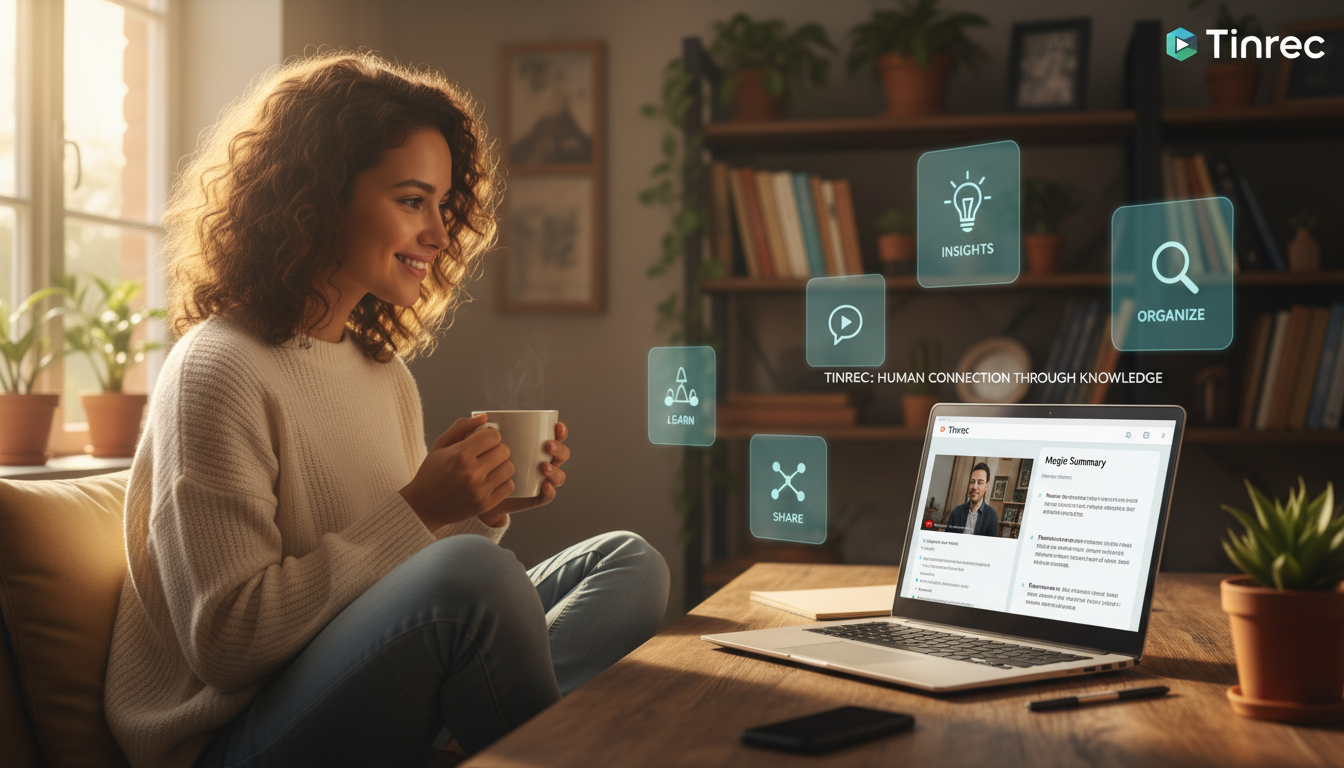
Step 4: Use AI Chat Query for Details
This is the most critical step. If you don't want to rewatch the video but need to know "what did the speaker say about pricing?", you can type your question into the AI chat box on the right. The AI will answer based on the video content—much smarter than traditional Ctrl+F keyword search.

Frequently Asked Questions
Q1: Can these tools handle YouTube videos without captions? Yes. Tools like Tinrec and Notta use ASR (Automatic Speech Recognition) technology to listen to the audio and convert it to text. They do not rely on YouTube's built-in subtitles (CC), so they can transcribe videos even if no captions are available.
Q2: Does background music or noise affect accuracy? Yes. If background music is louder than the voice, recognition accuracy decreases. It's best to use videos with clear speech, such as interviews or tutorials, for optimal results.
Q3: Can I export the transcribed text? Most paid or freemium tools support export. For example, Tinrec allows export to Word, PDF, or TXT formats, making it easy to paste into Notion or Evernote for further organization.

Q4: Can I use these features on my phone? Yes. Google Gemini can be used via a browser; Tinrec, Plaud, and Notta all have iOS and Android apps with cross-device sync. Content you transcribe on your phone can be edited on the web version on your computer.
Q5: What are the typical limitations of free plans? Limitations usually involve duration or usage count. For instance, Google Gemini currently has no explicit limit but struggles with long content; Tinrec offers 100 free minutes per month; Notta offers 120 minutes. Try the free credits first to see how often you use the tool.
Q6: Can I directly turn iPhone Voice Memos into summaries? Yes. You can export the audio file from iPhone Voice Memos, then upload it to Tinrec or Notta's "Import Audio" section for transcription and summarization.
Conclusion
Choosing the right tool depends on your core needs. If you only occasionally want to know what a video is about, Google Gemini is the fastest shortcut. If you need to systematically organize study notes, process long interviews, or handle links, Tinrec's workflow of "link parsing + AI chat" will double your efficiency. And if you frequently record physical conversations, Plaud Note is a great hardware companion. Make good use of these AI tools to save time watching long videos and focus on real thinking and action!
Turn every recording into actionable outcomes
Get 60 free transcription minutes when you sign in. No credit card required.
Related Reading
You might also like

2026 AI Meeting Assistant Comparison: 4 Tools Tested for Chinese Transcription and Post-Meeting Organization — Which One Actually Saves Time?
A 2026 hands-on comparison of 4 AI meeting assistants, starting with the most common pre-download misconceptions. We break down 4 key buying factors, share real-world experience with Tinrec, compare the positioning of Otter.ai, Notta, and Granola, and highlight 3 pitfalls to avoid — so you can think clearly before hitting install.

How to Choose an AI Meeting Notes Tool in 2026: 7 Tools Compared + Summaries and Action Items in One Go
Most people compare AI meeting note tools only by minutes and price, overlooking who will actually use the notes after the meeting. This guide starts with three key questions and compares seven tools—Tinrec, Otter.ai, Fireflies.ai, Notta, Granola, PLAUD, and TurboScribe—on meeting capture methods, Chinese-language experience, post-meeting output, and team management, with clear recommendations by scenario.

Best AI Meeting Recorder in 2026? We Tested 2 Options — This One Saves the Most Time for Chinese Meetings
Many people think the pain point of meeting notes is whether the recording captures audio, so they buy a recorder first—only to still spend time organizing afterward. This article compares Tinrec and Plaud Note across online meeting recording, Chinese transcription, post-meeting organization, team collaboration, and cost structure to help you choose the truly time-saving option in 2026.

How to Download AI Meeting Assistants in 2025: Bot-Free Recording + Chinese Transcripts
Tired of recording meetings but never organizing them? This guide walks you through downloading and using two AI meeting assistants, Tinrec and Otter.ai, comparing them across five dimensions: recording methods, Chinese and mixed-language handling, post-meeting outputs, file import/export, and team collaboration governance. Find out which one fits your meeting scenarios and budget.

Tinrec vs Granola 2026: 5-Dimension Comparison — Which Wins for Chinese Meetings and Team Knowledge Retention?
Looking for the best AI meeting assistant in 2026? This article compares Tinrec and Granola across 5 dimensions: meeting capture and audio retention, Chinese transcription and real-time translation, post-meeting organization and AI follow-up, team workspace governance, and platform coverage and export. It also lists pricing and ideal use cases to help Hong Kong office workers decide which tool fits them best.

3 Smart Meeting Notes Solutions Tested for 2026: Which Saves the Most Time?
Still replaying recordings and manually taking notes after meetings? This article walks through the smart meeting notes workflow using Tinrec, from pre-meeting preparation and in-meeting recording to post-meeting proofreading and archiving. It also provides a ready-to-use meeting minutes format, buying tips, and FAQs.

4 Smart Meeting Notes Tools Tested: How to Go from Recording to Action Items with the Least Time in 2026
How do smart meeting notes work? This article breaks down the five-step workflow—record, transcribe, summarize, query, and create action items—and compares Tinrec, Otter.ai, Granola, and TurboScribe on Chinese meetings, bot-free recording, post-meeting organization, and team collaboration. It includes quota and pricing comparisons, pitfalls to avoid, and selection advice to help you choose the right tool at once.

2026 Smart Meeting Minutes Comparison: Tinrec vs Otter.ai on 5 Dimensions — Which Saves More Time?
Good meeting minutes aren't about verbatim transcription—they're about conclusions and action items. This article compares Tinrec's instant recording and Otter.ai dimension by dimension, from note-taking style, meeting capture, Chinese transcription, post-meeting workflow to team governance and pricing, to help you choose the smart meeting minutes solution that truly saves time.

How to Use AI Meeting Assistants in 2026: Tinrec 6-Step Guide + Auto-Generated Meeting Minutes
A student's hands-on guide to using AI meeting assistants, featuring Tinrec: six steps to get started, how to record online meetings without bots, how to generate post-meeting summaries and action items, and an honest comparison of Google Meet, Tactiq, Notta, and Granola for student use cases. Also covers whether the free version is enough.