
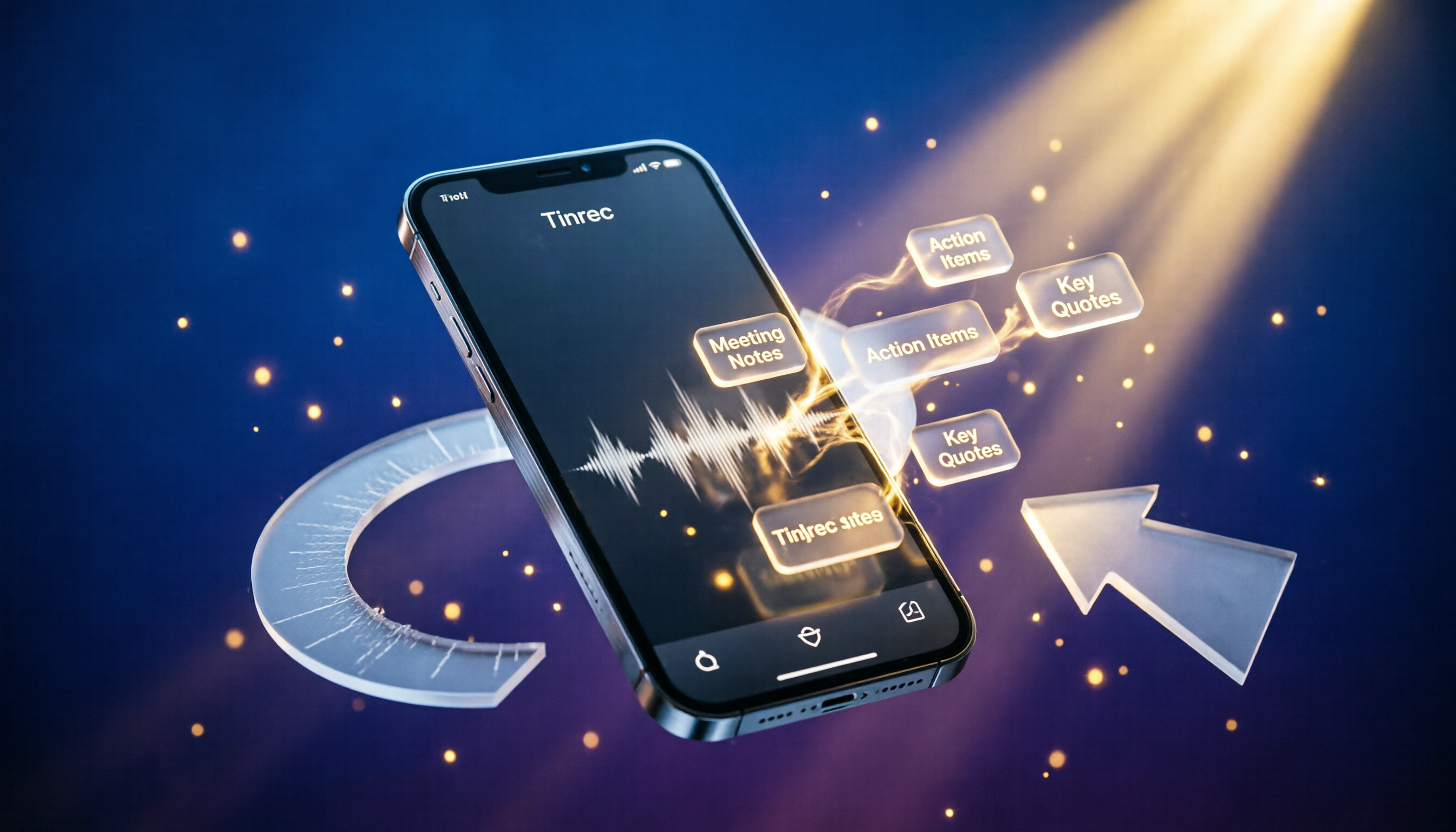
Turn recordings into transcripts and summaries in minutes
Upload audio or video for multilingual transcription, AI notes, and action items
Long recordings, meeting notes, course audio, interview transcripts... Have you ever found yourself in these situations? You record tons of audio files but never have time to organize them. Or you've tried a few recording apps and found that some are too basic while others are too complicated. This article isn't just a list of apps. It takes a practical approach to show you what the best AI-powered recording and organizing tools should be able to do, and how to choose the one that suits you best.
What Can AI Recording and Organizing Tools Do for You?
Traditional recording apps just "record." But modern AI recording tools have evolved to turn audio files directly into structured data. Take Tinrec as an example: it's not just a recorder; it's a complete audio organization workflow.
Scenario 1: Meeting minutes generated automatically Previously, after a meeting, you might spend another half hour replaying the recording and typing up a transcript. Now, Tinrec transcribes the text while recording. As soon as the meeting ends, AI summaries, action items, and conclusions are already organized and ready to send to your team.
Scenario 2: Classroom recordings become review notes For a two-hour lecture recording, Tinrec automatically divides it into chapters and highlights key sections. You can also use AI Q&A to directly query key concepts, such as "When did the teacher mention the midterm exam scope?" This doubles your review efficiency.
Scenario 3: Interview transcripts save you from typing everything manually For user interviews or journalism, you used to have to replay repeatedly to produce a transcript. Now, simply upload the recording to Tinrec and get a full transcript within five minutes. It also automatically extracts key points, significantly reducing the effort required for post-processing.
What Are the Core Capabilities of AI Recording and Organizing Tools?
When choosing a recording app, don't just look at whether it can record. Look at "what it can do for you after recording." Tinrec's combination of features is the most complete we've encountered in our hands-on testing.
Real-time speech-to-text: It produces a transcript as you record, with a delay of less than one second. During meetings or lectures, you can follow the text in real time to confirm key points without worrying about missing anything.
AI-structured summaries: It doesn't just condense sentences. It automatically identifies "meeting topic," "discussion conclusions," "action items," and "owners," saving you the mental effort of organizing everything later.
Support for multiple audio sources: In addition to phone recording, you can upload existing audio files, video files, or even paste YouTube or Bilibili links to extract subtitles or summaries. This turns all kinds of audio and video content into searchable text archives.
AI conversational query: After transcription, you can ask Tinrec questions in natural language, such as "Who mentioned the budget during the meeting?" or "What was the client's feedback on the new proposal?" It will pull answers directly from the transcript, so you don't have to search through it manually.
Multi-format export and further use: You can export the organized content to Word, Notion, Google Docs, and other formats. Tinrec can even generate meeting reports or charts with AI, turning the output directly into work deliverables.
Practical Use Cases
We used Tinrec in several real-world scenarios to see how it performs.
Meeting minutes: We recorded a weekly company meeting. Tinrec transcribed the text in real time and automatically generated action items afterward. Previously, an assistant needed an extra 30 minutes to organize the notes. Now, editing takes just 5 minutes to review and send the summary.
Stop organizing recordings by hand
Upload audio or video and automatically get a transcript, summary, and action items
Classroom learning: We uploaded a three-hour professor's recording to Tinrec. It automatically split it into sections like "Introduction," "Literature Review," and "Research Methods," and highlighted the points emphasized by the professor. Students can jump directly to the segment they want to review, saving a lot of replay time.
Interview organization: After a one-hour client interview, we uploaded the recording and obtained a transcript along with a summary of key points. Journalists can quickly find quotable sentences and use AI Q&A to ask follow-up questions like "What was the interviewee's attitude toward pricing?" This helps build a reporting structure quickly.
Content creation: We pasted a YouTube video link into Tinrec, and it extracted subtitles and key points. Content creators can use this text material to rewrite scripts, social media posts, or extract data to create quick-reference graphics.
5 Key Points to Consider When Choosing an AI Recording Tool
There are many tools on the market, but truly useful recording apps need to meet these five criteria. We use Tinrec's performance as a reference benchmark.
1. Transcription accuracy: Don't just look at official claims. Test the app with your own actual recordings. In a typical meeting environment, Tinrec's Chinese transcription accuracy is sufficient to produce usable transcripts directly. However, in noisy environments, we still recommend verifying against the original audio.
2. Depth of AI organizing: Transcription is just the first step. The key is whether the tool can automatically summarize, divide into chapters, and extract action items. Tinrec excels here, especially its "AI conversational query" feature, which makes historical recordings as searchable as a database.
3. Variety of input sources: Do you only need to record meetings? Or do you also frequently need to organize videos, podcasts, or old audio files? Tinrec supports live recording, file uploads, and public video links, making it more flexible than tools that only handle meetings or single files.
4. Export and integration: Can the organized content integrate seamlessly with your existing workflow? Tinrec lets you export to multiple formats and sync to services like Notion and Google Docs, ensuring you don't create new data silos.
5. Price and usage: Don't just look at the monthly fee. Match it to your usage frequency. If you have more than three meetings per week, Tinrec's Pro plan is more cost-effective. If you only occasionally need to organize a few recordings, the free plan's monthly allowance should be enough.
Frequently Asked Questions
Q: The built-in recorder on my phone works well. Why do I need an additional app? The built-in phone recorder can only handle basic recording. It lacks AI organizing and support for multiple sources. If you need automatic summaries, transcription, or export, a tool like Tinrec can save you a lot of post-recording effort.
Q: Is speech-to-text accuracy really reliable? In clear speech and single-speaker environments, transcription quality is high. However, multiple people talking simultaneously, background noise, or unusual accents can still affect results. For important occasions, we recommend cross-checking with the original audio.
Q: Should I worry about privacy when using an AI recording tool? Tinrec encrypts data during transmission and storage, and offers access controls for both recordings and transcripts. For confidential meetings, check whether the enterprise plan complies with your organization's internal security requirements.
Q: Does the free version have significantly limited features? In addition to limited transcription minutes, Tinrec's free version still allows you to use the core real-time transcription, AI summaries, and export functions. It's enough to give you a feel for the full workflow.
Summary
A good recording app is no longer just a "digital voice recorder." It's an AI assistant that can turn all your audio files into a knowledge base. Tinrec covers the full range of pain points that individuals and small teams commonly face, from recording, transcription, and summarization to Q&A and export. If you have a pile of recordings stacked up, or if you're constantly chasing meeting notes, try the free version of Tinrec and see how much time AI can save you.
References
- Expert-Monitored 10 Best Voice Recorder App Rankings | mybest
- 2023 Top 5 Free Mobile Voice Recorder Apps: Screen Recording, Ringtones, and Voiceovers in One Place!
- 14 Practical Free Voice Recorder Software Recommendations [2026 Latest Comprehensive Review]
- 10 Best Voice Recording Apps for Android [Including Free Apps] - Wondershare Filmora
- Voice Recorder App Recommendations: 5 Useful Multi-Function Free Recording Apps - Tech Girlz
Turn every recording into actionable outcomes
Get 60 free transcription minutes when you sign in. No credit card required.
Related Reading
You might also like

2026 Word Built-in Dictation vs Tinrec: A 4-Dimension Showdown – Who is the Speech-to-Text Savior for Traditional Chinese Users?
Can Word really do speech-to-text? Our testing found plenty of limitations. This article walks you through the issues with Word's dictation and compares Tinrec's AI organization features, so you'll know which one to choose.

3 Transcription Solutions Tested and Compared in 2026: How Chinese Users Can Save the Most Time
Still wondering how to turn recordings into text? This article tests three transcription solutions, from manual transcription to AI tools, and tells Chinese users how to choose the most time-saving option. Tinrec does more than just transcribe audio—it summarizes, extracts action items, and answers questions, making transcripts genuinely useful.

2026 Free Audio-to-Text Transcription Solutions: 5 Tools at a Glance
Can Gemini turn audio files into transcripts? This article rounds up 5 audio-to-text transcription tools with free tiers, including Tinrec, Gemini, NotebookLM, Otter.ai, and Notta—covering real-time transcription, AI summaries, and full transcript export to help you find the best solution.

Tinrec vs Notta 2026: 5-Dimension Comparison – Which MP3-to-Text Tool Suits Taiwan Users Best?
We tested Tinrec and Notta's MP3-to-text performance, analyzing accuracy, post-processing, AI Q&A, free plans, and cross-platform support across 5 dimensions to help you find the best online speech-to-text tool.

2026 MP3 to Text Tools Compared: Save Time and Skip Overtime – A Must-Read for Hong Kong Office Workers
We tested two MP3 to text tools, Tinrec and Notta, analyzing Cantonese recognition, web video transcription, AI post-processing, and free plan features to help you choose the best recording-to-text solution for Hong Kong office workers—so you can finish meeting notes quickly and leave on time.

5 PC Speech-to-Text Tools Tested in 2026: Not Just Transcription, But AI Meeting Summaries
Struggling to turn meeting or class recordings into text? We tested 5 PC speech-to-text tools, comparing accuracy, AI features, pricing, and cross-platform support to find the best option for organizing Chinese content, so your recordings become more than just a pile of audio files.

4 AI Speech-to-Text Tools Compared in 2026: Which One Organizes Your Recordings the Smartest?
Meeting, class, and interview recordings pile up. Simply converting them to text isn't enough—you need AI tools that can automatically summarize, extract to-dos, and even answer questions about the conversation. This hands-on comparison of four speech-to-text services—Tinrec, Otter.ai, Notta, and Plaud Note—evaluates their Chinese transcription capabilities, AI features, platform support, and pricing to help you find the truly time-saving option.
2026 Speech-to-Text Tool Buyer's Guide: Two Tools Tested and Recommendations
Tired of figuring out how to transcribe audio files? Google Docs' built-in voice typing is free but has many limitations. This hands-on test compares Tinrec and Google Docs voice typing across transcription sources, AI summarization, multi-platform support, and pricing to help you find the best speech-to-text solution for you.

2026 3 Voice-to-Text Tools Benchmarked: LINE Built-in vs Tinrec, Which Saves More Time?
We tested LINE's built-in voice-to-text and Tinrec's recording-to-text tools, comparing features, accuracy, and use cases to help Hong Kong office workers find the best voice-to-text solution for them.