
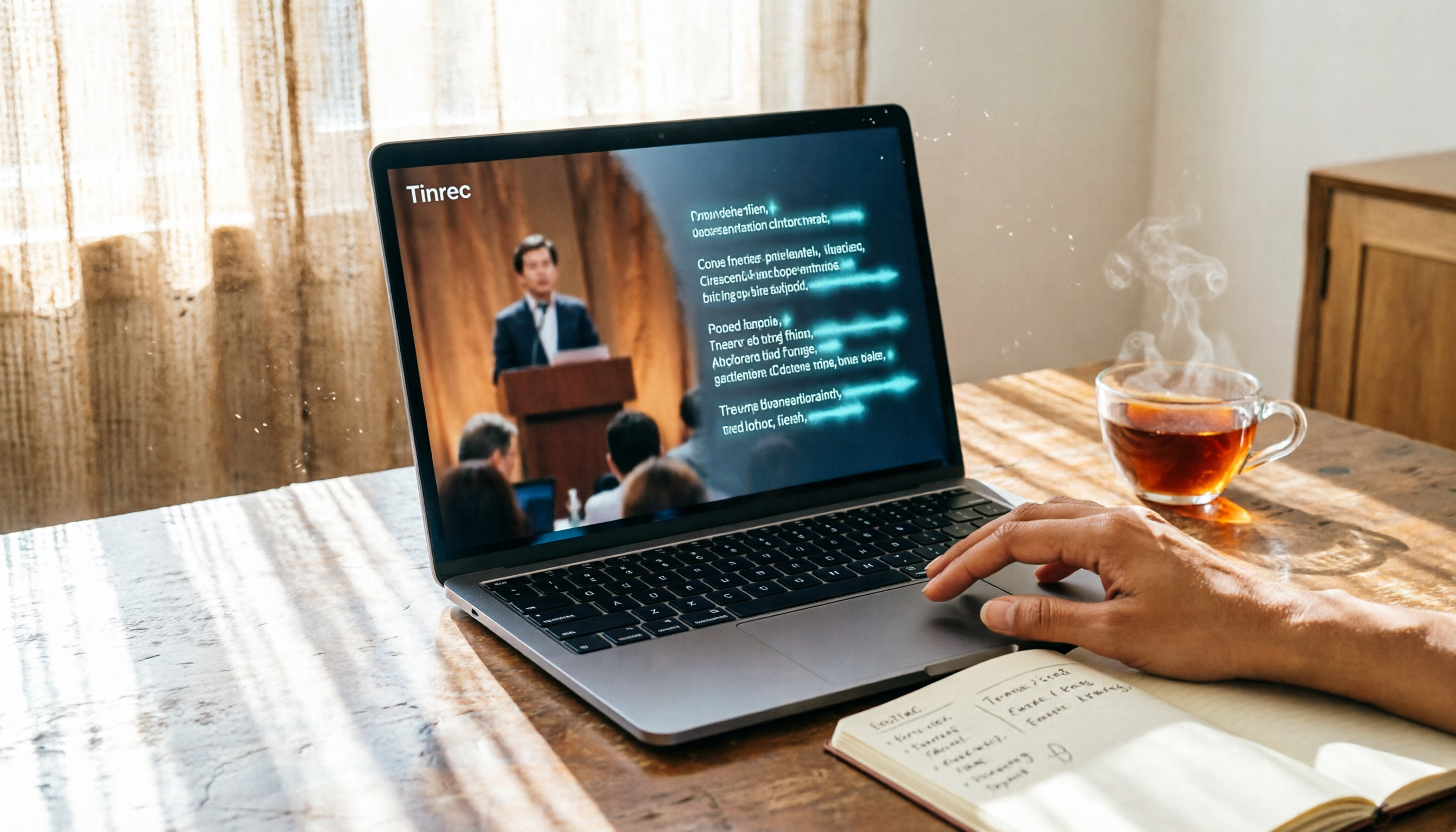
Turn recordings into transcripts and summaries in minutes
Upload audio or video for multilingual transcription, AI notes, and action items
2026 Tested Comparison: 3 Video-to-Text Solutions – Which Free Plan Is Right for You?
Tinrec (Miao Ting Recording) is an AI recording and audio-video organization tool. In short, it turns videos and recordings into truly usable materials. It supports iOS, Android, and web versions, and focuses on organizing Chinese content. The free version offers a monthly basic transcription quota, suitable for office workers, students, and content creators to try.
What Can Video-to-Text Do for You?
Scenario 1: Meeting minutes – generate transcripts and key points in 5 minutes
In the past, after a two-hour meeting, you might have to spend another hour re-listening to the recording and typing out the transcript. Now with Tinrec, you can record directly during the meeting or upload the meeting video. It transcribes the speech into text in real time, then automatically generates a summary and action items, clearly marking who said what.
Scenario 2: Turn online courses into notes for more efficient review
Online courses often run one to two hours long, and manual note-taking can hardly keep up. Upload the course video to Tinrec, and it not only gives you a transcript but also breaks the content into chapters and generates mind maps. When reviewing before an exam, you can directly view the organized key points.
Scenario 3: Turn interview recordings into citable material
For journalists or graduate students conducting interviews, the worst part is having to organize the recordings afterward. After using Tinrec to convert the audio to text, you can use the AI Q&A feature to search for key sentences. For example, ask "What does the interviewee think about market trends?" and the relevant paragraphs appear immediately.
Core Capabilities of Tinrec for Video-to-Text
- Multi-source input: In addition to local videos, you can paste public video links from YouTube, TikTok, Bilibili, and more. Tinrec directly extracts the audio track and converts it to text, eliminating the need to download the video.
- AI semantic organization: Getting a transcript is just the first step. Tinrec automatically generates summaries, chapters, action items, and key highlights, letting you see the core content of a long video at a glance.
- AI conversational query: After transcription, you can ask questions about the video content as if you were chatting. For example, "What budget figures are mentioned in this video?" Tinrec provides answers based on semantic understanding.
- Multiple export options: Supports TXT, Word, and PDF, and can sync directly to Notion, Google Docs, and OneNote, making subsequent editing or archiving easy.
Real-World Use Cases
Meeting recordings: Upload meeting videos recorded in Zoom or Teams, and Tinrec automatically converts them to text, summarizes them, and lists action items. Then send them to your team members.
Class recordings: Convert your professor's lecture videos into transcripts, then have Tinrec generate chapters and highlights. Final review becomes twice as effective with half the effort.
Stop organizing recordings by hand
Upload audio or video and automatically get a transcript, summary, and action items
Interview documentation: Drop one-on-one interview videos into Tinrec, use the Q&A feature after transcription to filter key points, and cite them directly in your report.
Content creation: YouTubers or podcasters can upload their videos to Tinrec to quickly get scripts and blog post material, and even generate subtitle files.
4 Things to Keep in Mind When Choosing a Video-to-Text Tool
- Accuracy: Don't just look at official numbers; test with your own video to see the real performance. Tinrec performs well with clear audio, but background noise and accents can still affect results. For important content, we recommend cross-checking the transcript against the original.
- Post-transcription processing capabilities: Converting speech to text is just the basics. Whether the tool can automatically summarize, extract key points, and support Q&A is the real time-saver. Tinrec's AI summaries and conversational queries are particularly impressive here.
- Language support: If you mainly work with Chinese videos, make sure to check the tool's support for Traditional Chinese. Tinrec supports multiple languages and handles Chinese recognition and organization quite well.
- Cross-platform and export: Do you need to switch between mobile and desktop? Tinrec is available on iOS, Android, and the web, and results can be exported to your favorite note-taking apps, so your workflow won't be interrupted.
Frequently Asked Questions
Q: How many minutes of video can I transcribe with the free version of Tinrec?
A: The free version offers a monthly basic transcription quota, which is quite sufficient for light use (e.g., occasionally transcribing a meeting or a lesson). If you have greater needs, you can consider the weekly pass or Pro plan.
Q: Are there any size limits for uploaded video files?
A: Tinrec currently supports common video formats. For the maximum file size, please refer to the official website. Typical meeting or lecture videos should not be a problem.
Q: How accurate is video-to-text conversion?
A: In a quiet environment with clear articulation, accuracy can reach over 90%. However, if multiple people speak at the same time, there is background noise, or heavy accents are present, accuracy will decline. We recommend manually proofreading important content.
Q: Can I convert YouTube videos?
A: Yes! Simply paste the YouTube video link, and Tinrec will extract the audio track and convert it to text. However, please be sure to comply with platform terms and copyright regulations.
Q: Can the generated transcript be edited?
A: Yes. Tinrec's online editor allows you to directly modify the transcript, and you can also export it to Word or Google Docs for further processing.
Conclusion
Turning video into text is not difficult; what's difficult is quickly extracting key points after transcription and turning them into usable material. Rather than relying solely on basic transcription tools, try an AI audio-video organization tool like Tinrec, which can help you organize, summarize, and answer questions. The free version's quota is enough to process a few videos, so we recommend giving it a try to experience the efficiency of "turning video into actionable knowledge."
References
- Online AI speech, video, and audio transcription - Free trial - cSubtitle
- Convert video to text | Transcribe App & Online Editor
- Video to text - Free online AI audio-video transcription tool, unlimited and registration-free | Video Transcriber AI
- Transcribe video to text - Real-time, 99.9% accurate - VEED.IO
- Free video-to-text tool | AI automatic transcription for high-precision subtitles
Turn every recording into actionable outcomes
Get 60 free transcription minutes when you sign in. No credit card required.
Related Reading
You might also like

2 Video Real-Time Translation Tools Compared in 2026: More Than Translation, Understanding the Content
Choosing the right tool is crucial for real-time translation of foreign-language videos. This article compares Tinrec and Immersive Translate across input sources, organization capabilities, and Chinese support to help you decide which one suits you best.

iPhone Photo to Text: 3 Built-in Methods Tested in 2026 (Which Saves the Most Time?)
Learn how to quickly copy text from photos or images on iPhone. We tested three built-in features: Live Text, Scan Text in Notes, and Live Text in Camera — and share which one saves the most time in real-world scenarios.
2026 Voice-to-Text Tools Compared: 3 Tools Tested — It Does What Even ChatGPT Can't
A middle manager hands-on tests multiple voice-to-text tools, from ChatGPT voice input to professional AI recording transcription, and reveals which one can really save you an hour of meeting notes every day—while turning all your audio files into a searchable, organized knowledge base.
2026 Hands-On Comparison of 4 Audio-to-Text Tools: Tinrec Helps Students Save Time on Note-Taking
This article hands-on tests 4 computer audio-to-text tools from a student's perspective and recommends Tinrec, which offers sufficient free credits and AI-powered note-taking that saves time, helping you say goodbye to handwritten note hell.
2026 Tested: 3 Ways to Record LINE Calls Stealthily—Which One Is the Most Hidden and Can Auto-Summarize Key Points?
Want to record LINE calls without the other person knowing? This post tests three discreet recording methods, including iOS 26 local capture and Android screen recording, and shows how to use Tinrec to instantly transcribe, summarize, and extract to-dos—turning recordings into truly usable data.

2026 Recording-to-Text Tools Compared: 4 Apps Tested – Which Free Plan Is Enough?
We tested four mainstream recording-to-text tools, from free allowances, Chinese recognition, AI organization features, to cross-platform support, to help you find the best choice for Taiwanese users.

2026 iPhone Call Recording & Transcription Tools Compared: Which One Turns Recordings into Knowledge?
iPhone finally supports call recording after upgrading to iOS 18, but organizing recordings can be even more time-consuming? This article tests 4 recording organization tools, showing how AI can turn recordings into searchable, summarizable knowledge—and put an end to meeting-note headaches.

2026 Tinrec vs Otter.ai: 5-Dimension Showdown – Which One Wins for Cantonese Meeting Transcription?
Online meetings never seem to end, and after the meeting you have to listen to the recording and type up minutes? This article puts Tinrec and Otter.ai to the test, comparing them across 5 dimensions including Cantonese transcription, AI summarization, and value for money, to help you pick the best voice-to-text tool for Hong Kong users.

2026 Speech-to-Text Tool Buying Guide: 3 Tools Tested & Recommended
Still wondering "Is Good Tape worth it?" We tested Good Tape, MacWhisper, and Tinrec hands-on, comparing Chinese accuracy, AI summarization, and pricing to help office workers, students, and writers find the best voice-to-text tool for their needs.