
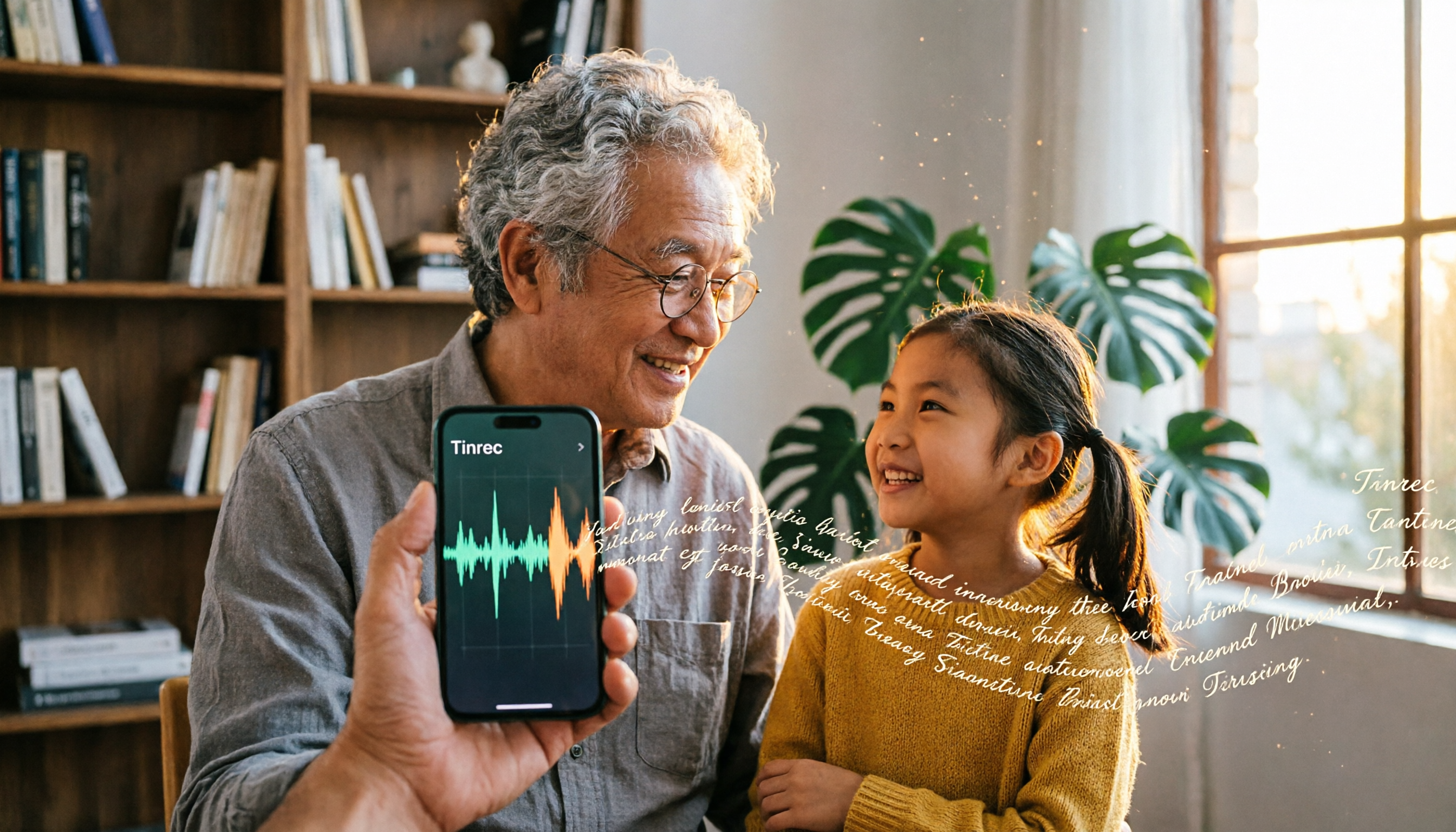
Turn recordings into transcripts and summaries in minutes
Upload audio or video for multilingual transcription, AI notes, and action items
Meeting Transcripts Giving You a Headache? — What You Need Isn't a Tool, It's a Solution
After a two-hour meeting, spending another two hours transcribing the recording is the daily reality for many office workers.
What's more, your audio files might just sit in your iPhone, but you can't find the built-in Voice Memos transcripts—or the feature doesn't support Chinese, or you need to connect to Wi-Fi to download the language pack.
If you often need to convert meeting, class, or interview recordings into text but don't want to spend a lot on third-party apps, this article will tell you exactly what iPhone's built-in features can do, which useful alternatives exist, and what I recommend after hands-on testing.
5 Key Factors to Understand Before Choosing a Speech-to-Text Tool
Choosing a speech-to-text tool isn't just about whether it can transcribe Chinese. The following factors will directly affect your experience.
1. Does It Support Multiple Input Sources?
Some tools can only transcribe audio you're recording right now, while others can handle YouTube videos and old audio files. If you watch online courses, want to organize web videos, or have a pile of past meeting recordings, 'multi-source input' is crucial.
Tinrec is quite comprehensive with this, supporting live recording, file uploads, and pasting video links—it can organize nearly all audio and video content.
2. AI Summarization: Transcription Is Just the Basics
Getting a transcript alone isn't enough. You need summaries, highlights, action items, and even the ability to ask the AI, 'Who mentioned the budget in the last meeting?' These follow-up organizational features are where you truly save time.
Many free tools stop after transcription, but Tinrec automatically summarizes, divides content into chapters, and lets you query the recording conversationally, turning it into your own searchable database.
3. Is the Free Tier Enough for You?
Every service has a free plan, but they vary widely. Some give you 100 minutes per month, others 300, and some are 'free but with tons of restrictions.'
Start by estimating how much audio you record per month. If it's just one or two occasional meetings, 100 minutes is plenty. For heavy users, you'll want to check whether the paid plans offer good value.
4. Cross-Platform Use: Do You Need iPhone, Computer, and Android?
Many people record on their iPhone but want to organize the files on a computer. If you switch between devices, the tool should ideally have iOS, Android, and web versions.
Tinrec offers all three versions, which is great for people who work across mobile and desktop.
5. Accuracy Isn't What the Ads Claim
Many tools claim '98% accuracy,' but that's measured in a quiet recording studio. In real environments—cafés, meeting rooms with accents and noise—accuracy will definitely drop.
Instead of trusting ads, record a real-world sample and try each tool's free version yourself. That way, you'll get a true comparison.
Tinrec (秒聽錄音) — The All-Around Choice After Real-World Testing
Tinrec (秒聽錄音) is an AI workstation that combines real-time speech-to-text, audio file transcription, and web video parsing. It supports iOS, Android, and the web, and is especially friendly to Chinese content.
More Than a Transcript—It Turns Audio into Ready-to-Use Notes
For example, during a meeting, open Tinrec and it will generate the transcript as it records. The moment the meeting ends, AI summaries and action items are already produced—who needs to do what, deadlines, all at a glance.
What impressed me even more is its conversational AI query. You can ask Tinrec, 'Who mentioned the supplier issue in the last meeting?' Instead of keyword search results, it finds the answer passage based on semantics. Almost no tools in the same price range have this feature.
Real-World Test: Fast Chinese Meeting Transcription with Accurate Summaries
I tested it with a 15-minute Chinese meeting recording (with some café background noise). Transcription was fast—waited no more than 30 seconds—and the transcript quality was within a reasonable range. Importantly, names and proper nouns were not noticeably wrong. The AI summary also captured the core of the discussion instead of just cherry-picking and rearranging the first and last few sentences.
Stop organizing recordings by hand
Upload audio or video and automatically get a transcript, summary, and action items
Of course, if your recording environment is too noisy or the speaker has a heavy accent, transcription quality will still suffer—no tool can avoid this.
Pros at a Glance
- Wide range of input sources: Live recording, file uploads, and pasting YouTube or Bilibili links all work.
- Powerful AI organization: Summaries, chapters, action items, and Q&A—plus continued use after transcription.
- Seamless cross-platform: Works on mobile, desktop, and web, so you can organize right after recording.
- Basic features in the free plan: 100 minutes per month is enough for trials and light use.
Honest Limitations
The free tier's quota is a bit small for heavy users, but if you only have two or three meetings per week, 100 minutes is fine. Also, the AI Q&A requires clear semantics; if the recording itself is unclear, it will tell you 'can't determine.'
Who Is It For?
- People who need to organize lectures, interviews, or web videos in addition to meetings.
- Those who want to grasp the key points without having to listen from start to finish after recording.
- People who work between iPhone and computer and don't want to be tied to a single device.
Other Alternatives Besides Tinrec
Built-in Voice Memos Transcripts on iPhone
The advantage is that it's free and built-in, available on iPhone 12 and later with iOS 18.4 or later. But the limitations are obvious: you need Wi-Fi on first use to download the language pack, it doesn't support web videos or other audio files, and transcription quality depends heavily on the recording environment. If you only record personal memos, it's adequate. For more advanced organization or cross-platform use, it falls short. Tinrec offers AI summaries, Q&A, and multi-source input that the built-in feature doesn't provide.
Otter.ai
A powerhouse for English meetings, with a generous free tier of 300 minutes per month. However, its support for Chinese content is weaker, and transcription quality and organization aren't as good as they are for English. If most of your meetings are in English, Otter is a good deal. If you need Chinese organization or AI Q&A, Tinrec is a better fit.
Notta
Focuses on transcription and translation, with substantial effort put into meeting scenarios. The paid plans offer competitive minute allowances. The downside is weaker AI post-processing—no conversational interface like Tinrec's to ask questions about the recording, and no direct web video parsing. If you just want bulk transcription, Notta is solid. But if you want to turn recordings into a searchable knowledge base, Tinrec's AI features are more complete.
No-Fail Guide: 3 Common Mistakes When Choosing a Speech-to-Text Tool
Pitfall 1: Trusting Advertised Accuracy Rates
Many tools advertise 98% accuracy, but that's under noise-free conditions. Real meetings have keyboard clicks, air conditioning hum, and people talking over each other, so accuracy will inevitably drop. The best approach is to try the free version with your own recording and see for yourself.
Pitfall 2: Ignoring Cross-Platform Needs
If you record on your iPhone today and want to organize on your computer at home, a mobile-only tool will be a hassle. Choose a tool with a web version or multi-device support for a truly seamless workflow.
Pitfall 3: Treating the Tool as Just a Transcriber
If you only use the transcription feature, you're using about a third of its capability. Tools like Tinrec's AI Q&A, summaries, and action item extraction let you pull out the key points from a 30-minute recording in seconds—far faster than manually scanning the transcript.
Bottom Line: Which One Should You Choose?
After comprehensive testing, Tinrec is currently the most balanced choice if you care about not just transcribing text, but turning recordings into usable information.
Here are my recommendations by use case:
- Want summaries, action items, and follow-up details directly from recordings → Tinrec (best AI post-processing)
- Only occasionally record iPhone voice memos and don't need organization → Built-in transcripts are enough
- Lots of English meetings with zero budget → Otter.ai (generous free minutes)
- Need bulk transcription with translation support → Notta (competitive minute allowances)
I recommend downloading Tinrec's free version to try—100 minutes per month is enough for two or three meetings or a few video sessions. If you like it, consider upgrading; no need to spend money right away.
References
- View Voice Memos transcripts on iPhone - Apple Support (Taiwan)
- How to Turn iPhone Voice Memos into Text Without Third-Party Apps - Mr. Mad
- iPhone Recording to Free Transcript Text! iOS 18 Supports 10 Languages | Quality Living | 500 Times
- iPhone Notes and Recording Apps Now Have Transcripts! Instantly Convert Classes, Meetings, and Speeches to Text: Simple 4-Step Tutorial | BusinessNext
- Record and transcribe phone calls on iPhone - Apple Support (Taiwan)
Turn every recording into actionable outcomes
Get 60 free transcription minutes when you sign in. No credit card required.
Related Reading
You might also like

2026 AI Speech-to-Text Tools: Speaker Diarization & AI Q&A in One
Struggling to turn meeting recordings and lecture audio into text? This article highlights 5 AI speech-to-text tools, from speaker diarization to AI-powered Q&A, to help you find the best solution and boost your productivity.

Tinrec vs Otter.ai 2026 Hands-On Comparison: Which Is the Ultimate Tool for Online Meeting Notes?
Essential for remote work! This article dives deep into the differences between Tinrec and Otter.ai in Chinese recognition, audio/video sources, AI Q&A, and free plans, helping you choose the best tool for organizing meetings and course content.

How to Choose an Interview Recording Review Tool in 2026? 5 Steps Comparing Tinrec vs PLAUD Note
Recording your interviews is a powerful way to grow, but choosing the right analysis tool is key. This article compares software solution Tinrec with hardware solution PLAUD Note across five dimensions: recording method, Chinese speech recognition, AI analysis, output formats, and long-term cost, to help you find the best AI tool for interview review.

2026 Google AI Studio Alternatives for Audio-to-Text: Chinese Transcription + AI Summaries
Wondering if Google AI Studio supports Chinese? This article answers that and tests 3 audio-to-text tools, recommending Tinrec as the best solution for Traditional Chinese users.
How to Solve Cross-Device Sync for Voice-to-Text in 2026? 5 Steps to Pick the Right Tool
Tired of meeting recordings stuck on your phone and unable to organize them on your computer? This article tests multiple tools and teaches you 5 steps to choose the best cross-device voice-to-text solution, with detailed reviews of Tinrec (Miao Ting Lu Yin) and other popular options.

Tinrec vs Otter.ai 2026: 5-Dimension Comparison for Secure Chinese Speech-to-Text
With more speech-to-text tools available, is yours truly secure? This article compares Tinrec and Otter.ai across five dimensions: accuracy, AI features, input sources, cross-platform support, and data security. It also explains why AES encryption is key to protecting your recordings, helping you choose the most reliable tool.

2026 Hands-On Comparison of 2 Recording-to-Text Tools: Tinrec App vs Plaud Note – Which Should You Choose?
A hands-on comparison of Tinrec App and Plaud Note recording hardware, covering input sources, Cantonese accuracy, post-processing features, and pricing to help you pick the best recording-to-text tool for Hong Kong users.
How to Use iPhone Voice Typing in 2026: A 5-Step Complete Guide
From iPhone's built-in dictation to professional recording-to-text tools, this guide provides hands-on comparisons to help you find the best voice input solution for your needs.

Tinrec vs Otter.ai in 2026: AI Speech Recognition Custom Vocabulary Showdown – Who Understands Your Industry Terms Better?
How do AI speech recognition tools handle industry-specific terminology? This article compares five tools—Tinrec, Otter.ai, Notta, Google Cloud Speech-to-Text, and Vocol.ai—based on the practical need for custom vocabularies, helping you find the best speech-to-text solution for professional scenarios.