

Turn recordings into transcripts and summaries in minutes
Upload audio or video for multilingual transcription, AI notes, and action items
My own team has been pushing a new project recently, and for two straight weeks we've had one or two meetings every day.
One day I realized that the meeting from last Wednesday still didn't have its minutes sent out. My colleague in charge said, "I'm still working on it. The discussion was all over the place, so I need to listen to the recording over and over."
That's when I realized that the time spent on meeting minutes had become a bottleneck for project progress.
It also made me reconsider a question: exactly how many days should it take to get meeting minutes done? Have we kept a mindset that clerical work just takes time to polish?
In today's workplace, the truly productive move after a meeting is to take immediate action. Meeting minutes aren't a historical document; they're a trigger for the next tasks.
If that trigger is postponed too long, the team's momentum fades.
In this post, I'll share my hands-on testing experience to compare several AI tools that help you organize meeting key points quickly, and explain why producing meeting minutes within 24 hours isn't just about efficiency—it's a shift in work methodology.
Meeting Minutes Aren't a Transcript—They're an Action Trigger Document
The biggest roadblock for many people new to meeting minutes is trying to write a verbatim transcript.
You jot down every sentence the boss says, and your notes end up as long as the meeting itself.
But think back: have you ever actually sat down to read a three-hour meeting transcript from start to finish?
Almost certainly not.
Valuable meeting minutes only need to capture three things:
- What problems were solved in this meeting (decisions)
- Who needs to do what next (action items)
- Where the next meeting should start (topics for continued discussion)
If you can distill these three points and send them to everyone right after the meeting—or even within 24 hours—the team can jump immediately into execution mode.
Waiting more than a day doesn't just blur memories. More seriously, tasks that should have been tackled may never get tracked down and ultimately fall by the wayside.
So, to the question "How many days should meeting minutes take?" my standard answer has always been: The sooner, the better—aim for within 24 hours.
But hitting that speed is hard with manual note-taking. You need a good method and a tool that quickly extracts the key points.
Before Choosing an AI Meeting Notes Tool, Consider These 3 Key Factors
Not every AI meeting notes tool can help you produce actionable minutes within 24 hours.
Based on my own experience testing more than a dozen tools, there are three key factors to consider:
Key 1: Does It Handle "Audio" or "Content"?
Many tools can transcribe audio into text.
But if you're handed a full transcript, you still have to spend time reading it and picking out the important points yourself.
The tool you need should automatically generate summaries, identify action items, and even let you ask it conversationally, "Who raised the budget issue at the last meeting?"
That's what truly saves you time on cleanup.
Key 2: Does It Support a Wide Enough Range of Scenarios?
If all your meetings are online, a tool that automatically joins is great.
But my work is varied: sometimes I'm in physical meetings, sometimes I need to organize interview recordings, and other times I need to turn public speech videos from the web into text notes.
If a tool only handles online meetings, you'll need another solution for other scenarios—and the more scattered your data, the harder it is to manage.
Key 3: Can It Help You Keep Moving After the Meeting?
Recording is just the first step.
The real value comes after the recording: importing action items into your task management tool, turning meeting conclusions into reports, and sharing the key points with your team.
If a tool only outputs a text file and can't integrate with other productivity tools, it only solves 30% of your pain points.
Tinrec (秒聽錄音) — After Hands-On Testing, I Recommend It for People Who Want to Act Right After the Meeting
Of the four tools I tested this time, Tinrec is the one I believe best fits professionals who don't just want to record but want to take action immediately.
It's an AI recording and audio/video organizing tool that supports 14 languages and works on mobile, desktop, and web.
But what moved it to the top wasn't its feature set—it was how it changes your sense of time for meeting minutes.
During the Meeting: Recording and Transcribing in Real Time
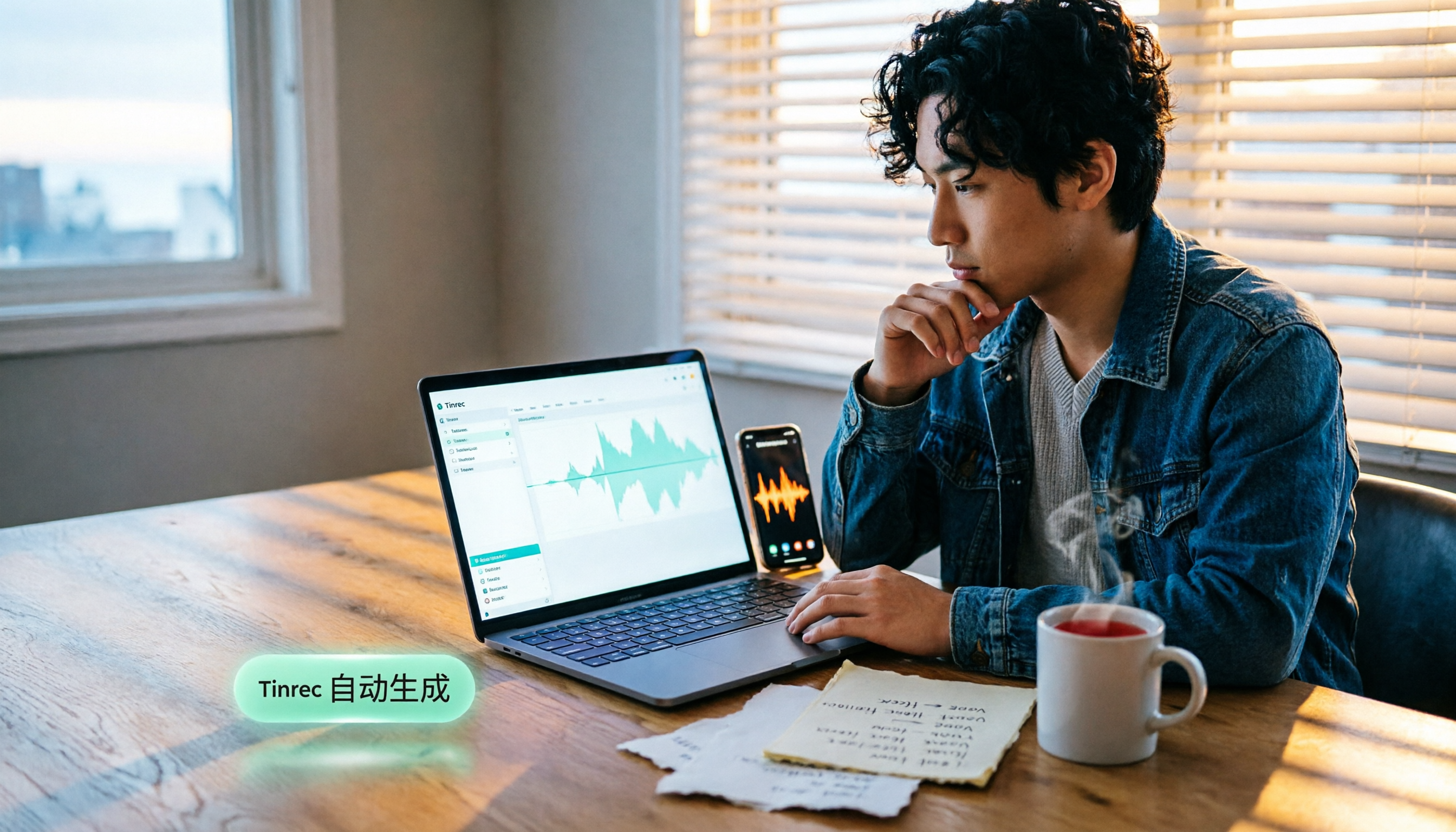
Now when I'm in a meeting, I just open Tinrec and it records and transcribes in real time.
The moment the meeting ends, a full transcript is already there.
You no longer need to listen back to the recording, worry about missing someone's comments, or wait forever for a file to process.
After the Meeting: AI Auto-Summary and Action Items, With Minutes Sent in 10 Minutes
I think this is the most critical design.
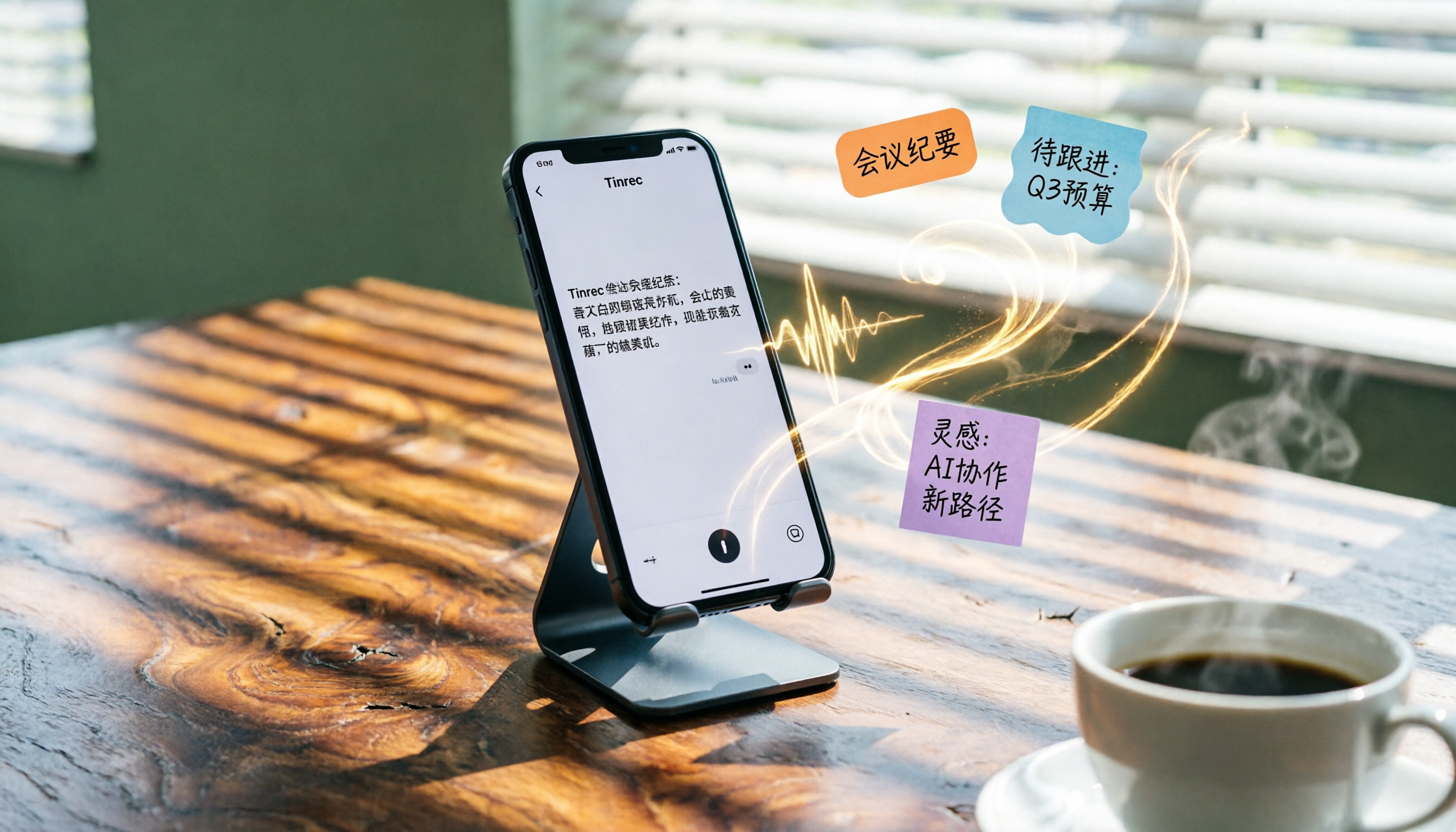
After transcription, Tinrec automatically generates an AI summary and action items.
The action items it picks out aren't just keywords—they're structured phrases in the form of "owner + task + deadline."
(Screenshot here: Tinrec AI summary interface, with arrows pointing to the structured action items block)
I usually skim and tweak it in about five minutes after the meeting, and can send out the meeting minutes within 10 minutes.
That completely breaks the habit of spending half a day preparing meeting notes.
Stop organizing recordings by hand
Upload audio or video and automatically get a transcript, summary, and action items
After Recording: Just Ask Questions Instead of Scrubbing Through the Transcript
Another capability that blew me away is AI conversational search.
You can directly ask Tinrec, "What was the conclusion of last Wednesday's meeting?" or "Who disagreed about the budget adjustment?"
It answers you in natural language based on the recording, rather than just returning keyword search results.
(Screenshot here: Tinrec AI Q&A interface, with a text reply after entering a question)
This feature is still very rare among similar tools. It turns your recording history into a searchable database you can revisit anytime.
Pros at a Glance
- Real-time transcription + AI summary: Key points are ready as soon as the meeting ends; no need to listen to the recording again.
- Cross-scenario support: In addition to live recording, you can upload audio files or paste links to public videos like YouTube and have them organized into text.
- AI conversational search: To find a specific discussion point, just ask—no need to flip through page after page.
Limitations and Who It's Best For
The free plan includes 100 minutes of transcription per month. If you have 2-3 meetings per week, that's about enough to cover a month's meetings. Heavy users will need to upgrade, but for most knowledge workers' meeting frequency, this allowance is a workable threshold for getting started.
If you regularly handle recordings from multiple scenarios (meetings, classes, interviews) and want to turn them into action items right away, Tinrec is currently my top pick.
What Other Options Are There Besides Tinrec?
Otter.ai
Otter is the first tool that many people think of for AI meeting notes. It's strong in English meetings and online meeting bots.
The free plan offers 300 minutes per month, which is very generous.
But if you mainly deal with Chinese-language meetings, or need to organize local files and web videos, Otter starts to struggle. It doesn't support Cantonese or some longer-tail Chinese-language needs, and it lacks Tinrec's ability to query historical recordings in natural language.
Who it's for: anyone with purely English meetings who doesn't need cross-scenario support.
Notta
Notta is positioned similarly to Tinrec—both are multi-platform transcription tools.
Notta's paid plans are more competitive on minutes and also offer features like summaries and translation.
But during my testing, I found Notta focuses more on transcription itself, and its post-processing tools aren't as rich as Tinrec's. It doesn't have AI conversational search, so after recording, you still have to browse the transcript the traditional way to find key points.
Who it's for: people whose main need is fast transcription and who don't need deep post-processing.
Plaud Note
Plaud Note is an AI recording hardware device. Its strengths are portability, one-touch recording, and excellent recording hardware quality.
But you need to spend extra money to buy the device (currently around NT$5,000), and its core use case is on-the-go recording. It doesn't support online meetings, file transcription, or video link organization as well as app-based tools.
More importantly, Plaud Note doesn't have AI conversational search. After recording, it only generates a summary—you can't converse with your historical data the way you can with Tinrec.
Who it's for: users with heavy mobile recording needs who don't mind carrying an extra device.
Pitfall Avoidance Guide: The 3 Most Common Mistakes When Using AI to Organize Meeting Notes
Pitfall 1: Believing a 98% Transcription Accuracy Rate Is Bulletproof
Many tools advertise their transcription accuracy, but that's lab data.
In a real meeting room, there are air conditioning sounds, keyboard clicks, and multiple people talking at once—accuracy will definitely drop.
More importantly, even at 98% accuracy, you still need to spend time checking whether that 2% of errors happened on critical information.
So don't just look at numbers. Test it with your own meeting recordings and see whether the summaries and action items it produces are actually usable.
Pitfall 2: Using the Tool Only as a Transcription Service
If you only use the tool to create a transcript and then write notes the traditional way, you're getting just 30% of its value.
Let the tool automatically extract summaries and action items, and even use AI Q&A to quickly find content you want to revisit. That's how you truly cut the cleanup time from hours to minutes.
Pitfall 3: Sending Meeting Minutes Too Late
This may not be a tool problem—it's a habit problem.
But you can use a tool to force the change: set a rule to use the AI-generated summary, adjust it, and send it within 10 minutes after the meeting.
Tools like Tinrec, which offer real-time transcription plus automatic summaries, make this extremely easy.
Summary: How Many Days Should Meeting Minutes Take? Here's My Advice
If you ask me right now, "How many days should meeting minutes take?"
I'd say the goal isn't "days"—it's "within 24 hours," or even shorter.
Because the value of a meeting comes from the speed of follow-through, not the completeness of the document.
Here are my scenario-based recommendations for different types of workers:
- Need to handle Chinese-language meetings, classes, and interviews, and want to organize them into action lists right after recording → Tinrec (most complete AI summaries, action items, and conversational search; strong cross-scenario support)
- Work only in English-language meetings and don't need any follow-up Q&A features → Otter.ai (generous free tier, mature English meeting experience)
- Need lots of transcription and don't care about deep post-processing → Notta (plentiful minutes, reliable transcription)
- Prefer carrying a dedicated recording device and don't like recording on your phone → Plaud Note (great hardware quality, straightforward recording experience)
Most knowledge workers can actually take care of meetings, learning, interviews, and video material organization all at once with Tinrec.
You can start with the free plan. The 100-minute monthly allowance is enough for two or three meetings, and it lets you experience what it feels like to have an actionable meeting summary right when the meeting ends.
Try this approach first. Once you realize you never want to go back to the old mode of repeatedly listening to recordings and spending half a day organizing meeting notes, you'll know how worthwhile the shift is.
References
- Meeting Minutes = Transcript? Professional Meeting Notes Only Record 3 Key Points | Writing Tips and Templates at a Glance | 104 Career
- How to Take Meeting Minutes? A Complete Guide for Beginners in 2026 - Meta Note
- How to Write Meeting Minutes (With Examples and Tips)
- Latest News - How to Write Meeting Minutes? Three Secrets to Perfectly Organizing Meeting Notes! | Pasona
- Meeting Minutes Format Template | 4 Key Points + a Complete Template to Follow
Turn every recording into actionable outcomes
Get 60 free transcription minutes when you sign in. No credit card required.
Related Reading
You might also like
![[Tutorial] 2026 Tinrec Transcript Tool: AI Auto-Summarization + Multi-Source Transcription](https://record-img.tos-accelerate.volces.com/images/2026/08/07/1786108729028402517.png)
[Tutorial] 2026 Tinrec Transcript Tool: AI Auto-Summarization + Multi-Source Transcription
Still turning interview, meeting, and course recordings into transcripts the slow way? I tested Tinrec and Notta, two leading AI transcription tools, covering Chinese recognition, post-processing, and cross-device collaboration, so you can find a transcription workflow that actually saves you time.
How to Add Text to iPhone Videos in 2026: 3 Quick Methods with Tinrec Auto-Subtitles
Want to add captions or subtitles to your iPhone videos? This tutorial covers 3 practical methods: using Tinrec to auto-generate subtitles and import into iMovie, using Clips for dynamic text, and iMovie's built-in caption feature. Follow along to speed up your video editing.

Best iPhone Video Converter Apps in 2026: 3 Tested, Free Shortcut Is Easiest
MOV videos from iPhone often won't play on Windows or when shared. We tested 3 ways to convert them to MP4—from the built-in Shortcuts app to professional desktop software—and compared speed, quality, and convenience to help you choose the right method.
2026 iPhone Voice-to-Text Buyer's Guide: 2 Hands-On Tests and Recommendations
How to choose iPhone voice-to-text? The built-in Voice Memos app is free but limited; the third-party tool Tinrec turns recordings into a searchable, organized knowledge base. This hands-on comparison covers accuracy, organization, AI features, and cross-platform support to help you decide.

Best Meeting Recording App 2026: We Tested 4, and This One Is Most Accurate for Cantonese Transcription
Office workers in Central dread transcribing recordings after meetings. After testing multiple AI recording apps, we found Tinrec's instant transcription has the most practical Cantonese recognition and summary features. It supports meetings, classes, and YouTube video-to-text. The free version is enough for everyday use and helps you save overtime hours.

2 Video Real-Time Translation Tools Compared in 2026: More Than Translation, Understanding the Content
Choosing the right tool is crucial for real-time translation of foreign-language videos. This article compares Tinrec and Immersive Translate across input sources, organization capabilities, and Chinese support to help you decide which one suits you best.

iPhone Photo to Text: 3 Built-in Methods Tested in 2026 (Which Saves the Most Time?)
Learn how to quickly copy text from photos or images on iPhone. We tested three built-in features: Live Text, Scan Text in Notes, and Live Text in Camera — and share which one saves the most time in real-world scenarios.

2026 Voice-to-Text Tools Compared: 3 Tools Tested — It Does What Even ChatGPT Can't
A middle manager hands-on tests multiple voice-to-text tools, from ChatGPT voice input to professional AI recording transcription, and reveals which one can really save you an hour of meeting notes every day—while turning all your audio files into a searchable, organized knowledge base.

2026 Hands-On Comparison of 4 Audio-to-Text Tools: Tinrec Helps Students Save Time on Note-Taking
This article hands-on tests 4 computer audio-to-text tools from a student's perspective and recommends Tinrec, which offers sufficient free credits and AI-powered note-taking that saves time, helping you say goodbye to handwritten note hell.