

Turn recordings into transcripts and summaries in minutes
Upload audio or video for multilingual transcription, AI notes, and action items
Transcription tools aren't a magic fix, but the right one can save you a ton of time
Two hours in a meeting, then another two hours writing up the minutes? That's a weekly nightmare for many office workers. Not to mention interviews, lecture recordings, or wanting to quickly turn YouTube videos into text—if you're typing everything out by hand, the time cost is staggering.
Recently, lots of people online have been asking "Is Good Tape worth it?" because its clean interface and multilingual support look appealing. But for users in Taiwan, besides Good Tape, are there better options?
In this article, we put three tools to the test: Good Tape, MacWhisper, and Tinrec, to help you find the one that saves you the most time and fits your needs best.
Before buying a transcription tool, understand these 3 key points
Accuracy: Don't just look at official numbers—real-world testing conditions matter. Many tools claim 98% accuracy, but that's in a quiet recording studio. Real meetings have AC noise, keyboard clatter, and people talking over each other, so accuracy drops. For our test, we used a 5-minute Chinese meeting recording with mild background noise to better reflect your daily reality.
Post-processing: Getting the transcript is just the start. A good tool shouldn't just hand you a raw transcript; it should also offer AI summaries, automatic segmentation, action-item extraction, and even let you dig out key points through Q&A. If you still have to review line by line manually, you're back to spending the time you saved.
Cross-platform and language support: You don't use just one device. You might record on your iPhone today and want to edit on your laptop tomorrow—if the tool only supports one platform, that's painful. Also, meetings with mixed Chinese and English, or foreign-language interviews, mean language coverage matters.
Tinrec (second-heard recording) — our top pick after hands-on testing
Tinrec is an AI recording and audio/video processing tool that supports 14 languages, covering iOS, Android, and web. Its goal isn't just to turn speech into text, but to turn recordings into "actionable knowledge."
During a meeting, you open Tinrec and it generates a transcript in real time. The moment the meeting ends, AI has already produced a summary and action items—who's responsible for what, deadlines, all at a glance. That saves at least half the time compared to relistening and organizing later.
What's even more impressive is its AI chat feature. After recording, you can ask, "In the last meeting, who mentioned the budget? What was the conclusion?" Tinrec understands context and gives you an answer, not just keyword search results. Few competing tools currently offer this.
We tested that 5-minute Chinese meeting recording, and Tinrec's transcript needed almost no corrections—punctuation, paragraphs, everything was spot on. The AI summary also accurately captured the conclusions and action items. Key strengths are clear:
- Not just a transcript, but structured results: Automatically divides content into sections, highlights, and action items, and can even convert it into a mind map with one tap.
- Super convenient multi-source input: Besides live recording, you can upload old audio files or videos, or even paste YouTube and Bilibili links for direct transcription.
- Localized Chinese experience: Handles mixed Chinese-English content well, and unlike some foreign tools, it doesn't lose punctuation when dealing with Chinese.
Stop organizing recordings by hand
Upload audio or video and automatically get a transcript, summary, and action items
Of course, it's not perfect. The free plan includes a basic monthly transcription allowance, and heavy users will need to pay. But if you want to try it out, the free quota is enough for two or three meetings. One thing to note: offline recording isn't supported yet, so you'll need an internet connection.
Who is it for? If you often need to organize Chinese meetings, classes, or interviews, want to use AI to find key points after transcription, and switch between phone and computer, Tinrec is currently the most well-rounded choice.
Beyond Tinrec: what other options are there?
Good Tape: minimalist multilingual transcription, but clunky for Chinese
Good Tape is a cloud-based speech-to-text tool that supports over 100 languages with an incredibly simple interface. But our tests found that its free version is very slow (1 minute of audio takes 1 hour to process), and Chinese transcripts don't automatically add punctuation, nor can you edit the transcript before exporting. If you primarily work with English and like minimalist design, it's worth considering, but organizing Chinese content takes extra effort. It also lacks AI summaries, action-item extraction, and chat-style querying—where Tinrec is clearly more convenient.
MacWhisper: peace of mind with local offline processing, but too basic
MacWhisper runs locally on your Mac, so privacy is strong and all data stays on your computer. However, it requires manual operation: after transcription, you have to review and segment the text yourself, and there are no AI-generated summaries or action items. Chinese accuracy is sometimes lower than cloud-based tools, and it's Mac-only. If you're extremely privacy-conscious and only use Apple devices, it can serve as a lightweight option. But if you want cross-platform support and AI-powered follow-up, Tinrec is more comprehensive.
Avoid these pitfalls: 3 common mistakes when choosing a transcription tool
Pitfall 1: Only looking at official accuracy claims without testing it yourself. Many tools claim 98%, but that's in a noise-free environment. Grab a real recording of yours and try the free version to see if the transcript needs major edits.
Pitfall 2: Thinking the transcript is the finish line. The transcript is just the first step—the real challenge is follow-up organization. If the tool lacks AI summaries, action items, or chapter features, you'll still end up listening to the whole thing again.
Pitfall 3: Assuming the free plan is enough—until you're in a time crunch and hit limits. Some tools have free versions so slow you'll rage-quit, or file duration limits. Think about how often you'll use it. If you have meetings or classes every month, a paid plan might be more cost-effective.
So which one should you choose?
To be honest, Good Tape isn't bad—it's just that its strengths (English, minimalism) don't fully match what users in Taiwan need. MacWhisper is more of a niche option for a specific audience.
If you're like me and have Chinese content to organize every week, Tinrec is currently the most recommended choice. Its AI summaries, action items, and chat-based Q&A genuinely save a ton of time, and cross-platform support lets you switch seamlessly between phone and computer.
- Need to quickly organize Chinese meetings, classes, or interviews → Tinrec (best for AI summaries and action items)
- Want to ask questions about recording content directly → Tinrec (the only one with chat-style querying)
- Mainly record in English and prefer a minimalist web interface → Good Tape (but first check if you can tolerate the free version's speed)
- Highly privacy-conscious and Mac-only → MacWhisper (offline and secure, but you'll have to organize manually)
Final suggestion: download the Tinrec free version to try it. The monthly basic quota is enough for two or three meetings to see how it works. If you like it, consider upgrading—no need to buy a plan right away.
References
- Why I chose GoodTape over MacWhisper? My real experience after writing 500 blog posts
- Surpassing Yating, reporters use it with tears: what makes Good Tape so amazing? — CommonWealth Magazine
- Good Tape features, pros and cons, pricing, and usage guide in one look! [2024 Update]
- Is Good Tape worth it? 2026 transcription tool comparison: Chinese recognition, AI summary, and efficiency test - Tinrec Blog
- Deep unboxing and test: Is Good Tape worth it? Pros, cons, and price breakdown - UpToGo
Turn every recording into actionable outcomes
Get 60 free transcription minutes when you sign in. No credit card required.
Related Reading
You might also like
![[Tutorial] 2026 Tinrec Transcript Tool: AI Auto-Summarization + Multi-Source Transcription](https://record-img.tos-accelerate.volces.com/images/2026/08/07/1786108729028402517.png)
[Tutorial] 2026 Tinrec Transcript Tool: AI Auto-Summarization + Multi-Source Transcription
Still turning interview, meeting, and course recordings into transcripts the slow way? I tested Tinrec and Notta, two leading AI transcription tools, covering Chinese recognition, post-processing, and cross-device collaboration, so you can find a transcription workflow that actually saves you time.
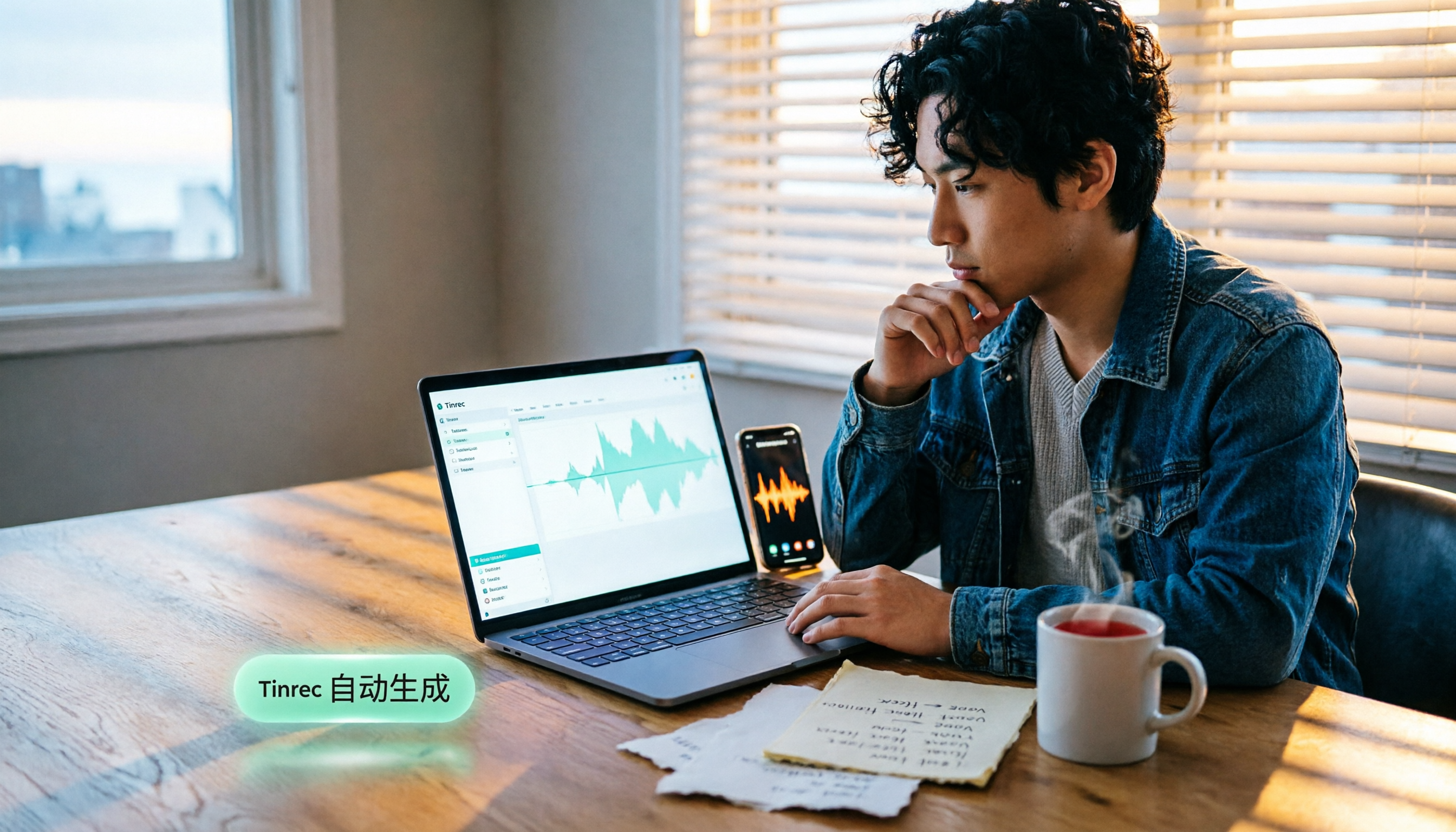
How to Add Text to iPhone Videos in 2026: 3 Quick Methods with Tinrec Auto-Subtitles
Want to add captions or subtitles to your iPhone videos? This tutorial covers 3 practical methods: using Tinrec to auto-generate subtitles and import into iMovie, using Clips for dynamic text, and iMovie's built-in caption feature. Follow along to speed up your video editing.

Best iPhone Video Converter Apps in 2026: 3 Tested, Free Shortcut Is Easiest
MOV videos from iPhone often won't play on Windows or when shared. We tested 3 ways to convert them to MP4—from the built-in Shortcuts app to professional desktop software—and compared speed, quality, and convenience to help you choose the right method.
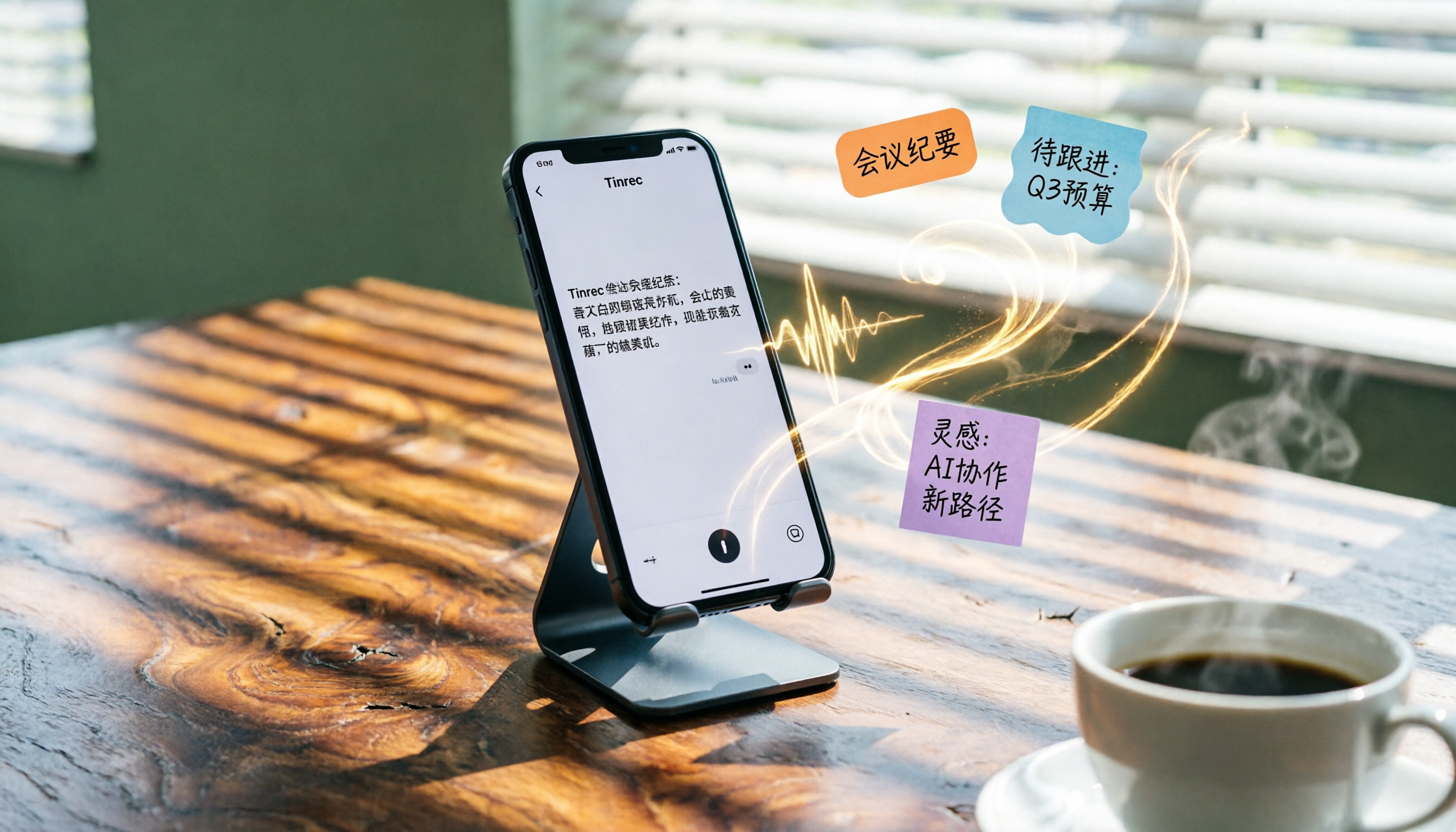
2026 iPhone Voice-to-Text Buyer's Guide: 2 Hands-On Tests and Recommendations
How to choose iPhone voice-to-text? The built-in Voice Memos app is free but limited; the third-party tool Tinrec turns recordings into a searchable, organized knowledge base. This hands-on comparison covers accuracy, organization, AI features, and cross-platform support to help you decide.

Best Meeting Recording App 2026: We Tested 4, and This One Is Most Accurate for Cantonese Transcription
Office workers in Central dread transcribing recordings after meetings. After testing multiple AI recording apps, we found Tinrec's instant transcription has the most practical Cantonese recognition and summary features. It supports meetings, classes, and YouTube video-to-text. The free version is enough for everyday use and helps you save overtime hours.

2 Video Real-Time Translation Tools Compared in 2026: More Than Translation, Understanding the Content
Choosing the right tool is crucial for real-time translation of foreign-language videos. This article compares Tinrec and Immersive Translate across input sources, organization capabilities, and Chinese support to help you decide which one suits you best.

iPhone Photo to Text: 3 Built-in Methods Tested in 2026 (Which Saves the Most Time?)
Learn how to quickly copy text from photos or images on iPhone. We tested three built-in features: Live Text, Scan Text in Notes, and Live Text in Camera — and share which one saves the most time in real-world scenarios.

2026 Voice-to-Text Tools Compared: 3 Tools Tested — It Does What Even ChatGPT Can't
A middle manager hands-on tests multiple voice-to-text tools, from ChatGPT voice input to professional AI recording transcription, and reveals which one can really save you an hour of meeting notes every day—while turning all your audio files into a searchable, organized knowledge base.

2026 Hands-On Comparison of 4 Audio-to-Text Tools: Tinrec Helps Students Save Time on Note-Taking
This article hands-on tests 4 computer audio-to-text tools from a student's perspective and recommends Tinrec, which offers sufficient free credits and AI-powered note-taking that saves time, helping you say goodbye to handwritten note hell.