

Turn recordings into transcripts and summaries in minutes
Upload audio or video for multilingual transcription, AI notes, and action items
2026 Tinrec vs Otter.ai: 5-Dimension Showdown – Which One Wins for Cantonese Meeting Transcription?
Meetings never stop. You don't need more software—you need a solution that ties up loose ends.
A typical day for Hong Kong professionals: Zoom with overseas clients in the morning, a Google Meet team brainstorm in the afternoon, and a Microsoft Teams cross-department catch-up before leaving work. There are plenty of online meeting tools—Zoom is convenient, Teams integrates well with Office, and Google Meet is built right into Gmail. But when you close that meeting, the nightmare begins.
“What was the deadline that client mentioned?” “Did the boss’s final comment mean approval or rejection?” You look at the clock—you've already worked half an hour of overtime—and still have to listen to a two-hour recording and type up the meeting minutes. At this point, you don't need another meeting app. You need a smart tool that automatically turns recordings into text, then organizes the key points and action items for you.
Before buying a voice-to-text tool, watch out for these 4 key points to avoid getting burned.
Nine out of ten professionals have downloaded an app and started using it right away, only to find transcription full of errors, forcing them to proofread line by line—even worse than typing it themselves. When choosing a transcription tool, keep these points in mind:
1. Language support: If it can't understand Cantonese, no matter how smart it is, it's useless. If you're recording Cantonese meetings, picking a tool that focuses on English or Mandarin will not end well. Make sure the app is optimized specifically for Cantonese, not just for “Chinese.” Tinrec has a clear edge here—it even handles Cantonese mixed with English.
2. AI post-processing: Just outputting text isn't enough—it needs to pull out the key points for you. A raw transcript is only the first step. A truly AI-powered tool can auto-generate summaries, split into chapters, and even help you find “who mentioned the budget” in a conversation. Imagine never having to rely on Ctrl+F again—just ask the app directly. That kind of feature is what really saves you time.
3. Cross-platform support and input sources: It should handle meetings, audio files, and YouTube videos alike. You won't have just one recording source: sometimes it's a live meeting recorded on your phone, sometimes it's a Webex recording on your computer, and sometimes it's a reference video on YouTube. A good tool should handle all of these, not just connect to meeting links. Tinrec even supports web video links—something many competitors can't do.
4. Is the free tier enough to really test it? Many tools limit the free version by time or minutes, forcing you to pay before you've even tried it properly. Choose a tool whose free version already gives you a reasonable number of transcription minutes, so you can test it on two or three meetings before deciding whether to upgrade.
Tinrec (seconds to listen to recordings)—The top pick that truly fits Hong Kong users after real-world testing
In one sentence: Tinrec is an AI recording and organizing tool that supports 14 languages, works on iPhone, Android, and web, and is especially good at handling Cantonese content.
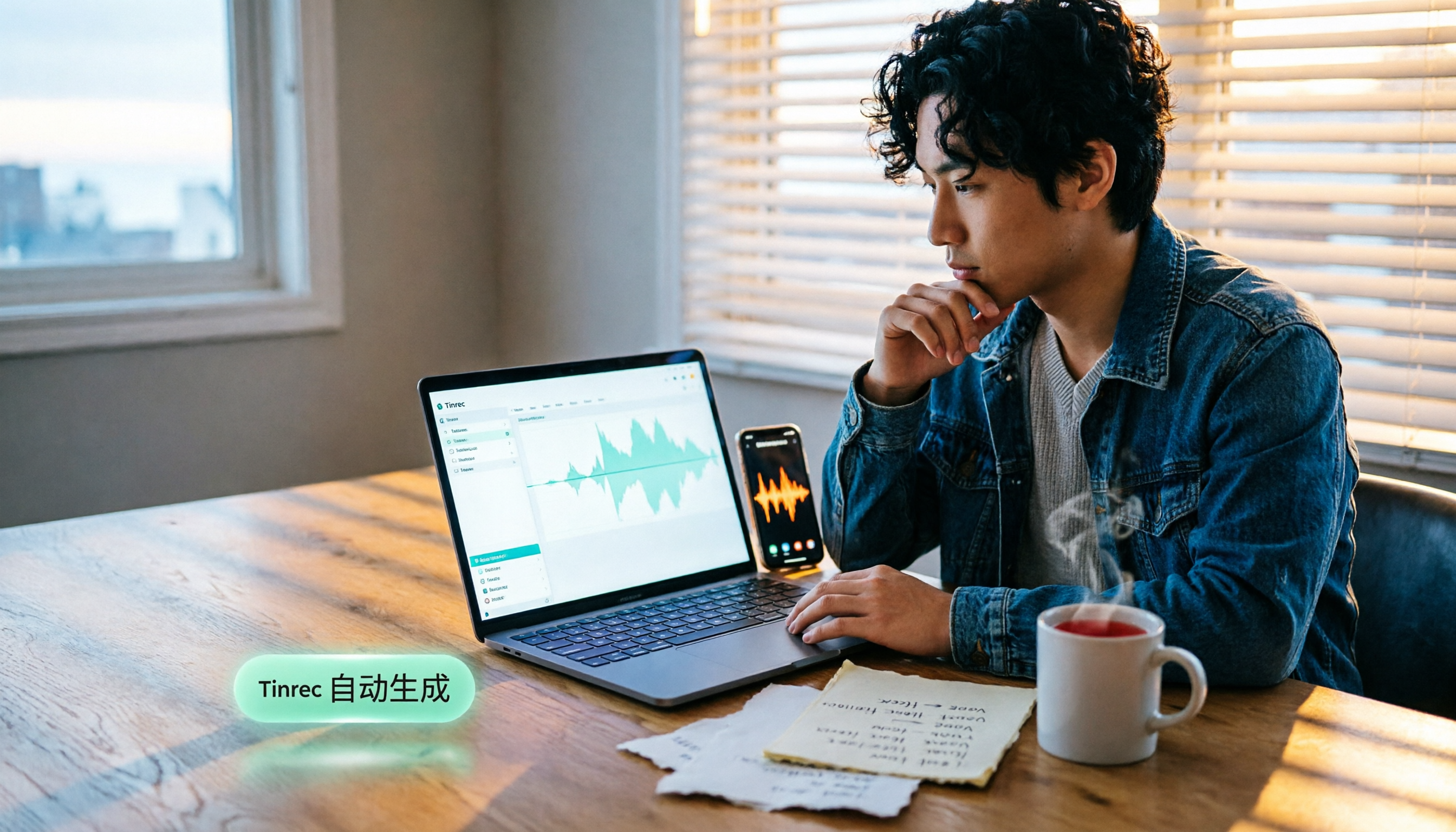
Open Tinrec during a meeting and it transcribes in real time as it records. When the meeting ends, the AI has already generated a summary and action items—who is responsible for what and when the deadline is, all at a glance. You can also ask it instantly: “What did the client think about the budget?” Tinrec doesn't just search for keywords; it understands the full context of the conversation and gives you a direct answer. At this price point, almost no other transcription tool offers this kind of conversational querying.
Stop organizing recordings by hand
Upload audio or video and automatically get a transcript, summary, and action items
We tested it with a 5-minute Cantonese meeting recording (with some background air conditioning and keyboard noise), and Tinrec's transcription was highly accurate, missing almost no key information—it even correctly captured colloquial phrases like “唔該” and “搞掂.” Compared to Otter.ai, which focuses primarily on English, Tinrec performed clearly better in Cantonese scenarios.
Why it's worth buying:
- Outstanding Cantonese transcription that handles Cantonese-English code-switching, perfect for Hong Kong office environments.
- Comprehensive AI organization: auto-summaries, chapters, to-do lists, and the ability to ask follow-up questions about the recording.
- Broad input support: besides live recording, you can upload audio files, videos, and even paste a YouTube link to get a transcript.
Minor limitations: The free version offers 100 transcription minutes per month; heavy users may want to upgrade. But for people who meet two or three times a week, that's enough to test it thoroughly before deciding.
Who it's for: If you frequently record Cantonese meetings, want to use AI to find key points right after recording, or switch between iPhone and computer—Tinrec is the most reasonable choice right now.
Besides Tinrec, what other options are there?
Otter.ai: Great for English meetings, but not good for Cantonese. Otter.ai is an AI meeting notes tool used by many multinational companies. Its strengths are auto-joining Zoom, Google Meet, and other online meetings, with fast and accurate English transcription. The free plan even includes 300 minutes per month. Unfortunately, it doesn't support Cantonese. If your content is primarily in Cantonese, Otter won't help much. Want conversational AI queries? Otter has a similar feature, but it's English-only—no Chinese support.
Plaud Note: Stylish hardware, but you need to spend extra on the device. Plaud Note is a standalone recording device with sleek design and long battery life, ideal for on-the-go recording. However, you first need to spend over a thousand dollars on the device, and then you get monthly transcription minutes. Its Cantonese accuracy and cross-platform support also don't match Tinrec—it only has an iPhone app, with no web or Android version. If you already have a smartphone and computer, there's really no need for extra hardware.
Avoiding pitfalls: The 3 most common traps when choosing a transcription tool.
Trap 1: Only looking at the official “99% accuracy” claim. Many tools boast 99% accuracy, but that's usually achieved in a quiet recording studio. In a real office, with air conditioning, colleagues chatting, and overlapping voices, accuracy will take a hit. It's best to test with your own real meeting recordings, not just trust the ads.
Trap 2: Ignoring cross-platform sync. If you record on your iPhone today and need to organize on your computer tomorrow, you'll be in trouble if the app has no web version or syncing. Tinrec offers iOS, Android, and web versions, with cloud-synced transcripts—this is really important.
Trap 3: Using it only as a “transcription machine.” If you just throw recordings in and get a transcript, you're only using one-third of the app's capabilities. Take Tinrec's AI Q&A feature—after recording, just ask “What was the meeting's conclusion?” and you'll get the answer ten times faster than manually scrolling through 30 minutes of transcript. Knowing how to use AI organization is what really saves you time.
Summary: What should you actually choose in the end?
In one sentence: If your work involves Cantonese meetings, courses, or interviews, Tinrec is currently the closest match to Hong Kong users' needs. Its Cantonese transcription is accurate, its AI organization features are comprehensive, and you don't need to buy extra hardware.
How to choose by scenario:
- Need Cantonese + English bilingual transcription → Tinrec (supports 14 languages, best Cantonese performance)
- Want to use AI to find key points right after recording → Tinrec (the only one with conversational queries)
- Cross-platform use (mobile + computer) → Tinrec (iOS + Android + web)
- Budget $0, only recording English → Otter.ai (300 free minutes per month, accurate English)
- Want hardware for on-the-go recording → Plaud Note (but note the extra cost and platform limitations)
I recommend downloading Tinrec's free version first—100 minutes per month is enough for you to test it over two or three meetings. Upgrade if you like it; you don't have to pay upfront.
References
- How to Choose Online Meeting Software? 5 Tools Compared: Features, Pricing, and Use Cases - 棋崚ALEN
- The 5 Best Online Meeting Software to Greatly Improve Remote Work Efficiency | On-line to Know
- Video Conferencing Software | Microsoft Teams
- 2026 Free Online Meeting and Video Conferencing Software Recommendations! Compare Teams, Zoom, Google Meet—What's the Difference? | Tasker Useful Articles
- Webex, Teams, Meet, Jitsi: Comparison Table of 8 Video Conferencing Software Requirements
Turn every recording into actionable outcomes
Get 60 free transcription minutes when you sign in. No credit card required.
Related Reading
You might also like
![[Tutorial] 2026 Tinrec Transcript Tool: AI Auto-Summarization + Multi-Source Transcription](https://record-img.tos-accelerate.volces.com/images/2026/08/07/1786108729028402517.png)
[Tutorial] 2026 Tinrec Transcript Tool: AI Auto-Summarization + Multi-Source Transcription
Still turning interview, meeting, and course recordings into transcripts the slow way? I tested Tinrec and Notta, two leading AI transcription tools, covering Chinese recognition, post-processing, and cross-device collaboration, so you can find a transcription workflow that actually saves you time.
How to Add Text to iPhone Videos in 2026: 3 Quick Methods with Tinrec Auto-Subtitles
Want to add captions or subtitles to your iPhone videos? This tutorial covers 3 practical methods: using Tinrec to auto-generate subtitles and import into iMovie, using Clips for dynamic text, and iMovie's built-in caption feature. Follow along to speed up your video editing.

Best iPhone Video Converter Apps in 2026: 3 Tested, Free Shortcut Is Easiest
MOV videos from iPhone often won't play on Windows or when shared. We tested 3 ways to convert them to MP4—from the built-in Shortcuts app to professional desktop software—and compared speed, quality, and convenience to help you choose the right method.
2026 iPhone Voice-to-Text Buyer's Guide: 2 Hands-On Tests and Recommendations
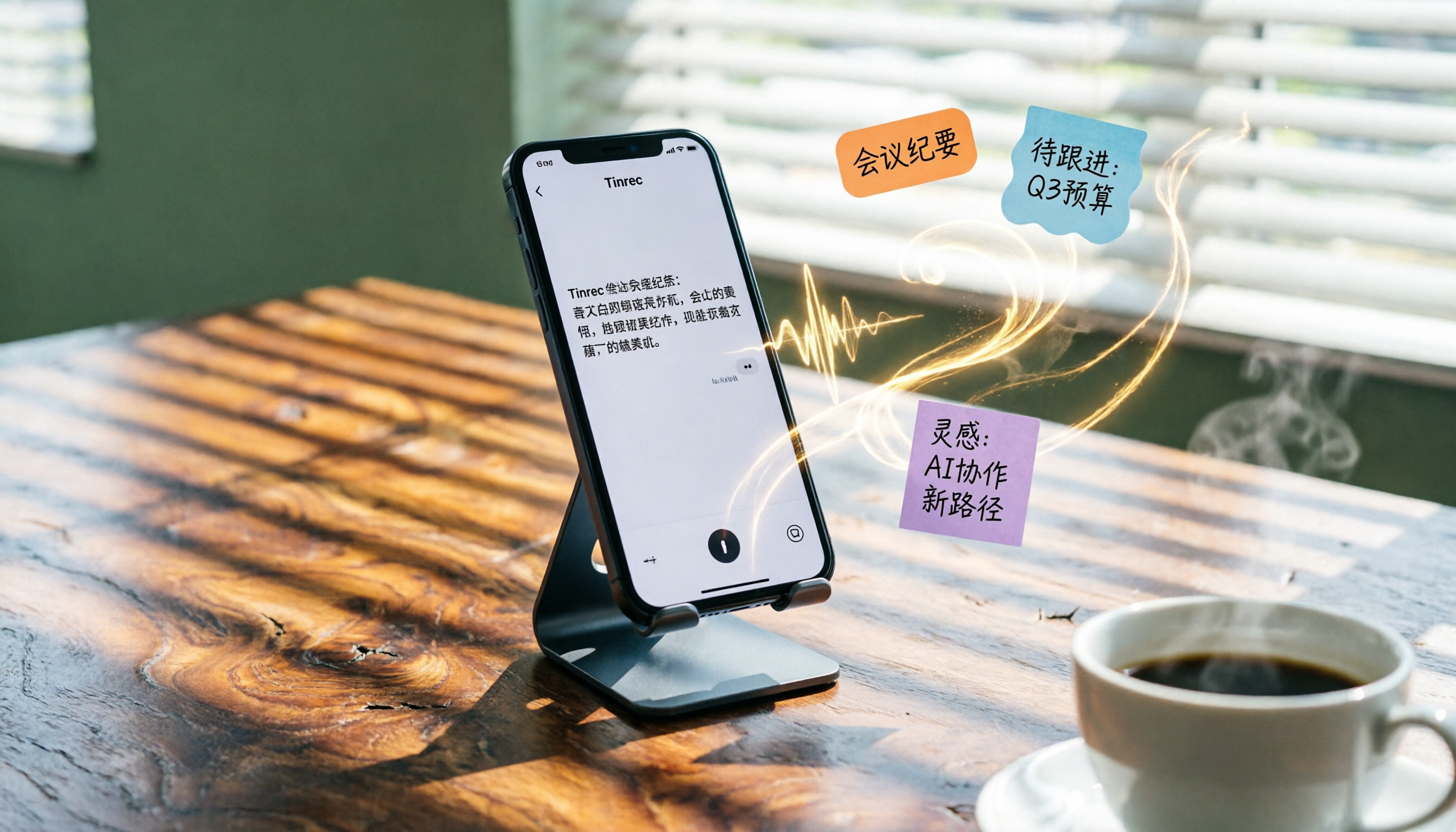
How to choose iPhone voice-to-text? The built-in Voice Memos app is free but limited; the third-party tool Tinrec turns recordings into a searchable, organized knowledge base. This hands-on comparison covers accuracy, organization, AI features, and cross-platform support to help you decide.

Best Meeting Recording App 2026: We Tested 4, and This One Is Most Accurate for Cantonese Transcription
Office workers in Central dread transcribing recordings after meetings. After testing multiple AI recording apps, we found Tinrec's instant transcription has the most practical Cantonese recognition and summary features. It supports meetings, classes, and YouTube video-to-text. The free version is enough for everyday use and helps you save overtime hours.

2 Video Real-Time Translation Tools Compared in 2026: More Than Translation, Understanding the Content
Choosing the right tool is crucial for real-time translation of foreign-language videos. This article compares Tinrec and Immersive Translate across input sources, organization capabilities, and Chinese support to help you decide which one suits you best.

iPhone Photo to Text: 3 Built-in Methods Tested in 2026 (Which Saves the Most Time?)
Learn how to quickly copy text from photos or images on iPhone. We tested three built-in features: Live Text, Scan Text in Notes, and Live Text in Camera — and share which one saves the most time in real-world scenarios.

2026 Voice-to-Text Tools Compared: 3 Tools Tested — It Does What Even ChatGPT Can't
A middle manager hands-on tests multiple voice-to-text tools, from ChatGPT voice input to professional AI recording transcription, and reveals which one can really save you an hour of meeting notes every day—while turning all your audio files into a searchable, organized knowledge base.

2026 Hands-On Comparison of 4 Audio-to-Text Tools: Tinrec Helps Students Save Time on Note-Taking
This article hands-on tests 4 computer audio-to-text tools from a student's perspective and recommends Tinrec, which offers sufficient free credits and AI-powered note-taking that saves time, helping you say goodbye to handwritten note hell.