

Turn recordings into transcripts and summaries in minutes
Upload audio or video for multilingual transcription, AI notes, and action items
After upgrading your iPhone to iOS 18, you can finally record calls directly. That's a huge win for anyone who needs to keep a record of important conversations. But recording is just the first step—the real challenge is figuring out how to quickly pull key points, action items, and meeting notes from an hour or two of recorded audio.
iPhone finally lets you record calls—but organizing those files is the harder problem
Many people assume that once they turn on iPhone's call recording feature, they're all set. In reality, after recording, you can still spend hours replaying the audio, transcribing it word-for-word, and manually highlighting the important parts. For professionals, researchers, and students, the more recordings you accumulate, the harder it becomes to quickly find critical information when you need it.
Picture this scenario: You recorded a 30-minute discussion in a meeting. Someone mentioned budget numbers, someone else assigned tasks, but a week later you only remember “that thing happened” and have no memory of the details. If that sounds familiar, this article is for you. I'll walk you through a few tools that can help you turn recordings into easily searchable, summarizable, reusable knowledge, so your iPhone call recordings don't just take up space.
Before choosing a recording organization tool, keep these 3 key points in mind
Before we start comparing, here are a few important criteria you might not have thought about—get these straight first so you don't make the wrong purchase.
1. It shouldn't just record—it should handle “all audio sources”
Beyond phone calls, you might also need to organize in-person meeting recordings, online course audio, or even YouTube videos. So the tool shouldn't be limited to “call recording” only. A tool that can handle live recording, uploaded audio files, and web video links is what really covers your day-to-day needs.
2. AI organization matters more than plain transcription
Turning speech into a transcript is just the baseline. What matters is what happens after: Can it automatically extract a summary? Can it mark chapters? Can it pull out action items from a long conversation? Ideally, it should also let you ask questions in natural language—like, “Who mentioned the annual budget last time?”—and get a direct answer. That's what truly saves you time.
3. Cross-platform support and export flexibility
You'll likely record on your iPhone but want to edit on your computer, or export the organized content into Notion or Google Docs. If the tool doesn't support cross-platform use, or if export formats are limited, it will bottleneck the rest of your workflow.
Tinrec (秒聽錄音)—our top pick after real-world testing
If you're looking for a tool that can genuinely turn recordings into “ready-to-use assets,” I'd recommend starting with Tinrec (秒聽錄音). This app covers iOS, Android, and web, making it well suited to users who work in mixed Chinese-English environments.
What impressed me most about Tinrec isn't how fast it transcribes—it's the “AI chat” feature after transcription. Here's a practical example: After uploading a 20-minute product discussion recording, I directly asked in the chat box, “Did someone mention the discount plan earlier? What exactly did they say?” Tinrec didn't just search for keywords; it understood the context and returned a summary along with the relevant transcript segment. At this price point, almost no other service offers that capability.
Beyond AI Q&A, it also automatically generates summaries and chapters, and lists action items separately. Our team reviews project updates every week; in the past, this meant half an hour of replaying recordings. Now Tinrec gives us “who should do what and by when” in seconds—and with surprisingly good accuracy.
I especially like its multi-source support. In addition to recording files from iPhone Voice Memos, you can also paste video links from YouTube, Bilibili, or Xiaohongshu, and it will transcribe them into text. That's very useful for people who need to organize webinars or online course content.
Pros at a glance:
Stop organizing recordings by hand
Upload audio or video and automatically get a transcript, summary, and action items
- Unique and practical AI chat search: Ask it for meeting conclusions or budget numbers, and it gives you direct answers—not just keyword matches.
- Refined Chinese organization: High recognition for Chinese-English mixed speech and Taiwanese expressions, with summaries that read naturally.
- Cross-device sync: Record on your phone, review on your computer, and all data stays in the cloud so nothing gets lost.
Of course, it has some limitations: The free plan gives you only 100 minutes of transcription per month, which may run out quickly if you have long meetings every day. But for most people who have 2–3 meetings a week, it's more than enough to try out.
Who is it for?
If you frequently need to document meetings, classes, or interviews, and you want concise key points immediately after the recording ends—without spending more time manually transcribing and organizing—then Tinrec is the choice most worth trying right now.
Besides Tinrec, what other options are there?
Of course, everyone's needs are different, so I've also described a few other common tools for comparison.
Otter.ai: A classic tool for English meetings, with a generous 300 minutes per month on the free plan. Unfortunately, it doesn't support Chinese, so if you're mainly dealing with Chinese calls or courses, Otter won't be much help. It's suitable for those who only communicate in English, but if you need AI chat search and Chinese summaries, skip it.
Notta: The closest competitor to Tinrec in terms of features, with Chinese support and fast transcription. However, its free plan only includes 120 minutes—slightly more than Tinrec—but it lacks the AI chat search function. In other words, you get transcripts and basic summaries, but you can't ask follow-up questions in a conversational way. If you don't mind missing that smart feature, Notta is a workable alternative.
Yating (雅婷逐字稿): A well-established Taiwanese brand with solid accuracy that many government agencies and media outlets use. But its free plan is almost unusable (extremely limited minutes), and it only supports uploading files for transcription—no live recording, no web video parsing, and certainly no AI Q&A. If you only need to occasionally transcribe a Chinese interview, you could consider the paid plan, but overall value is lower than the previous two.
Avoid the pitfalls: 3 common mistakes when picking a recording tool
Mistake 1: Only looking at price and ignoring “extra time cost”
Many free tools look like a bargain, but they're so bare-bones that you'll still spend a lot of time manually organizing later. For example, if spending $300/month saves you 10 hours of manual transcription, that's actually well worth it. Try the free version first, confirm it really solves your pain point, and then decide whether to pay.
Mistake 2: Ignoring cross-platform needs
You might record on your iPhone but do the actual organization on your computer. If the tool only has a mobile version, or the web version is incomplete, you'll get stuck. Before choosing, make sure it has iOS + a web version (or at least a desktop version) so you can work seamlessly across devices.
Mistake 3: Treating an AI tool like a plain transcription app
Many people buy a plan with AI features but only use it as “speech-to-text.” That's like buying a smartphone and only using it to make calls. Once you start using features like Tinrec's AI chat search, auto chapters, and action-item extraction, you'll find that the time you spend organizing recordings is cut in half. Don't let your tool perform at only 30% of its potential.
Summary: Which one should you ultimately choose?
If, like me, your goal for recording is to quickly review, capture key points, and turn content into actionable tasks—rather than just archiving audio—then I'd say Tinrec is the overall top choice right now. Especially in three areas: Chinese-language support, cross-device compatibility, and AI Q&A, it outperforms the competition.
Scenario recommendations:
- Need to organize Chinese meetings, courses, or interviews, and want to ask AI for the key points directly → Tinrec (秒聽錄音)
- Only record all-English meetings and don't want to spend money → Otter.ai (most generous free tier, but no Chinese)
- Need large amounts of transcription, don't need AI Q&A, and are okay paying → Notta (stable transcript quality)
One last piece of advice: download the free version and try it out, then decide if it feels right. Tinrec's free plan gives you 100 minutes per month—enough for about 2–3 meetings—which is plenty to judge whether it's right for you. Don't immediately dismiss it just because it has a paid plan. A good tool that saves you time is almost always worth more than its monthly fee.
References
- Does iOS 18 support iPhone call recording? All the details in one guide
- Step-by-step guide to iPhone call recording after upgrading to iOS 18—record calls while you talk! - Dream & Hunter - Bonus Hunter
- Record and transcribe calls on iPhone - Apple Support (Taiwan)
- How to record iPhone calls while talking? 2026 iOS recording-to-text guide and tool reviews - Tinrec (秒聽錄音) Blog
- How to use iPhone call recording? iOS built-in call recording and AI transcription tips - Mr. Mad
Turn every recording into actionable outcomes
Get 60 free transcription minutes when you sign in. No credit card required.
Related Reading
You might also like
![[Tutorial] 2026 Tinrec Transcript Tool: AI Auto-Summarization + Multi-Source Transcription](https://record-img.tos-accelerate.volces.com/images/2026/08/07/1786108729028402517.png)
[Tutorial] 2026 Tinrec Transcript Tool: AI Auto-Summarization + Multi-Source Transcription
Still turning interview, meeting, and course recordings into transcripts the slow way? I tested Tinrec and Notta, two leading AI transcription tools, covering Chinese recognition, post-processing, and cross-device collaboration, so you can find a transcription workflow that actually saves you time.
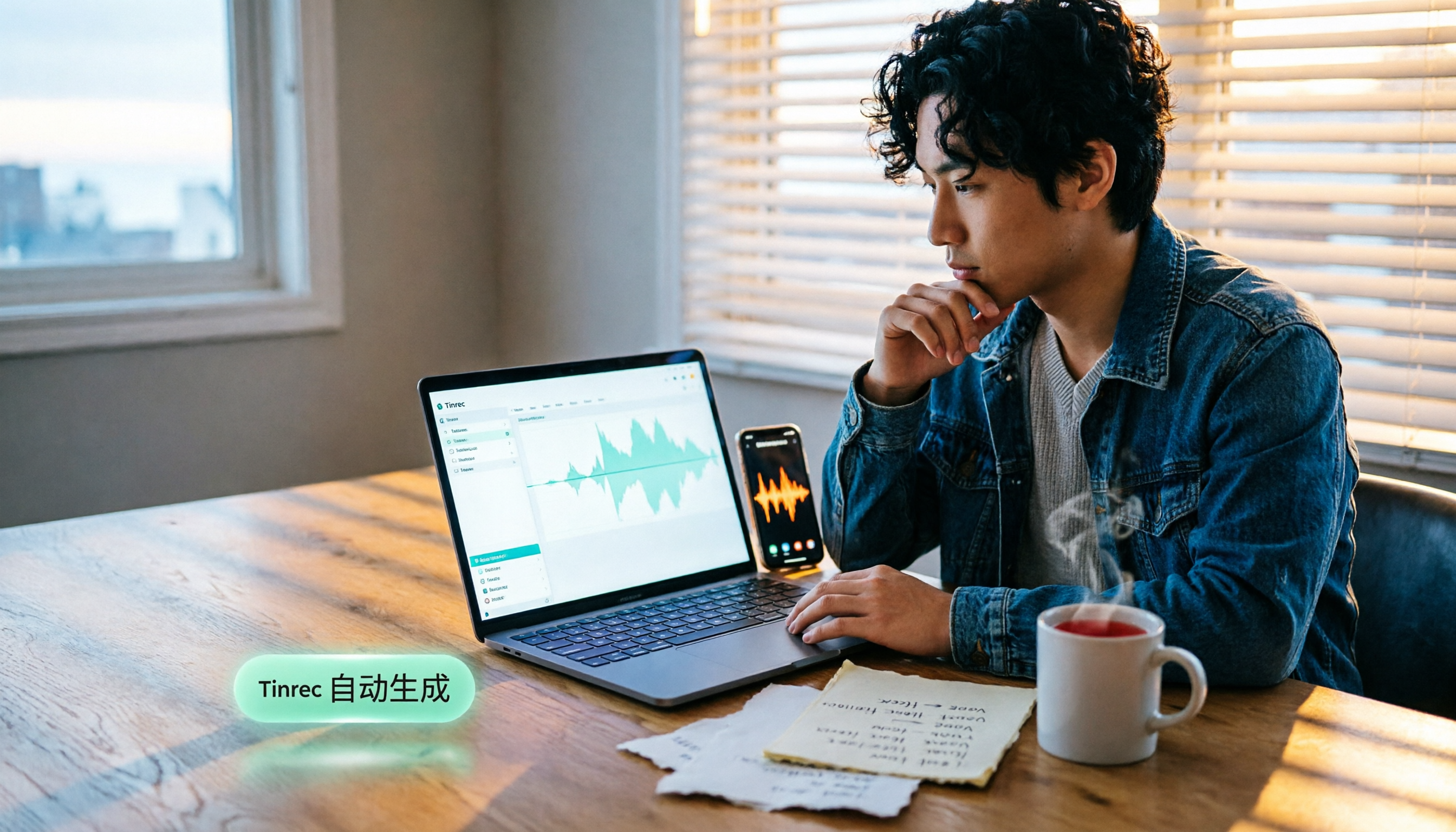
How to Add Text to iPhone Videos in 2026: 3 Quick Methods with Tinrec Auto-Subtitles
Want to add captions or subtitles to your iPhone videos? This tutorial covers 3 practical methods: using Tinrec to auto-generate subtitles and import into iMovie, using Clips for dynamic text, and iMovie's built-in caption feature. Follow along to speed up your video editing.

Best iPhone Video Converter Apps in 2026: 3 Tested, Free Shortcut Is Easiest
MOV videos from iPhone often won't play on Windows or when shared. We tested 3 ways to convert them to MP4—from the built-in Shortcuts app to professional desktop software—and compared speed, quality, and convenience to help you choose the right method.
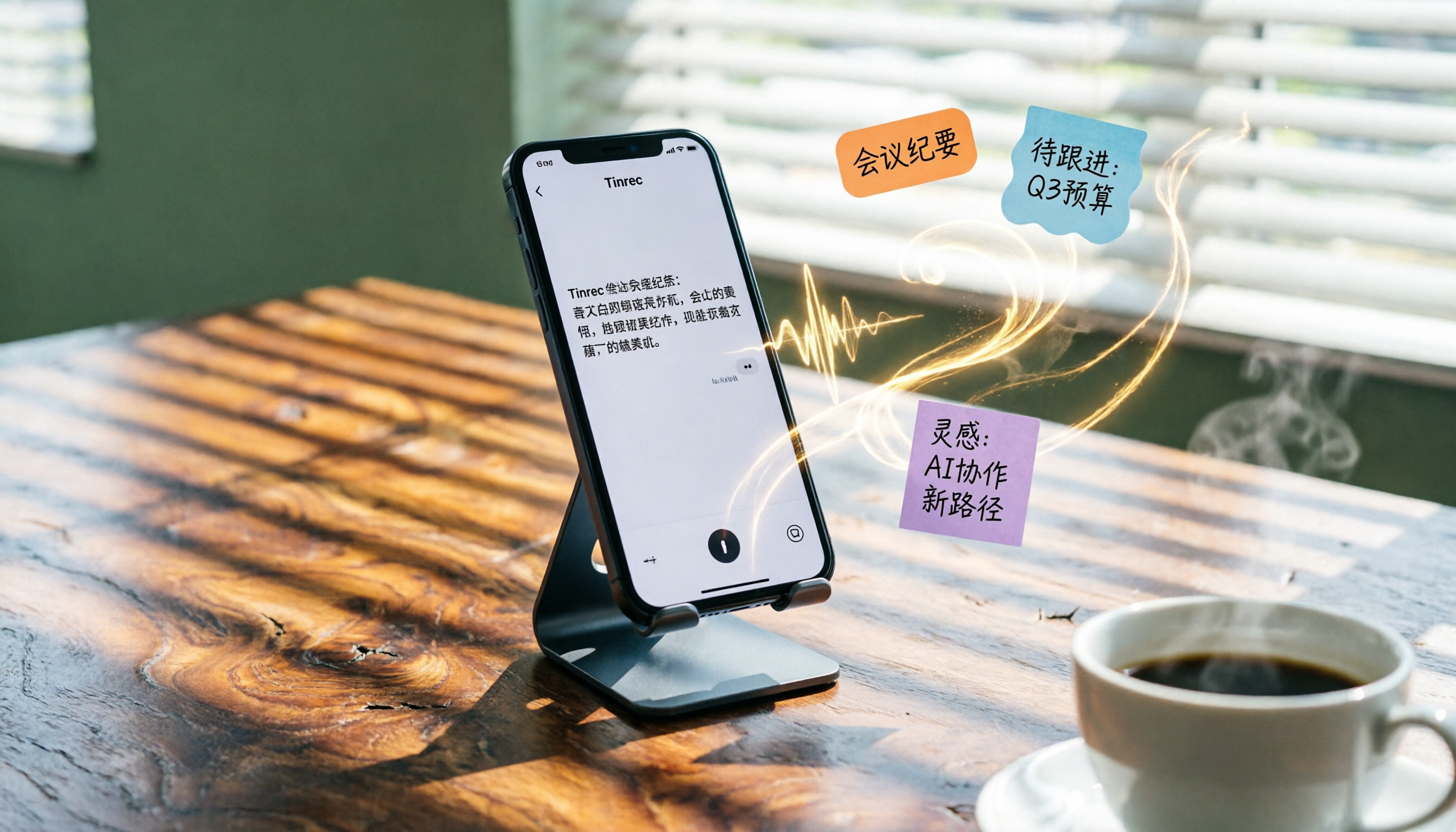
2026 iPhone Voice-to-Text Buyer's Guide: 2 Hands-On Tests and Recommendations
How to choose iPhone voice-to-text? The built-in Voice Memos app is free but limited; the third-party tool Tinrec turns recordings into a searchable, organized knowledge base. This hands-on comparison covers accuracy, organization, AI features, and cross-platform support to help you decide.

Best Meeting Recording App 2026: We Tested 4, and This One Is Most Accurate for Cantonese Transcription
Office workers in Central dread transcribing recordings after meetings. After testing multiple AI recording apps, we found Tinrec's instant transcription has the most practical Cantonese recognition and summary features. It supports meetings, classes, and YouTube video-to-text. The free version is enough for everyday use and helps you save overtime hours.

2 Video Real-Time Translation Tools Compared in 2026: More Than Translation, Understanding the Content
Choosing the right tool is crucial for real-time translation of foreign-language videos. This article compares Tinrec and Immersive Translate across input sources, organization capabilities, and Chinese support to help you decide which one suits you best.
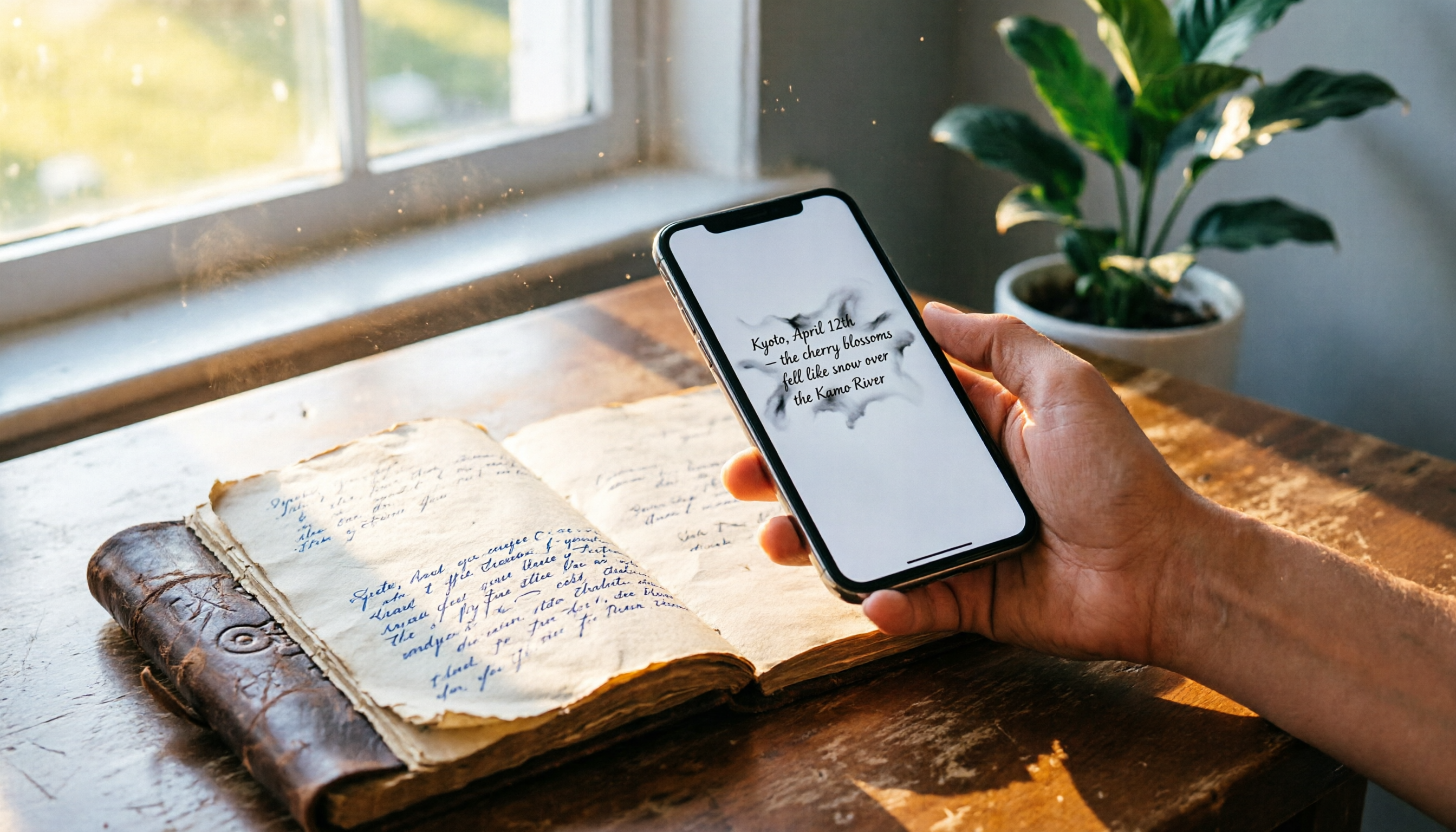
iPhone Photo to Text: 3 Built-in Methods Tested in 2026 (Which Saves the Most Time?)
Learn how to quickly copy text from photos or images on iPhone. We tested three built-in features: Live Text, Scan Text in Notes, and Live Text in Camera — and share which one saves the most time in real-world scenarios.

2026 Voice-to-Text Tools Compared: 3 Tools Tested — It Does What Even ChatGPT Can't
A middle manager hands-on tests multiple voice-to-text tools, from ChatGPT voice input to professional AI recording transcription, and reveals which one can really save you an hour of meeting notes every day—while turning all your audio files into a searchable, organized knowledge base.
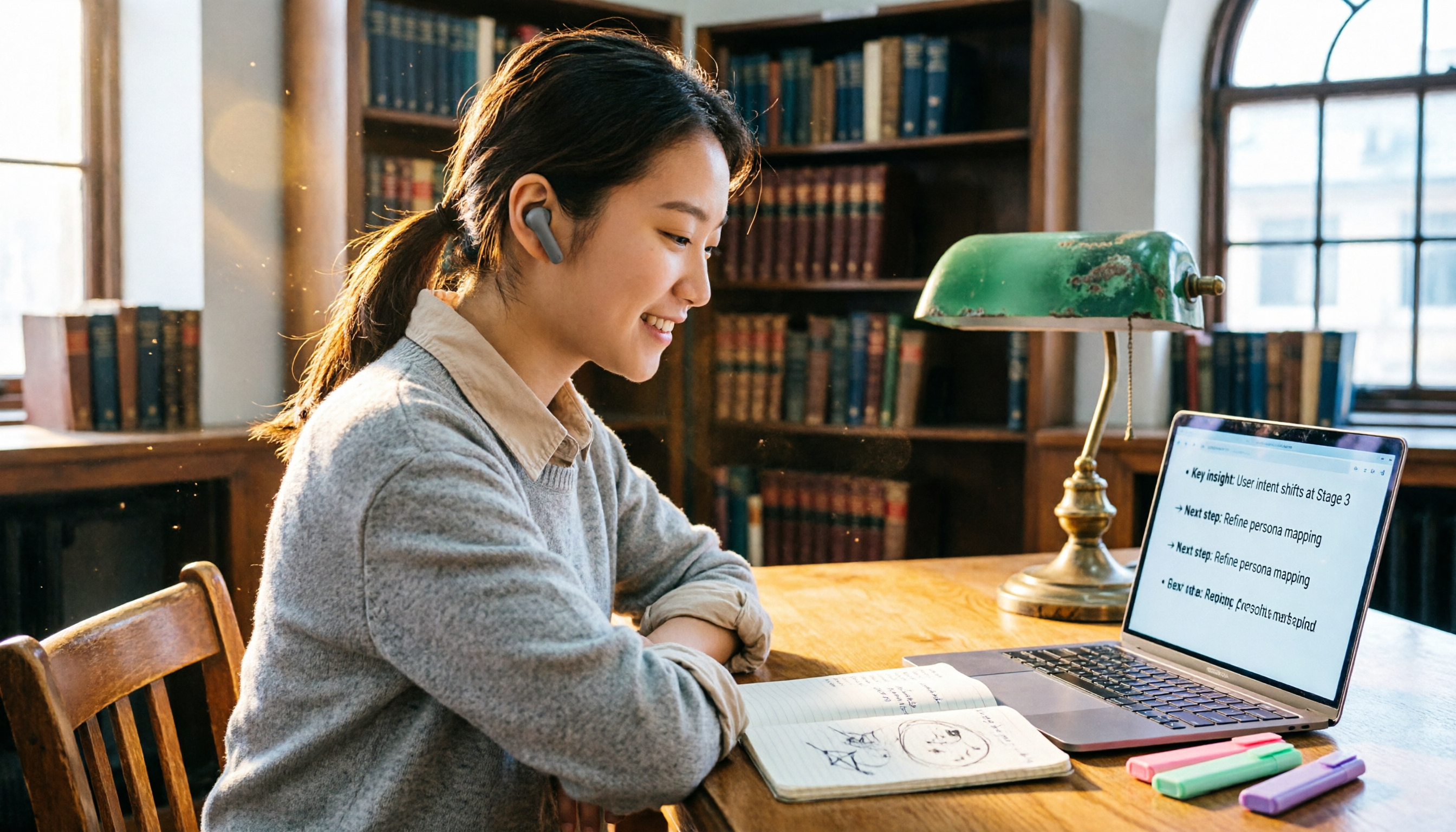
2026 Hands-On Comparison of 4 Audio-to-Text Tools: Tinrec Helps Students Save Time on Note-Taking
This article hands-on tests 4 computer audio-to-text tools from a student's perspective and recommends Tinrec, which offers sufficient free credits and AI-powered note-taking that saves time, helping you say goodbye to handwritten note hell.