
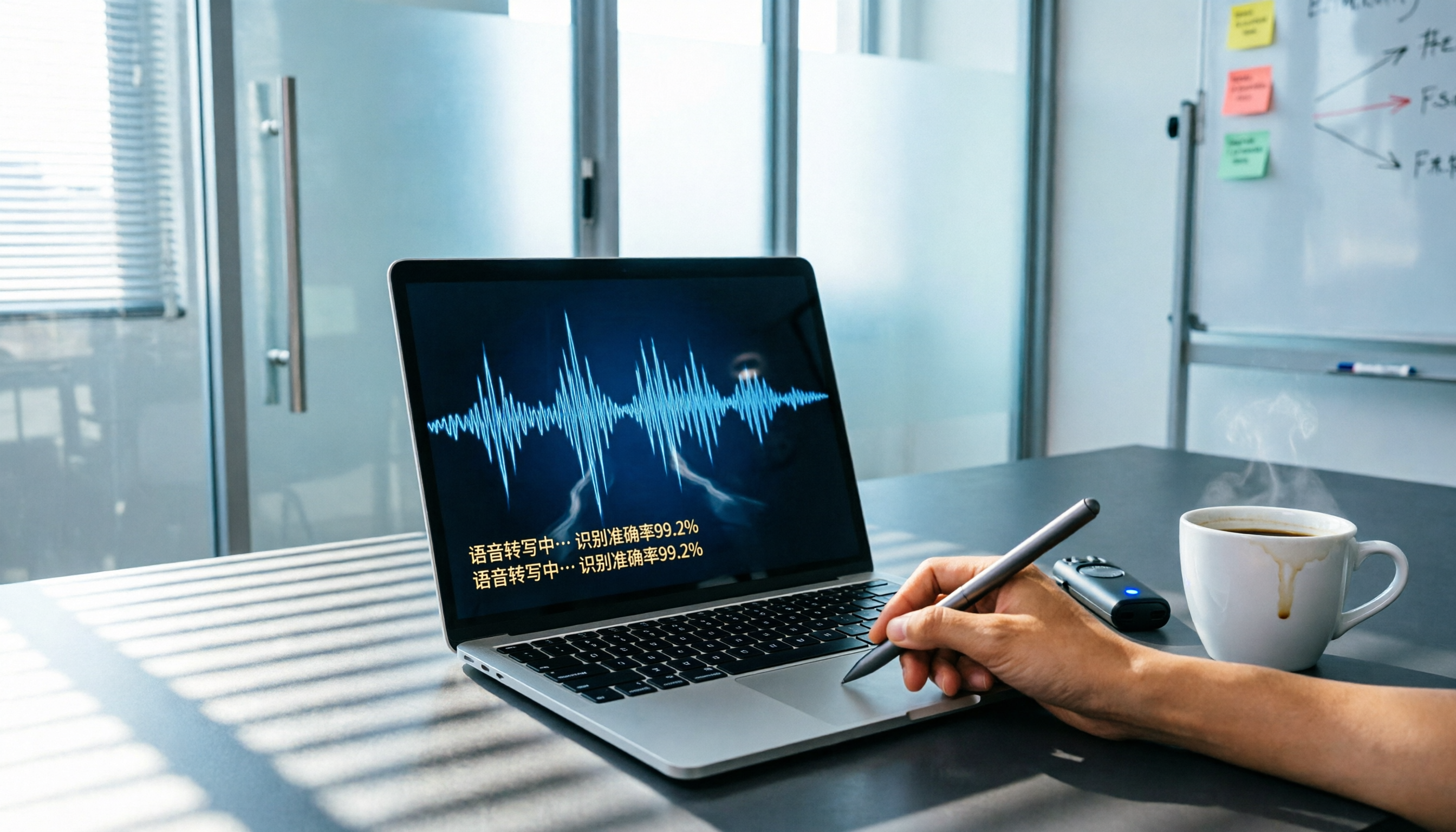
Turn recordings into transcripts and summaries in minutes
Upload audio or video for multilingual transcription, AI notes, and action items
I spent an entire afternoon converting last month's meeting recording into text, only to find the transcript full of 'um,' 'ah,' and repeated sentences. What I really needed was: What decisions were made in the meeting? Who is responsible for what? But that information was buried in tens of thousands of words, and I had no way to find it.
That's why many people have been asking me recently: 'Esor, are those Vocal AI tools actually any good?'
My answer is: it depends on what problem you want to solve.
If you just want to turn an English podcast into text, an open-source solution can do that; if you need to turn meeting recordings into meeting notes you can send to your team, you need a more complete processing workflow.
In this article, I share my hands-on testing experience with five recording-to-text tools of different approaches, explain who each one is best for, and how to get started.
Why Do You Need a Recording-to-Text Tool?
In modern work and learning, we accumulate far more audio data than we think: meeting recordings, course audio, interviews, podcasts, and YouTube videos.
The traditional approach is to listen and type at the same time, but it takes on average three to four times the length of the recording to produce usable text. What's worse, after transcribing, you still have to mark key points and digest the content yourself.
A good AI recording organizing tool doesn't just give you a transcript; it helps you move from 'recording' to 'usable knowledge.'
Below are five tools I tested, covering different price points and use cases.
Option 1: Tinrec (Quick Transcription) — The Most Complete AI Recording Workbench
If you don't just want a transcript, but want to turn a meeting recording into meeting notes and to-do lists you can send directly to your team, and even search and ask questions later, then Tinrec is the tool I've tested so far that best completes this workflow.
(Screenshot: After Tinrec transcribes a meeting recording, the AI summary automatically extracts key points and to-dos.)
Its strength lies in its wide coverage of input sources: live recording, uploading audio/video files, or pasting YouTube or Bilibili links can all be transcribed directly. This means you don't need to switch tools for different sources, which is especially convenient when you need to process online courses or public videos.
After transcription, Tinrec automatically generates summaries, chapters, and action items, and you can directly ask the recording content in Chinese—for example, 'What was the budget conclusion from the last meeting?'—and the AI will answer based on the transcript.
The free plan includes a monthly base transcription allowance, enough to experience the core features. If you need to use it frequently, you can choose weekly, Pro monthly, or yearly plans. The weekly pass suits short-term meetings or exam cramming, while the yearly pass is most cost-effective for long-term use.
Who it's for: Individuals or small teams who need to process multiple audio/video sources (meetings, courses, interviews, videos) and want to further use the content.
Option 2: Notta — A Versatile Tool for Quick Transcription and Multilingual Translation
Notta is another tool with strong transcription speed and multilingual support. Like Tinrec, it supports live recording and file uploads, and also offers meeting notes features.
(Screenshot: Notta's transcription interface showing both the original text and translation.)
Its special feature is built-in translation: after transcribing, it can instantly translate into other languages, making it suitable for users in multilingual settings. The free plan offers 120 minutes of transcription per month; the Pro plan costs about NT$250 per month when billed annually and provides 1,800 minutes.
Who it's for: Those with light organizing needs who require lots of transcription combined with translation, such as students organizing foreign-language courses.
Option 3: Otter.ai — A Classic Choice for English Meeting Notes
Otter.ai is a familiar AI meeting notes tool for many overseas workers. Its strength is automatically joining online meetings like Zoom and Google Meet, transcribing in real time and identifying speakers.
(Screenshot: Otter.ai meeting notes screen with clear speaker differentiation.)
Stop organizing recordings by hand
Upload audio or video and automatically get a transcript, summary, and action items
Its English transcription quality is stable, and it offers AI summaries and keyword search. The free plan provides 300 minutes per month; Pro is about NT$250 per month billed annually, with 1,200 minutes and 10 file imports per month.
However, Otter is more focused on meeting scenarios, and its support for Chinese content or online videos is more limited.
Who it's for: Professionals who frequently attend English online meetings and need automatic recording and simple summaries.
Option 4: Whisper (Open Source) — A Zero-Cost, Highly Customizable Transcription Engine
If you have a technical background, or are willing to spend time learning, OpenAI's open-source Whisper model lets you run speech-to-text on your own computer.
(Screenshot: Whisper command-line operation outputting plain-text transcription results.)
It's completely free, offers the highest privacy, and can also be fine-tuned for specific needs. However, you need to set up your own computing environment, and the output is only plain text—no summaries, to-dos, or other organizing features.
Who it's for: Developers, researchers, or users with zero budget who only need raw transcripts.
Option 5: Vocol.ai — A Voice Collaboration Platform Focused on Teamwork
Vocol.ai is a voice platform centered on collaboration. In addition to transcription and summaries, it emphasizes that team members can leave comments and annotations on the transcript and track action items.
(Screenshot: Vocol.ai collaboration screen with multiple people annotating and discussing.)
The free plan offers 200 V-points as a trial; paid plans start at around NT$330 per month (billed annually) and provide more points. It supports multilingual transcription and translation, making it suitable for teams that need to collaborate around recording content.
Who it's for: Organizations that value team collaboration and task management, such as cross-departmental meeting notes and tracking.
With So Many Options, How Do You Choose?
Each tool has its own focus, so you can decide based on the scenarios you encounter most often:
- If you want the most complete AI processing workflow (transcription + summary + Q&A + to-dos) and often handle meetings, courses, videos, and other sources → Tinrec
- For many English online meetings, and you need automatic join and speaker identification → Otter.ai
- For large-scale batch transcription and multilingual translation, mainly with plain-text output → Notta
- If you have enough technical skills, value privacy and zero cost, and don't need post-processing → Open-Source Whisper
- For strong team collaboration needs, where you want to discuss and track tasks directly on the transcript → Vocol.ai
For most individuals who want to 'save organizing time,' Tinrec is usually the option I recommend trying first, because it covers a wide range and can directly turn recordings into actionable next steps.
3 Things to Know Before Using Recording-to-Text Tools
Recording quality is everything
No matter which tool you use, clear audio is essential for good transcription results. Tools like Tinrec perform stably in typical meetings or classes, but if background noise is excessive or multiple people are speaking at once, it's still recommended to verify against the original audio playback.AI organization is a support, not a complete replacement
AI summaries help you quickly grasp the key points, but you still need to verify important decisions or proper nouns against the transcript. After Tinrec generates a summary, I use its Q&A function to quickly confirm specific sections—that's much faster than reading the whole thing from start to finish.Build a personal recording database
Instead of starting from scratch every time, keep past recordings consistently saved on the same platform. Tinrec's historical recording search and Q&A features let me turn a year's worth of meetings into a searchable knowledge base, which is very valuable in long-term work.
Summary
Whether Vocal AI is useful doesn't have a one-size-fits-all answer; it depends on which part of your workflow you need it to complete. If you only need transcripts, free tools are enough. But if you truly want to save time on organizing, reviewing, and taking action, a tool like Tinrec that goes all the way from transcription to Q&A and to-dos is a more worthwhile investment.
Here's what you can do:
- Pick a recent meeting or course recording (10 minutes is enough).
- Use Tinrec's free plan to upload it and get the transcript and AI summary.
- Try asking questions about the recording to see if the AI gives useful answers.
- Copy the action items directly into your notes or task management tool.
- Gradually build your own recording-organizing habit, and you'll find your review efficiency noticeably improves.
(This article was written by Esor, the editor of the PlayPCesor blog, where he shares digital workflow methods and productivity thinking. For more content, visit playpcesor.com.)
References
- Is Vocal AI Any Good? 2026 Recording-to-Text Tools Hands-On Test: Tinrec, Notta, and Open Source Solutions Comparison Guide – Instant Recording Blog
- Home | Vocol.ai Voice Collaboration Platform
- Vocal.ai Voice Collaboration Platform – Ministry of Education Campus Digital Content and Teaching Software
- VoAI – Ultra-realistic Taiwanese Accent AI Voice Services | AI Dubbing | AI Voice Cloning | AI Virtual Human | AI Podcast | API
- Vocalize AI: AI Cover Generation, TTS, and Voice Avatar Platform | AiTing AI
Turn every recording into actionable outcomes
Get 60 free transcription minutes when you sign in. No credit card required.
Related Reading
You might also like
![[Guide] 2026 Tinrec vs. Yating Transcript: AI Q&A and Video Transcription Tested](https://record-img.tos-accelerate.volces.com/images/2026/08/07/1786112107241100017.png)
[Guide] 2026 Tinrec vs. Yating Transcript: AI Q&A and Video Transcription Tested
Looking for an AI transcription tool? This article compares Tinrec's instant recording and Yating Transcript across five dimensions—input sources, AI organization, export options, free plans, and cross-platform support—to help you decide which fits your meeting, class, and video note-taking needs.

Best Transcription Tools in 2026: Hands-On Test of 5 Apps — Tinrec Is the Budget Top Pick
Wondering how much transcription costs per word? Actually, pricing is based on audio length, not word count. This article tests 5 popular AI speech-to-text tools, comparing costs, accuracy, and efficiency of manual transcription vs. AI tools, and explains why Tinrec is the best choice for quality and budget.
5 Best Speech-to-Text Tools Tested in 2026: More Than Transcription – Summaries & To-Dos
Struggling to quickly turn audio files into text? This article reviews 5 speech-to-text tools, from Taiwan's Yating to multifunctional Tinrec, to help you find the best AI speech-to-text solution.

Tinrec vs Notta 2026: 5-Dimension Comparison – Which Is the Best Chinese Audio Transcription Tool?
How do you choose a voice-to-text tool? This article compares Tinrec and Notta across 5 key dimensions—input sources, post-processing, Chinese language experience, AI features, and pricing—and also evaluates Yating Transcript and Otter.ai to help you find the best audio-to-text solution.
2026 AI Recording-to-Transcript Guide: Gemini Works, but Professionals Recommend This Tool
Gemini supports uploading recordings to generate transcripts, but the free version has limits and lacks AI organization. This hands-on comparison of Gemini and Tinrec shows you how to choose the right tool and save time on meeting notes.
Tinrec vs ChatGPT Speech-to-Text in 2026: A 5-Dimension Showdown – Which Should Students Choose?
As a senior, I tested ChatGPT's speech-to-text feature and found it required too many steps and weak organization, so I tried Tinrec. This article compares five dimensions—convenience, organization, price, use cases, and file support—to tell you which one suits lecture notes and meeting records.

Tinrec 2026 Tutorial: Instant Recording, Multi-Language Transcription & AI Chat Query
Struggling with meeting minutes or course transcripts? This comprehensive comparison shows you how to choose a recording-to-text tool. From Tinrec's AI chat query and multi-source transcription, to the development team behind Yating Transcript and Otter.ai's strengths in English meetings, this complete hands-on review and scenario guide helps you find the best solution for your needs.

2026 Speech-to-Text Tool Buying Guide: 4 Products Tested and Recommendations
Struggling to export audio files from Yating Transcriber? The truth is Yating only exports text—it won't let you download the original audio. This article digs straight into that pain point, testing four tools—Tinrec, Otter, Notta, and Fireflies—and comparing audio export, transcription accuracy, and AI post-processing, so you can pick the best speech-to-text solution for Hong Kong office workers.

2026 Hands-On Comparison: Free Gemini vs. Professional Tinrec for Audio-to-Text Transcription – Which One Saves You More Time?
Google Gemini can transcribe recordings for free, but is it really enough? This article puts Gemini and Tinrec to the test across transcription accuracy, Chinese language support, post-processing features, and pricing, helping you find a truly time-saving audio-to-text solution.