
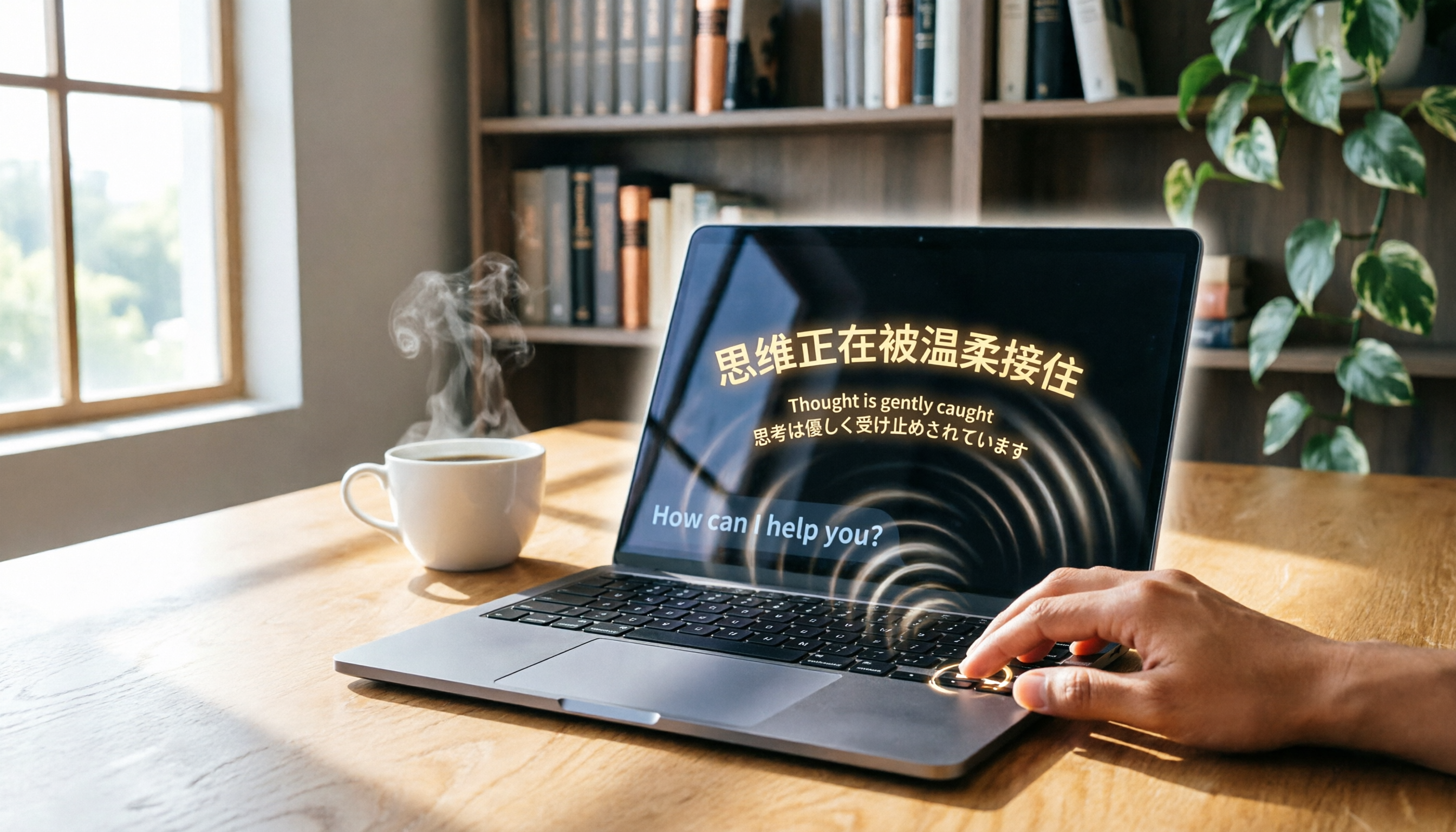
Turn recordings into transcripts and summaries in minutes
Upload audio or video for multilingual transcription, AI notes, and action items
Two hours in a meeting, another two hours writing it up—what you need isn't just a tool, it's a solution
Picture this: a long project meeting where colleagues talk over each other, you do your best to take notes, but you still miss the key conclusions. Or an important online course where you want to focus on the lecture but also have to jot down notes, leaving you distracted on both fronts.
And that's not even mentioning interviews, podcasts, or online videos—to turn that content into text, you either have to pay someone to transcribe it or replay it over and over yourself, using up an entire afternoon.
If you've ever had that "listen for hours, write for hours" experience, this article is written for you. With the right tool, audio files can truly turn themselves into useful material.
Key points to understand before choosing a recording-to-text tool
With so many AI transcription services on the market, if you only look at the "98% accuracy" on their websites, you're likely to be misled. The following are the core dimensions that actually affect the user experience—and what we focused on in our testing.
Look at accuracy in context, not just the ads
Officially claimed accuracy rates are usually measured in a quiet recording studio with a single speaker using a standard accent. In real scenarios with air conditioning, keyboard sounds, and people talking over each other, performance can drop dramatically. We recommend trying the tool with your own recordings instead of just relying on the numbers.
What more can you do after transcription?
If a tool only gives you a transcript, you still have to read it all yourself and manually pick out the key points. Now, what matters more is whether the AI can automatically generate summaries, chapters, action items—or even let you query the recording directly like a database.
Is the platform and input-source coverage broad enough?
You might record on your phone, watch videos on your computer, or want to paste a YouTube link to get text instantly. Whether the tool supports iOS, Android, and the web, and whether it can process audio files, video files, and web links, directly affects how convenient it is.
Is the free quota a trial or a long-term plan?
Many services claim to be free, but the actual quota is tiny, and heavy users burn through it in a few days. Estimate your usage beforehand: How many meetings do you have per week? How long is a class? This way, you won't be forced to pay right after the free trial ends.
Tinrec (Instant Recording)—our top pick after rigorous testing
Tinrec is an AI recording assistant that integrates real-time recording, file transcription, and web video parsing. Its positioning is not just "recording-to-text"; it turns audio files into a searchable, summarizable, and actionable knowledge base. It supports iOS, Android, and the web, making cross-platform work seamless.
Features simplify workflows—not just a list
During meetings, open Tinrec and it transcribes as it records. Once the meeting ends, the AI summary has already outlined conclusions, chapters, and action items—who is responsible for what and the deadline, all at a glance.
For old recordings or web videos, you don't need to manually transcribe them. Upload an audio file or paste a YouTube or Bilibili link, and Tinrec will convert it to text, then generate a summary and key points.
Its most impressive feature is AI chat query. After recording, you can ask directly: "Who proposed the budget adjustment at last week's meeting?" It provides an answer based on semantic understanding, not just keyword search results. This feature is nearly impossible to find in competitors at the same price.
Stop organizing recordings by hand
Upload audio or video and automatically get a transcript, summary, and action items
Hands-on testing: Handles Chinese content with ease
We tested it with a 5-minute Chinese meeting recording with slight background noise. Tinrec's transcription was quite stable, accurately recognizing Taiwanese accents and mixed Chinese-English speech. While no AI can guarantee 100% accuracy, Tinrec's output was usable without major edits.
Pros: Not just a transcript, but an information hub
- Multi-source input: Throw in meeting recordings, course audio, podcasts, and internet videos for organization.
- Powerful post-processing: Automatic summaries, chapters, and action items, plus the ability to keep asking questions about the recording, saving significant manual playback time.
- Cross-platform flexibility: Available on phone and computer with real-time data sync.
Honest limitations
The free version offers some trial quota, but heavy users will inevitably need to pay. For the average office worker with 2–3 meetings per week, the free quota can last, but for long courses or intensive interviews, we recommend considering the Pro plan.
Who it's for
If you regularly need to organize Chinese audio recordings, don't want to settle for raw transcripts but want to extract key points directly, or frequently switch between phone and computer—Tinrec is the most suitable choice at the moment.
What are the alternatives to Tinrec?
Of course, there is no absolute good or bad among tools; only what's suitable for your needs. If you're still shopping around, these two are also common options.
Yating Transcript: An established Taiwanese player, but no AI chat query
Yating Transcript was developed by Taiwan AI Labs. It offers strong support for Taiwanese accents and is a trusted veteran among local users. Its accuracy also performed well in our tests. However, its free plan is relatively limited, and long-term use requires payment. More importantly, Yating Transcript currently lacks Tinrec's AI chat query feature, so you still have to search through the text manually for key points.
Otter.ai: Great for English meetings, weaker for Chinese
Otter.ai is the benchmark for English meeting minutes. The free version gives you 300 minutes per month, with a friendly interface and accurate speaker identification. But if you mostly handle Chinese content or Taiwanese accents, it's not the best fit; it also doesn't support Cantonese or mixed Chinese-English speech. If most of your meetings are in English, Otter.ai could be a better value than Tinrec.
Pitfall guide: Common mistakes when choosing a recording-to-text tool
Pitfall 1: Buying based on official accuracy claims
As mentioned, lab data and real-world conditions are two different things. Use your own recordings to try the free version—your editing experience is the real test.
Pitfall 2: Overlooking cross-platform and input sources
You record on an iPhone today and want to edit on a Windows laptop tomorrow—if the tool lacks a web version or cross-platform sync, you'll be stuck. Check the supported devices and input methods (especially web video links) so you don't regret the purchase.
Pitfall 3: Paying for only a fraction of the features
Many people stop at "recording-to-text," but features like Tinrec's AI summary, action-item extraction, and chat query are what actually save time. Instead of manually working through a one-hour transcript, let the AI directly identify the conclusions.
Conclusion: Which one should you choose?
Overall, if you need an AI recording assistant that handles multiple sources and helps you organize the key points after transcription, Tinrec currently offers the most balanced overall performance.
- Need stable transcription for Chinese and Taiwanese accents → Tinrec (Excellent performance in our tests, plus AI chat query)
- Want to use AI to find key points and action items after recording → Tinrec (Chat-query feature is rare in its class)
- Need cross-platform use on phone and computer → Tinrec (Covers iOS, Android, and web)
- Fully free and only for English meetings → Otter.ai (300 free minutes is more than enough)
We suggest starting with Tinrec's free version to see if the monthly quota fits your usage. If it feels right, consider upgrading; there's no need to commit to an annual plan upfront.
References
Turn every recording into actionable outcomes
Get 60 free transcription minutes when you sign in. No credit card required.
Related Reading
You might also like
![[Guide] 2026 Tinrec vs. Yating Transcript: AI Q&A and Video Transcription Tested](https://record-img.tos-accelerate.volces.com/images/2026/08/07/1786112107241100017.png)
[Guide] 2026 Tinrec vs. Yating Transcript: AI Q&A and Video Transcription Tested
Looking for an AI transcription tool? This article compares Tinrec's instant recording and Yating Transcript across five dimensions—input sources, AI organization, export options, free plans, and cross-platform support—to help you decide which fits your meeting, class, and video note-taking needs.

Best Transcription Tools in 2026: Hands-On Test of 5 Apps — Tinrec Is the Budget Top Pick
Wondering how much transcription costs per word? Actually, pricing is based on audio length, not word count. This article tests 5 popular AI speech-to-text tools, comparing costs, accuracy, and efficiency of manual transcription vs. AI tools, and explains why Tinrec is the best choice for quality and budget.
5 Best Speech-to-Text Tools Tested in 2026: More Than Transcription – Summaries & To-Dos
Struggling to quickly turn audio files into text? This article reviews 5 speech-to-text tools, from Taiwan's Yating to multifunctional Tinrec, to help you find the best AI speech-to-text solution.

Tinrec vs Notta 2026: 5-Dimension Comparison – Which Is the Best Chinese Audio Transcription Tool?
How do you choose a voice-to-text tool? This article compares Tinrec and Notta across 5 key dimensions—input sources, post-processing, Chinese language experience, AI features, and pricing—and also evaluates Yating Transcript and Otter.ai to help you find the best audio-to-text solution.
2026 AI Recording-to-Transcript Guide: Gemini Works, but Professionals Recommend This Tool
Gemini supports uploading recordings to generate transcripts, but the free version has limits and lacks AI organization. This hands-on comparison of Gemini and Tinrec shows you how to choose the right tool and save time on meeting notes.
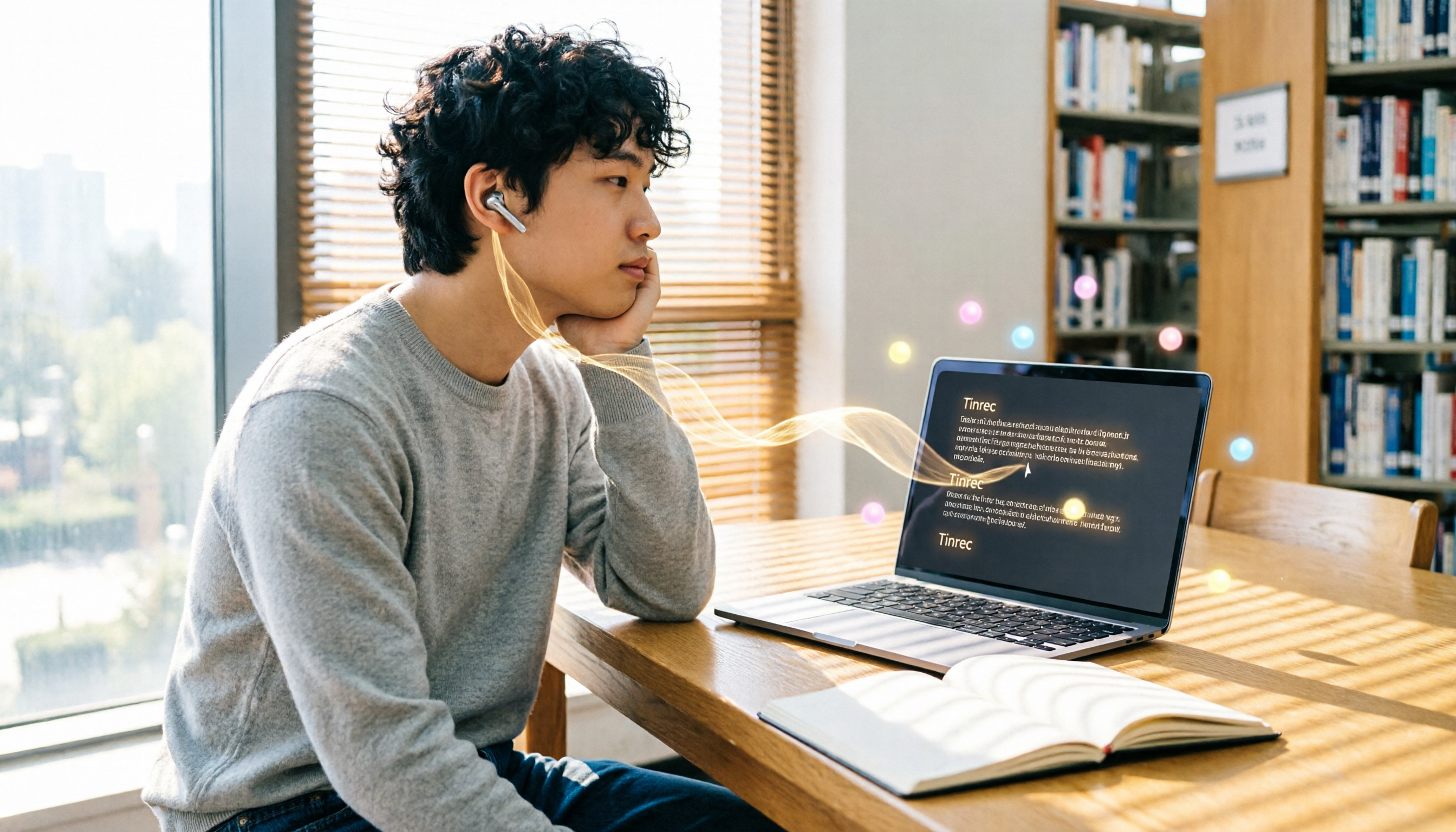
Tinrec vs ChatGPT Speech-to-Text in 2026: A 5-Dimension Showdown – Which Should Students Choose?
As a senior, I tested ChatGPT's speech-to-text feature and found it required too many steps and weak organization, so I tried Tinrec. This article compares five dimensions—convenience, organization, price, use cases, and file support—to tell you which one suits lecture notes and meeting records.
2026 Recording-to-Text Tools Buyer’s Guide: 5 Tools Tested and How to Choose
Spending hours organizing meeting recordings only to get transcripts full of filler words? Based on hands-on experience as a productivity consultant, this article reviews whether 'Vocal AI' tools are actually useful, and tests five options—Tinrec, Notta, Otter, Whisper, and Vocol.ai—to help you find a recording workflow that truly boosts efficiency for real-world scenarios like meetings, studying, and content creation.

2026 Speech-to-Text Tool Buying Guide: 4 Products Tested and Recommendations
Struggling to export audio files from Yating Transcriber? The truth is Yating only exports text—it won't let you download the original audio. This article digs straight into that pain point, testing four tools—Tinrec, Otter, Notta, and Fireflies—and comparing audio export, transcription accuracy, and AI post-processing, so you can pick the best speech-to-text solution for Hong Kong office workers.

2026 Hands-On Comparison: Free Gemini vs. Professional Tinrec for Audio-to-Text Transcription – Which One Saves You More Time?
Google Gemini can transcribe recordings for free, but is it really enough? This article puts Gemini and Tinrec to the test across transcription accuracy, Chinese language support, post-processing features, and pricing, helping you find a truly time-saving audio-to-text solution.