

Turn recordings into transcripts and summaries in minutes
Upload audio or video for multilingual transcription, AI notes, and action items
Meeting recordings full of noise? You need a tool that truly understands content
Two hours in a meeting, another two hours organizing the minutes—this is a daily reality for many office workers. But what's worse is when the audio file is filled with background noise.
Air conditioning hum, keyboard clatter, overlapping conversations... These noises significantly reduce speech-to-text accuracy, and the problem is even worse if you often record on your phone.
Not to mention if you need to transcribe a two-hour lecture or turn a YouTube video into text notes—doing it manually is a black hole of time.
This article takes a practical approach to compare two leading tools on the market, helping you find a speech-to-text solution that truly works for Chinese environments and tackles noise issues.
Before choosing a speech-to-text tool, understand these 5 key points
Many people think speech-to-text tools just "turn audio into text," but what really determines the experience are these often-overlooked details.
Accuracy: Don't just look at official numbers
Many tools claim accuracy as high as 98%, but that's under lab conditions. Real-world meetings, lectures, and interviews are full of variables: accents, distance from the mic, background noise—all of which can significantly lower accuracy.
When evaluating, test with your own actual recordings rather than relying on vendor demo clips.
Intelligent noise reduction: Not every tool has it
If you often record in different settings—like coffee shops, open-plan offices, or online meetings—choosing a tool with AI noise reduction is crucial.
Intelligent noise reduction filters out steady-state noise (like air conditioning or fan hum) before transcription, making speech recognition cleaner and reducing errors at the source.
AI organization: Don't settle for just a transcript
Speech-to-text is only the first step; the real value lies in post-transcription organization. Tools with AI summaries, automatic segmentation, action item extraction, and conversational querying save you even more time.
Imagine after recording a one-hour meeting, you don't have to listen from start to finish. Instead, you can ask questions like "Who mentioned the budget adjustment?" or "What's the next meeting date?"—much faster than manually searching through the transcript.
Cross-platform: Record on phone, review on computer
Most people record on their phones and then edit on their computers. If a tool only works on one device or has clunky syncing, you'll be less likely to use it.
Tools that support iOS, Android, and web allow seamless transitions between scenarios. Considering this upfront can save you a lot of time later.
Free tier: Try before you buy
Almost every tool has a free plan, but limits vary widely. Some offer only a few minutes, while others provide hundreds of minutes per month.
My advice: pick a service with a free tier that lets you test it on two or three meetings. Experience the accuracy and organization features firsthand before deciding to pay.
Tinrec (MiaoTing) — Our top pick after testing
Tinrec (MiaoTing) is an AI recording and audio organization tool that supports 14 languages and works on iOS, Android, and web.
It's not just a speech-to-text app; it's more like a knowledge workbench that turns your audio and video content into searchable, organized, and reusable assets.
Real-world use cases
Meeting minutes: Open Tinrec, record and see the transcript in real time. After the meeting, AI automatically generates a summary with key points and action items. The most convenient part is you can ask questions directly about the recording, like "Who was responsible for the event venue at the last meeting?" Tinrec answers directly instead of just giving you keyword search results.
Lectures and interviews: When recording classes or interviews, audio files often exceed an hour. Tinrec automatically breaks them into structured chapters, letting you jump to key sections instantly and use AI summaries to grasp core content quickly. For learners who need to review repeatedly, this is far more powerful than manual note-taking.
Online video organization: If you often learn from YouTube, Bilibili, or Xiaohongshu videos, just paste the video link into Tinrec. It generates a timestamped transcript and summary, and you can export as text or a mind map. This feature is rarely available in tools at the same price point.
Test performance
We tested with a real Chinese meeting recording (conference room, 5 speakers, with slight background noise from AC and projector fan). Tinrec's transcription was highly reliable, with very few errors, and automatic segmentation and speaker labels were clear, requiring minimal correction.
Stop organizing recordings by hand
Upload audio or video and automatically get a transcript, summary, and action items
We also tested several competitors with the exact same audio file. The differences were significant, especially in multi-speaker and noisy environments, where Tinrec performed particularly consistently.
Pros
- Multiple input sources: Not just live recording—you can upload audio/video files, paste YouTube links, or even record computer meetings. All audio content is managed in one place.
- AI conversational query: This is something most competitors lack. You can ask questions about past recordings, and it answers based on semantic understanding, not just keyword matching.
- Comprehensive export and integration: Organized text, summaries, and action items can be exported to Notion, Google Docs, OneNote, and other common tools, seamlessly fitting into your existing workflow.
Cons
- The free version provides a basic monthly transcription quota; heavy users will need to pay. However, for someone with 2-3 meetings per week and occasional course or video organization, the quota is sufficient.
- Currently, it doesn't support automatic joining of online meetings (you must manually record the meeting host or share audio). If you want a fully automated meeting recorder bot, you may need to look elsewhere.
Who is it for?
If you frequently handle Chinese (or even Cantonese) meetings, lectures, and interview recordings, want to use AI to find key points and auto-segment after recording, and need seamless switching between phone and computer, Tinrec is currently the best fit.
What are the alternatives to Tinrec?
Otter.ai: Great for English meetings, but limited for Chinese
Otter.ai is very strong in English-speaking business meetings. The free plan offers 300 minutes of transcription per month, supports automatic joining of online meetings with speaker identification, and has solid AI summaries and action items.
However, our tests found that Otter's Chinese support is not ideal—transcriptions occasionally have unnatural sentence breaks or misrecognized words, and it doesn't support Cantonese. Additionally, its AI Q&A is limited to individual meetings; you can't ask questions across recordings or build a personal knowledge base like you can with Tinrec.
If you primarily have meetings in English and need fully automated meeting notes, Otter is a great choice. But for organizing Chinese courses, interviews, or online videos, Tinrec is clearly more comprehensive.
Notta: Strong transcription and translation, but less depth in organization
Notta has robust transcription and multilingual translation features. The free plan offers 120 minutes per month and supports multiple platforms, making it a direct competitor.
However, in terms of organizational depth, Notta leans more toward producing transcripts plus summaries, lacking Tinrec's automatic chapter segmentation and cross-recording conversational queries. If you want more than just text—turning recordings into an interactive knowledge base—Notta falls short.
It's suitable for users who need large volumes of transcription and translation but don't require extensive post-processing.
Pitfall guide: 3 common mistakes when choosing a recording-to-text tool
Mistake 1: Only looking at official accuracy claims
Many tools claim "98% accuracy," but record a meeting in a real conference room and you'll see that the 98% was measured in a quiet recording studio.
The best approach is to test in the environments you actually encounter. Even using the free version once or twice is more meaningful than trusting marketing data.
Mistake 2: Ignoring differences in noise reduction
If you often record in open-plan offices or coffee shops, a tool without good noise-reduction preprocessing will produce transcripts full of errors, and correcting them might take as long as re-listening.
When choosing, confirm whether the tool has AI noise reduction, especially the ability to handle steady-state noise and sudden sounds. This has a huge impact on accuracy.
Mistake 3: Buying a tool but only using it as a transcriber
Many people think recording-to-text tools are just "press a button and get a transcript," but modern AI tools can do much more.
For example, Tinrec's conversational query lets you ask "What was the meeting's conclusion?" or "What were the three key points in the lecture?" after recording. That's the real time-saver. Using it only as a transcript generator means using only half of its value.
Summary: Which one should you choose?
Overall, if you need a tool that handles multiple audio sources, accurately organizes Chinese content, and lets you continue using AI to deepen understanding after transcription, Tinrec is currently the most balanced and complete option.
Here are scenario-based recommendations:
- Need to organize Chinese meetings, lectures, or interviews → Tinrec (multi-source input, AI Q&A, chapter organization)
- Frequently record online courses or take notes from YouTube videos → Tinrec (direct transcription from web videos)
- Primarily have English meetings and want fully automated meeting notes → Otter.ai (high English accuracy, strong meeting integration)
- Need large volumes of transcription and translation, don't mind manual organization → Notta (smooth transcription and translation, reasonable free tier)
We recommend downloading Tinrec's free version first. It includes a basic monthly quota, enough for two or three meetings to test the experience. If you like it, consider upgrading—there's no need to pay upfront.
References
- Online AI Speech, Video, and Audio Auto-Transcription - Free Trial - cSubtitle
- SoundType AI - Ultra-Precise Transcription, Speech-to-Text, AI Dictation - Google Play App
- Speech-to-Text: AI Speech Input and Transcription | Google Cloud
- SoundType AI - Ultra-Precise Transcription, Speech-to-Text, AI Dictation App - App Store
- Integrate Google AI Product "Speech-to-Text" on Your Website for Automatic Speech-to-Text Conversion!
Turn every recording into actionable outcomes
Get 60 free transcription minutes when you sign in. No credit card required.
Related Reading
You might also like

Tinrec vs Otter.ai 2026: 5-Dimension Comparison for Secure Chinese Speech-to-Text
With more speech-to-text tools available, is yours truly secure? This article compares Tinrec and Otter.ai across five dimensions: accuracy, AI features, input sources, cross-platform support, and data security. It also explains why AES encryption is key to protecting your recordings, helping you choose the most reliable tool.

2026 Hands-On Comparison of 2 Recording-to-Text Tools: Tinrec App vs Plaud Note – Which Should You Choose?
A hands-on comparison of Tinrec App and Plaud Note recording hardware, covering input sources, Cantonese accuracy, post-processing features, and pricing to help you pick the best recording-to-text tool for Hong Kong users.
How to Use iPhone Voice Typing in 2026: A 5-Step Complete Guide
From iPhone's built-in dictation to professional recording-to-text tools, this guide provides hands-on comparisons to help you find the best voice input solution for your needs.

Tinrec vs Otter.ai in 2026: AI Speech Recognition Custom Vocabulary Showdown – Who Understands Your Industry Terms Better?
How do AI speech recognition tools handle industry-specific terminology? This article compares five tools—Tinrec, Otter.ai, Notta, Google Cloud Speech-to-Text, and Vocol.ai—based on the practical need for custom vocabularies, helping you find the best speech-to-text solution for professional scenarios.

Best AI Transcription Tools in 2026: 6 Tested, This One Is the Most Complete
We tested 6 AI transcription generators, from free to paid, and recommend Tinrec as the best for multi-scenario organization, helping you quickly process meeting, course, and interview recordings.
2026 iPhone Level Feature Tested: Which of 3 Methods Is Most Accurate—Flat, Side, or with a Case?
The iPhone's built-in level is hidden in the Compass app, but can its accuracy really replace a traditional level? This article tests three common uses, from camera bump and case effects to the new iOS 17 feature, telling you when you can rely on it and when you should still reach for professional tools.
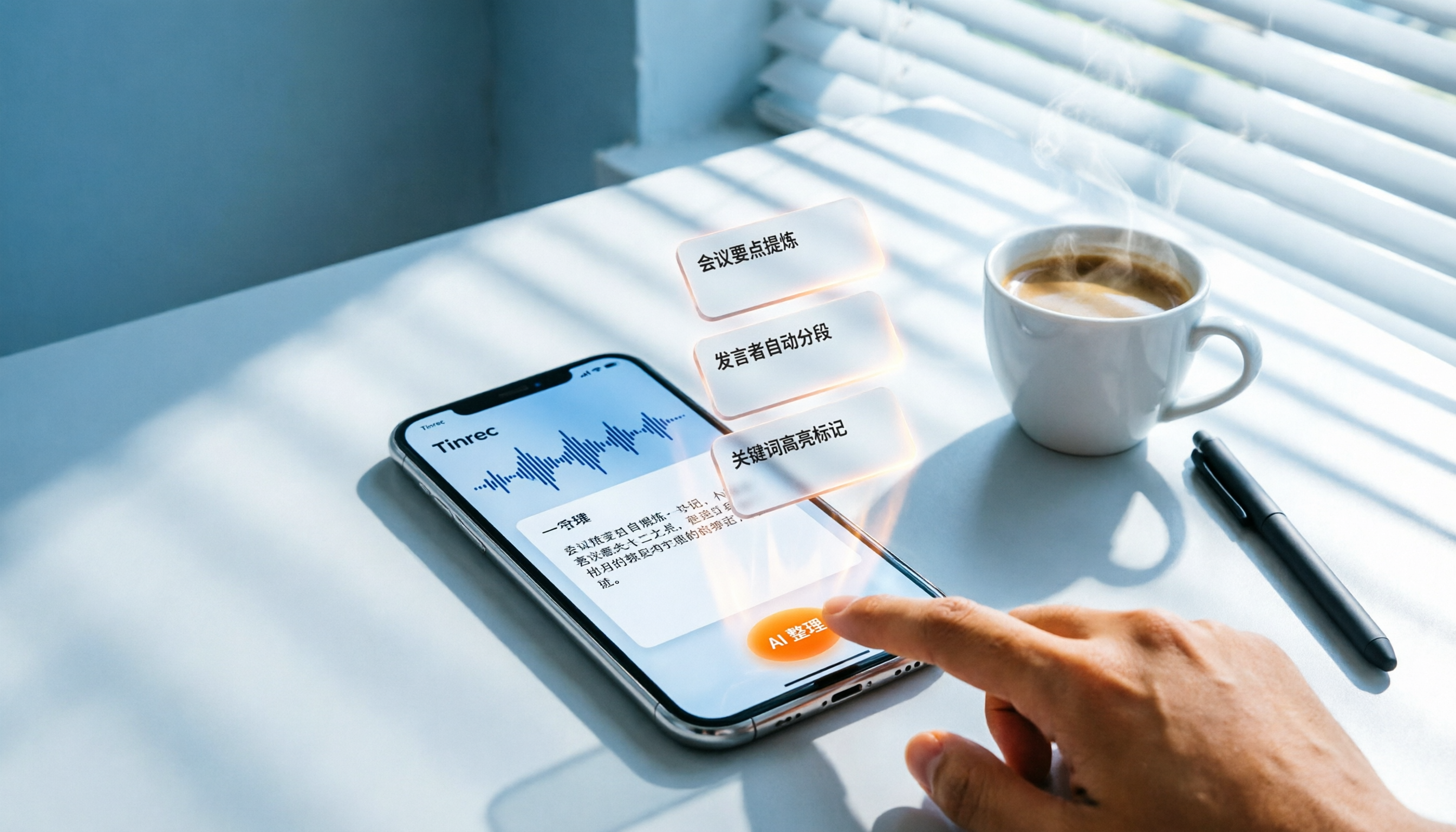
3 Steps to Convert iPhone Voice to Text in 2026: Recording, Transcription, and AI Organization Made Easy
Tired of figuring out how to transcribe iPhone recordings? This article fully compares built-in features with third-party tool Tinrec, and teaches you 3 steps to turn meeting and lecture recordings into searchable, exportable knowledge with summaries.

2026 Real-Time Speech-to-Text Tools Compared: 4 Apps Tested for Live Transcription and AI Summaries
A mid-level manager tests multiple real-time speech-to-text tools, analyzing live transcription and AI summary practicality for meeting notes, class notes, and interviews, ultimately recommending the best choice for professionals.
5 Best Recording-to-Text Tools Tested in 2026: Which AI Conversation Search Is Most Useful?
I tested 5 recording-to-text tools, including Tinrec, Otter.ai, Yating, Monica, and cSubtitle, comparing accuracy, AI summarization, cross-platform support, and free tiers to help you find the best option for meetings, classes, and interviews.