

Turn recordings into transcripts and summaries in minutes
Upload audio or video for multilingual transcription, AI notes, and action items
Why You Need an AI Transcription Generator
Meetings, classes, interviews, lectures... The worst part of these scenarios is "you recorded it, but never have time to listen and organize it later." Manually transcribing audio can take over 3 hours for every 1 hour of recording, which is truly draining. Fortunately, AI speech-to-text technology has become increasingly mature—just upload an audio file or paste a video link, and you can get a complete transcript in minutes, complete with automatic summaries and highlighted key points.
This article rounds up 6 AI transcription generators worth trying, ranging from free entry-level options to full-featured ones, so you can see which one fits you best.
Option 1 | Tinrec (Miao Ting Lu Yin) — The Most Complete AI Recording Organizer
If you don't just want a transcript but want to turn recordings into truly "usable" material, Tinrec is the most complete option I've tested so far. It's not just speech-to-text; it turns meetings, classes, interviews, and even online videos into a searchable, summarizable, and even Q&A-capable knowledge base.
Its core highlight is multi-source support. Real-time recording-to-text is basic, but it also lets you upload past audio or video files, and even better, you can paste public video links from YouTube, Bilibili, etc., and it will generate transcripts and summaries. After transcription, you get more than just text—the AI automatically creates chapters, key points, and action items, and you can ask questions about the recording content like querying a database to quickly find meeting highlights.
Pricing-wise, Tinrec offers a free plan to try basic features with a fixed monthly transcription quota. If you need to handle a large volume of meetings or courses temporarily, you can opt for a weekly card. If you have more than three meetings a week or frequently organize long content, the Pro monthly plan is more cost-effective. For long-term management of all your recordings, the annual card offers the lowest monthly cost. It's suitable for those who need to organize various audio and video content across devices (mobile, web), especially users accustomed to a Chinese-language environment.
Option 2 | MyEdit — Free, No-Install Speech-to-Text
MyEdit is an online tool from CyberLink, with the biggest advantage being that it requires no installation—just open the webpage and use it, and it's completely free. It supports 9 languages including Traditional Chinese, English, and Japanese. After uploading common formats like MP3 or WAV, it generates a transcript in seconds, with the option to add timestamps.
It's great for those who occasionally need to transcribe a couple of recordings, like quickly organizing a meeting recording or a class segment. However, its features are relatively simple—no summaries or AI Q&A—so if you need further organization, you'll have to do it manually.
Option 3 | Vocol.ai — A Voice Collaboration Platform for Teams
Vocol.ai focuses on "collaboration." Besides AI transcription, it automatically extracts meeting highlights, summaries, and topics, and allows team sharing. The platform supports multiple languages and is especially suited for remote teams or situations where you need to revisit meeting content repeatedly.
It offers a free version for trial, while paid plans unlock more minutes and advanced features. For individual users, it might be a bit heavy, but if you frequently meet with colleagues and need to share meeting notes, Vocol is a solid choice.
Option 4 | SoundType AI — High-Accuracy Transcription on Mobile
SoundType AI is a highly-rated speech-to-text app on iOS, emphasizing high accuracy and speaker identification. It supports over 90 languages and can even label speakers separately in multi-person meetings or interviews. In addition to transcripts, it generates AI summaries for quick review of key points.
Stop organizing recordings by hand
Upload audio or video and automatically get a transcript, summary, and action items
The app is free to download, with advanced features requiring a subscription. It's ideal for users who are used to recording on their phones and want to complete transcription directly on mobile, but it lacks a web or desktop version, making it less convenient for handling large files.
Option 5 | Yating Transcriber — A Completely Free Tool from Taiwan
Yating Transcriber, developed by a Taiwanese team, is one of the few completely free AI transcription services that specialize in Traditional Chinese. It used to be web-only, but now also offers an app with an intuitive interface—record and get text immediately.
Its Chinese recognition is decent and sufficient for general meetings, interviews, or class recordings. The downside is its simplicity—no automatic summaries or Q&A—so if you need more post-processing, you'll have to pair it with other tools.
How to Choose Among These Options
• Want "transcription + AI organization + Q&A" all in one, and frequently handle meetings, courses, videos, and other sources → Tinrec (the only choice that integrates multi-source and post-processing capabilities) • Just occasionally transcribe a couple of recordings for free, no extra features needed → MyEdit or Yating Transcriber (the former requires no installation, the latter specializes in Chinese) • Team collaboration, need to share meeting notes and analysis → Vocol.ai • Prefer mobile operation and need accurate speaker identification → SoundType AI • Handling large volumes of long files or need subtitle translation → Consider professional transcription services like TurboScribe (not in this list, but worth researching)
Things to Know Before Using an AI Transcription Generator
- Accuracy is closely tied to audio quality: Recordings with low background noise and clear pronunciation will transcribe much better. When multiple people talk simultaneously or the microphone is far away, error rates increase noticeably. Try to record close to the sound source.
- Free versions usually have limitations: Most tools offer free quotas but may limit monthly minutes or file length. If you have heavy recording needs every week, opting for a paid plan is more convenient—like Tinrec's Pro plan, which can save you a lot of organizing time.
- Always proofread important content manually: AI may misinterpret technical terms or homophones. Before finalizing official documents, double-check against the original audio and timestamps to avoid errors.
- Be mindful of copyright when transcribing public videos: Content from platforms like YouTube can be transcribed with tools, but if you plan to use it publicly or create derivative works, remember to follow platform policies and copyright notices.
Conclusion
AI transcription generators on the market range from completely free entry-level to all-in-one powerhouses. When choosing, first clarify your primary use case: is it just simple transcription, or do you need organization, summaries, or even Q&A? If you frequently deal with various recordings and videos and want a tool that truly "gets the job done," Tinrec is currently the most comprehensive option—worth starting with its free plan.
FAQ
Q: How accurate are AI transcription generators? A: With clear recordings and standard accents, most tools can achieve over 90% accuracy, but it drops with background noise, overlapping speech, or dialects. For important content, it's advisable to manually verify.
Q: Is the free version really sufficient? A: If you only occasionally transcribe short meetings or class segments, the free version is enough. But if you have high-volume or long recordings monthly, paid plans can save you a lot of time and avoid constantly switching tools.
Q: What languages do these tools support? A: It varies. Tinrec supports multiple languages including Chinese; MyEdit has 9; SoundType AI supports over 90. Before choosing, test with the language you commonly use.
Q: Are there format restrictions for audio files? A: Most accept common formats like MP3, WAV, and M4A. Tinrec can also directly transcribe from video links without prior conversion.
Q: Will my recordings be stored in the cloud? Is it secure? A: They are usually stored temporarily for processing. Reputable services encrypt transmission and provide deletion mechanisms. If content is sensitive, read the privacy policy and avoid uploading confidential recordings.
References
- AI Transcript Generator: Free Online Audio-to-Text - MyEdit
- Home | Vocol.ai Voice Collaboration Platform
- Unlimited Time! 3 Free AI Transcription Tools, Highly Recommended! AI Voice Notes for Meeting Minutes, Slides, Mind Maps | 104 Career Center
- SoundType AI - Ultra-Precise Transcription, Speech-to-Text, AI Dictation App - App Store
- Yating Transcriber
Turn every recording into actionable outcomes
Get 60 free transcription minutes when you sign in. No credit card required.
Related Reading
You might also like

2026 AI Speech-to-Text Tools: Speaker Diarization & AI Q&A in One
Struggling to turn meeting recordings and lecture audio into text? This article highlights 5 AI speech-to-text tools, from speaker diarization to AI-powered Q&A, to help you find the best solution and boost your productivity.
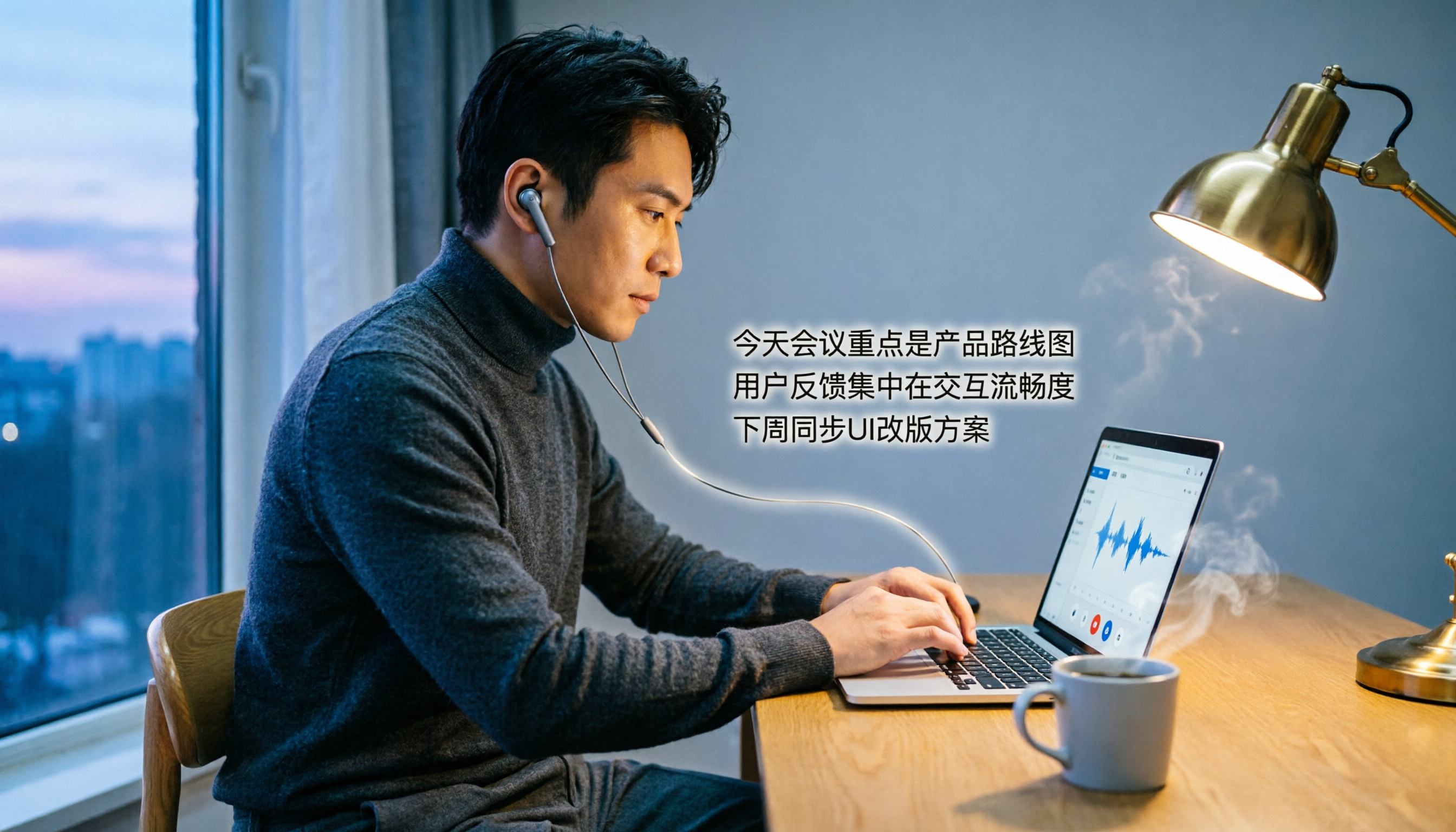
Tinrec vs Otter.ai 2026 Hands-On Comparison: Which Is the Ultimate Tool for Online Meeting Notes?
Essential for remote work! This article dives deep into the differences between Tinrec and Otter.ai in Chinese recognition, audio/video sources, AI Q&A, and free plans, helping you choose the best tool for organizing meetings and course content.

How to Choose an Interview Recording Review Tool in 2026? 5 Steps Comparing Tinrec vs PLAUD Note
Recording your interviews is a powerful way to grow, but choosing the right analysis tool is key. This article compares software solution Tinrec with hardware solution PLAUD Note across five dimensions: recording method, Chinese speech recognition, AI analysis, output formats, and long-term cost, to help you find the best AI tool for interview review.

2026 Google AI Studio Alternatives for Audio-to-Text: Chinese Transcription + AI Summaries
Wondering if Google AI Studio supports Chinese? This article answers that and tests 3 audio-to-text tools, recommending Tinrec as the best solution for Traditional Chinese users.
How to Solve Cross-Device Sync for Voice-to-Text in 2026? 5 Steps to Pick the Right Tool
Tired of meeting recordings stuck on your phone and unable to organize them on your computer? This article tests multiple tools and teaches you 5 steps to choose the best cross-device voice-to-text solution, with detailed reviews of Tinrec (Miao Ting Lu Yin) and other popular options.

Tinrec vs Otter.ai 2026: 5-Dimension Comparison for Secure Chinese Speech-to-Text
With more speech-to-text tools available, is yours truly secure? This article compares Tinrec and Otter.ai across five dimensions: accuracy, AI features, input sources, cross-platform support, and data security. It also explains why AES encryption is key to protecting your recordings, helping you choose the most reliable tool.

2026 Hands-On Comparison of 2 Recording-to-Text Tools: Tinrec App vs Plaud Note – Which Should You Choose?
A hands-on comparison of Tinrec App and Plaud Note recording hardware, covering input sources, Cantonese accuracy, post-processing features, and pricing to help you pick the best recording-to-text tool for Hong Kong users.
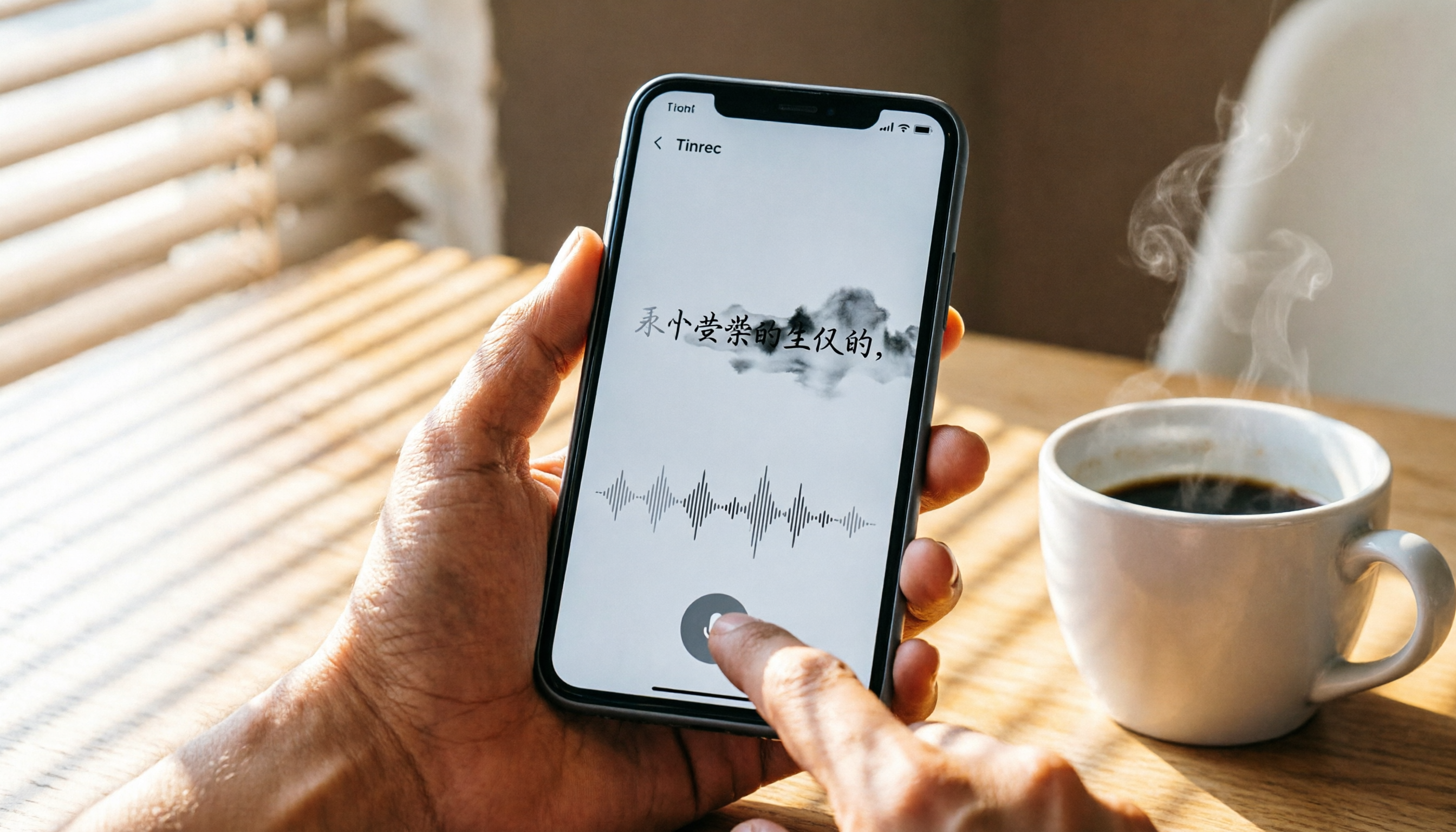
How to Use iPhone Voice Typing in 2026: A 5-Step Complete Guide
From iPhone's built-in dictation to professional recording-to-text tools, this guide provides hands-on comparisons to help you find the best voice input solution for your needs.

Tinrec vs Otter.ai in 2026: AI Speech Recognition Custom Vocabulary Showdown – Who Understands Your Industry Terms Better?
How do AI speech recognition tools handle industry-specific terminology? This article compares five tools—Tinrec, Otter.ai, Notta, Google Cloud Speech-to-Text, and Vocol.ai—based on the practical need for custom vocabularies, helping you find the best speech-to-text solution for professional scenarios.