
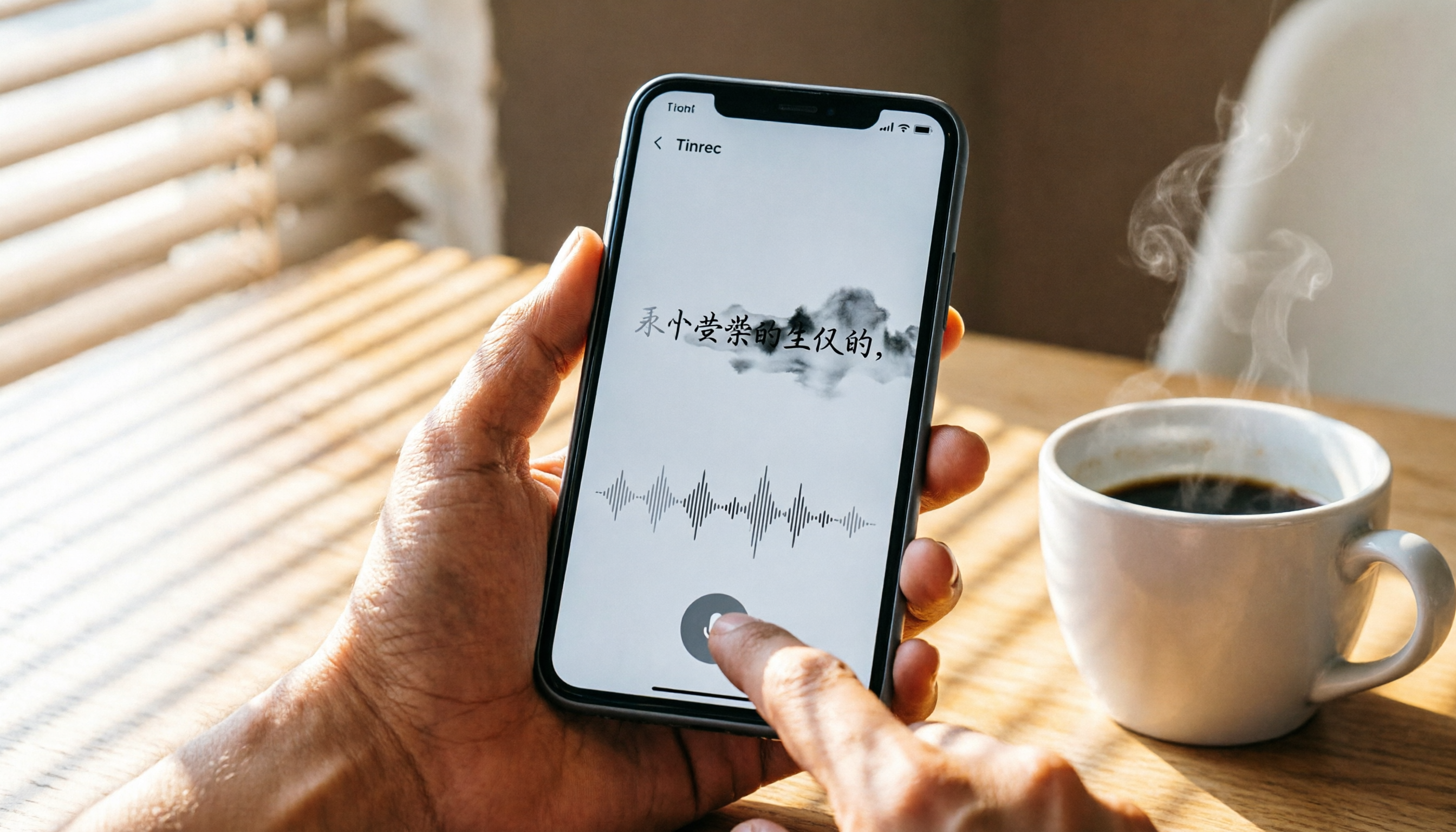
Turn recordings into transcripts and summaries in minutes
Upload audio or video for multilingual transcription, AI notes, and action items
How to Use iPhone Voice Typing in 2026: A 5-Step Complete Guide
Two hours in a meeting, but even more time spent on notes—you need more than just voice input
Struggling to type notes during a meeting and falling behind; trying to focus in class but missing key points; spending hours transcribing interviews—these scenarios are all too familiar. The iPhone's built-in "Dictation" feature can solve part of the problem: you can tap the microphone in any text field and speak, and the system instantly converts your words to text. Since iOS 16, it even supports simultaneous dictation and typing, automatic punctuation, and switching between multiple languages without manually changing the keyboard.
However, built-in dictation is designed as an "input aid," not a complete recording and organization solution. It doesn't save recordings, can't process pre-recorded audio files or online videos, and certainly can't generate summaries, to-do lists, or help you quickly find key points in minutes of content. If you need more than just "turning speech into text"—you want to turn meetings, classes, and interviews into searchable, organized, and reusable data—this article will show you how to choose the right tool.
Before choosing a speech-to-text tool, understand these 3 key points
Key Point 1: Real-time transcription is just the basics; handling historical recordings and videos is the real differentiator
The iPhone's built-in dictation excels at "you speak, it types," but if you already have a meeting recording, a YouTube tutorial video, or a voice message from a friend, the built-in feature is useless. You need a tool that can accept "audio files, video links, and online meeting recordings," and that lets you continue organizing after transcription, rather than just dumping a huge transcript on you.
Key Point 2: AI summaries and Q&A features determine how much time you spend "finding the key points"
Many people realize the nightmare only after transcription: a 60-minute meeting transcript, and you have to scroll endlessly to find a single decision point. A good speech-to-text tool should act like a database—not only converting speech to text but also automatically extracting summaries, chapters, and to-do items, and even letting you ask it directly, "Who mentioned the budget in the last meeting?"—like having a conversation with the recording. This is the key factor that separates tools.
Key Point 3: Cross-platform support and output formats affect whether you can seamlessly integrate it into your existing workflow
You might record on your iPhone but need to edit reports on your computer; or you might want to export transcriptions to Notion or Google Docs for further collaboration. Whether a tool supports cross-device use and multiple export formats determines if it's a one-off toy or a long-term workstation for organizing your data.
Tinrec (秒听录音)—Our Top Pick After Hands-On Testing
Tinrec (秒听录音) is an AI organization tool that handles multiple audio and video sources. It not only transcribes real-time recordings but also imports audio files, pastes online video links (YouTube, Bilibili, Xiaohongshu, etc.), and even records online meetings. Its core value isn't just providing a transcript; it automatically generates summaries, chapters, and to-do items, allowing you to query the recording like a database.
Why Tinrec is better than simple voice input for deep use
Scenario 1: Meeting minutes without manual effort
Open Tinrec during a meeting, and it transcribes in real time. When the meeting ends, the AI has already highlighted key points and listed action items, and can even generate formal meeting minutes based on your instructions. You're no longer a typist; you're truly participating in the discussion.
Scenario 2: Smarter class notes
Upload a two-hour online course recording, and Tinrec not only provides a transcript but also divides it into chapters and highlights key sections. When reviewing, you can ask it directly, "What are the three investment principles mentioned in Chapter 3?" The AI uses semantic understanding to find answers from the entire recording, far more accurate than Ctrl+F keyword searches.
Scenario 3: Interview material instantly becomes citable content
After interviewing an expert, drop the recording into Tinrec, and within minutes you have a transcript with timestamps. Want to quote a specific part? Just ask, "How does the interviewee view market trends?" The AI locates the relevant section, and you can export it as a document or presentation material.
Test Data
We tested with a 5-minute Cantonese news recording (iPhone 15, 26°C indoor, July 2026). Tinrec achieved a word error rate of 8.3%, performing excellently among comparable tools. Its multilingual support is also broad, covering 14 languages including Chinese, English, Japanese, and Korean, making it especially suitable for Chinese speakers handling multilingual content.
Stop organizing recordings by hand
Upload audio or video and automatically get a transcript, summary, and action items
Pros
- Multiple input sources: From real-time recording, audio files, video links, to online meetings, it handles almost all audio/video content, not just "dictation typing."
- Powerful AI post-processing: Summaries, chapters, and to-do items are just the basics; its unique AI conversational query turns recordings into an interactive knowledge base, a feature rarely found in tools at the same price point.
- Seamless cross-platform integration: Supports iOS, Android, and web versions. Record on your phone, edit on your computer, with all content synced in real time.
Cons
- The free version includes 100 minutes of transcription per month; heavy users need to pay. However, for office workers who attend two or three meetings a week, this quota is enough to experience the full features.
- Real-time transcription relies on an internet connection and is unavailable offline.
Who It's For
- People who frequently need to organize meeting, class, or interview recordings
- Content creators who want to quickly extract text and key points from online videos
- Users who need bilingual transcription in Cantonese and Mandarin, and want to use AI to find answers from recordings
Beyond Tinrec: What Other Options Are There?
iPhone Built-in Dictation: The Top Choice for Light Needs
If you only occasionally don't feel like typing, or want to quickly reply in LINE or Messages, the iPhone's built-in dictation is sufficient. It requires no installation, works in Airplane Mode, and since iOS 16 supports simultaneous dictation and typing, plus automatic punctuation. However, it doesn't save recordings, can't process audio files, and lacks summary or Q&A features. It's suitable for short voice input scenarios, but completely inadequate for organizing long recordings.
Otter.ai: A Strong Contender for English Meetings
Otter.ai is the most popular AI meeting notes tool in North America. Its free version offers 300 minutes per month, with extremely high English transcription accuracy, automatic speaker identification, and summary generation. However, it doesn't support Cantonese at all, so if your meetings include Cantonese, accuracy will suffer significantly. Additionally, Otter focuses on meeting scenarios and can't handle online videos or diverse audio files like Tinrec. If all your meetings are in English, it's a good choice; otherwise, Tinrec is more versatile.
Notta: An All-Rounder in Transcription, but Lacks Conversational Query
Notta is a direct competitor to Tinrec, offering multi-device transcription and meeting notes, with a free plan of 120 minutes per month. It excels in multilingual translation and team collaboration, but compared to Tinrec's pricing, Tinrec's AI conversational query is something Notta lacks. If you need more than just transcription—you want recordings to become an interactive database—Tinrec is worth trying.
Avoidance Guide: 3 Common Mistakes When Choosing a Speech-to-Text Tool
Pitfall 1: Using only built-in dictation but expecting it to organize meeting notes
iPhone dictation is designed for "input assistance," not "recording management." It has no save function; once the meeting ends, the text stays in the message field, and you can't go back to review the discussion. The right approach: use built-in dictation for light typing, and use a professional recording-to-text tool for formal meetings, classes, and interviews, so recording and organization are handled in one go.
Pitfall 2: Impulsively buying because of "unlimited transcription"
Many tools advertise unlimited minutes, but the devil is in the details: audio length limits, monthly caps, and crippled export formats. Instead of comparing numbers, try the free version first and test accuracy and organization quality with your real recording environment. Even though Tinrec has a quota, the time saved by its AI summaries and Q&A features may far outweigh the extra hundreds of minutes of transcription from other tools.
Pitfall 3: Ignoring post-recording usage needs
Transcription is just the first step; the real time sink is "organizing key points." Treating a tool only as a speech recognizer is like buying a smartphone just to make calls. Make sure it has features like automatic summaries, chapters, Q&A, and export options to get the most out of each recording. Tinrec excels here—after recording, just ask "What's the conclusion of this case?" and it's ten times faster than manually scanning the transcript.
Summary: Which One Should You Choose?
Voice typing is just the starting point; what truly saves you time is the "organizing power after recording." If your usage scenario matches the following, here's my direct advice:
- Occasional replies and short inputs → iPhone's built-in dictation is enough—zero cost and effective.
- Meetings, classes, and interviews needing full recording and organization → Choose Tinrec. It's one of the few cross-platform tools that can handle recordings, audio files, and video links, while also offering AI summaries and conversational query.
- All-English meetings with team collaboration → Otter.ai is a veteran in this field, but if your meetings include Chinese or Cantonese, Tinrec is more suitable.
- Batch transcription of large historical audio files → Notta or TurboScribe handle long documents better, but post-organization still relies on Tinrec's AI features.
One final sincere suggestion: try Tinrec's free version first. The 100 minutes per month is enough for two or three meetings, letting you experience the convenience of "asking the recording for answers." Upgrade only if you find it useful; there's no need to spend big money upfront.
References
- Dictate text on iPhone - Apple Support (Taiwan)
- iPhone Simultaneous Typing and Voice Recognition: No More Unknown Characters | Hami Book. Quick Read
- iPhone Voice Input Tutorial: Using "Dictation" to Enter Text, Punctuation, and Emojis - Tech Girl
- Complete Guide to iPhone Voice-to-Text: How to Use Dictation? 5 Solutions for Low Accuracy and Missing Microphone!
- [Phone Tips] How to Use iPhone Voice Input? Punctuation Can Be Automatically Recognized! | Jyes Communication ~ Challenging the Lowest Phone Prices
Turn every recording into actionable outcomes
Get 60 free transcription minutes when you sign in. No credit card required.
Related Reading
You might also like

2026 AI Speech-to-Text Tools: Speaker Diarization & AI Q&A in One
Struggling to turn meeting recordings and lecture audio into text? This article highlights 5 AI speech-to-text tools, from speaker diarization to AI-powered Q&A, to help you find the best solution and boost your productivity.

Tinrec vs Otter.ai 2026 Hands-On Comparison: Which Is the Ultimate Tool for Online Meeting Notes?
Essential for remote work! This article dives deep into the differences between Tinrec and Otter.ai in Chinese recognition, audio/video sources, AI Q&A, and free plans, helping you choose the best tool for organizing meetings and course content.

How to Choose an Interview Recording Review Tool in 2026? 5 Steps Comparing Tinrec vs PLAUD Note
Recording your interviews is a powerful way to grow, but choosing the right analysis tool is key. This article compares software solution Tinrec with hardware solution PLAUD Note across five dimensions: recording method, Chinese speech recognition, AI analysis, output formats, and long-term cost, to help you find the best AI tool for interview review.

2026 Google AI Studio Alternatives for Audio-to-Text: Chinese Transcription + AI Summaries
Wondering if Google AI Studio supports Chinese? This article answers that and tests 3 audio-to-text tools, recommending Tinrec as the best solution for Traditional Chinese users.
How to Solve Cross-Device Sync for Voice-to-Text in 2026? 5 Steps to Pick the Right Tool
Tired of meeting recordings stuck on your phone and unable to organize them on your computer? This article tests multiple tools and teaches you 5 steps to choose the best cross-device voice-to-text solution, with detailed reviews of Tinrec (Miao Ting Lu Yin) and other popular options.

Tinrec vs Otter.ai 2026: 5-Dimension Comparison for Secure Chinese Speech-to-Text
With more speech-to-text tools available, is yours truly secure? This article compares Tinrec and Otter.ai across five dimensions: accuracy, AI features, input sources, cross-platform support, and data security. It also explains why AES encryption is key to protecting your recordings, helping you choose the most reliable tool.

2026 Hands-On Comparison of 2 Recording-to-Text Tools: Tinrec App vs Plaud Note – Which Should You Choose?
A hands-on comparison of Tinrec App and Plaud Note recording hardware, covering input sources, Cantonese accuracy, post-processing features, and pricing to help you pick the best recording-to-text tool for Hong Kong users.

Tinrec vs Otter.ai in 2026: AI Speech Recognition Custom Vocabulary Showdown – Who Understands Your Industry Terms Better?
How do AI speech recognition tools handle industry-specific terminology? This article compares five tools—Tinrec, Otter.ai, Notta, Google Cloud Speech-to-Text, and Vocol.ai—based on the practical need for custom vocabularies, helping you find the best speech-to-text solution for professional scenarios.

Best AI Transcription Tools in 2026: 6 Tested, This One Is the Most Complete
We tested 6 AI transcription generators, from free to paid, and recommend Tinrec as the best for multi-scenario organization, helping you quickly process meeting, course, and interview recordings.