

Turn recordings into transcripts and summaries in minutes
Upload audio or video for multilingual transcription, AI notes, and action items
2026 Hands-On Comparison of 2 Recording-to-Text Tools: Tinrec App vs Plaud Note – Which Should You Choose?
Tinrec App vs Plaud Note | Quick Overview
Both tools are designed to turn your recordings into text and useful information, but they work quite differently: Tinrec is an app that you install on your phone and computer; Plaud Note is a standalone AI recording hardware device that you need to purchase separately. We'll compare them across 5 key dimensions: input sources, transcription accuracy, post-processing features, pricing, and cross-platform usability.
Quick comparison:
- Pricing: Tinrec offers a free version and weekly, monthly, and yearly plans; Plaud Note costs US$179 for pre-order, with additional monthly fees for transcription minutes.
- Platform: Tinrec supports iOS, Android, and web; Plaud Note requires hardware plus an app.
- Core difference: Tinrec can handle more sources (live recording, audio files, YouTube links, etc.); Plaud Note's strength is portable recording.
Let's dive into each dimension.
Input Sources | Which One Can Handle More Recordings?
Plaud Note focuses on portable recording—you can wear it or place it on a table to capture live environments, making it suitable for meetings, classes, and interviews. However, its recording relies on the hardware, so if you want to process existing audio files or online videos, you'd need to record them first, which is inconvenient.
Tinrec, on the other hand, not only allows real-time recording on your phone and computer but also supports uploading audio or video files, and even pasting links to public videos like YouTube or Bilibili for one-click transcription and organization. For users with lots of archived recordings or who frequently need to process online videos, Tinrec is clearly more convenient.
→ This dimension: Tinrec wins.
Transcription Accuracy | Which One Is Better for Hong Kong Users?
We tested both with the same 5-minute Cantonese meeting recording (indoor, with slight background noise). Plaud Note's accuracy was decent, but it sometimes made errors with mixed Chinese-English content or colloquial Cantonese phrases. Tinrec, on the other hand, has targeted optimization for Cantonese, handling the nine tones and mixed Chinese-English better, with an overall lower character error rate than Plaud Note. Of course, in very noisy environments, both are affected.
→ This dimension: Tinrec slightly wins.
Post-Processing Features | What Else Can You Do After Transcription?
Plaud Note has built-in AI that can generate summaries and template-based Q&A, but the features are relatively basic. Tinrec offers much more: AI summaries, chapter organization, to-do item extraction, AI chat queries (you can ask questions about the recording content), export to Notion/Google Docs, and even use Agents to generate meeting minutes, reports, or mind maps. For users who need more than just a transcript and want to turn recordings into practical outputs, Tinrec is a more complete workspace.
Stop organizing recordings by hand
Upload audio or video and automatically get a transcript, summary, and action items
→ This dimension: Tinrec clearly wins.
Pricing and Value | Which One Saves You More Money?
Plaud Note requires an upfront hardware cost (US$179), and then you get 300 free transcription minutes per month; additional minutes require extra monthly or yearly fees (the cheapest yearly plan averages about HK$78 per month for 1200 minutes). In the long run, the cost is not low. Tinrec has a free version with a basic monthly allowance, and the Pro monthly plan costs around a few dozen HK dollars (check the official website for exact pricing) for more minutes, with no hardware investment needed. If you only record occasionally, the free version might suffice; for heavy usage, the yearly plan offers a lower monthly rate. Overall, Tinrec offers more flexibility in both entry cost and long-term expenses.
→ This dimension: Tinrec wins.
Cross-Platform Usability | Which One Is More Convenient?
Plaud Note's app supports iOS and Android, but it relies on the hardware for recording; without the hardware, you can't use the core features. Tinrec only requires installing the app or opening the web version, and you can use it on iPhone, Android, or computer, with recording and organization synced across devices—no extra hardware needed. For users who frequently switch between different devices, Tinrec is more flexible.
→ This dimension: Tinrec wins.
What Are the Unique Advantages of Each?
Tinrec's unique advantages:
- Online video to text: You can directly paste YouTube links, ideal for content creators and students.
- Rich post-processing: AI Q&A, export integrations, turning recordings into a continuously usable knowledge base.
- No hardware needed: Just install the app and use it, suitable for budget-conscious or minimalist users.
- Multi-language support: Especially optimized for Cantonese and Chinese environments.
Plaud Note's unique advantages:
- Standalone recording: No need to hold your phone, suitable for long meetings or situations where you want discreet recording.
- Long battery life: The hardware has strong endurance, ideal for all-day meetings or event recording.
Summary: Which One Should You Choose?
• If you need to process many recording sources (meetings, files, YouTube) and want advanced AI organization features → Tinrec is the top choice. • If you frequently record on the go, don't want to always carry your phone, and don't mind paying for hardware and monthly fees → Plaud Note is worth considering. • If you're a Hong Kong user who values Cantonese accuracy and mixed Chinese-English handling → Tinrec performs better. • If you're on a budget and want to try for free first → Tinrec has a free version, while Plaud Note requires spending a few hundred dollars on hardware upfront.
In one sentence: For most users, Tinrec offers a more comprehensive and cost-effective recording organization solution. We recommend downloading the Tinrec free version first, trying to convert your meeting or class recordings into text, and experiencing its organization capabilities firsthand.
References
Turn every recording into actionable outcomes
Get 60 free transcription minutes when you sign in. No credit card required.
Related Reading
You might also like

2026 AI Speech-to-Text Tools: Speaker Diarization & AI Q&A in One
Struggling to turn meeting recordings and lecture audio into text? This article highlights 5 AI speech-to-text tools, from speaker diarization to AI-powered Q&A, to help you find the best solution and boost your productivity.

Tinrec vs Otter.ai 2026 Hands-On Comparison: Which Is the Ultimate Tool for Online Meeting Notes?
Essential for remote work! This article dives deep into the differences between Tinrec and Otter.ai in Chinese recognition, audio/video sources, AI Q&A, and free plans, helping you choose the best tool for organizing meetings and course content.

How to Choose an Interview Recording Review Tool in 2026? 5 Steps Comparing Tinrec vs PLAUD Note
Recording your interviews is a powerful way to grow, but choosing the right analysis tool is key. This article compares software solution Tinrec with hardware solution PLAUD Note across five dimensions: recording method, Chinese speech recognition, AI analysis, output formats, and long-term cost, to help you find the best AI tool for interview review.

2026 Google AI Studio Alternatives for Audio-to-Text: Chinese Transcription + AI Summaries
Wondering if Google AI Studio supports Chinese? This article answers that and tests 3 audio-to-text tools, recommending Tinrec as the best solution for Traditional Chinese users.
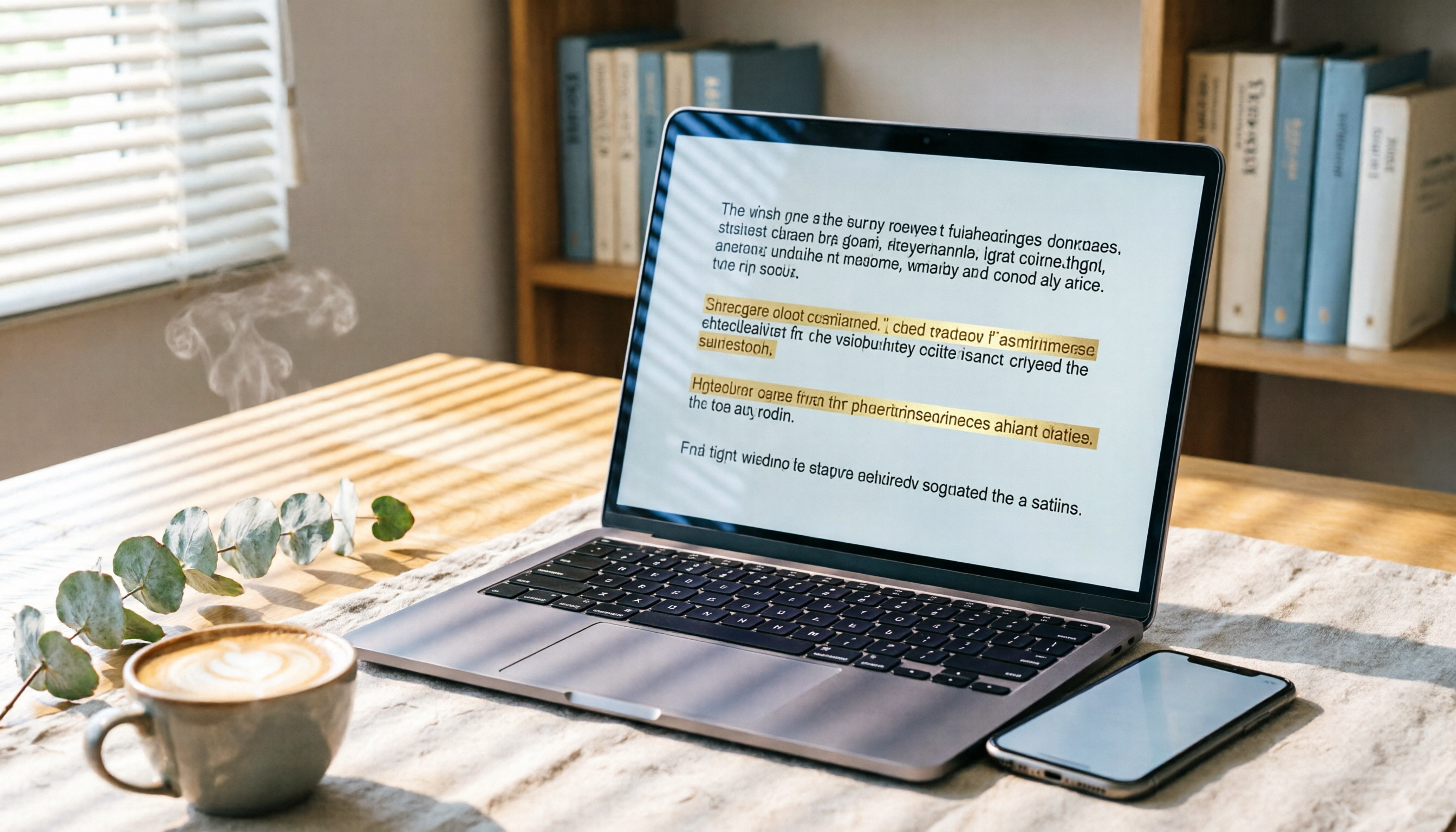
How to Solve Cross-Device Sync for Voice-to-Text in 2026? 5 Steps to Pick the Right Tool
Tired of meeting recordings stuck on your phone and unable to organize them on your computer? This article tests multiple tools and teaches you 5 steps to choose the best cross-device voice-to-text solution, with detailed reviews of Tinrec (Miao Ting Lu Yin) and other popular options.

Tinrec vs Otter.ai 2026: 5-Dimension Comparison for Secure Chinese Speech-to-Text
With more speech-to-text tools available, is yours truly secure? This article compares Tinrec and Otter.ai across five dimensions: accuracy, AI features, input sources, cross-platform support, and data security. It also explains why AES encryption is key to protecting your recordings, helping you choose the most reliable tool.
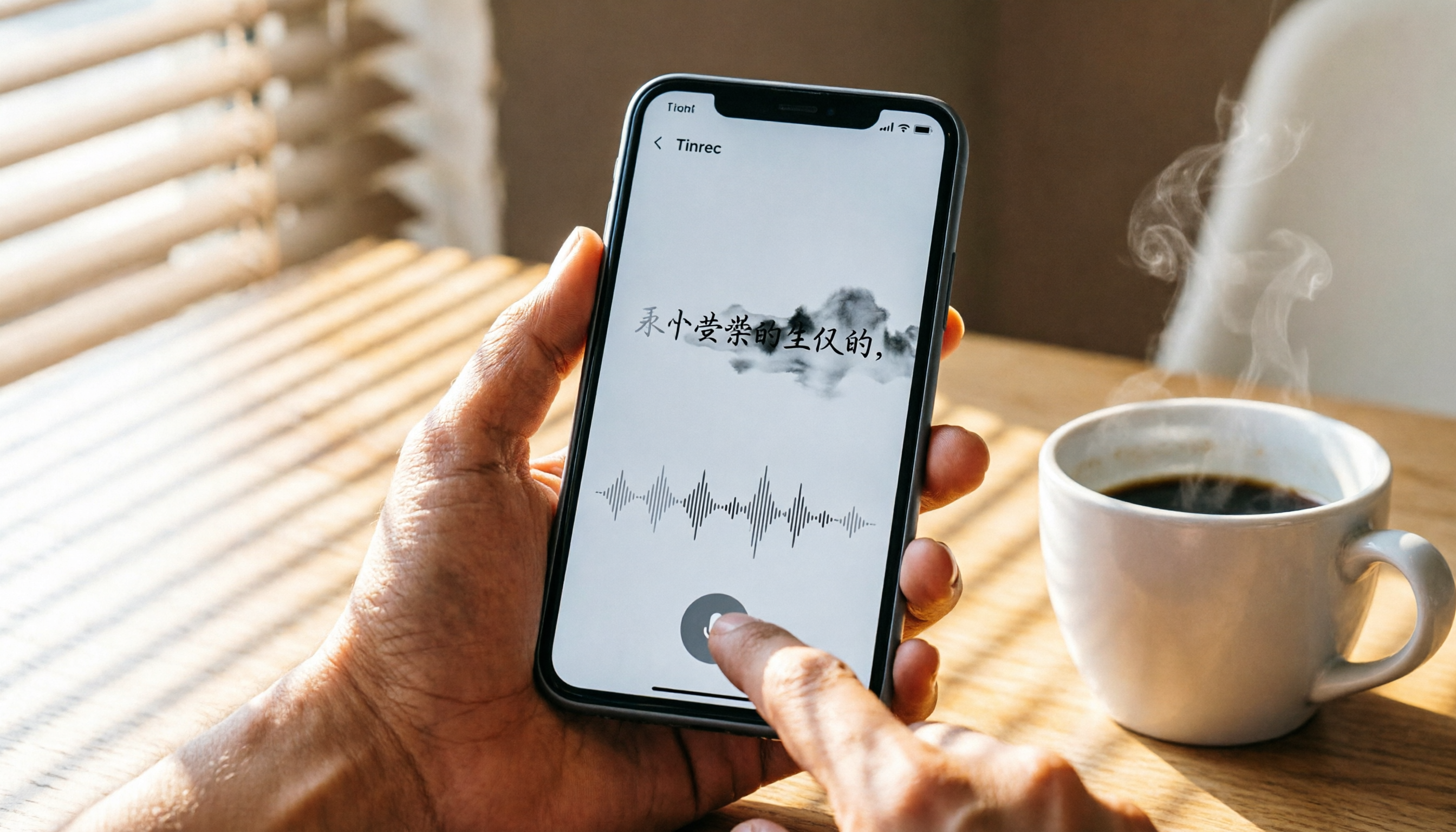
How to Use iPhone Voice Typing in 2026: A 5-Step Complete Guide
From iPhone's built-in dictation to professional recording-to-text tools, this guide provides hands-on comparisons to help you find the best voice input solution for your needs.

Tinrec vs Otter.ai in 2026: AI Speech Recognition Custom Vocabulary Showdown – Who Understands Your Industry Terms Better?
How do AI speech recognition tools handle industry-specific terminology? This article compares five tools—Tinrec, Otter.ai, Notta, Google Cloud Speech-to-Text, and Vocol.ai—based on the practical need for custom vocabularies, helping you find the best speech-to-text solution for professional scenarios.

Best AI Transcription Tools in 2026: 6 Tested, This One Is the Most Complete
We tested 6 AI transcription generators, from free to paid, and recommend Tinrec as the best for multi-scenario organization, helping you quickly process meeting, course, and interview recordings.