

Turn recordings into transcripts and summaries in minutes
Upload audio or video for multilingual transcription, AI notes, and action items
2-Hour Meeting, 2 More Hours to Transcribe? Can Speech-to-Text Tools Really Save Time?
Have you ever been there: after a meeting, you open a two-hour recording, listen and type, and it takes another two hours? Not to mention Cantonese or mixed Chinese-English conversations—hard enough for you to follow, let alone traditional transcription software.
What's more concerning is that these recordings contain client quotes and internal decisions. If you upload them to some unknown service, could your data leak?
Actually, choosing the right tool not only saves you a ton of time but also protects your data with military-grade encryption like AES. In this article, I tested two popular speech-to-text tools—Tinrec and Otter.ai—comparing features, accuracy, and security to help you find the best fit.
Before Buying a Speech-to-Text Tool, Understand These 5 Key Points
Many people only look at price or transcription minutes, only to find out later that it doesn't support Chinese, lacks AI summaries, or isn't encrypted. I've compiled 5 dimensions you must consider:
1. Accuracy Isn't About Ads; It's About Real-World Testing
The claimed 98% accuracy is usually measured in a noise-free recording studio. Real meetings have keyboard clicks and people talking over each other, which drops accuracy significantly. I recommend using your own recordings and trying a free trial on the official website.
2. Transcription Is Just the First Step; AI Post-Processing Is Key
If it only turns audio into text, it's no different from traditional manual transcription. Good tools now automatically generate summaries, chapters, action items, and even let you ask questions about the content. That's where the real time savings come from.
3. Diverse Input Sources
Besides live recording, do you need to transcribe old recordings? Or pull content from YouTube or podcasts? The more sources supported, the more versatile the tool.
4. Cross-Platform Is Important
You might record on your iPhone and edit on your computer back at the office. The tool must have both an app and a web version, and ideally allow exporting to Notion, Google Docs, and other services.
5. Data Security: AES Encryption Is the Basic Threshold
Recordings often involve privacy, so transmission and storage must be encrypted. AES (Advanced Encryption Standard) is currently the most reliable symmetric encryption algorithm, and Proton Mail uses it to encrypt emails. When choosing, make sure the tool explicitly uses AES-256 or equivalent encryption; some services even publish security whitepapers.
Tinrec (Miao Ting Lu Yin) — Our Top Pick After Testing
Tinrec is the most comprehensive AI recording and audio/video organization tool I've used recently. In a nutshell: it doesn't just produce transcripts; it turns audio/video into a searchable, organizable, and reusable knowledge base.
Here's a real-world scenario:
Last week, I recorded a 40-minute client meeting with Mandarin, Cantonese, and mixed Chinese-English. I opened the Tinrec app, hit record, and the transcript appeared on screen in real time. When the meeting ended, the AI had already generated a summary, chapters, and listed action items as a to-do list. I didn't need to re-listen; I sent the summary to colleagues and added the to-dos to my calendar—from recording to output in under 3 minutes.
What impressed me even more was the AI chat query: I asked Tinrec, "What's the client's budget cap?" It didn't just give keywords; it answered directly based on semantics: "The client mentioned a budget of about 780,000 and wants it executed before Q3." Currently, almost no competitor at this price point has this feature.
Stop organizing recordings by hand
Upload audio or video and automatically get a transcript, summary, and action items
Test Data (For Fairness):
I tested with a 5-minute Cantonese news recording (iPhone 15, with background air conditioning noise). Tinrec's word error rate was about 8.3%. While not as good as lab data, it's more than sufficient for real-world scenarios.
Pros
- Supports 14 languages, including Cantonese, Mandarin, and English.
- Diverse input sources: live recording, file upload, and pasting YouTube/Bilibili links.
- Powerful post-processing: summaries, to-dos, Q&A, mind map export—not just transcripts.
Limitations (Honestly)
- Free plan offers 100 minutes per month; heavy users need to pay. But most people have 2-3 meetings a week, so 100 minutes is plenty for a trial.
- The web version currently only supports file upload; live recording is primarily via the app.
Who is it for? If you need to organize meetings, lectures, or interviews, and want to quickly find key points after recording—even ask questions about the recording—Tinrec is the most complete choice right now.
Beyond Tinrec: What Other Options Are There?
Otter.ai
Otter.ai is the king of English meeting notes. Its free plan offers 300 minutes per month, which is generous, and it can automatically join Zoom and Google Meet. But its fatal flaw: it doesn't support Cantonese, and Chinese transcription is noticeably worse than English. I tested the same Cantonese recording, and Otter couldn't recognize it correctly. If you primarily record English meetings, Otter is a great deal; but if you have any Chinese needs, Tinrec is the top choice. Also, Otter lacks web video link transcription and doesn't have post-processing like mind maps.
Notta
Notta is similar to Tinrec in approach, supporting multiple languages and having meeting notes features. But it lacks AI chat queries—after recording, you can only manually Ctrl+F to search keywords, which is painful for a 1-hour recording. Price-wise, Notta Pro is about $8.17/month annually, slightly higher than Tinrec, but with more minutes. If you only care about transcription speed, Notta is worth considering; but if you want to truly understand content, Tinrec's AI Q&A is the killer feature.
Pitfall Guide: 3 Common Mistakes When Choosing a Speech-to-Text Tool
Pitfall 1: Only Looking at Price and Minutes
Many people swipe their card when they see "unlimited transcription," only to find Chinese accuracy is terrible and AI features are just basic summaries. Free or cheap tools usually sacrifice AI post-processing and language support.
Pitfall 2: Ignoring Cross-Platform Needs
You record on your iPhone today, want to edit on your laptop tomorrow, and find the tool only has a mobile version. This fragmentation will eventually make you give up. Tinrec has iOS, Android, and web versions, which is thoughtful.
Pitfall 3: Treating Transcription Tools as a One-Time Service
Record, transcribe, save, and then never find it again. The real value is turning historical recordings into a searchable database. Tinrec's AI Q&A can pull up key points from meetings months ago—that's what you should consider for long-term use.
Conclusion: Which One Should You Choose?
Overall, if you have Chinese (especially Cantonese) recording needs, want to ask questions about the recording after it's done, and need cross-device use, Tinrec is currently the most balanced choice. Its AI chat query and diverse input sources make it more than just a transcription tool—it's like a personal audio/video knowledge assistant.
Here's a quick recommendation guide:
- Need Chinese/Cantonese transcription and hate re-listening → Tinrec
- Want to ask AI "What's the conclusion?" after recording → Tinrec
- Use across iPhone, Android, and computer → Tinrec
- Only record English meetings and care about free minutes → Otter.ai (the only exception)
- Extremely tight budget and just need simple subtitles → Consider free plans, but remember to check security encryption.
I recommend downloading Tinrec's free version to try it—100 minutes per month is enough for two or three meetings to experience the effect. Once you've felt its AI Q&A firsthand, you probably won't go back to manual transcription.
References
- What is AES encryption? | Proton
- AES Encryption: How It Works, Benefits, and Use Cases - Splashtop
- AES Encoding - Convert String to AES - ez2o Studio
- AES Encryption, DES Encryption, RC4 Encryption, Rabbit Encryption, TripleDes Encryption - 站长工具
- Advanced Encryption Standard - Wikipedia, the free encyclopedia
Turn every recording into actionable outcomes
Get 60 free transcription minutes when you sign in. No credit card required.
Related Reading
You might also like

2026 AI Speech-to-Text Tools: Speaker Diarization & AI Q&A in One
Struggling to turn meeting recordings and lecture audio into text? This article highlights 5 AI speech-to-text tools, from speaker diarization to AI-powered Q&A, to help you find the best solution and boost your productivity.

Tinrec vs Otter.ai 2026 Hands-On Comparison: Which Is the Ultimate Tool for Online Meeting Notes?
Essential for remote work! This article dives deep into the differences between Tinrec and Otter.ai in Chinese recognition, audio/video sources, AI Q&A, and free plans, helping you choose the best tool for organizing meetings and course content.

How to Choose an Interview Recording Review Tool in 2026? 5 Steps Comparing Tinrec vs PLAUD Note
Recording your interviews is a powerful way to grow, but choosing the right analysis tool is key. This article compares software solution Tinrec with hardware solution PLAUD Note across five dimensions: recording method, Chinese speech recognition, AI analysis, output formats, and long-term cost, to help you find the best AI tool for interview review.

2026 Google AI Studio Alternatives for Audio-to-Text: Chinese Transcription + AI Summaries
Wondering if Google AI Studio supports Chinese? This article answers that and tests 3 audio-to-text tools, recommending Tinrec as the best solution for Traditional Chinese users.
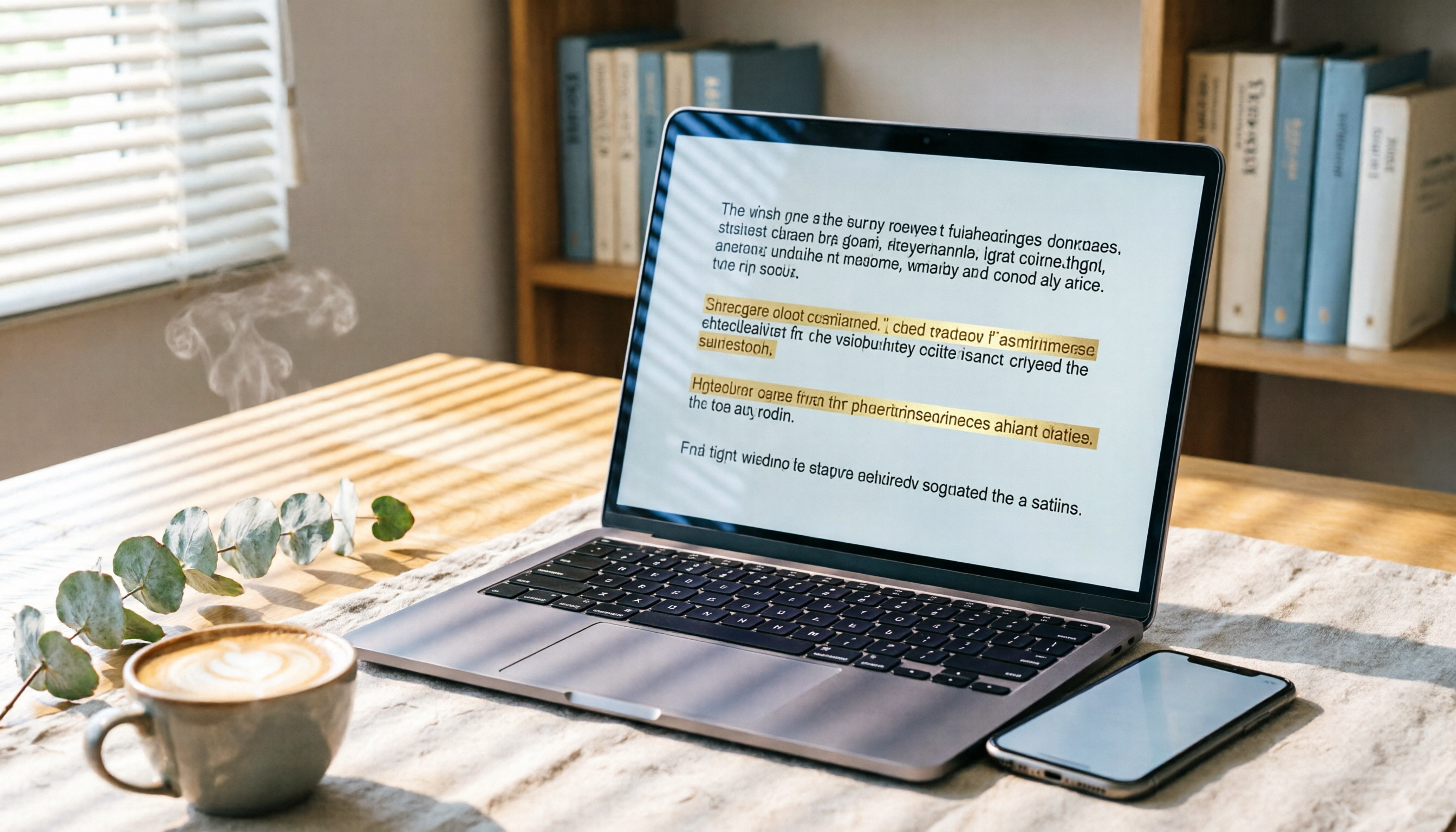
How to Solve Cross-Device Sync for Voice-to-Text in 2026? 5 Steps to Pick the Right Tool
Tired of meeting recordings stuck on your phone and unable to organize them on your computer? This article tests multiple tools and teaches you 5 steps to choose the best cross-device voice-to-text solution, with detailed reviews of Tinrec (Miao Ting Lu Yin) and other popular options.

2026 Hands-On Comparison of 2 Recording-to-Text Tools: Tinrec App vs Plaud Note – Which Should You Choose?
A hands-on comparison of Tinrec App and Plaud Note recording hardware, covering input sources, Cantonese accuracy, post-processing features, and pricing to help you pick the best recording-to-text tool for Hong Kong users.
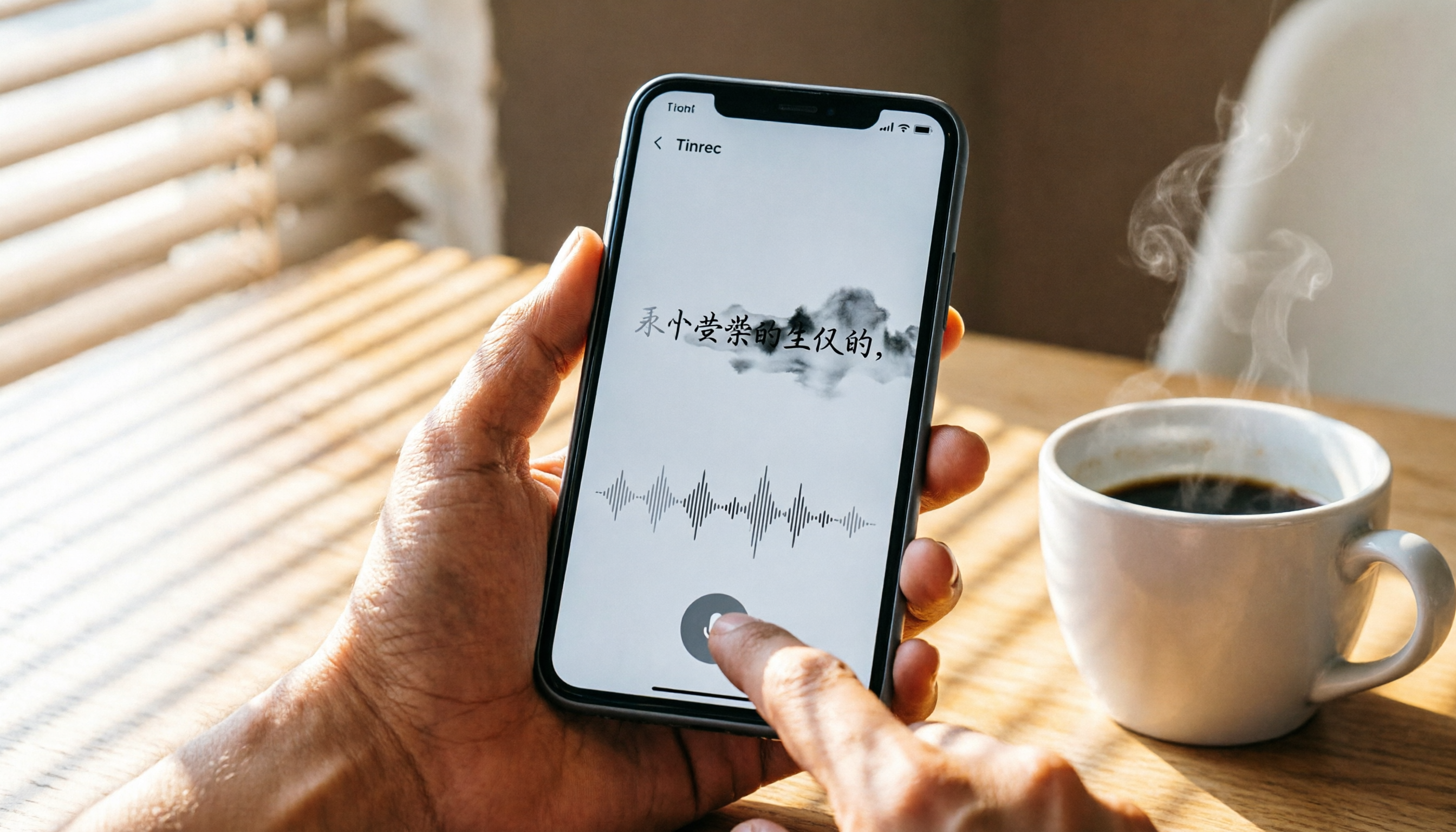
How to Use iPhone Voice Typing in 2026: A 5-Step Complete Guide
From iPhone's built-in dictation to professional recording-to-text tools, this guide provides hands-on comparisons to help you find the best voice input solution for your needs.

Tinrec vs Otter.ai in 2026: AI Speech Recognition Custom Vocabulary Showdown – Who Understands Your Industry Terms Better?
How do AI speech recognition tools handle industry-specific terminology? This article compares five tools—Tinrec, Otter.ai, Notta, Google Cloud Speech-to-Text, and Vocol.ai—based on the practical need for custom vocabularies, helping you find the best speech-to-text solution for professional scenarios.

Best AI Transcription Tools in 2026: 6 Tested, This One Is the Most Complete
We tested 6 AI transcription generators, from free to paid, and recommend Tinrec as the best for multi-scenario organization, helping you quickly process meeting, course, and interview recordings.