

Turn recordings into transcripts and summaries in minutes
Upload audio or video for multilingual transcription, AI notes, and action items
I attend hundreds of meetings every year.
In the past, the most tiring part wasn't the meeting itself—it was the post-meeting cleanup.
Formatting had to be consistent, key points couldn't be missed, and action items needed tracking—just copy-pasting and adjusting the layout took half an hour.
It wasn't until I started using AI tools to auto-generate meeting minutes templates that I realized I didn't have to start from scratch.
But with so many tools on the market, which one is best for Chinese meetings? I spent a month testing five, and this article uses Tinrec (秒聽錄音) as the main focus, walking you through the experience of "meeting ends, minutes auto-generated."
Before You Start | What You'll Need
• A smartphone or computer (iPhone, Android, Windows, Mac all work; Tinrec's web version and app are both available) • Download Tinrec and create an account (logging in with Google or Apple ID is fastest; the free version includes a monthly base allowance) • Find a meeting recording you actually need to organize (can be a live recording, an online meeting recording, or a previous audio file) • A stable internet connection (real-time transcription requires connectivity; if you want to use it offline, remember to download the language pack)
(Illustration: A desk with a laptop and phone, the screen showing Tinrec's main interface, a cup of coffee nearby, soft lighting, conveying a personal, focused atmosphere for organizing materials)
Step 1 | Record Your Meeting Content
The goal of this step is to get a clear audio file—everything after depends on it.
Open Tinrec, tap the record button on the main screen to start. Keep the phone close to the main speaker; for roundtable meetings, placing it in the center of the table works best.
Why is recording quality so important? Because AI transcription accuracy directly depends on audio clarity. Rather than spending time correcting later, spend 10 extra seconds confirming placement during recording.
When done, you'll see the recording in Tinrec with its duration and file size.
(Illustration: In a meeting room, a phone lies flat in the center of the table, surrounded by people discussing, with a real-time waveform and text snippets appearing on the phone screen)
Step 2 | Let AI Transcribe It
Tap on the recording and select "Transcribe."
Tinrec will start converting speech to text, and within minutes you'll have the full transcript.
In my testing, I found its handling of Chinese to be quite accurate—even in meetings mixing Chinese and English, it distinguishes clearly.
The transcript isn't just a record; it's a searchable, copyable foundation.
(Illustration: Left side of the screen shows the audio waveform, right side shows Chinese text appearing line by line, like someone typing in real time, background is a bright café corner)
Step 3 | Quickly Proofread the Transcript
AI transcription inevitably has minor errors, but you don't need to read it all from start to finish.
My approach: listen to the recording while quickly scanning the text. Tinrec's interface auto-scrolls as it plays, so what you hear and see stay in sync, and you can fix anything immediately.
Typically, proofreading a 30-minute meeting takes only 5 minutes.
This step isn't just about fixing typos; it's also a chance to re-understand the content.
(Illustration: A person wearing headphones, watching text highlight line by line on a tablet, occasionally tapping to correct, expression focused but relaxed)
Step 4 | Let AI Generate Meeting Minutes
This is the step that truly produces the "meeting minutes template."
In Tinrec, tap "AI Summary," and it will automatically extract the meeting topic, discussion points, and decisions. Even better, it can extract action items, each tagged with the responsible person and deadline.
You no longer need to manually apply a template—AI fills the content directly into a structured format.
I usually also tap "Section Organizer" to break long meetings into segments, each with subtitles, making it easier to read.
Stop organizing recordings by hand
Upload audio or video and automatically get a transcript, summary, and action items
(Illustration: Screen showing an auto-generated meeting summary with sections like "Meeting Summary," "Discussion Points," and "Action Items," clean layout, with "Copy" and "Export" buttons nearby)
Step 5 | Export Your Meeting Minutes Template
Once organized, Tinrec can export the summary to Notion, Google Docs, OneNote, or download as Word or PDF.
I usually export to Notion so it sits with my project management materials.
When exporting, formatting is preserved—headings, bullet points, and tables stay neat, with no further adjustments needed.
(Illustration: Phone screen sharing from Tinrec to Notion, the page immediately showing the same meeting notes, background showing a smooth workflow)
FAQ & Troubleshooting
Q: The transcript has too many errors, what should I do? Usually it's due to a noisy environment or being too far away. Tinrec has built-in smart noise reduction; just enable it in settings before recording. If you're using an old recording, you can select "High Noise Environment" mode after importing. Many transcription tools don't have this option and use default settings for all recordings.
Q: When multiple people speak, AI can't tell who said what. How to solve? Tinrec currently supports single-channel transcription and doesn't support speaker separation. However, you can use the section organizer and AI summary to quickly locate different speakers' segments. If there are two main speakers, placing the microphone closer to one can improve recognition.
Q: Is the free version enough? Will I exceed the limit quickly? The free version includes a monthly base transcription allowance, enough for about two or three typical meetings. If you need to process a lot temporarily, try the weekly card; if you have regular meetings every week, the Pro monthly plan is more cost-effective.
Q: Will the AI summary miss important details? AI summary is meant to capture key points, not verbatim details. For important decisions or sensitive content, it's recommended to cross-check with the transcript. Tinrec's AI Q&A feature allows you to ask specific questions afterward, providing a second layer of verification.
Pro Tips | 3 Ways to Double Your Efficiency with Tinrec
1. Use AI Q&A to Find Answers Directly, No Need to Scan the Transcript After a meeting, your boss asks about a specific number. What do you do? No need to listen to the recording from the start. In Tinrec's AI Q&A, type "What was the budget amount discussed last time?" and it will search the entire transcript for relevant sections and give you the answer directly. This feature is only available in paid versions of most competitors, but Tinrec offers it in the free version.
2. Turn Online Videos into Meeting Discussion Material If your team wants to discuss a YouTube video's strategy, paste the link, and Tinrec can transcribe the entire video's text and summary. You don't need to watch and type yourself; the organized content can serve as a draft for meeting discussion. Notta and Otter are weaker in this area, as they primarily focus on recording and meetings.
3. Cross-Device Sync, Meeting Notes Always at Hand I record meetings on my computer at the office and check summaries on my phone during the commute, without transferring files. Tinrec's sync is fast; as soon as recording ends, I get a notification on my phone. Recording hardware like PLAUD still relies on cables or Bluetooth, which is less convenient.
If You Don't Use Tinrec, Here Are Alternatives
• Notta: Strong in transcription and translation, suitable for bilingual meeting records, but its video-to-text feature is less intuitive than Tinrec. • Otter.ai: The king of English meetings, with excellent speaker identification and team collaboration, but in Chinese environments, its meeting summary structure is less refined than Tinrec.
I tried both, but I always come back to Tinrec because it handles Chinese meetings and videos most smoothly, and its output format can directly serve as my meeting minutes template.
Conclusion
Now that you've learned these 5 steps, you can use Tinrec to turn any meeting recording into a transcript, auto-generate structured notes, and even quickly retrieve information via AI chat.
Next step: Download the free version of Tinrec and try it with one of your own meetings. There's a monthly free allowance, enough to experience the full process two or three times.
You'll find that meeting minutes templates no longer need to start from a blank document—AI has already prepared them for you.
References
- Taipei Municipal Jingxing Junior High School - Subject Teaching Research Meeting Agenda and Minutes
- National Development Council - Meeting Minutes
- Download Forms - Meeting Format – Secretariat Office
- [Meeting Minutes Writing 2026] Format Guide | Free Templates & Downloads - ProjectManager
- Notion's Premium Meeting Templates | Notion Marketplace
Turn every recording into actionable outcomes
Get 60 free transcription minutes when you sign in. No credit card required.
Related Reading
You might also like

Samsung Built-in Voice Recorder vs Tinrec in 2026: A 5-Dimension Comparison to Help You Choose
Is Samsung's built-in voice-to-text feature enough? This article compares Samsung's Voice Recorder app with Tinrec across five dimensions: input sources, post-processing, cross-platform support, pricing, and accuracy, helping you pick the best tool for meetings and course notes.
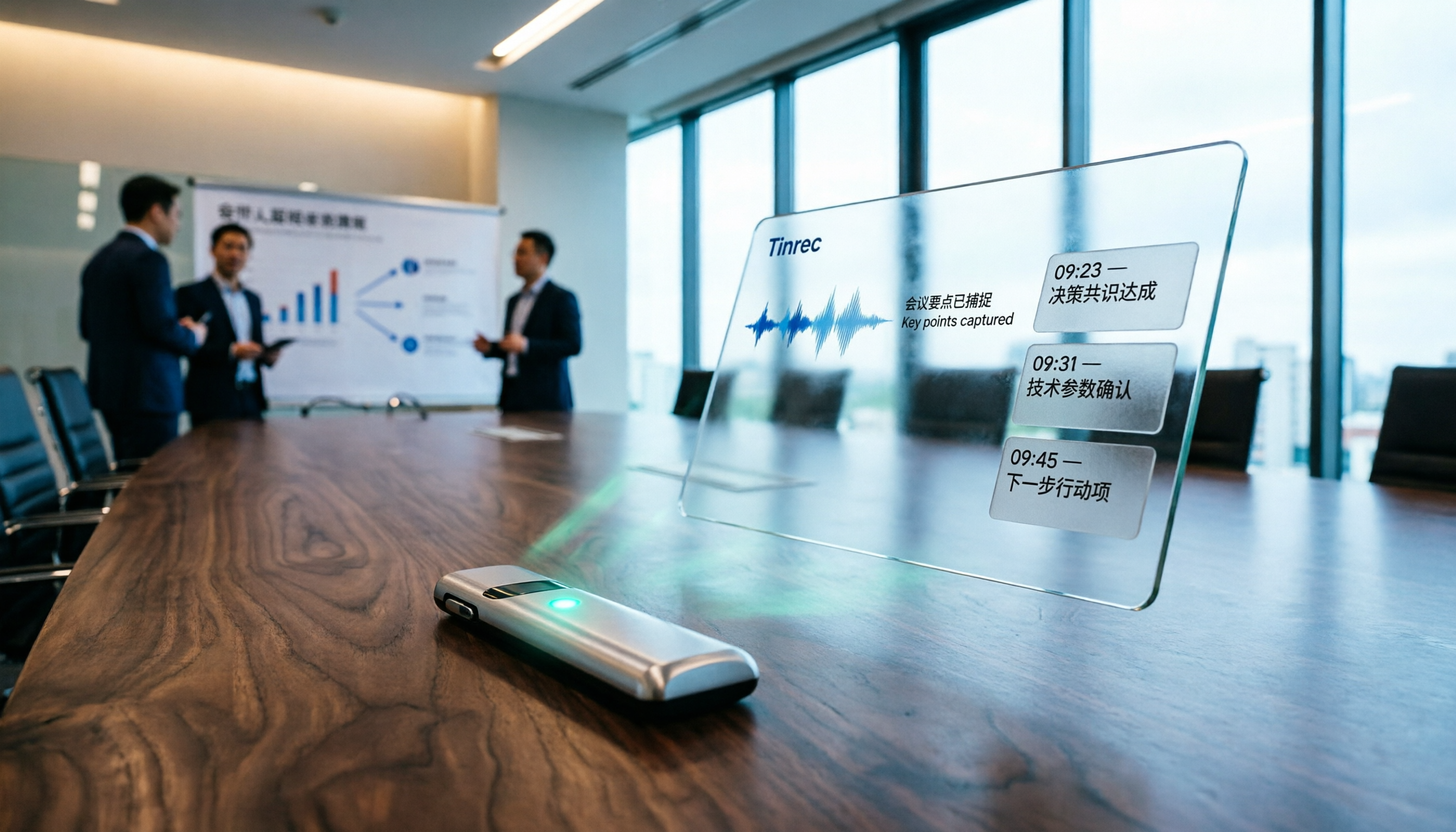
3 AI Tools for Academic Conference Recording in 2026: Record, Transcribe, and Summarize in One Go
Attending academic conferences and recording lots of audio but struggling to organize it? Tinrec automatically converts recordings into text, summaries, and key points, supporting mixed Chinese-English content, making meeting minutes fast and accurate—no more overtime listening to tapes.

2026 iPhone Voice-to-Text Free Options: 5 Tools Compared
How to quickly turn iPhone recordings into text? This article reviews 5 free and paid options, and recommends Tinrec for its Traditional Chinese support, AI summaries, and conversational search—perfect for meetings, classes, and interviews.

Best Tools for Converting Douyin Video Speech to Text: 2026 Hands-On Comparison of 2 Tools, One Is Better for Content Organization
Want to convert speech in Douyin videos to text? This article compares two major tools, CapCut and Tinrec, evaluating them on transcription accuracy, additional AI features, export flexibility, and supported sources, to help you choose the best tool for your needs.

2026 AI Meeting Recorder App Comparison: Which Is Better for Chinese Meeting Minutes?
Tired of manually filling out meeting minutes templates? I compared Tinrec and Notta, two AI voice-to-text tools, across 5 dimensions—Chinese transcription accuracy, AI summary quality, export and integration, and online video processing—to help you decide which one is best for your meeting notes.

Best Otter Alternatives in 2026: Tinrec AI Meeting Notes Tested for English
Looking for an English AI meeting notes tool? This article tests Tinrec as an Otter alternative, comparing language support, input sources, and AI post-processing to help you decide which is better for organizing meetings, classes, and interview recordings.

2026 Meeting Minutes Tools Buyer's Guide: 4 Hands-On Tests and Recommendations
Spending two hours in a meeting and another two hours writing up the minutes? Handwritten Word templates are no longer the best solution. This article tests 4 AI tools, including Tinrec, comparing accuracy, AI features, cross-platform support, and free plans to help you choose the right tool to automatically generate meeting minutes and to-do lists, saving your time for what matters most.
2026 Hands-On Comparison of 3 AI Meeting Note Tools: Beyond Transcripts, Which One Turns Content into Truly Usable Data?
Spending two hours in a meeting and another two organizing notes? We tested Tinrec, Meeting Ink, and SeaMeet—three AI meeting note systems—evaluating transcription accuracy, summary quality, AI Q&A, and Chinese-language performance to help you find a truly time-saving option.

Best English Meeting Minutes Tools in 2026: Hands-On Review of 4 Options with AI Q&A
Struggling with English meeting minutes? This article reviews 4 audio-to-text tools for English meetings in 2026, covering AI summaries, action item extraction, and conversational search, showing why you no longer need to type transcripts manually.