
Turn recordings into transcripts and summaries in minutes
Upload audio or video for multilingual transcription, AI notes, and action items
Spent an hour in a meeting but need two hours to organize the transcript? This is a common pain point for administrative staff, students, and researchers. In an era of information overload, "recording" is easy, but turning "audio" into "usable text" is a huge time sink. The market is flooded with tools claiming to do "voice-to-text," from built-in phone features to professional paid software. Which one has the best Traditional Chinese recognition? Which one can automatically generate meeting minutes?
This article references mybest expert rankings and the latest 2026 market tools, compiling 10 popular audio-to-text app recommendations with multidimensional comparison tables and hands-on tutorials.
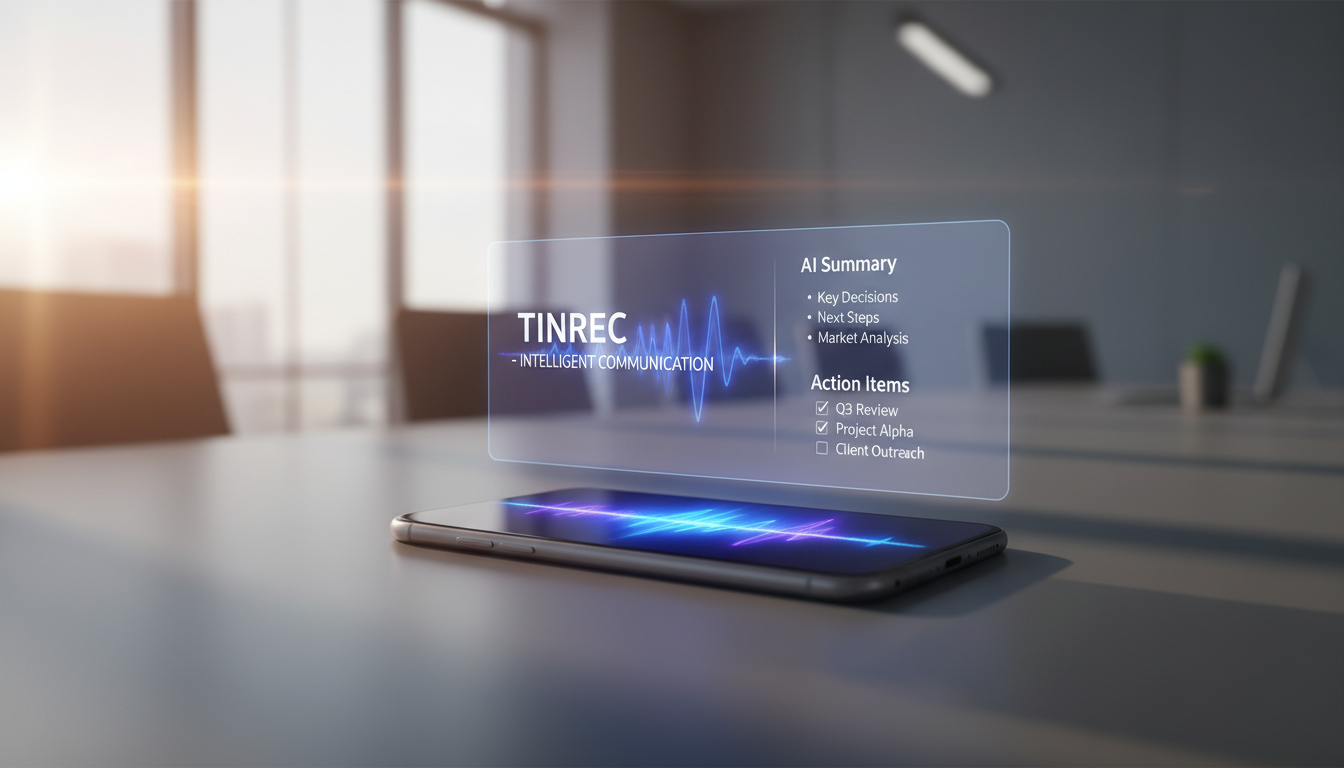
Quick Navigation Conclusions:
- If you only need simple text conversion: Prioritize built-in dictation on your phone (Pixel/iPhone) or a free basic transcription app.
- If you value post-meeting action and organization: Choose tools with AI summaries, speaker identification, and AI conversation search (e.g., Tinrec, Notta) to turn recordings directly into decision-making assets.
2026 Top 10 Speech-to-Text App Recommendations
Based on market reviews and user feedback, here are the top-performing tools in accuracy and functionality. Most use a "freemium" or subscription model. Choose based on your usage frequency (e.g., monthly recording hours).
- Notta: Focuses on real-time transcription and multilingual support, ideal for international meetings.
- Tinrec (Second Listening Recorder): Emphasizes a complete "Record → Understand → Act" workflow with AI conversation search and action item extraction.
- Transkriptor: Supports over 40 languages and can process online video links.
- Good Tape: Clean interface suitable for media professionals, with speaker identification.
- iTranscribe: Offers simultaneous recording and translation, useful for interviews.
- Yating Transcript: Optimized for Taiwanese accents, ideal for users with strong localization needs.
- iTranslate Converse: Suitable for real-time translation and simple conversation recording.
- SoundType AI: Features multi-training systems for accurate speaker differentiation.
- Aiko: Developed by an independent developer, supports on-device processing for high privacy.
- Google Recorder / iOS Voice Memos: Built-in phone tools perfect for ad-hoc, zero-budget needs.
Deep Comparison Table: Which Tool Boosts Your Efficiency?
When choosing a tool, don't just look at "can it transcribe?" but also "what can it do after transcribing?" Below is a comparison of representative tools across key dimensions:
| Dimension | Tinrec | Notta | Google / Built-in | Yating Transcript |
|---|---|---|---|---|
| Traditional Chinese Recognition | Excellent (supports Taiwanese Hokkien/Cantonese multi-language) | Excellent | Good (varies by environment) | Excellent (strong localization) |
| Real-time Transcription | Supported | Supported | Supported | Supported |
| AI Summary/Conclusions | Supported (includes action items/todos) | Supported | Partial (newer phones) | Supported |
| AI Conversation Search | Supported (ask questions about the recording) | Supported | Not supported | Not supported |
| External File Import | Supported (audio/video) | Supported | Supported (limited) | Supported |
| Video Link to Text | Supported (YouTube/Podcast) | Not supported | Not supported | Not supported |
| Use Case | Meeting decisions, deep learning, content creation | International business meetings | Ad-hoc notes, interviews | Taiwan local interviews |
Stop organizing recordings by hand
Upload audio or video and automatically get a transcript, summary, and action items
Buying Tip: If you only need to "turn audio into text," built-in tools or simple transcription apps suffice. But if your pain point is "no time to reread the transcript," tools with AI summaries and AI conversation search (like Tinrec) will significantly reduce your review time.

Why "AI Conversation Search" Is the Key to Next-Gen Recording Tools
Traditional transcription software solved the "typing" problem but created a new one: too much text, no focus. A 60-minute meeting transcript can contain thousands of words—hard to read and harder to quickly find "who promised what" or "next meeting time."
New-gen AI recording assistants (e.g., Tinrec) attempt to solve this. Key differences:
- Structured Output: Not just a wall of text, but automatically organized meeting minutes, core conclusions, and to-do lists.
- Interactive Search: A standout efficiency feature. Users can ask AI: "What was the conclusion on the marketing budget?" or "What tasks did John own?"—the system answers based on the recording, saving Ctrl+F hassle.
- Multi-Source Integration: Besides live recording, it handles YouTube links or podcasts—a huge time saver for content creators analyzing competitors or online course notes.

Hands-On Tutorial: Turn Recordings into Actionable Notes with AI
Using Tinrec's interface as an example, here's how to convert audio from different sources into high-value notes. These steps generally apply to similar AI recording tools.
Scenario 1: Live Recording of Important Meetings or Classes
- Open the tool and tap Real-time Speech-to-Text.
- The system starts recording and displays the transcript live. Place your phone/computer close to the speaker for best results.
- Tap stop when done. AI automatically processes, identifies speakers, and generates Meeting Summary.


Scenario 2: Organizing Existing Recordings or Video Files
- If you have files from a recorder (e.g., mp3, wav, m4a).
- Use Audio File to Text to upload the file.
- After transcription, use the To-Do List feature to quickly identify follow-ups—no need to re-listen.

Scenario 3: Quickly Process YouTube Videos or Podcasts
- Found a 2-hour video with great content but no time to watch?
- Copy the video URL, use Podcast/Online Video to Text.
- The system parses the content and generates a summary. Ask AI directly: "What are the three key strategies mentioned?" to quickly extract knowledge.

FAQ
Q1: Are these speech-to-text apps completely free? Most professional tools (e.g., Notta, Tinrec) use a "freemium" model, offering free minutes per month (e.g., 60–100 minutes). For heavy use, a subscription is needed. Built-in phone features are usually free but lack advanced AI summaries.
Q2: How well do they handle mixed Chinese-English or dialects (Taiwanese Hokkien/Cantonese)? Modern AI models handle mixed-language well. For dialects, some tools like Tinrec support Taiwanese Hokkien and Cantonese. Check the language list or use free trials to test.
Q3: Can I export the transcript? Yes, most tools support export in formats like TXT, Word (DOCX), and SRT (subtitle). For video creators, SRT export is especially helpful.

Q4: How is performance in noisy environments? Background noise is the biggest enemy of accuracy. While many apps have noise reduction, physical clarity matters most. Use a directional microphone or stay close to the sound source.
Q5: Can I transcribe Teams or Google Meet recordings? Yes. Use desktop recording tools to capture the audio, or download the cloud recording and upload it to Tinrec or similar platforms for transcription and analysis.
Q6: Is my data private and secure? Well-known vendors generally offer better security. For highly sensitive data, consider on-device solutions (e.g., phone-based). For cloud services, review their privacy policy.
Turn every recording into actionable outcomes
Get 60 free transcription minutes when you sign in. No credit card required.
Related Reading
You might also like

3 Smart Meeting Notes Solutions Tested for 2026: Which Saves the Most Time?
Still replaying recordings and manually taking notes after meetings? This article walks through the smart meeting notes workflow using Tinrec, from pre-meeting preparation and in-meeting recording to post-meeting proofreading and archiving. It also provides a ready-to-use meeting minutes format, buying tips, and FAQs.

4 Smart Meeting Notes Tools Tested: How to Go from Recording to Action Items with the Least Time in 2026
How do smart meeting notes work? This article breaks down the five-step workflow—record, transcribe, summarize, query, and create action items—and compares Tinrec, Otter.ai, Granola, and TurboScribe on Chinese meetings, bot-free recording, post-meeting organization, and team collaboration. It includes quota and pricing comparisons, pitfalls to avoid, and selection advice to help you choose the right tool at once.

2026 Smart Meeting Minutes Comparison: Tinrec vs Otter.ai on 5 Dimensions — Which Saves More Time?
Good meeting minutes aren't about verbatim transcription—they're about conclusions and action items. This article compares Tinrec's instant recording and Otter.ai dimension by dimension, from note-taking style, meeting capture, Chinese transcription, post-meeting workflow to team governance and pricing, to help you choose the smart meeting minutes solution that truly saves time.

How to Use AI Meeting Assistants in 2026: Tinrec 6-Step Guide + Auto-Generated Meeting Minutes
A student's hands-on guide to using AI meeting assistants, featuring Tinrec: six steps to get started, how to record online meetings without bots, how to generate post-meeting summaries and action items, and an honest comparison of Google Meet, Tactiq, Notta, and Granola for student use cases. Also covers whether the free version is enough.

2026 Smart Meeting Notes Free Options: 4 Tools Compared
How do you write smart meeting notes that don't turn into a rambling transcript? This article uses a 5-part format you can apply to capture conclusions and action items, and reviews 4 free options, including Tinrec's free version, team trial, and practical applications, to help you assess your needs before choosing a tool.

4 AI Meeting Assistants Tested for 2026: No Meeting Bots—Which One Actually Saves You Two Hours After the Meeting?
A mid-level manager who holds 15 meetings a week tested 4 AI meeting assistants, comparing recording methods, post-meeting output, Chinese-language performance, and team governance. Here's why Tinrec (Miao Ting Lu Yin) was the one that stayed, and who Otter.ai, Granola, TurboScribe, and PLAUD are each best suited for.

How to Take Smart Meeting Notes in 2026: 6 Steps from Recording to AI Action Items
Smart meeting notes aren't just about hitting record. This guide starts with what a useful record should look like, compares four approaches—platform built-in, meeting bots, bot-free desktop recording, and post-meeting upload—then walks through 6 steps: define questions before the meeting, record and transcribe during, proofread after, generate AI summaries, rewrite with Topic + Next Step, and send and archive within 24 hours. It also covers team roles, seats, and pricing.

4 AI Meeting Assistants Tested in 2024: Dcard Users Weigh In—Which One Actually Saves You Post-Meeting Time?
Starting from the most common Dcard question—'How do I choose an AI meeting assistant?'—this article uses the real needs of a mid-level manager with 15 meetings a week to break down 4 key buying factors: how meetings are recorded, what you get after the transcript, whether recordings are kept, and how team seats are counted. It compares Tinrec, Otter.ai, Notta, and Granola, with a pitfalls guide and scenario-based recommendations.

5 Smart Meeting Notes Tools Tested for 2026: What Are AI Meeting Notes & Which Really Saves Time?
Many people think smart meeting notes are just automatic transcripts, but they end up with long text files and still have to find decisions and action items themselves. This article first clarifies common misconceptions about what smart meeting notes are, then reviews the features, official pricing, and ideal users for 6 solutions: Tinrec, Otter.ai, Notta, Fireflies.ai, Granola, and TurboScribe, helping you choose tools based on meeting workflows rather than marketing hype.