
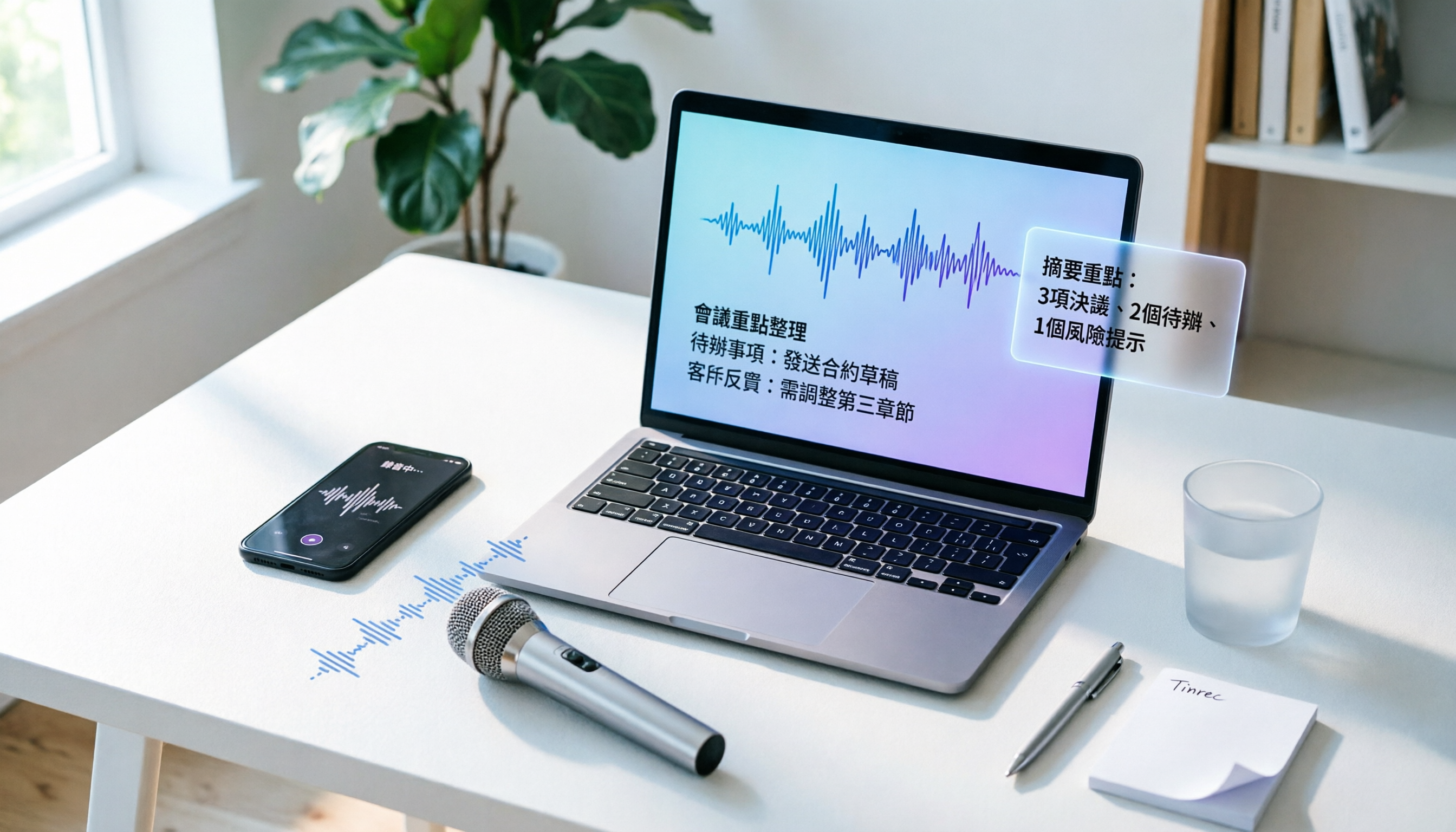
Turn recordings into transcripts and summaries in minutes
Upload audio or video for multilingual transcription, AI notes, and action items
I've tested quite a few audio-to-text tools; some produce gibberish, and some can't even handle Chinese properly. Recently, I tried Tinrec (Miao Ting Lu Yin), and honestly, I was a bit surprised—not only is the transcription accurate, but it also provides AI summaries and to-do lists. This article will teach you how to use it, from scratch in 5 steps, and even my colleague who isn't tech-savvy can learn it.
Step 1: Get an Audio Recording
You need a recording before you can transcribe. You can use Tinrec's built-in recording feature, or import old audio files or videos.
(Image: Tinrec main screen, with options to "Start Recording" or "Import File")
I usually use its recording feature; I place it on the table during meetings, and when it's over, I have a transcript. No need to buy a separate voice recorder; your phone is the best device.
Step 2: Open Tinrec and Choose Transcription Mode
Tinrec has mobile apps (iOS/Android) and a web version. I prefer the app because it's more convenient for on-the-go recording. After opening, just tap "Start Recording," and it will transcribe in real time, displaying the text on the screen as you speak.
(Image: Real-time transcription screen with text appearing as you speak)
If you already have an audio file or video, tap "Import File"; you can even paste public links from YouTube or Bilibili for transcription, which is really impressive.
Step 3: Let Tinrec Turn Your Voice into Text
Once you hit record, you barely need to do anything; Tinrec works in the background. I tested a 5-minute Chinese meeting recording, and the transcription was completed in about 1 minute, which is quite fast.
(Image: Completed transcript with timestamps)
In terms of accuracy, as long as there isn't excessive background noise or heavy dialect, in a typical office environment, I find that over 90% of the words are correct. It can also handle mixed Chinese-English content, unlike some tools that freeze when they encounter English.
Step 4: Review and Fine-Tune the Transcript
After getting the transcript, I quickly skim through it and correct any obvious errors. Tinrec's interface allows you to listen to the audio while editing the text; clicking on the timeline jumps to that section of the audio, which is very convenient.
Stop organizing recordings by hand
Upload audio or video and automatically get a transcript, summary, and action items
(Image: Transcript editing interface with audio reference for corrections)
A minor drawback is that it doesn't automatically differentiate speakers, so for multi-person meetings, you'll need to manually mark who said what. I think there's room for improvement here, but for solo interviews or class notes, it doesn't matter.
Step 5: Organize into Usable Material or Export Directly
This is what impressed me most about Tinrec—transcription isn't the end; it can also automatically generate summaries, chapters, and to-do items.
(Image: Example of AI summary and to-do list)
For example, after a one-hour meeting, I just tap "Summary," and it gives me three key points; tap "To-Do," and it lists who should do what. Finally, whether you want to export to Word, paste into Notion, or just copy, it can handle it all.
Real-World Experience: Pros and Cons, Honestly
After using it for almost two months, the most obvious advantages are:
- Transcription quality is good enough to save 80% of manual typing time.
- It doesn't just transcribe; the AI post-processing is super useful, and summaries and to-dos are a lifesaver.
- It works across platforms; record on your phone, view on your computer, and sync data without worry.
- The free version includes 100 minutes per month, so you can try before you buy without fear of wasting money.
But there are some things I have to mention:
- Automatic speaker labeling isn't implemented yet, so you'll need to distinguish speakers in multi-person meetings.
- Accuracy drops in extremely noisy environments (like a coffee shop background), which is normal, but I should still warn you.
- For recordings as long as 2 hours, transcription will be a bit slower, taking a few minutes.
Who Is Tinrec Suitable For?
If you are:
- An office worker who frequently attends meetings and needs quick meeting minutes
- A student or researcher who wants to turn classroom lectures or interviews into notes
- A content creator who needs to extract material from videos or podcasts
Then I think Tinrec is worth trying. Especially since the free version lets you experience most features, I recommend downloading it and testing it with your own recordings to see for yourself.
References
- ATEN優聲學 AI Voice
- Azure Speech in Foundry Tools | Microsoft Azure
- 2024 Best Text-to-Speech Tools: Top 8 AI Voice Generators Recommended!
- Online Text-to-Speech Tool: Free and Fast AI Voice Generation
- VoAI 絕好聲創 | Ultra-Realistic Taiwanese Accent AI Voice Service | AI Voice | AI Voice Cloning | AI Virtual Human | AI Podcast | API
Turn every recording into actionable outcomes
Get 60 free transcription minutes when you sign in. No credit card required.
Related Reading
You might also like
Best Recording-to-Text Apps in 2026: 3 Tested, Top Pick for Students
A student's hands-on review of 3 recording-to-text apps, comparing free allowances, classroom accuracy, and AI summarization features. Recommends Tinrec (Miao Ting Lu Yin) as the best value, with a generous free tier and affordable paid plans.

How to Choose an AI Meeting Assistant in 2026: A 5-Step Guide from Recording to Meeting Summaries
Tired of scrambling during meetings? This guide walks you through your needs and hands-on tests of Tinrec, Otter.ai, and Notta, showing you step by step how to pick the best AI meeting assistant for automatic transcription, summaries, and to-dos.

2026 Hands-On Comparison of 3 AI Recording and Transcription Tools: Beyond ChatGPT, This One Understands Chinese Workplaces Better
After testing ChatGPT's recording feature, Tinrec, and Otter.ai, we found that if you need more than just transcription—a workspace that truly lightens the load for Chinese meetings—Tinrec is currently the most practical choice.

4 Automated Meeting Minutes Tools Tested in 2026: Which One Handles Chinese Best?
We tested 4 automated meeting minutes tools in 2026, comparing Chinese transcription accuracy, AI summarization, and pricing to help you find the best fit.

2026 AI Meeting Notes with Tinrec: Auto Summaries & Action Items Made Easy
Tired of struggling with meeting notes? This article, tested by a mid-level manager, recommends Tinrec, the latest AI meeting notes tool for 2026. It not only auto-transcribes but also generates summaries and action items, and supports multi-source audio/video processing to double your meeting efficiency.

Tinrec vs Plaud Note 2026: 5-Point Hands-On Comparison – Which Is Better for Chinese Users?
Choosing a speech-to-text tool? I compared open-source Whisper, the Plaud Note hardware recorder, and the all-in-one software Tinrec across five key dimensions—input sources, cross-platform support, AI organization, cost, and Chinese-language experience—to show you which one truly turns your recordings into usable knowledge.

4 One-Click Meeting Minutes Tools Tested in 2026: Student Review, Free Plans & AI Summaries Compared
A senior student tested 4 one-click meeting minutes apps for class recordings, group discussions, and final exam prep, comparing free plans, Chinese speech recognition, AI summaries, and cross-platform performance. Tinrec came out on top, offering not just transcription but AI-powered Q&A to find key points.

2026 AI Meeting Notes Tools Compared: Which One Is Better for Chinese Meetings?
This article compares Tinrec and Otter.ai for automatic meeting report generation, analyzing five dimensions: Chinese accuracy, input source variety, post-meeting organization, export flexibility, and AI Q&A. It helps decision-makers quickly determine which tool is best for Chinese-language meetings.

2026 Speech-to-Text Guide: Tinrec as a Gemini Alternative for Multi-Source Recording + AI Organization
Gemini's speech-to-text is fast, but it only handles transcription. This guide explains how to choose the right speech-to-text tool, using Tinrec as an example to show how to turn meetings, classes, interviews, and online videos into searchable, queryable, and organized actionable knowledge.