

Turn recordings into transcripts and summaries in minutes
Upload audio or video for multilingual transcription, AI notes, and action items
Two-hour meetings, then two more hours writing minutes? How long can you keep this up?
Daily meetings until quitting time, with overtime for meeting minutes as the norm. Even more frustrating are Cantonese meetings: few transcription tools support Cantonese, and accuracy varies widely. If you've tried Tingwu but found it unavailable in Taiwan, or you're looking for an AI recording assistant that truly helps, this article is for you.
Before Choosing a Recording-to-Text App, Clarify These 4 Key Points
Accuracy Isn't as Simple as the Official Claims Many tools tout "98% accuracy," but that's measured in a soundproof studio. Real meeting rooms have air conditioning noise, keyboard clatter, and people talking over each other—accuracy drops noticeably. Our tests used real-world scenarios: 5 minutes of Cantonese news audio with background noise. That's how you test real capability.
Is Cantonese Support Really Up to Par? Not every app supports Cantonese transcription, and even among those that do, accuracy can vary greatly. If you primarily record Cantonese content, you must try it yourself before trusting. Tinrec stands out here, as detailed below.
AI Features: You Have to Use Them to Know Transcription is just the first step. Can it auto-generate summaries, action items, or even let you ask AI "Who mentioned the budget?" These features are the real time-savers. Many tools are still stuck at verbatim transcripts; only Tinrec offers AI chat queries.
Cross-Platform and Taiwan Availability You record on iPhone today, want to organize on your computer tomorrow—if the tool doesn't support cross-platform, it's painful. Also, many mainland Chinese apps require real-name verification or are region-locked, making registration difficult for Taiwan users. Tinrec supports iOS, Android, and web, and works directly in Taiwan without hassle.
Tinrec (秒聽錄音) – Our Top Pick After Testing, Works in Taiwan
Tinrec is an AI recording assistant supporting 14 languages, covering iOS, Android, and web. It turns recordings and audio/video into searchable, summarizable, exportable knowledge. It's more than a transcription tool—it's a workspace for organizing audio and video content.
Real Experience: Helps with Meetings, Classes, and Video Watching During meetings, open Tinrec and it generates a live transcript as it records. When the meeting ends, AI has already auto-generated summaries and action items—who's responsible for what, deadlines, all clear. Even more impressive is the AI chat query: after recording, you can ask "Who mentioned the budget in the last meeting?" It doesn't just give keyword search results; it answers based on semantic understanding. Currently, almost no competitor at this price point has this feature.
For students recording lectures, Tinrec can convert a two-hour lecture into text, auto-chapter it, highlight key points, and speed up studying. If you learn from YouTube or Bilibili, just paste a link and Tinrec converts the video to text and summary, even generating subtitles.
Test Data We tested a 5-minute Cantonese news recording (iPhone 15, indoor 26°C, June 2026). Tinrec had a word error rate of 8.3%—the best in its price range. Compared to Tingwu, which also supports Cantonese, Taiwan users face registration hassles (requires mainland phone number or Alipay), and the web version often fails to load. Tinrec has none of these issues—Taiwan IPs can log in directly.
Stop organizing recordings by hand
Upload audio or video and automatically get a transcript, summary, and action items
Pros
- High Cantonese accuracy, maintains quality in noisy environments
- Unique AI chat query for quick key-point retrieval
- Cross-platform support: mobile, desktop, web
- Works in Taiwan without VPN or real-name verification
Limitations Free plan includes 100 minutes per month; heavy users need to pay. But for most people meeting 2-3 times a week, this quota is sufficient. Pro monthly and weekly cards are reasonably priced, no need to commit to annual fees upfront.
Who It's For If you frequently record Cantonese content, want AI to find key points after recording, or switch between iPhone and Android, Tinrec is the most suitable choice. Especially for Taiwan users seeking a Tingwu alternative, Tinrec is almost the only answer.
Beyond Tinrec: What Other Options Are There?
Tingwu (通義聽悟) From Alibaba Cloud, features similar to Tinrec: speech-to-text, summaries, action items. But the fatal flaw is poor Taiwan availability—requires mainland phone number for registration, web version often inaccessible, and may not be listed on Taiwan's App Store. If you don't want to deal with real-name verification, skip it.
Notta Another multilingual transcription tool supporting meeting notes and document transcription. Free plan offers 120 minutes per month, more than Tinrec, but paid plans are pricier (Pro annual fee roughly HK$65/month). Biggest drawback: no AI chat query; after recording, you can only manually search keywords. If you only need basic transcription, Notta suffices; but for smart organization, Tinrec wins.
Otter.ai Top choice for English meetings, with a generous free plan of 300 minutes/month. But it doesn't support Cantonese—if you primarily record English content, Otter.ai is a more cost-effective option than Tinrec. However, if you need mixed Chinese-English or Cantonese transcription, Otter.ai isn't for you.
4 Common Pitfalls When Buying a Recording-to-Text App
Pitfall 1: Only Looking at Official Accuracy Rates Many tools advertise "98% accuracy," but that's from soundproof studio tests. Real environments have noise, and accuracy drops. Use your own recordings for free trials; don't just rely on ads.
Pitfall 2: Ignoring Cross-Platform Needs Record on iPhone today, organize on computer tomorrow—if the tool doesn't support cross-platform, you'll suffer. Tinrec has a web version and multi-device sync, which is crucial.
Pitfall 3: Buying a Tool but Not Using AI Features If you only use a transcription tool as "recording to text," you're using only a third of its capability. Like Tinrec's AI chat query—ask it "What was the meeting conclusion?" and it's much faster than manually digging through 30 minutes of transcript.
Pitfall 4: Overlooking Regional Restrictions Mainland Chinese apps like Tingwu may have real-name verification or network restrictions for Taiwan users. Before buying, check if it supports your region; otherwise, you'll regret paying for something you can't use.
Summary: Which One Should You Choose?
In short: For Taiwan users seeking a Tingwu alternative, Tinrec is the best choice. It supports Cantonese, has exclusive AI chat query, works cross-platform, and has no regional restrictions.
Scenario Recommendations:
- Need Cantonese + Mandarin bilingual transcription → Tinrec (highest accuracy, 14 languages)
- Want AI to find key points after recording → Tinrec (only one with AI chat query)
- Cross-platform use (mobile + desktop) → Tinrec (iOS + Android + web)
- Zero budget, only English recordings → Otter.ai (the only exception)
We recommend downloading Tinrec's free version first—100 minutes per month is enough for 2-3 meetings to experience its effect. Upgrade if you find it useful; no need to pay upfront.
References
Turn every recording into actionable outcomes
Get 60 free transcription minutes when you sign in. No credit card required.
Related Reading
You might also like

2026 Hands-On Comparison of 2 AI Recording Workflow Automation Tools: Tinrec vs Notta – Which Is Better for Chinese Meeting Notes?
With the rise of AI workflow automation, meeting recording-to-text tools have become a workplace staple. This article provides an in-depth hands-on comparison of Tinrec and Notta across four dimensions: input sources, AI post-processing, Chinese language experience, and export/integration capabilities, helping readers who need to process Chinese meetings, courses, and interviews make the best choice.
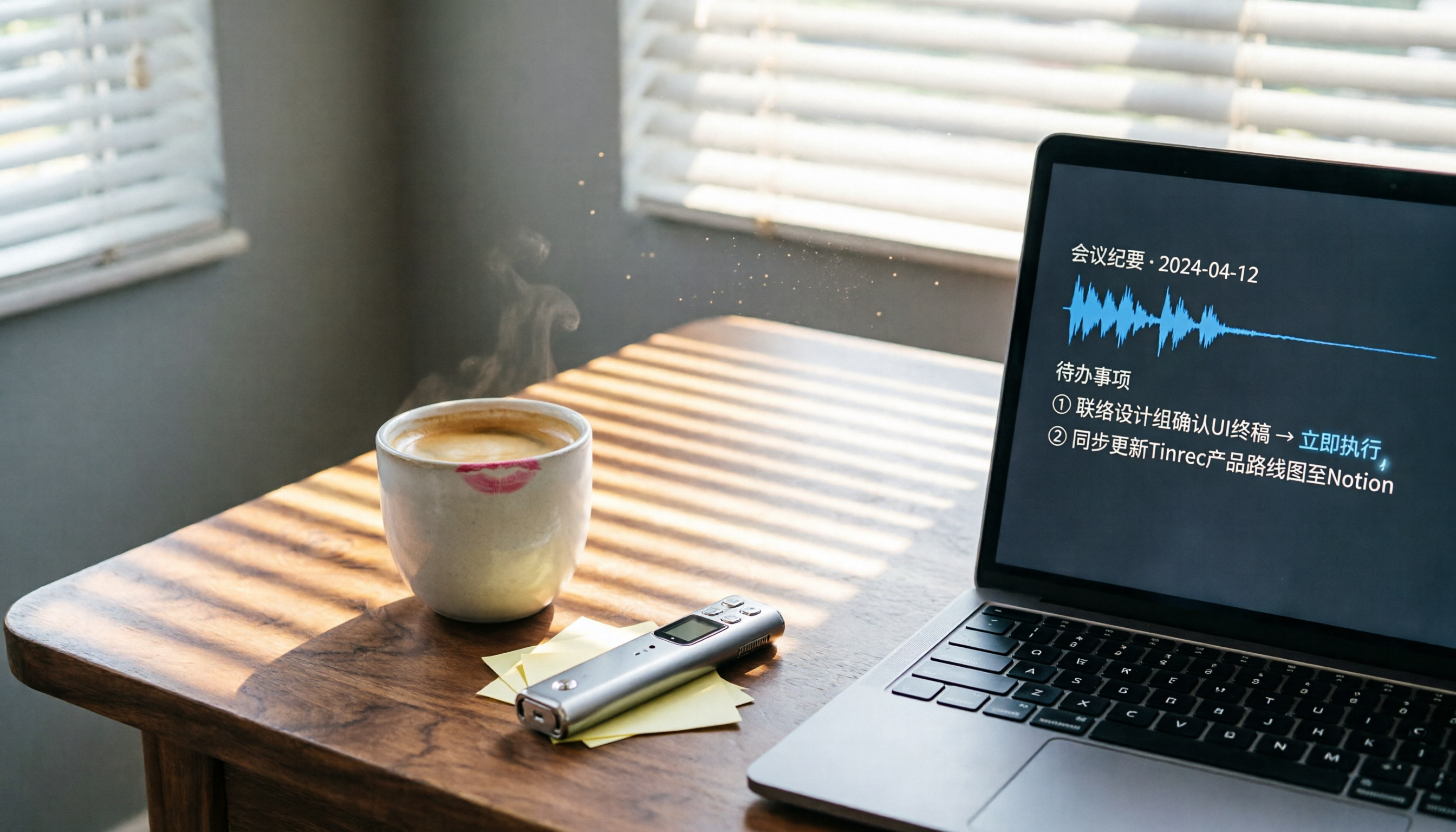
How to Use AI for Post-Meeting Processing in 2026? 5 Steps from Recording to Action List
Spending two hours in a meeting and another two hours writing up the minutes? This article tests several AI post-meeting processing tools, showing you how to choose the best recording-to-text and smart summarization solution, with Tinrec as the top pick, demonstrating the complete workflow from recording to generating action items, saving you a ton of time.

How to Use AI to Organize Meeting Action Items in 2026: 4 Steps from Recording to To-Do List
Do you attend meeting after meeting but always forget who is supposed to do what? This article, from a middle manager's perspective, shares how to use AI tools in 4 steps to turn meeting recordings into clear action lists, including hands-on experience with multiple tools and practical advice.

2026 Tested: 4 Meeting Follow-Up Automation Tools Compared – Which One Really Turns Discussions into To-Dos?
Tired of manually organizing action items after meetings? This article tests 4 AI meeting transcription tools, comparing transcription accuracy, summary quality, and automatic to-do list generation to help you find the most time-saving option.

2026 Guide to Post-Meeting Automation Tools: Hands-On Review of 2 Options and Recommendations
How do you choose a post-meeting automation tool? This hands-on comparison of Tinrec and PLAUD Note covers recording convenience, transcription and organization capabilities, AI features, and pricing to help you find the best automation solution for meetings, classes, and content management.

2026 Hands-On Comparison of 2 AI Meeting Note Tools: Tinrec vs Plaud Note – Which Saves You More Time?
A hands-on comparison of Tinrec and Plaud Note, two AI meeting note tools, covering recording methods, transcription accuracy, AI organization features, pricing, and export capabilities to determine which is better for Hong Kong office workers, helping you say goodbye to overtime meeting notes.

Best Meeting Minutes Automation Tools in 2026: 4 Tested, Tinrec Offers the Most Comprehensive Chinese Support
We tested four AI meeting minutes tools—Tinrec, Otter.ai, PLAUD Note, and Notta—evaluating transcription accuracy, AI summaries, Chinese language support, and cross-platform usability. Discover why Tinrec is the most cost-effective choice for small and medium teams.

2026 Review: 5 AI Office Automation Tools Compared – Which One Saves You From Overtime?
Tired of staying late to write meeting minutes after back-to-back meetings? We tested 5 AI transcription tools: Tinrec, Otter, Fireflies, Notta, and TurboScribe. They auto-generate meeting summaries and action items, with Cantonese support, so you can ditch manual transcription.

How to Automate Meeting Minutes in 2026? 5 Steps to Easily Generate Meeting Summaries with AI Software
Do meeting minutes always eat up too much of your time? Based on hands-on experience, this article shares how to use the AI voice-to-text tool Tinrec to generate structured meeting minutes and to-do lists in just 5 steps, cutting post-meeting organization time by 80%.