
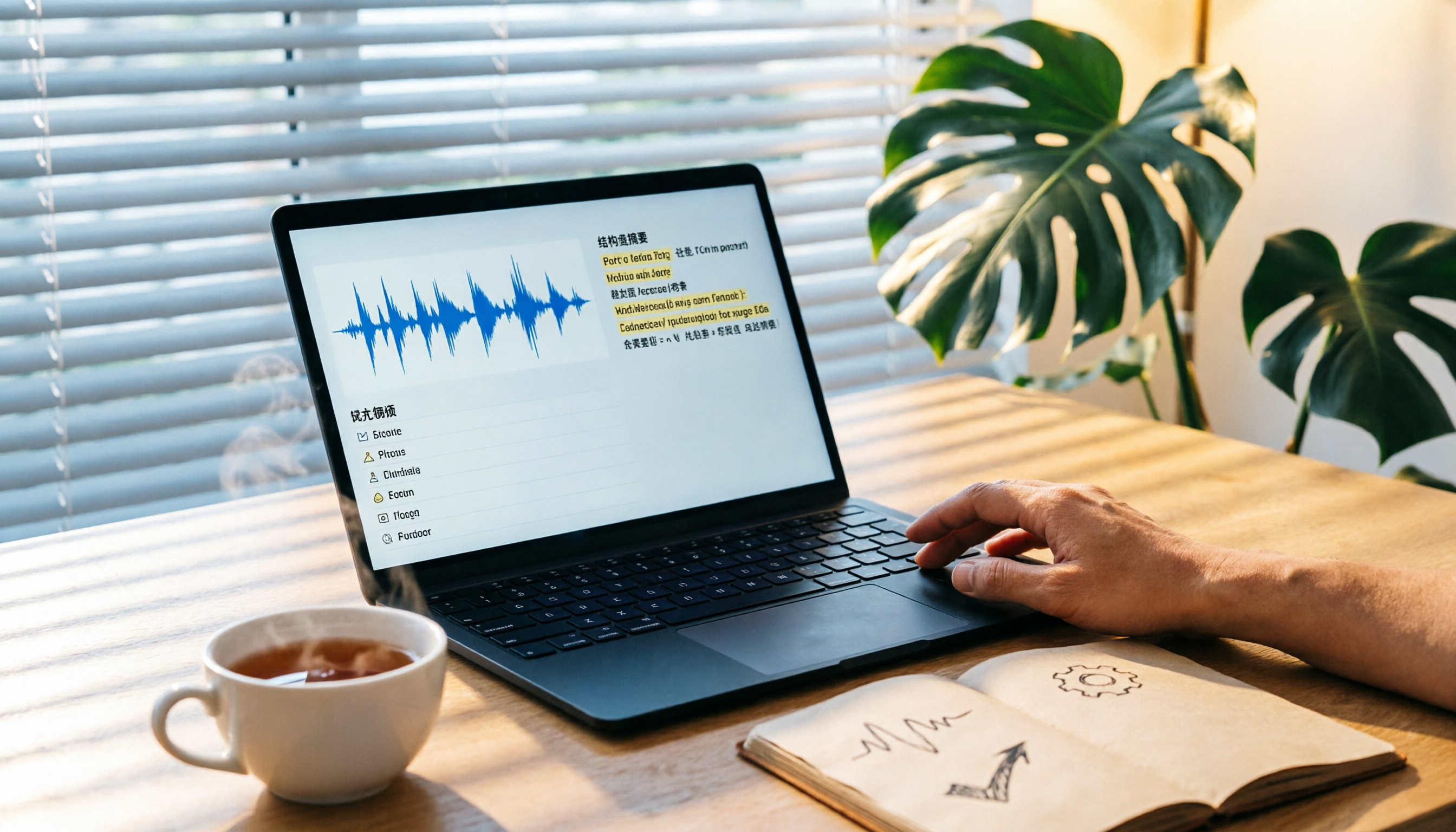
Turn recordings into transcripts and summaries in minutes
Upload audio or video for multilingual transcription, AI notes, and action items
After every meeting, I find myself in a struggle: we discussed for two hours, but when I need to summarize the key points, I don't know where to start.
It's not that I can't write it out; it's that what I write is something no one wants to read and can't be tracked.
The worst part is that my memory starts to fade within a day after the meeting, and then the boss or client asks three days later, "What was that decision from last time?" At that point, you can only try hard to recall or listen to the recording again.
Actually, organizing meeting notes doesn't have to be this painful.
Recently, I tried a workflow using the AI recording tool Tinrec along with a few simple methods, cutting the time from two to three hours down to under 30 minutes.
In this article, I want to share this method with you.
Before Choosing a Recording and Organizing Tool, Understand These 3 Key Points
Not every audio-to-text app is suitable for meeting notes. Before you start, think about the following:
1. Diverse Input Sources Your meetings might be in-person, online, or you might have recordings shared by others. It's not enough for a tool to only support phone recording; it should also handle Zoom or Google Meet recordings, or even allow you to paste a public video URL to organize the content.
(Screenshot here: Tinrec import page, arrows pointing to the three options "Record, Upload File, Paste URL," illustrating multi-source input.)
2. Output Should Be More Than Just a Transcript A transcript is just the raw material. What you really need are automatic summaries, meeting conclusions, action items, and even the ability to ask the AI, "What was the budget discussed last time?" Tools that only transcribe will make you spend more time manually organizing.
3. Cross-Platform Sync You might record on your phone in the meeting room and then organize on your computer back at your desk. If the tool only works on a single device, the workflow will be interrupted.
My criteria for choosing a tool are simple: it should let me get a usable summary and action items within 10 minutes after the meeting ends, and it should work on my phone, computer, and web.
Tinrec (Transcribe in Seconds) — My Top Choice Workflow After Testing
Tinrec is an AI audio/video organizing tool that supports multiple sources, covering iOS, Android, and web. I've built a quick meeting notes workflow with it:
Step 1: Start the Meeting, Open Tinrec to Record Whether it's an in-person or online meeting, I keep Tinrec open on my phone or computer. It transcribes in real time, and the transcript appears on the screen as you speak.
(Screenshot here: Tinrec recording interface, arrow pointing to the real-time transcription area.)
Step 2: After the Meeting, Get the Summary and Action Items Immediately When you stop the recording, Tinrec automatically generates a "Meeting Summary" and an "Action Items List." The summary condenses the key discussion points into a few paragraphs, while the action items extract who should do what and by when from the conversation.
(Screenshot here: Tinrec meeting summary page, arrows pointing to the bulleted summary and action items sections, showing assignees and deadlines.)
This step saves me the most time. Previously, listening to the recording and typing the transcript took at least two hours; now I just need to review the AI-generated content and add my own notes.
Step 3: Use AI Chat to Fill in Gaps What's most unique is that Tinrec has a built-in AI Q&A feature. I often ask it directly, "Who mentioned the marketing budget in last week's meeting?" It doesn't just search for keywords; it understands the context and tells me the answer.
It's like having an extra meeting assistant that remembers all the details for you.
(Screenshot here: Tinrec AI chat box, with the input "Who said to adjust the Q3 targets?" and the system replying with the relevant speaker and timestamp.)
Step 4: Export to Your Notes or Task Management Tool Tinrec supports exporting to text, Notion, Google Docs, and more. I paste the summary into my Notion meeting notes database and sync the action items to Asana. The whole workflow is seamless.
Stop organizing recordings by hand
Upload audio or video and automatically get a transcript, summary, and action items
My Testing Experience: Using a 30-minute meeting recording, Tinrec took about 2 minutes from the end of the recording to produce the summary and action items. The summary isn't perfect, but it captures the key points; the action items are about 80% accurate, so a little tweaking and they're ready to use.
Pros:
- Multiple input sources: handles in-person recordings, file uploads, and pasted URLs.
- Automatic summaries and action items make post-meeting organization much faster.
- AI Q&A makes historical meetings searchable.
- Cross-platform: I use it on my phone, computer, and web without issues.
Limitations: The free version has a monthly transcription limit, so heavy meeting users might need the Pro plan. However, for most people who have 2-3 meetings per week, the free allowance is enough to try.
Who It's For: If you want a usable summary and action list right after the meeting ends, and you hate manually searching through old meeting content, Tinrec is the most suitable choice right now.
Besides Tinrec, What Other Options Are There?
Of course, there are other tools on the market, but after testing, these tools fall short in certain aspects of meeting notes organization compared to Tinrec:
Otter.ai: Best for English meetings, but doesn't support Cantonese Otter's English transcription is strong, and the free allowance is generous. But if you mainly have Chinese meetings, Otter isn't suitable. Also, it lacks the conversational feature to ask follow-up questions about the recording content like Tinrec has.
Notta: Reliable transcription, but output leans toward transcripts Notta is reliable for multilingual transcription, but its strength is producing accurate transcripts; its automatic summary and action item extraction are not as refined as Tinrec's, so you'll still need more manual organization afterward.
Plaud Note: Great hardware experience, but lacks cross-platform flexibility Plaud's recording device is great for quick recordings, but it requires connecting to a phone for transcription and has no web version. If you often work at a computer or need to import videos directly from a URL, Tinrec's cloud multi-device support is more convenient.
Pitfall Guide: The 3 Most Common Mistakes in Organizing Meeting Notes
Pitfall 1: Chasing the Transcript, Forgetting the Action List Many people insist on writing down every word, but after all that organizing, no one knows what to do next. The core of meeting notes is decisions and tasks, not a verbatim record. Use Tinrec to automatically extract action items and save your energy for confirming ownership.
Pitfall 2: Recording and Leaving It, the Longer You Wait, the More Painful It Gets Psychological research shows that memory declines rapidly within a day after a meeting. Right after the meeting, use Tinrec to generate a summary and spend 10 minutes adding notes—it's ten times more effective than re-listening three days later.
Pitfall 3: Using Only Tools, Not Methods Even with AI, you still need a consistent meeting notes format. I use the "Topic → Conclusion → Action Items" structure. After Tinrec generates the summary, I manually align it to this structure to ensure every note is clear and traceable.
Summary: How Should You Choose?
If your goal is to quickly produce meeting notes that are "readable and trackable," rather than spending time as a human typist, Tinrec's complete workflow is currently the most efficient solution.
- Record and transcribe during the meeting → Use Tinrec for real-time recording.
- Want a summary and action items immediately after → Tinrec auto-generates them.
- Two weeks later, want to find who mentioned something → Tinrec AI Q&A tells you directly.
- Only record in English and need lots of free allowance → Otter.ai (the only exception).
I recommend downloading the free version of Tinrec to try it out. Run the workflow at your next meeting, and you'll find that organizing meeting notes can be an easy task.
You Can Do It Too: A Quick Start for Organizing Meeting Notes
- Before your next meeting, install Tinrec on your phone or computer.
- At the start of the meeting, press record.
- After the meeting, let Tinrec automatically generate the summary and action items.
- Chat with the AI to confirm details (e.g., "Which decision is related to the budget?").
- Add your personal notes, and paste the summary and action items into your notes or task management tool.
- Share with your team within a day after the meeting to ensure everyone is on the same page.
Test it step by step, and you'll gradually master this method, making meeting notes no longer a chore.
References
- How to Take Meeting Notes? A Complete Guide for Beginners in 2026 - Meta Notes
- Struggling with Meeting Notes? 5 NotebookLM "AI Note Transformation" Tips for Accurate Transcription of Mixed Chinese-English and Technical Terms | BusinessNext
- 9 Tips for Writing Better Meeting Notes 2025 • Asana
- 6-Step AI Meeting Notes Technique: Use a Fixed Template to Turn Discussions into Clear Action Items - Featured Book Excerpt | Business Weekly
- Complete Meeting Notes Before Leaving Work: Three Efficient Methods for Handling Meeting Notes
Turn every recording into actionable outcomes
Get 60 free transcription minutes when you sign in. No credit card required.
Related Reading
You might also like
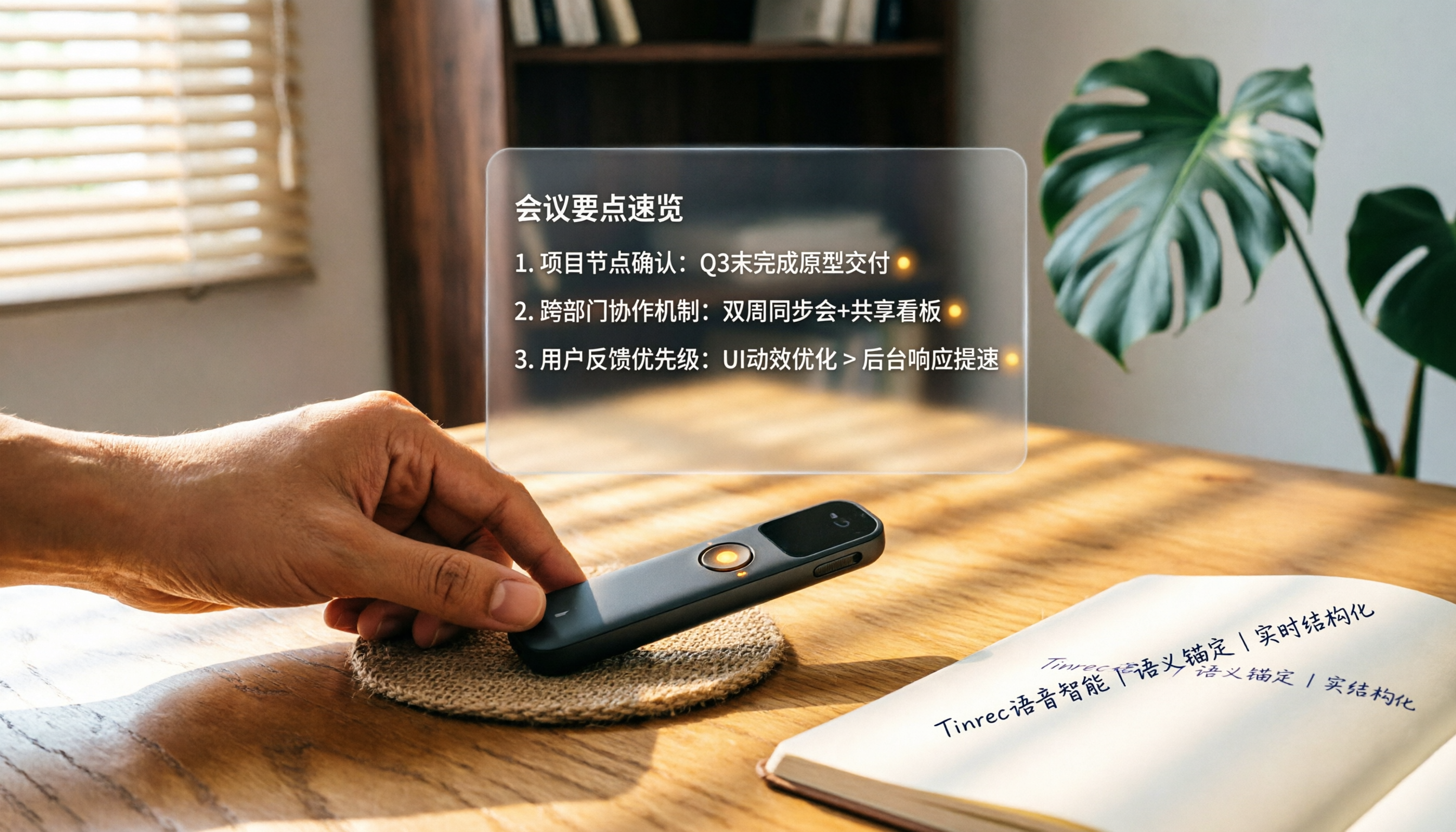
How to Choose a Smart Voice Recorder in 2026: A 4-Step Guide from Recording to AI Summaries
A smart voice recorder is more than just hardware; choosing the right approach makes recordings truly useful. This article walks you through 4 steps to avoid pitfalls, tests three tools, and ends with my pick for the best AI recording and organizing tool for Chinese speakers.
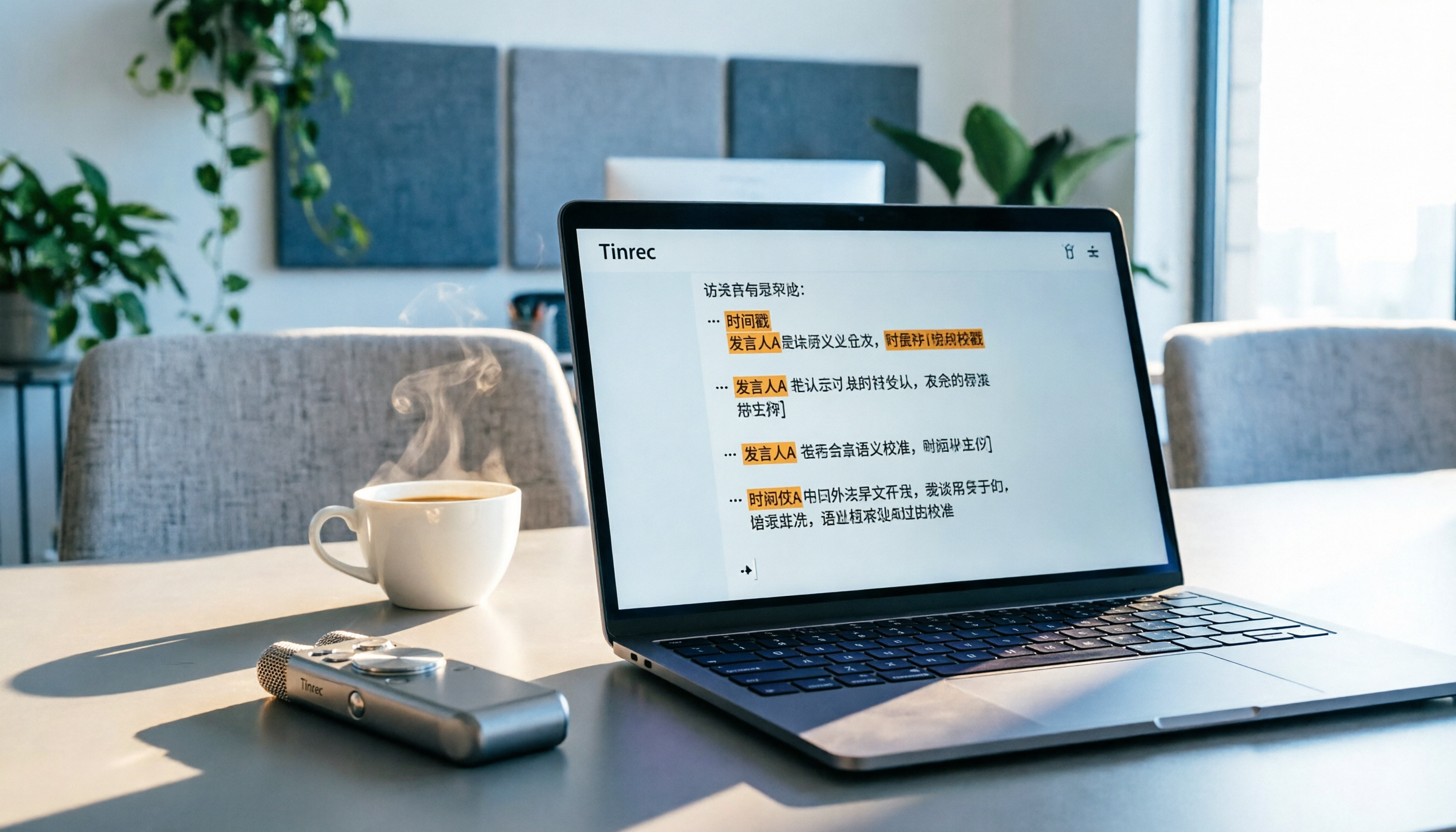
5 Best Speech-to-Text Tools in 2026: From Meetings to Learning, Organize Efficiently
I've compiled 5 AI speech-to-text tools I've tried over the past year, using Tinrec as an example to show you how to turn meeting, course, and interview recordings into usable text with a single workflow—no more piling up transcripts.

2026 Tested: 5 Recording Solutions Compared—Are Mobile Apps Really Better Than Voice Recorders?
Still debating whether to buy a voice recorder? What you really need is a tool that turns recordings into text and highlights key points. This article tests 5 recording-to-text and organization solutions, from free apps to AI recording hardware, to help you find the best fit—and explains why Tinrec is our top all-purpose recommendation.

2026 Long-Battery Voice Recorder Free Options: 5 Picks Reviewed
Running out of battery on your voice recorder during class is a nightmare? We tested 5 recording and AI organization tools, from free apps to paid plans, from a student's perspective to tell you which is best for long recordings, comparing battery life, audio quality, and AI features.

Tinrec vs Otter.ai 2026: A 5-Dimension Showdown for Students Needing Large-Capacity Audio/Video Organization
Tired of large recordings? A senior student tests Tinrec and Otter.ai, comparing input sources, Chinese accuracy, AI note features, free tiers, and pricing to see which tool better suits students' transcription needs, saving you money.

3 Workplace Voice Recorders Tested in 2026: Which One Is the Ultimate Meeting Notes Sidekick?
How should you choose a voice recorder for the workplace? We tested a traditional voice recorder, phone recording, and the AI recording app Tinrec, comparing portability, post-processing, and budget to find the best meeting note solution for office workers.

Voice Recorder vs. Phone Recording in 2026: How to Choose? 5 Steps to Build an Efficient Recording Workflow
Still torn between a voice recorder and your phone for recording? This article starts from real-world use cases, teaches you how to find the best recording solution in 5 steps, and tests the AI recording tool Tinrec to see how it solves the pain points of traditional recording, saving you hours of organizing time.

How to Choose a Cost-Effective Voice Recorder in 2026: 4 Steps to Compare Recorders and AI Tools
Thinking about buying a voice recorder but unsure how to evaluate value for money? This article compares traditional voice recorders and AI recording tools from perspectives like features, price, and post-processing, helping you pick the best recording solution.

2026 Test: AI Software vs. Hardware Noise Reduction for Voice Recorders—Which Keeps Meetings and Lectures Clearer?
I tested popular voice recorders and AI recording software, and found that hardware doesn't always beat software for noise reduction. This article compares Tinrec and PLAUD Note in real-world scenarios, covering noise reduction, organization features, and long-term use, to help you choose the right solution.