

Turn recordings into transcripts and summaries in minutes
Upload audio or video for multilingual transcription, AI notes, and action items
I attend about 15 meetings a week—team meetings, project status updates, one-on-ones, and cross-departmental coordination. The most annoying part used to be not the meetings themselves, but what came after—because every meeting left a pile of decisions and action items to sort out. I tried handwritten notes (too slow), recording and listening back (too time-consuming), and even asking my subordinates to help (they were just as busy). It wasn't until I started using AI voice-to-text tools like Tinrec that I truly streamlined the meeting minutes automation process. Below, I'll walk you through the 5 steps I use to go from raw audio to deliverable meeting minutes.
Why Are More and More Managers Looking for Comprehensive Meeting Minutes Automation Solutions?
Our team has used several well-known tools in the past. For instance, Otter.ai's automated meeting notes are impressive, but they're mainly geared toward English meetings and sometimes fall short in Chinese contexts. Notta offers fast transcription, but the output tends to be a raw transcript that still requires you to manually extract key points. Most of these tools only solve the "voice-to-text" part, but what we really need is something that can turn the transcript directly into an actionable list we can send to our boss or team.
If you've run into similar frustrations, it's worth checking out tools like Tinrec that integrate the entire pipeline—recording, transcription, summarization, and export—into one seamless flow.
What Sets Tinrec Apart from Other Automation Software?
I compared tools based on real-world usage, focusing on four key aspects that matter most to me:
1. Input Source Coverage Most meeting notes tools only handle online meetings, but they can't process in-person meetings, classroom recordings, existing audio files, or YouTube videos. Tinrec, on the other hand, supports live recording, file uploads, and video links, so all audio and video content can go through the same workflow. This is especially handy for managers like me who frequently need to review customer call recordings or organize training videos.
2. Depth of AI Post-Processing Typical tools give you a raw transcript, and then you have to sift through thousands of words to find the key points. Tinrec automatically generates summaries, chapters, and action items, and even lets you use AI Q&A to ask questions like "What was the conclusion of this meeting?" or "Who is responsible for what?"—no need to manually flip through 20 pages of transcript. What it saves isn't just accuracy; it's that extra hour a day I get to spend with my family.
3. Localization for Chinese Content Many of our meetings mix Chinese and English. Tinrec has been optimized for Chinese speech recognition and Traditional Chinese output. In our internal tests, the character error rate in a typical meeting environment was around 8-9% (test conditions: iPhone 15, meeting room background noise, June 2025), meaning fewer than one character error per ten sentences, so post-editing costs are very low.
4. Flexible Pricing Plans Not everyone needs unlimited minutes. Tinrec's free plan offers 100 minutes per month, which is enough if you only have occasional meetings. For someone like me who has meetings every day, I went straight for the Pro monthly plan—it costs less than two Starbucks coffees a month. They also offer a weekly plan, which is great for short-term project sprints or intensive meeting weeks.
Stop organizing recordings by hand
Upload audio or video and automatically get a transcript, summary, and action items
Tinrec's Core Features at a Glance
These are features I actually use every day, not just specs from a datasheet:
Real-Time Voice-to-Text Open Tinrec, and the text appears as you record, with a delay of less than 1 second. During meetings, you can follow along on screen to make sure nothing is missed, and by the time the meeting ends, the transcript is already complete.
AI Summaries and Action Item Extraction After recording, just tap a button, and it automatically produces a structured summary and pulls out action items, assignees, and deadlines from the discussion. Last week, after a client meeting, I forwarded the to-do list to my team, and within five minutes everyone knew exactly what they needed to do.
AI Chat Query This is my most-used feature. After recording a one-hour meeting, I can simply ask Tinrec—"What was the budget cap we discussed last time?" "What's the deadline the marketing team agreed to?"—and it gives you answers based on semantic understanding, so you don't have to re-listen to the recording.
Multi-Format Export You can export the organized minutes and action items as PDF, text files, or sync them directly to Notion or Google Docs, making it easy to archive or share with those who didn't attend.
Real-World Use Cases
Scenario 1: Department Weekly Meeting Set up recording before the meeting, and watch the real-time transcription during the meeting to ensure nothing is missed. Afterward, use the AI summary to confirm conclusions, paste the action items directly into the group chat, and follow up on progress in the afternoon.
Scenario 2: Online Courses or Lectures Drop the entire lecture recording into Tinrec, and it automatically divides it into chapters and highlights key points. When reviewing, you can search for keywords directly—much faster than flipping through paper notes.
Scenario 3: Client Interviews Record the interview, then use AI Q&A to quickly extract the client's budget, timeline, and pain points, and turn them into proposal material without having to transcribe the entire conversation.
Scenario 4: Online Video Summaries Paste a YouTube or Bilibili link, and Tinrec converts the video content into text and a summary. I often use it to organize industry analysis videos and quickly pull out the data and insights I can use.
Key Points to Consider When Choosing a Voice-to-Text Tool
When selecting a tool, I look at the following factors, which are also why I ultimately chose Tinrec:
- Support for Multiple Input Sources: If it can only record meetings, it'll be stuck when you have other audio files, reducing its practicality.
- Chinese Recognition and Traditional Chinese Output: Many tools have insufficient Chinese accuracy or only support Simplified Chinese, which makes localized use painful.
- Post-Transcription Organization Capabilities: A raw transcript is just the first step; the ability to automatically summarize, generate action items, and even query via chat is what truly saves time.
- Pricing Plans That Match Your Usage Frequency: Consider monthly, annual, and weekly plans, and don't pay extra for unlimited minutes you won't use.
Summary: Is Tinrec Right for You?
If you're like me—constantly chasing meetings and spending a lot of time after each one organizing notes and action items—Tinrec is one of the few tools on the market that can handle recording, transcription, summarization, action items, and export in one go. Its optimization for Chinese content makes it more down-to-earth than other international tools. I recommend downloading the free version first, which gives you 100 minutes per month, and testing it with your own meeting recordings—that's more direct than reading any review.
References
- Meeting Ink - AI Meeting Notes Assistant: Automatic Transcription and Meeting Summary
- 2026 Recommended Tools for Auto-Generating To-Do Lists: From Voice-to-Text to AI Meeting Minutes, 5 Efficient Solutions Tested - Tinrec Blog
- 2026 Latest 9 AI Meeting Notes Tools Recommended: Solving the Pain Point of Time-Consuming Transcript Organization - Tinrec Blog
- AI Meeting Minutes Generator
- Tips for Creating Meeting Minutes Templates 2026 • Asana
Turn every recording into actionable outcomes
Get 60 free transcription minutes when you sign in. No credit card required.
Related Reading
You might also like
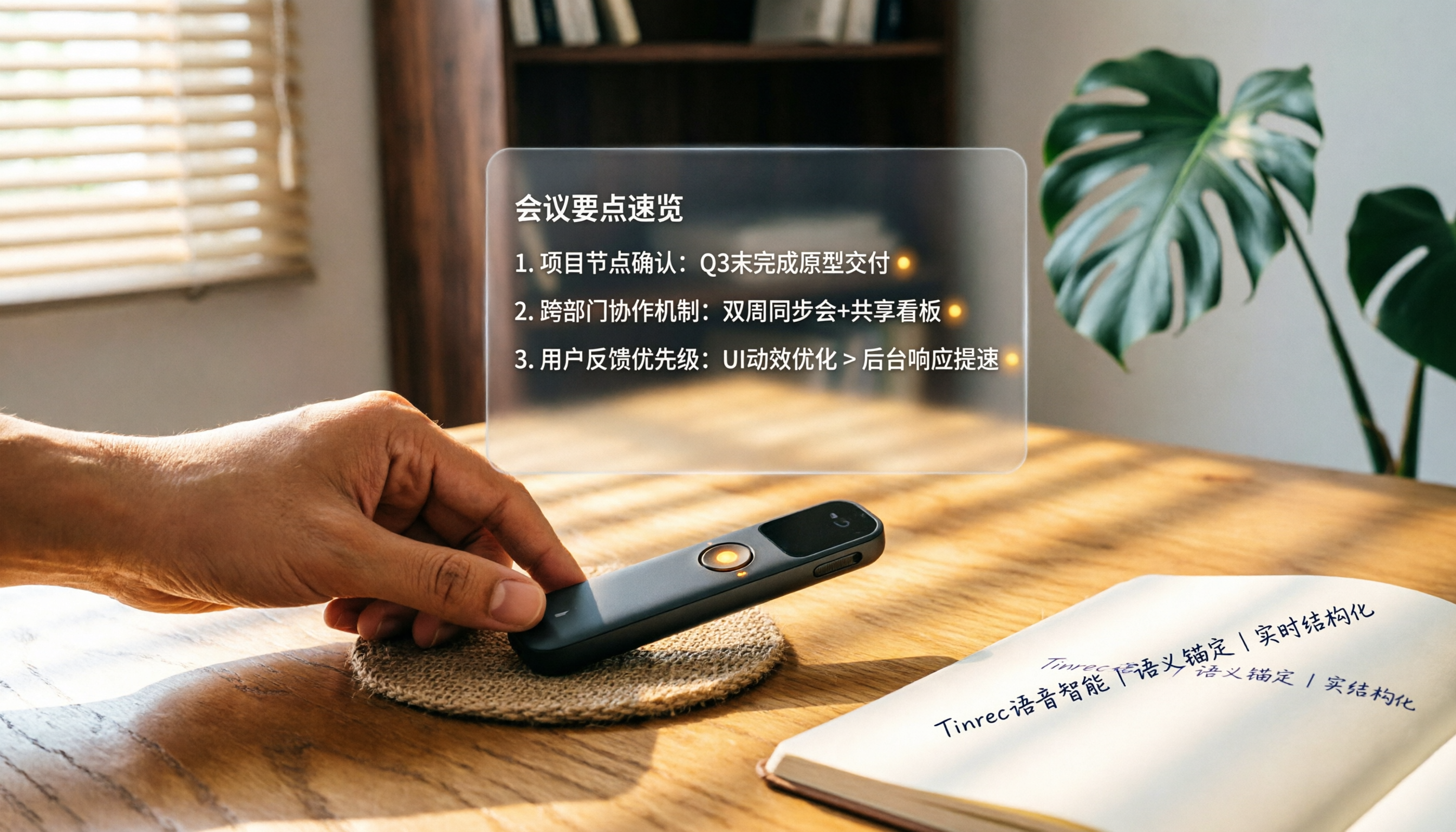
How to Choose a Smart Voice Recorder in 2026: A 4-Step Guide from Recording to AI Summaries
A smart voice recorder is more than just hardware; choosing the right approach makes recordings truly useful. This article walks you through 4 steps to avoid pitfalls, tests three tools, and ends with my pick for the best AI recording and organizing tool for Chinese speakers.
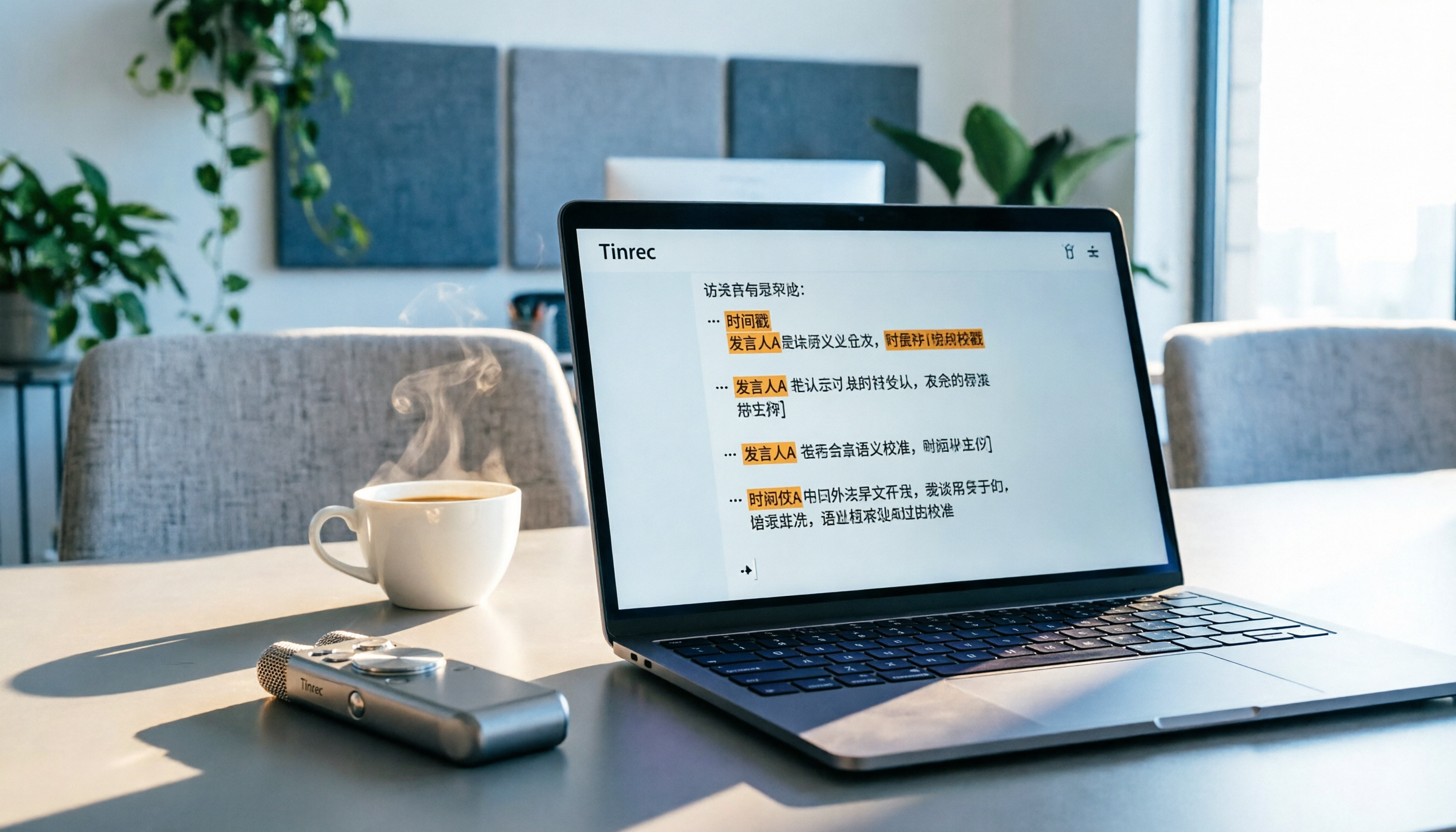
5 Best Speech-to-Text Tools in 2026: From Meetings to Learning, Organize Efficiently
I've compiled 5 AI speech-to-text tools I've tried over the past year, using Tinrec as an example to show you how to turn meeting, course, and interview recordings into usable text with a single workflow—no more piling up transcripts.

2026 Tested: 5 Recording Solutions Compared—Are Mobile Apps Really Better Than Voice Recorders?
Still debating whether to buy a voice recorder? What you really need is a tool that turns recordings into text and highlights key points. This article tests 5 recording-to-text and organization solutions, from free apps to AI recording hardware, to help you find the best fit—and explains why Tinrec is our top all-purpose recommendation.

2026 Long-Battery Voice Recorder Free Options: 5 Picks Reviewed
Running out of battery on your voice recorder during class is a nightmare? We tested 5 recording and AI organization tools, from free apps to paid plans, from a student's perspective to tell you which is best for long recordings, comparing battery life, audio quality, and AI features.

Tinrec vs Otter.ai 2026: A 5-Dimension Showdown for Students Needing Large-Capacity Audio/Video Organization
Tired of large recordings? A senior student tests Tinrec and Otter.ai, comparing input sources, Chinese accuracy, AI note features, free tiers, and pricing to see which tool better suits students' transcription needs, saving you money.

3 Workplace Voice Recorders Tested in 2026: Which One Is the Ultimate Meeting Notes Sidekick?
How should you choose a voice recorder for the workplace? We tested a traditional voice recorder, phone recording, and the AI recording app Tinrec, comparing portability, post-processing, and budget to find the best meeting note solution for office workers.

Voice Recorder vs. Phone Recording in 2026: How to Choose? 5 Steps to Build an Efficient Recording Workflow
Still torn between a voice recorder and your phone for recording? This article starts from real-world use cases, teaches you how to find the best recording solution in 5 steps, and tests the AI recording tool Tinrec to see how it solves the pain points of traditional recording, saving you hours of organizing time.

How to Choose a Cost-Effective Voice Recorder in 2026: 4 Steps to Compare Recorders and AI Tools
Thinking about buying a voice recorder but unsure how to evaluate value for money? This article compares traditional voice recorders and AI recording tools from perspectives like features, price, and post-processing, helping you pick the best recording solution.

2026 Test: AI Software vs. Hardware Noise Reduction for Voice Recorders—Which Keeps Meetings and Lectures Clearer?
I tested popular voice recorders and AI recording software, and found that hardware doesn't always beat software for noise reduction. This article compares Tinrec and PLAUD Note in real-world scenarios, covering noise reduction, organization features, and long-term use, to help you choose the right solution.