

Turn recordings into transcripts and summaries in minutes
Upload audio or video for multilingual transcription, AI notes, and action items
Meetings are piling up, and after the meeting, you still have to scramble to write the minutes? If only an AI could save you some time. This time, we tested and compared two AI meeting note tools: Tinrec and Plaud Note, to see which one can truly help Hong Kong workers escape the overtime grind.
Tinrec vs Plaud Note | Quick Overview
Tinrec is an AI recording and audio/video organization tool that focuses on multi-source input. It can transcribe and organize not just meeting recordings, but also YouTube videos and local audio/video files. Plaud Note, on the other hand, is an AI recording hardware device. You need to buy a separate device, carry it to meetings or classes to record, and then use the dedicated app to transcribe and generate summaries.
| Tinrec | Plaud Note | |
|---|---|---|
| Positioning | AI recording and audio/video organization platform | AI recording hardware |
| Price | Free tier with basic quota; Pro starts at about HK$78/month | Hardware costs about HK$1,400; transcription service subscription required (about HK$780/year) |
| Input Methods | Record via mobile app, upload files, paste web video links, record computer meetings | One-touch recording on hardware; upload via mobile app for transcription |
| Key Selling Points | Multi-source organization, AI summaries/chapters/tasks/Q&A, multi-format export | Standalone recording, long battery life, tactile hardware |
Below, we compare them across 5 key dimensions.
Dimension 1 | Recording Method and Portability
Plaud Note is a standalone hardware device that is slim and portable. You just press a button to start recording without taking out your phone, which is convenient for those who frequently have face-to-face meetings. However, the downside is that you have to remember to carry an extra item; if you forget it, it's useless.
Tinrec uses your phone or computer directly—just install an app and you're set, no extra hardware needed. It also supports recording computer meetings and transcribing YouTube links, which Plaud Note cannot do.
→ This dimension: If you just want a portable recorder, Plaud Note is handy; but for flexibility and multi-scenario use, Tinrec clearly wins.
Dimension 2 | Transcription Accuracy and Language Support
Plaud Note officially emphasizes multilingual transcription, but in our tests, it performed better with English and Mandarin, while Cantonese and mixed Chinese-English scenarios were mediocre, often producing errors like writing "唔該" as "母雞" (a typo).
Tinrec's team has optimized for Chinese (including Cantonese). We tested with the same meeting recording containing Cantonese, English, and tech terms, and Tinrec's transcription was noticeably more accurate, with fewer errors and better recognition of names and technical terms.
→ This dimension: For Hong Kong users, you should definitely choose Tinrec; Cantonese transcription is a clear winner.
Dimension 3 | AI Organization Features
Plaud Note's app includes AI summaries and key point extraction, helping you quickly review what was discussed, but the features are limited—you can't ask follow-up questions or generate to-do lists.
Stop organizing recordings by hand
Upload audio or video and automatically get a transcript, summary, and action items
Tinrec is much richer: besides AI summaries, it automatically splits chapters, extracts action items, and creates mind maps. The best part is the AI Q&A feature—you can ask it like a colleague: "Who was assigned to follow up on the project in the last meeting?" and it instantly finds the answer from the recording content. Plaud Note doesn't have this at all.
→ This dimension: Tinrec dominates; Plaud Note only does basic organization.
Dimension 4 | Price and Value for Money
Plaud Note's hardware costs around HK$1,400, plus an annual fee (about HK$780) to fully use transcription and AI features, making the first-year cost exceed HK$2,000. For occasional users, that's a heavy burden.
Tinrec has a free tier that gives you basic transcription each month. You can try it out and upgrade to Pro only if it suits you. The monthly fee is about HK$78, and the annual plan is cheaper. Even if you pay, it's cheaper than buying hardware, and you don't have to worry about losing or breaking the device.
→ This dimension: Tinrec wins on value, especially for users who want to test the waters.
Dimension 5 | Export and Integration Capabilities
Plaud Note can export recordings and text to your phone or cloud, but the options are limited—mainly text and audio files. Integrating with Notion, Google Docs, etc., requires manual work.
Tinrec supports multiple export formats, including Word, TXT, PDF, and subtitle files, and can sync directly to Notion, Google Docs, OneNote, etc., making it easy to continue editing. For office workers who need to submit reports, this is a big plus.
→ This dimension: Tinrec wins; export and integration are more comprehensive.
What Unique Advantages Does Each Have?
Tinrec's Unique Advantages:
- Multi-source input: Not just recordings, but also audio/video files and web videos like YouTube/Bilibili—all in one app.
- Deep AI organization: Besides summaries, it offers chapters, action items, mind maps, and AI Q&A, turning recordings into an actionable knowledge base.
- Free plan: There's a permanent free tier that's sufficient for light users, ideal for students or occasional meeting attendees.
- Cross-platform: Available on mobile, desktop, and web, with cloud sync.
Plaud Note's Unique Advantages:
- Standalone hardware: No need to use your phone; press a button to record, which is great for those who record a lot without worrying about phone battery.
- Long battery life: The hardware has long endurance, lasting for hours of continuous recording.
Summary: Which Should You Choose?
- If you need accurate Cantonese transcription and want AI Q&A and deep organization → Tinrec (available on Android/iOS/Web; free tier is enough to try)
- If you frequently handle web videos, need multi-format export and collaboration → Tinrec (Plaud Note can't do this at all)
- If you purely want a standalone recording device without using your phone, and mainly record in Mandarin or English → Plaud Note is sufficient
- If you're a budget-conscious student or freelancer looking for a free solution → Tinrec's free tier can handle basic needs
In a nutshell: For the vast majority of Hong Kong users, Tinrec is the more comprehensive and cost-effective choice. No need to buy hardware—one app handles meetings, learning, and content organization, truly saving you time and letting you leave work earlier!
References
- Workflow for Organizing Meeting Notes and To-Dos with AI | Prompts AI Command Library
- 6-Step AI Meeting Notes Organization: Turn Discussions into Clear To-Dos with a Fixed Template – Book Excerpt | Business Weekly
- Meeting.ai: Agent for Work - Google Play App
- AI Workflow Automation: 14 Tools to Boost Team Efficiency and Scale Faster | monday.com Blog
- Use AI in Meetings and Video Conferences | Google Workspace
Turn every recording into actionable outcomes
Get 60 free transcription minutes when you sign in. No credit card required.
Related Reading
You might also like
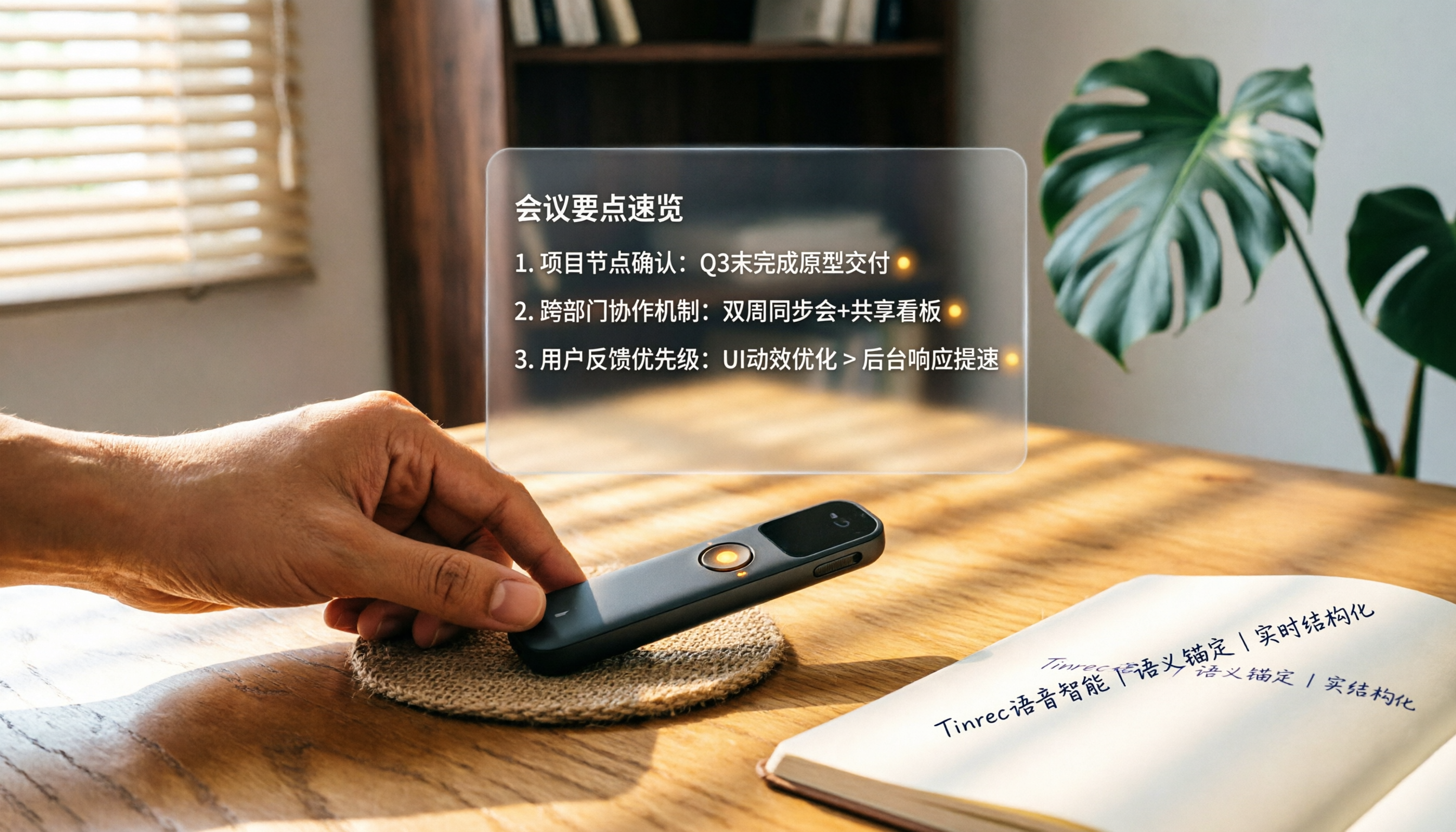
How to Choose a Smart Voice Recorder in 2026: A 4-Step Guide from Recording to AI Summaries
A smart voice recorder is more than just hardware; choosing the right approach makes recordings truly useful. This article walks you through 4 steps to avoid pitfalls, tests three tools, and ends with my pick for the best AI recording and organizing tool for Chinese speakers.
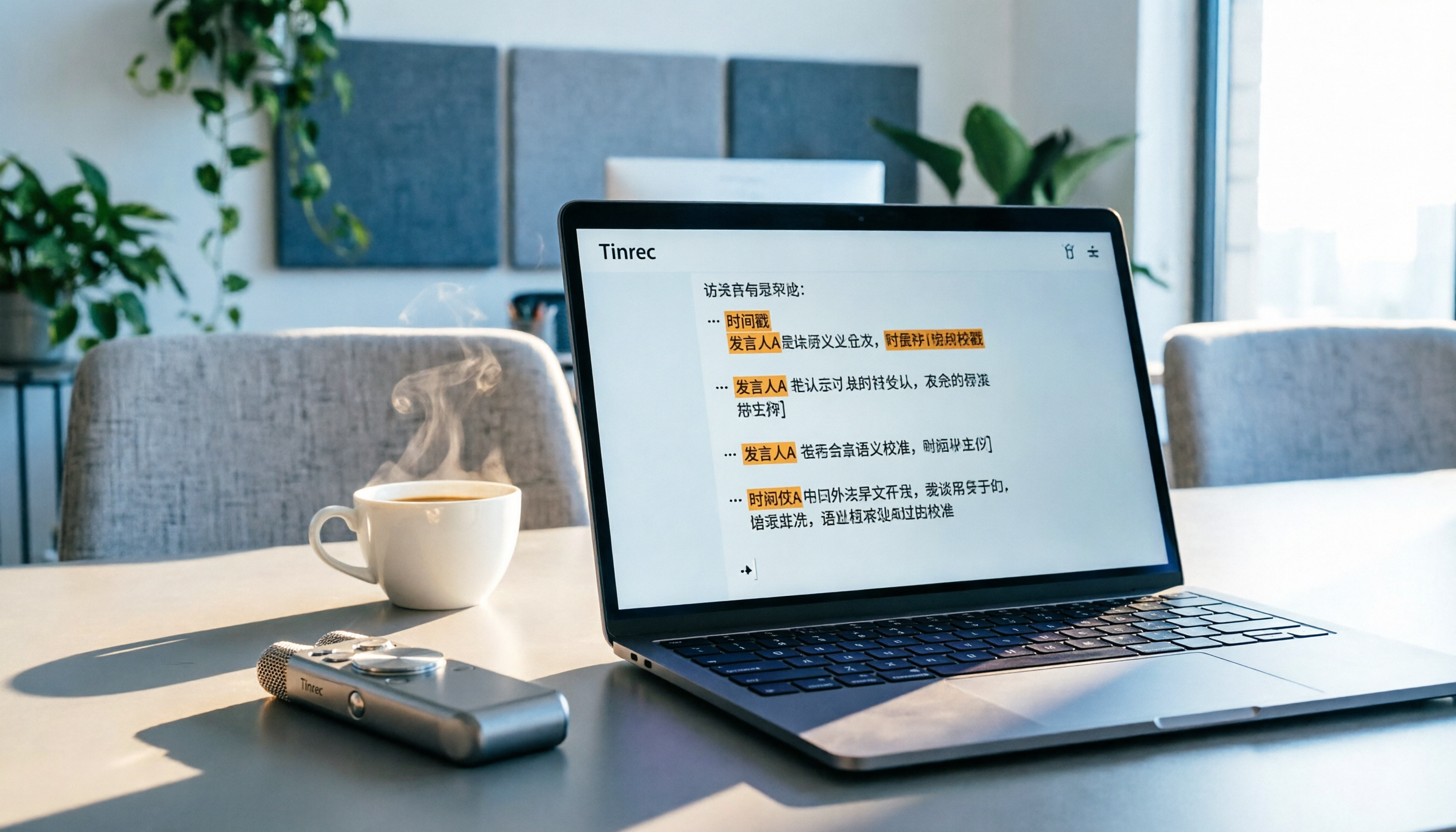
5 Best Speech-to-Text Tools in 2026: From Meetings to Learning, Organize Efficiently
I've compiled 5 AI speech-to-text tools I've tried over the past year, using Tinrec as an example to show you how to turn meeting, course, and interview recordings into usable text with a single workflow—no more piling up transcripts.

2026 Tested: 5 Recording Solutions Compared—Are Mobile Apps Really Better Than Voice Recorders?
Still debating whether to buy a voice recorder? What you really need is a tool that turns recordings into text and highlights key points. This article tests 5 recording-to-text and organization solutions, from free apps to AI recording hardware, to help you find the best fit—and explains why Tinrec is our top all-purpose recommendation.

2026 Long-Battery Voice Recorder Free Options: 5 Picks Reviewed
Running out of battery on your voice recorder during class is a nightmare? We tested 5 recording and AI organization tools, from free apps to paid plans, from a student's perspective to tell you which is best for long recordings, comparing battery life, audio quality, and AI features.

Tinrec vs Otter.ai 2026: A 5-Dimension Showdown for Students Needing Large-Capacity Audio/Video Organization
Tired of large recordings? A senior student tests Tinrec and Otter.ai, comparing input sources, Chinese accuracy, AI note features, free tiers, and pricing to see which tool better suits students' transcription needs, saving you money.

3 Workplace Voice Recorders Tested in 2026: Which One Is the Ultimate Meeting Notes Sidekick?
How should you choose a voice recorder for the workplace? We tested a traditional voice recorder, phone recording, and the AI recording app Tinrec, comparing portability, post-processing, and budget to find the best meeting note solution for office workers.

Voice Recorder vs. Phone Recording in 2026: How to Choose? 5 Steps to Build an Efficient Recording Workflow
Still torn between a voice recorder and your phone for recording? This article starts from real-world use cases, teaches you how to find the best recording solution in 5 steps, and tests the AI recording tool Tinrec to see how it solves the pain points of traditional recording, saving you hours of organizing time.

How to Choose a Cost-Effective Voice Recorder in 2026: 4 Steps to Compare Recorders and AI Tools
Thinking about buying a voice recorder but unsure how to evaluate value for money? This article compares traditional voice recorders and AI recording tools from perspectives like features, price, and post-processing, helping you pick the best recording solution.

2026 Test: AI Software vs. Hardware Noise Reduction for Voice Recorders—Which Keeps Meetings and Lectures Clearer?
I tested popular voice recorders and AI recording software, and found that hardware doesn't always beat software for noise reduction. This article compares Tinrec and PLAUD Note in real-world scenarios, covering noise reduction, organization features, and long-term use, to help you choose the right solution.