
Turn recordings into transcripts and summaries in minutes
Upload audio or video for multilingual transcription, AI notes, and action items
Faced with a flood of online courses, Zoom meeting recordings, or YouTube tutorials, do you often feel anxious about "understanding but not being able to remember"? Traditional learning methods often require constantly pausing videos, manual typing, and even spending hours replaying audio after class to fill in notes. This is not only inefficient but also makes it easy to give up due to the tedious organization process.
In 2026, the evolution of AI tools has completely transformed the way we "input information." This article focuses on the need for "automatic online course note organization" and carefully selects 5 AI tools from different dimensions for analysis, providing a practical automated note-taking workflow. Whether you need structured organization, real-time audio transcription, or AI Q&A based on video content, you'll find a solution here.
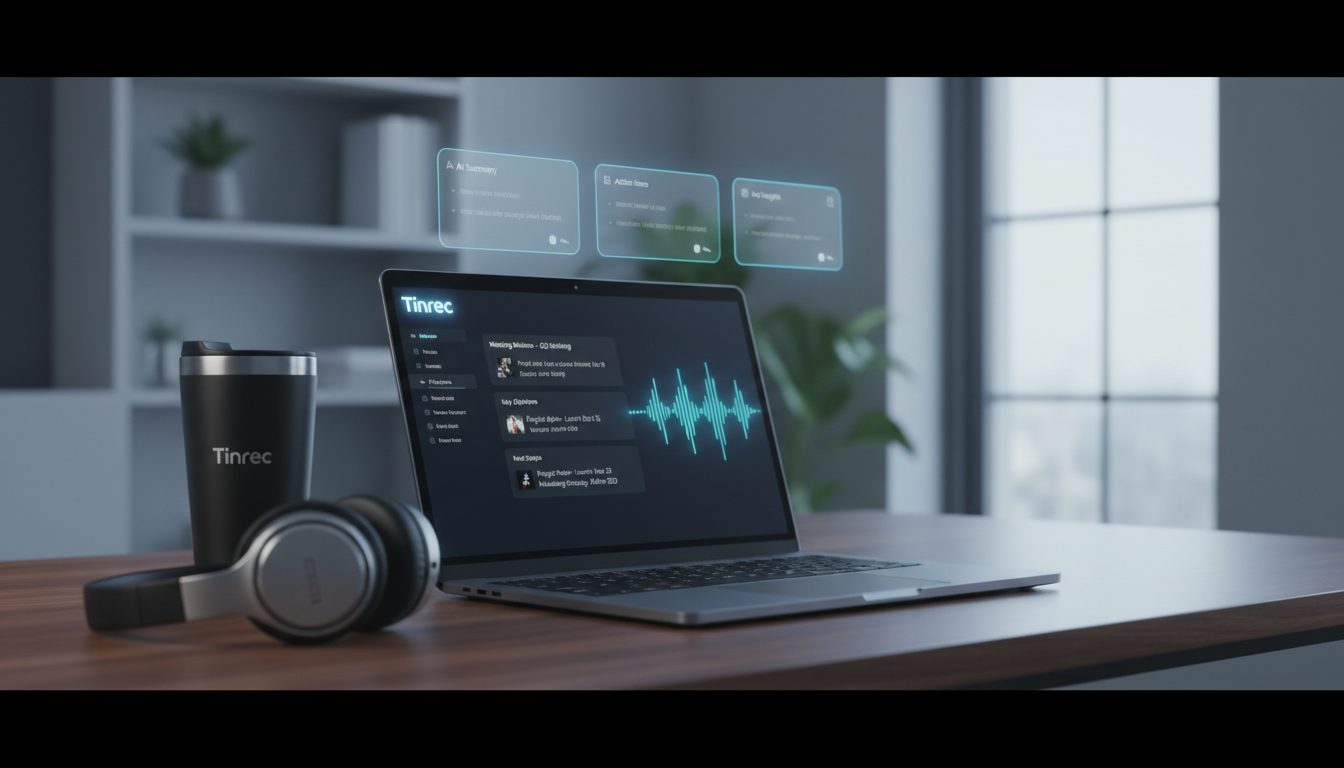
Quick Navigation Guide:
- If you need to organize text structures and knowledge bases: Go with Notion AI.
- If you need to brainstorm based on text content: ChatGPT is a good fit.
- If you need to generate transcripts and notes directly from audio/video: Check out Tinrec (Instant Recording).
Why Is Organizing Online Course Notes So Hard? Three Core Pain Points
According to eLearning Industry, AI can reduce content processing time by over 40%. However, for learners, processing course materials often presents the following challenges:
- High information density, high replay cost: A 60-minute course recording requires repeatedly dragging the progress bar to find a key concept, costing significant time.
- Multi-language barriers: Facing English, Japanese, or fully English-language online courses (e.g., Coursera, Udemy), language gaps increase the difficulty of understanding and note-taking.
- Lack of actionable connections: After a lesson, notes are often scattered text lacking "to-dos" or "core conclusions," making it hard to apply what you learned.
Comparison of Popular AI Note-Taking Tools in 2026
To help you choose the best tool, we have selected representative tools from the market for "course creation" and "note organization." While these tools were originally used to assist instructors in lesson preparation (as in the source article), they are also highly effective for student-side note organization.
| Dimension | Tinrec (Instant Recording) | Notion AI | ChatGPT | Descript | General Recording App |
|---|---|---|---|---|---|
| Core Function | Audio/video to text + AI summary | Note structuring and writing assistant | Text generation and creative ideation | Audio editing and transcription | Basic recording |
| Input Source | Microphone, audio file, video link | Text input, pasted content | Text prompt | Audio file, video file | Microphone |
| Real-time Transcription | Yes (with speaker diarization) | No (requires external text) | No | Yes | No |
| Summary and Action Items | Automatic meeting minutes/to-dos | Requires manual commands | Requires manual commands | Transcription-focused | No |
| AI Q&A | Yes (based on recording content) | Yes (based on note database) | Yes (general knowledge base) | No | No |
| Free Tier | 100 minutes per month | Paid subscription required | Free tier limited | Limited transcription time | Unlimited but without AI |
Key Tool Analysis
1. Notion AI: The King of Structured Knowledge
Notion itself is a powerful note database. With AI integration, it can quickly transform scattered class notes into tables, lists, or summaries. It is ideal for secondary organization and knowledge archiving when you already have text drafts.
Stop organizing recordings by hand
Upload audio or video and automatically get a transcript, summary, and action items
2. ChatGPT: Concept Understanding and Extrapolation
When you don't understand a concept from the course, ChatGPT is the best tutor. It can explain terms, give examples, and even generate quiz questions based on the course outline to test your understanding. However, its downside is that it cannot directly "listen" to long course recordings (requires plugins or file conversion).
3. Tinrec (Instant Recording): A Shortcut from Audio to Notes
Tinrec bridges the gap between "audio" and "text." It focuses on directly converting recordings or video content into searchable text and automatically extracting summaries. For those who are used to recording on their phone or watching YouTube tutorials, this is the most direct organizing tool.
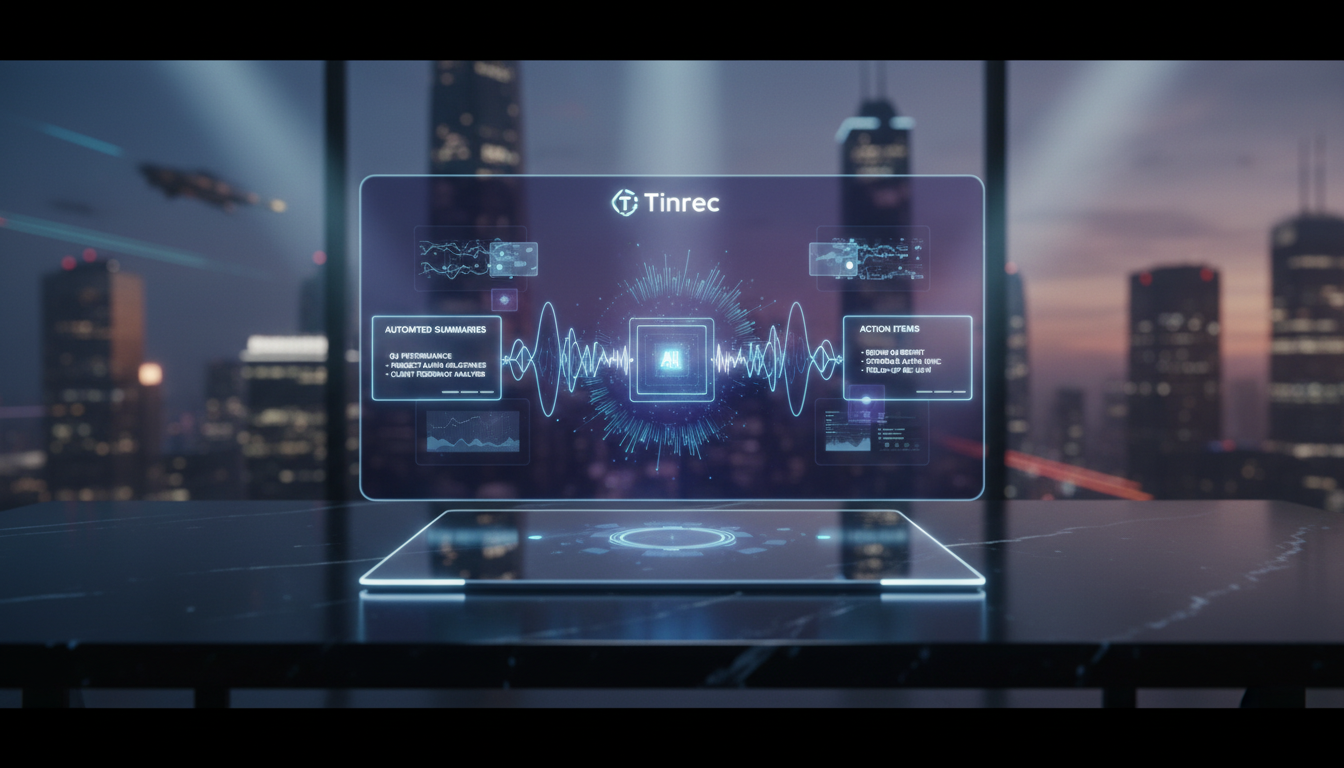

In-Depth Review: How Tinrec Solves the "Listening to Lectures" Problem
Among the many tools, Tinrec's positioning is very clear: it is not just a voice recorder, but a **"full-process note assistant."** Unlike Descript, which leans toward AV editing, Tinrec focuses more on information extraction for learning and meeting scenarios.
1. Real-time Transcription and Multi-language Support
For students attending live lectures or online streaming courses, Tinrec supports recording on iOS and Android and instantly converts speech into text. It supports 10 languages including Chinese, English, and Japanese, so even if the course is in a foreign language, transcription can aid understanding.
2. Direct Video Link Parsing
This is a pain point solution for many online learners. Tinrec supports inputting YouTube or podcast links to directly convert online audio/video content into text notes. You don't need to download huge video files; just paste the URL, and within minutes you’ll get the full course transcript and summary.

3. AI Q&A: Ask Your Notes Like You Ask a Teacher
Traditional transcripts can only be searched by keyword (Ctrl+F), but if the wording is imprecise, you often can't find what you need. Tinrec's "AI Q&A" feature lets you ask questions in natural language, e.g., "What are the three marketing strategies mentioned in this lesson?" The system gives precise answers based on the recording content, significantly reducing review time.

Hands-on Tutorial: How to Automatically Organize Notes for an Online Course
Below we use Tinrec as an example to show how to quickly turn a 60-minute online course into concise notes.
Step 1: Get the Course Audio Source
- Live/streaming class: Open the Tinrec app, tap "Real-time Transcription" on the home page.
- Pre-recorded video/podcast: For YouTube or public links, select "Podcast/Online Video to Text" and paste the URL; for local files, select "Import Audio/Video File."


Step 2: Wait for AI Automatic Transcription and Segmentation
The system will automatically perform speech recognition and distinguish different speakers (if there is an interview or group discussion). You don't need to watch the screen; you can continue with other tasks.
Step 3: Review AI Summary and Action Items
After transcription, enter the note page. Tap "AI Summary," and the system will automatically generate:
- Full-text summary: The core theme of the course.
- Section highlights: Topic segmentation based on timeline.
- Action items: Any homework or suggested actions mentioned in the course are extracted separately.

Step 4: Export and Integrate
Finally, you can export the generated transcript or summary in Word, PDF, or Markdown format, and paste it into Notion or Obsidian to build a permanent knowledge base.
Frequently Asked Questions
Q1: How accurate are these tools' transcription capabilities? Current AI models (e.g., Whisper or proprietary models) typically achieve over 95% accuracy in clear recording environments. However, if there is excessive background noise or many proper nouns, it is recommended to keep the original recording for reference and correction.
Q2: Is the free version of Tinrec sufficient? Tinrec offers 100 minutes of free transcription per month, which is quite enough for students who occasionally record lectures or short courses. If you have heavy course demands, consider upgrading to the Basic or Pro version.
Q3: Can I record on my phone? Yes. Tinrec supports both iOS and Android, and data is synced via the cloud to the web version, allowing you to edit and organize text on your computer.
Q4: If the course is entirely in English, can AI help with translation? Many tools have multilingual recognition. Tinrec supports 10 languages and can transcribe English recordings into English text. You can then use a translation tool or its built-in AI assistant for comprehension.
Q5: After transcribing audio to text, how do I quickly find key points? We recommend using the "AI Summary" and "Q&A" features. Instead of reading the transcript from start to finish, first look at the structured AI summary, then use the AI Q&A function to dive into specific details you don't understand.
Q6: Are these tools safe? When choosing a tool, pay attention to its privacy policy. Reputable AI note-taking tools typically use encrypted transmission and allow users to delete cloud data at any time. Tinrec also offers a 30-day refund policy (for paid subscriptions) to protect user rights.
Turn every recording into actionable outcomes
Get 60 free transcription minutes when you sign in. No credit card required.
Related Reading
You might also like

3 iPhone Quick Recording Methods Tested: Which One Auto-Organizes Transcripts After One-Tap Start?
Want to record quickly on iPhone? There are three one-tap start methods: Action Button, Back Tap, and Shortcuts. This article tests the setup steps, compatible models, and limitations of each, then compares what happens after you hit record—showing how Tinrec turns a phone recording into a searchable transcript, summary, and to-do list.

Complete Guide to iPhone Recording in 2026: Voice Memos Location, Export, and Meeting Organization
Where are iPhone recordings stored? The answer is the Voice Memos app, but many people can't find them in Files after recording. This complete guide first explains the three locations of iPhone recordings, how to export to the Files app, and quick launch settings, then discusses how to choose organization tools to turn meeting recordings into searchable, queryable, and deliverable data.

2026 Recording App Buying Guide: Tinrec vs Notta and 3 More Compared
A recording app shouldn't just capture audio. This guide compares Tinrec, Notta, Otter, Granola, and TurboScribe on Chinese transcription, bot-free meeting recording, post-meeting organization, and team collaboration—with a focus on whether you can use the output right away. It also covers free tiers, pricing, and key buying considerations.

4 AI Recording Tools Compared for 2026: Should Students Start with Free or Paid?
From class notes and group discussions to thesis interviews, we compare 4 common approaches to AI recording tools and demonstrate with Tinrec to explain whether the free version is enough, when to upgrade, and if group projects need the team plan.
5 Ways to Record Computer Audio in 2026: Which Is Easiest for System Sound?
Computer recording actually serves two different needs: recording your microphone or recording the sound your computer is playing. This article starts with common recording mistakes and covers Windows built-in Voice Recorder, Stereo Mix, Audacity, Otter.ai, and Tinrec, comparing their use cases and testing differences in system sound recording, transcription, AI summaries, and team collaboration to help you find the easiest approach.

4 Computer Recording Tools Tested and Compared in 2026: Why Your Screen Recording Has No Sound (It's Probably Not Your Microphone)
When your computer recording has no sound, it's usually not a broken microphone—it's that system audio wasn't captured. This article breaks down 5 common causes, 4 key factors for choosing a tool, and compares Tinrec, Granola, TurboScribe, and PLAUD for computer recording, so you can figure out whether to fix your settings or switch tools.

2026 AI Meeting Recorder Comparison: Why Tinrec Beats Notta for Students
A senior information management student tests AI meeting note tools including Tinrec and Notta across lectures, group discussions, and finals prep. This student-focused review breaks down free tiers, bot-free recording, post-meeting AI processing, and export options to find the best fit for students on a budget.

4 Best Cantonese Speech-to-Text Tools in 2026: Free Version Comparison
We tested 4 Cantonese speech-to-text tools in 2026, comparing free tiers, Cantonese and mixed Chinese-English recognition, post-meeting organization, and team collaboration. Tinrec stands out as our top pick for Chinese-language meetings, bot-free online meeting recording, AI Q&A, and team spaces.
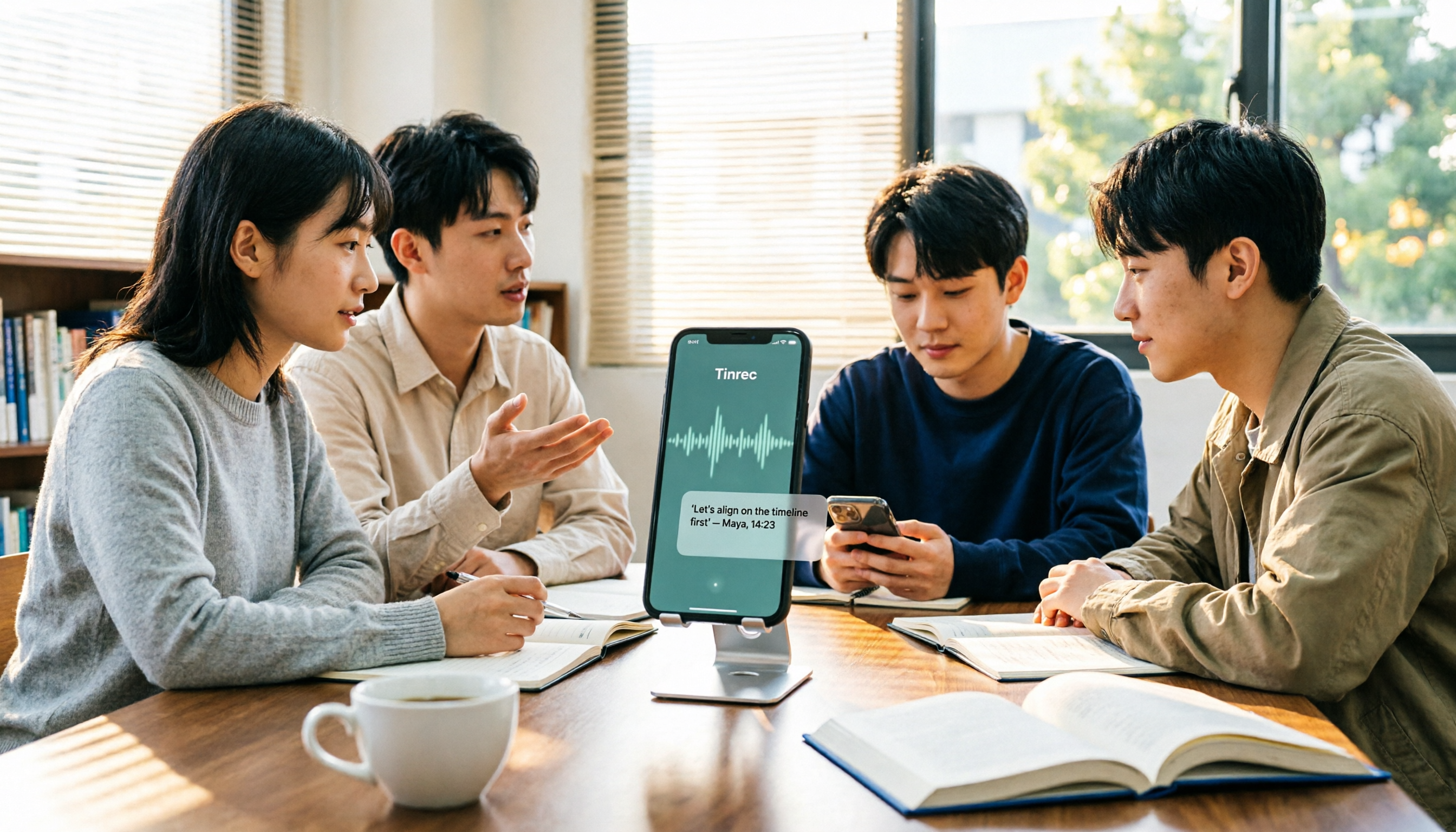
2 Recording Tools Compared in 2026: Understand 'Can You Record Anyone?' Before Choosing
Students often want to record classes, group discussions, or phone calls for self-protection, but 'can you record anyone?' depends on whether you're part of the conversation, your purpose, and how you use the recording. This article explains key Taiwan recording laws from a student's perspective, then compares Tinrec and PLAUD Note across entry cost, recording scenarios, post-meeting organization, old file search, and team sharing, with final recommendations for students.