
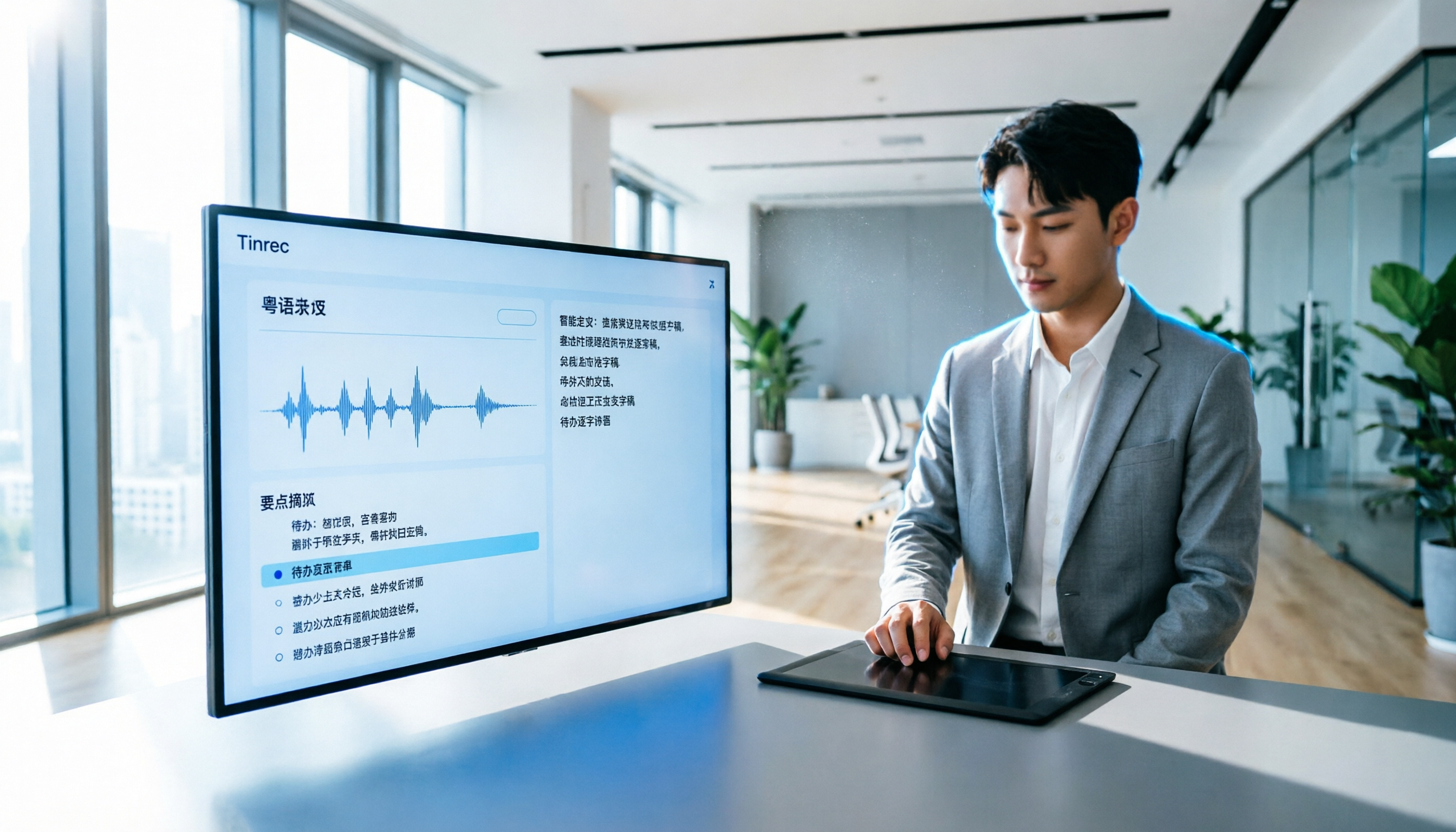
Turn recordings into transcripts and summaries in minutes
Upload audio or video for multilingual transcription, AI notes, and action items
Do you have meetings that run until 8 PM and then have to listen to recordings to write meeting minutes? I tried several apps that weren't accurate, until I used Tinrec, and now I can finally leave work earlier. Here's how to use Tinrec to quickly convert Cantonese recordings to text in 5 easy steps.
Step 1: Understand What Cantonese-to-Text Can Do for You
Many Hong Kong professionals and students deal with a large amount of Cantonese audio every day—meetings, classes, interviews, and even YouTube videos they want to keep as notes. In the past, manual transcription meant an hour of audio could take three to four hours to type up. Now, with AI audio-to-text tools like Tinrec, you can save a ton of time.
Scenario 1: Automated Meeting Minutes
Want meeting minutes within 5 minutes of the meeting ending? Tinrec transcribes in real time as it records, so you don't have to wait until the meeting is over to start transcribing. It also automatically organizes summaries, action items, and assignees, so the entire meeting record is done.
Scenario 2: Turning Class Recordings into Study Notes
University students record lectures, and with Tinrec, the audio is converted to text. The AI automatically divides it into chapters and highlights, so you can search for keywords while studying, saving a lot of time.
Scenario 3: Quick Organization of Interview Recordings
For interviews or user research, after recording, use Tinrec to convert the Cantonese conversation to text. You can even use the AI Q&A feature to ask, "What are the interviewee's opinions on the new feature?" without having to listen to each recording again.
Step 2: Get to Know Tinrec's Core Features—More Than Just a Transcript
Many people think speech-to-text just produces a transcript, but Tinrec's strength lies in the organization and application after transcription. Here are some key features:
Real-Time Transcription, Text as You Speak
No need to wait until the recording is finished to transcribe. Tinrec displays text in real time as you speak, with minimal delay. During meetings, you can glance at the screen to confirm you haven't missed any key points, making it ideal for meeting minutes.
AI Summaries and Chapter Organization
Long recordings are daunting to read through. Tinrec automatically generates a summary, condensing hours of content into key points you can read in minutes. It also automatically splits chapters, such as dividing a lecture into different topic sections, so you can jump to any part with one click.
Automatic Extraction of Action Items
After a meeting, when discussing who does what and deadlines, Tinrec automatically identifies these from the recording and organizes them into a to-do list. No more relying on memory or manually searching through the recording.
AI-Powered Conversational Query
After transcription, you can directly ask Tinrec questions like, "What was the decision about the budget in last week's meeting?" It understands the semantic content of the recording and provides answers directly, so you don't have to read the entire transcript.
Multiple Export Formats
The organized text, summaries, and to-dos can be exported as TXT, Word, or even imported into tools like Notion and Google Docs for easy follow-up and sharing.
Stop organizing recordings by hand
Upload audio or video and automatically get a transcript, summary, and action items
Step 3: Real-World Applications—How Tinrec Fits into Daily Life
Work Meetings
Use Tinrec to record, and the app automatically transcribes and generates meeting minutes. You can focus on the discussion without having to take notes simultaneously. After the meeting, just a few minutes of review and adjustment, and you can send the minutes to colleagues.
Class Lectures
For university lectures or online courses, keep Tinrec recording, and by the end of class, you'll have a text version of the notes and key points. You can also paste a YouTube tutorial link, and Tinrec will directly convert it to text and summary, saving you time from watching the video.
Interviews and Research
As a journalist or researcher, use Tinrec to record interviews, eliminating the need for shorthand. After transcription, use the AI Q&A to quickly extract viewpoints, or even quote directly from the original text, boosting your writing efficiency.
Content Creation
Want to add subtitles to a podcast or video? Use Tinrec to convert the audio to text, automatically generating subtitle files (SRT/VTT), and you can also organize it into articles or social media post material.
Step 4: 4 Things to Consider When Choosing a Speech-to-Text App
There are many transcription tools on the market that claim to support Cantonese, but actual performance can vary greatly. Here are some tips to help you avoid pitfalls:
- Don't trust accuracy claims until you've tested it yourself: Don't just rely on official marketing. It's best to test with your own recordings. Tinrec supports Chinese and multiple languages, with stable recognition for Cantonese, especially reliable in clear environments.
- Look beyond transcription to organization capabilities: After converting to text, does the AI help you summarize key points, divide into chapters, and extract action items? These are the real time-savers. Tinrec is comprehensive in this regard.
- Cross-platform support: Ensure the app covers the devices you commonly use. Tinrec has iOS, Android, and web versions, so you can use it on your phone, computer, or tablet, with synced recordings and data.
- Match pricing and usage to your needs: Don't blindly go for the cheapest or unlimited plans. Look at your actual needs. Tinrec offers a free version with a monthly base transcription quota for you to try. If you transcribe frequently, consider the Pro monthly or annual plan, which is quite reasonable.
Step 5: Summary—Say Goodbye to Cantonese Recording Nightmares with Tinrec
Converting Cantonese audio to text is no longer high-tech; the key is making it faster, more accurate, and more time-saving. Tinrec not only transcribes but also helps you understand and organize content, so you can focus on what truly matters.
If you struggle with recordings every day, instead of continuing to work overtime typing transcripts, give Tinrec a try. The free version is enough to handle a few meetings or classes, and you'll experience how AI can help you organize information quickly.
Tip: Actual transcription results may be affected by recording quality, background noise, and accents. For important occasions, it's recommended to cross-check with the original audio.
References
- Text-to-Speech Cantonese - Toolbaz
- Free Cantonese Speech-to-Text App 2025 | Subanana
- Transcribe Chinese (Cantonese) Audio to Text in Seconds for Free
- Speechnotes | Hong Kong Cantonese | Speech to Text Online Notepad
- 《Free + Cantonese OK: How to Use Google AI Studio to Transcribe Your Recordings》 Finding a good transcript app is painful; Have you tried different recording-to-text apps? Either they're fake free, charging you after the first few minutes, or they only support English, not Cantonese, or you have to go through a lot of API setup. // Recently I discovered that Google Gemini is world-class in this regard: - [Really Free] No subscription after a few uses - [Cantonese / Cantonese-friendly] Gemini is accurate
Turn every recording into actionable outcomes
Get 60 free transcription minutes when you sign in. No credit card required.
Related Reading
You might also like

Tinrec vs Live Transcribe in 2026: A 5-Dimension Comparison to Help Students Choose the Right Recording-to-Text App
How do you choose a recording-to-text tool as a student? This article, based on a senior's hands-on comparison of Tinrec and Android's built-in Live Transcribe, analyzes transcription quality, AI organization, classroom scenarios, and pricing to help you find the right free and paid tools for organizing lecture recordings and meeting notes.

Tinrec vs Otter.ai in 2026: A 5-Dimension Comparison for Multilingual Scenarios
Want to quickly transcribe multilingual meetings, courses, and interviews? This article uses Tinrec as an example, showing you how to perform multilingual speech-to-text in 5 steps, and compares Tinrec with Otter.ai across 5 dimensions to analyze which is better for Chinese and multilingual organization scenarios.

4 Korean Speech-to-Text Tools Tested in 2026: Is the Free Version Enough?
Need to transcribe Korean recordings from meetings, classes, or K-dramas? This article tests Tinrec, TurboScribe, Zeemo, and VOMO AI, covering accuracy, AI features, free tiers, and pitfalls to help you choose the best option.

5 Best Recording-to-Text Apps in 2026: A Side-by-Side Comparison for Mobile Transcription
Still manually typing out transcripts after recording on your phone? This article tests 5 of the most practical recording-to-text apps in 2026, comparing free and paid options to help professionals, students, and creators quickly find the best mobile voice-to-text tool.

2026 Hands-On Comparison of 2 Recording-to-Text Tools: Which One Handles Chinese Audio/Video Organization Better?
This article provides a hands-on comparison between Tinrec and Otter.ai, analyzing five key dimensions: input sources, Chinese transcription, AI summaries and Q&A, export options, and pricing plans, to help you decide which tool is better suited for Chinese-speaking users in meetings, learning, and content creation scenarios.
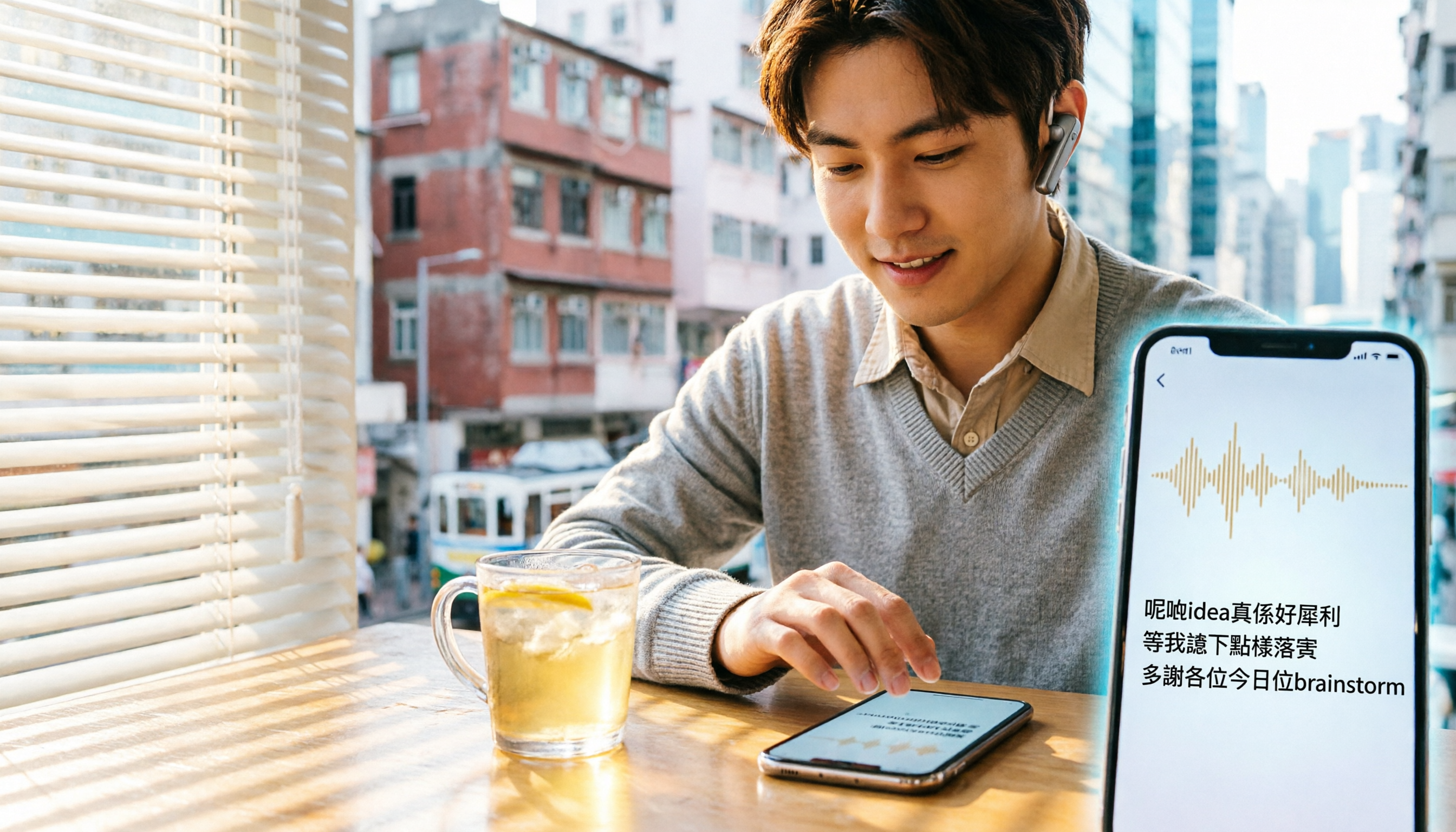
2026 Hands-On Comparison of 2 Recording-to-Text Tools: Tinrec vs Plaud Note — Which One Nails Cantonese Accuracy?
Hong Kong professionals face daily meetings and need reliable recording-to-text tools. This hands-on test compares two popular options: software-based Tinrec vs hardware-based Plaud Note, evaluating Cantonese recognition, cross-platform support, AI features, and cost to help you choose the time-saving solution.
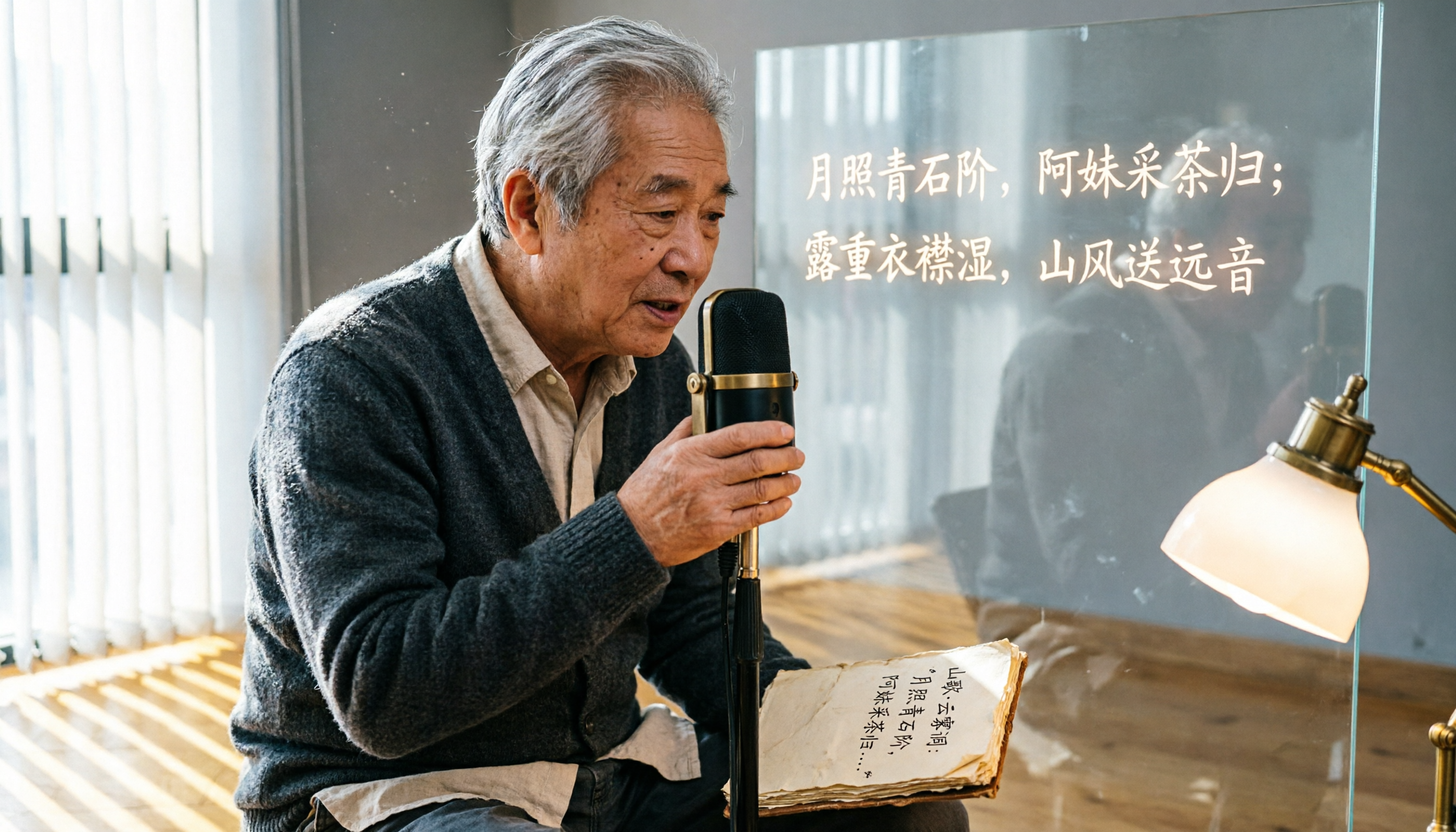
2026 Test: 5 Speech-to-Text Tools for Minority Languages – Which Has the Most Complete Multilingual Support?
When organizing meeting, interview, or study recordings that include minority languages, standard speech-to-text tools often fall short. This article tests 5 mainstream tools, comparing language coverage, transcription quality, and post-processing capabilities to help you find the best solution for handling minority languages.

How to Make AI Notes for Online Classes in 2026? A 5-Step Guide to Choosing the Right Tool
Struggling to keep up with note-taking during online classes? Spending hours re-listening to lectures afterward? This article addresses real student pain points, guiding you through 5 steps to find the best AI note-taking solution for online courses, with detailed comparisons of 5 tools including Tinrec, NotebookLM, and ThetaWave, covering free and paid options.

Tinrec vs Otter.ai in 2026: 5-Dimension Comparison for Call Recording Transcription – Which One Should Chinese Users Choose?
Looking for the best tool to transcribe phone call recordings? This article compares Tinrec and Otter.ai across 5 key dimensions: input sources, transcription accuracy, Chinese support, post-processing features, and pricing. We also walk through a complete workflow using Tinrec to turn a meeting recording into a transcript and meeting minutes, helping you decide which tool fits your needs.