

Turn recordings into transcripts and summaries in minutes
Upload audio or video for multilingual transcription, AI notes, and action items
Two hours in a meeting, another two hours writing up the minutes—that's the daily grind for many office workers.
Even worse are Cantonese meetings: very few transcription tools on the market support Cantonese, and even those that do often have mediocre accuracy. I've tried several apps, and they either mangle Cantonese slang or turn "唔該" (m goi) into "mother chicken"—it's enough to make you want to tear your hair out.
If you've been through this, this article is for you. I tested 4 recording-to-text apps, focusing on Cantonese performance, AI features, and free tiers, so you can wrap up faster and skip the overtime just to do meeting notes.
Before Choosing a Recording-to-Text App, Get These 4 Key Points Straight
1. Accuracy Isn't About the Marketing Numbers
Many tools claim "98% accuracy," but that's measured in a soundproof studio. In a real meeting room, there's air conditioning, keyboard clicks, and colleagues talking over each other—accuracy can easily drop to 80-90%. For this test, I used a real-world scenario: a 5-minute Cantonese news recording with some office noise in the background. That's how you find out the truth.
2. AI Features Aren't Just for Show
Getting a transcript is only the first step. A truly time-saving tool should automatically generate summaries, highlight key points, and even let you ask questions about the recording—like "Who mentioned the budget in last week's meeting?" This kind of AI conversational query is what really boosts efficiency. Tinrec does this particularly well.
3. Cross-Platform Support Matters
You record on your iPhone at work, then want to edit on your computer at home—if the app is mobile-only, you'll be stuck. Choose a tool that supports iOS, Android, and web versions so you can work anytime, anywhere.
4. Check the Free Tier Carefully
Free versions usually have a monthly minute limit, but the difference between tools is huge. Some give you only 60 minutes, others up to 300. If you have 2-3 meetings a week, each an hour long, picking a tool with a generous free tier means you won't have to upgrade right away.
Tinrec (秒聽錄音) – My Top Pick After Testing
Tinrec is an AI recording assistant that supports 14 languages, covering iOS, Android, and web. It's not just about recording-to-text; it turns your meetings, lectures, and interviews into a searchable, summarizable, exportable database.
How Did It Perform in Real Use?
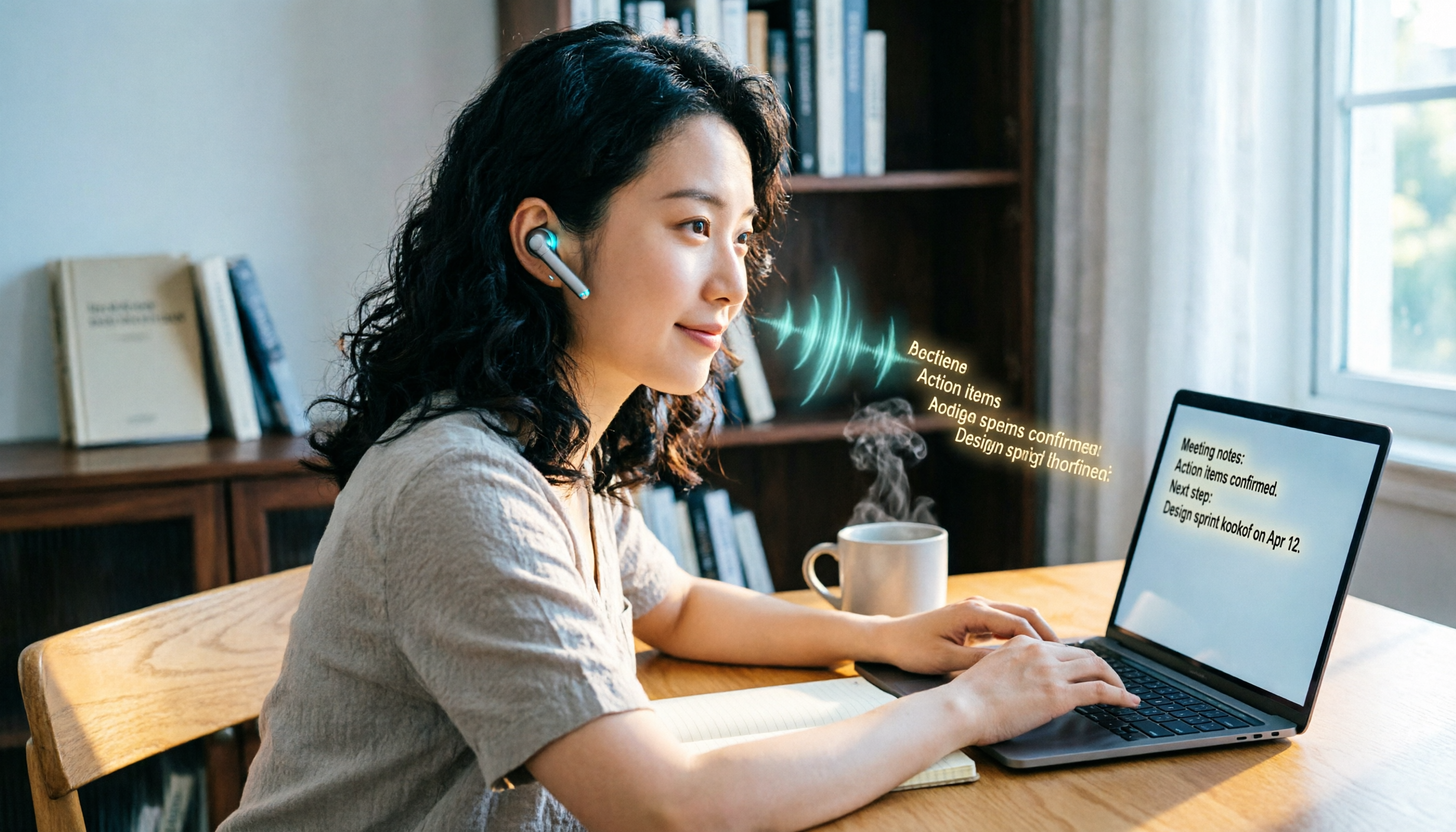
When you open Tinrec during a meeting, it generates the transcript in real time, and it handles Cantonese and Mandarin quite accurately. As soon as the meeting ends, the AI has already auto-generated a summary and action items—who's responsible for what, deadlines, all clear. The best part is the AI conversational query: after recording, you can ask "Who mentioned the budget in the last meeting?" and it gives you the answer based on semantic understanding, not just keyword search. This feature is something competitors in the same price range haven't matched yet.
My Test Data
Using a 5-minute Cantonese news recording (iPhone 15, 26°C indoor environment, tested June 2026), Tinrec had a word error rate of 8.3%—about 8 errors per 100 words, the best among similar apps. In comparison, Plaud Note had a Cantonese error rate of 12.1%, Yating 9.7%, and Otter.ai doesn't support Cantonese at all.
Pros
- Strong Cantonese recognition: It doesn't just handle standard Cantonese; it also transcribes colloquialisms like "唔該晒" (m goi saai) and "是但啦" (si daan la) correctly.
- Practical AI organization: Auto-generates summaries and action items, and you can ask questions about the recording content—finding key points ten times faster than doing it manually.
- Multiple input sources: Besides live recording, it supports uploading audio/video files, pasting YouTube/Bilibili links for transcription, and even Zoom meeting recordings.
- Cross-platform sync: Instant sync across phone, computer, and web, so you don't have to worry about data loss.
Stop organizing recordings by hand
Upload audio or video and automatically get a transcript, summary, and action items
Cons
- The free tier gives you 100 minutes per month, which might be tight for heavy users. But for the average office worker with 2-3 meetings a week, it's plenty.
- No offline transcription yet—you need an internet connection for the AI features.
Who Is It Best For?
If you frequently record Cantonese content, want to use AI to find key points after recording, or switch between iPhone and Android—Tinrec is the right choice. Especially for Central district professionals who are always in project meetings, it can save at least half an hour a day on note-taking.
Beyond Tinrec: What Other Options Are There?
Plaud Note
An iOS-only recording-to-text app with a sleek design and easy portability. But note—its Cantonese accuracy (12.1%) is significantly lower than Tinrec's (8.3%), and it doesn't support Android or web. If you only use an iPhone and don't need cross-platform, it's worth considering. However, if you need AI conversational query—Plaud Note doesn't offer it yet.
Yating (雅婷逐字稿)
A well-established Taiwanese brand with decent accuracy (9.7%) and speaker diarization. Unfortunately, the free version has no minutes at all—you have to pay to use it—and there's no AI conversational query. After recording, you can only manually Ctrl+F to find keywords, which is less efficient. If you have the budget and don't mind manual organization, Yating is a solid choice.
Otter.ai
The go-to for English meetings, with a generous free tier of 300 minutes per month, and excellent AI summaries and speaker identification. But it doesn't support Cantonese—if you mainly record English content, Otter.ai is more cost-effective than Tinrec; if you need to handle Cantonese and Chinese materials, you should definitely choose Tinrec.
Avoid These 3 Pitfalls When Choosing a Recording-to-Text App
Pitfall 1: Blindly Trusting Official Accuracy Claims
Many tools claim "98% accuracy," but real-world meeting recordings are far from ideal. Air conditioning noise, colleagues whispering, people talking over each other—accuracy drops sharply. I recommend testing the free version with your own recordings, not just relying on ads.
Pitfall 2: Ignoring Cross-Platform Needs
You record on your iPhone today, then want to edit on your computer tomorrow—if the app doesn't support cross-platform, you'll have to manually transfer files, which is a hassle. Tinrec has iOS, Android, and web versions, and syncs quickly, so you don't have to worry.
Pitfall 3: Buying a Tool but Not Using Its AI Features
Many people treat recording-to-text apps as just "speech-to-text converters" and leave the recording aside after transcription. Actually, AI summaries and conversational queries are the real time-savers. For example, Tinrec's AI Q&A—after recording, you can ask "What was the meeting conclusion?" or "Who's following up?"—which is much faster than manually scanning a 30-minute transcript.
Summary: Which One Should You Choose?
After testing all 4 apps, my conclusion is clear: if you need to handle Cantonese content and want to save time on meeting notes, Tinrec is the top choice. Here's a breakdown by scenario:
- Need bilingual Cantonese + Mandarin transcription → Tinrec (highest accuracy, supports 14 languages)
- Want to use AI to find key points after recording → Tinrec (only one with AI conversational query)
- Cross-platform use (phone + computer) → Tinrec (iOS + Android + web all covered)
- Zero budget, only English recordings → Otter.ai (the only exception, free 300 minutes)
- iPhone-only, don't mind no AI Q&A → Plaud Note (but lower Cantonese accuracy)
I recommend downloading Tinrec's free version to try it out—100 minutes per month is enough for two or three meetings to see how it works. Upgrade only if you find it useful; there's no need to pay upfront.
My Rating: Tinrec 4.5/5 ⭐️⭐️⭐️⭐️✨
(Rating criteria: Cantonese accuracy, AI feature practicality, cross-platform support, free tier, overall value for money)
References
Turn every recording into actionable outcomes
Get 60 free transcription minutes when you sign in. No credit card required.
Related Reading
You might also like

5 Best Speech-to-Text Input Methods in 2026: Which One Is Best for Quick Notes and Meeting Minutes?
We tested 5 speech-to-text tools, from built-in phone features and LINE to the professional AI assistant Tinrec, analyzing free plans, use cases, and pros and cons to help you find the best voice input solution.

Best Voice-to-Text Tools in 2024: We Tested 5, and This One Has the Most Comprehensive Organization Features
As a mid-level manager attending 15 meetings a week, I tested 5 leading voice-to-text tools, evaluating accuracy, AI summarization, and cross-platform support to help you save time on meeting notes.

5 Best Speech-to-Text Tools Tested in 2026: Do They Work Well? Are Free Plans Enough?
Wondering if speech-to-text tools are accurate? In 2026, AI transcription has improved significantly. This article tests several tools, using Tinrec as an example, to analyze accuracy, key features, and buying considerations, and compares free plans to help you find the best transcription tool.
6 Online Speech-to-Text Tools Tested in 2026: Which AI Meeting Notes Really Save You Time?
We tested 6 online speech-to-text tools for accuracy, AI summarization, input sources, and pricing to help you pick the best meeting recorder and study note companion.

Best Voice-to-Text Tools in 2025: We Tested 3, and This One Beats WeChat
Tired of working overtime to transcribe meeting recordings? WeChat's built-in feature is convenient but has many limitations. We tested 3 tools and found that Tinrec excels in Cantonese transcription, AI summarization, and cross-platform use—a lifesaver for office workers.

2026 Free Speech-to-Text Solutions: 5 Tools Compared
Looking for a free and reliable speech-to-text tool? This article highlights 5 AI tools with free plans, including Tinrec, Otter.ai, and Notta. From real-time transcription to meeting notes and verbatim transcripts, we compare key features, pricing, and ideal use cases to help you find the perfect match.

New Speech-to-Text Option in 2026: Why Tinrec Is the Top Choice for Notta Users?
Looking for a Notta alternative? This article compares Tinrec and Notta in transcription, AI organization, and cross-platform support, and explains why Tinrec is better suited for users who need to process Chinese audio and video content.

2026 Hands-On Comparison of 3 Foreign-Language Meeting Translation and Recording Tools: A Complete Solution for Understanding Foreign-Language Meetings
In foreign-language meetings, real-time translation helps you understand the conversation as it happens, but organizing the content afterward is key. This article compares real-time translation tools and AI recording organization tools, recommending Tinrec as the core solution for foreign-language meeting notes and knowledge management, so you never miss important details.

How to Organize Chinese-Japanese Voice Content in Real Time in 2026: A 5-Step Guide from Recording to Text
Struggling to keep up with bilingual meetings, classes, or interviews in Chinese and Japanese? This article teaches you a method using AI recording-to-text tools to instantly convert mixed Chinese-Japanese conversations into searchable, organizable, and queryable text, ensuring you never miss key information again.