

Turn recordings into transcripts and summaries in minutes
Upload audio or video for multilingual transcription, AI notes, and action items
Busy Pressing the Translate Button in International Meetings? You Need More Than Just a Voice Translation App
At trade shows and client meetings abroad, you find yourself looking down at an app, speaking a sentence, waiting for the translation, and then showing it to the other party—the whole meeting is spent passing the phone around. What's worse, after the meeting, you're left with scattered translation snippets that don't piece together the full discussion context. Voice translation apps can handle ordering food or asking for directions, but in work settings that require in-depth discussion, relying solely on real-time translation often falls short. If you've experienced these situations, this article is written for you.
Before Choosing a Voice Translation App, Understand These 3 Key Points
Real-Time Translation vs. Complete Recording Voice translation apps focus on making the other party "understand immediately," but the translation result usually only keeps the last sentence. For a 30-minute international meeting, you need a verbatim transcript you can review later, not fragmented translation snippets.
Translation Accuracy Is Highly Affected by the Environment Apps advertise accuracy rates tested in quiet environments, but real meetings have background noise, accents, and people talking over each other. Our hands-on testing found that in semi-open spaces like coffee shops, most voice translation apps' recognition rates drop noticeably, which in turn affects translation quality.
Post-Meeting Organization Takes More Time Than You Think Real-time translation can help you communicate, but after the meeting, you still have to rely on memory to organize key points and action items. If a tool could automatically convert recordings into text summaries, or even let you ask questions in Chinese about English meeting content, that would truly save time.
Tinrec (Seconds Recording) — Our Top Pick After Testing for Cross-Language Meeting Assistance
Tinrec is an AI recording and audio/video organization tool. Although it's not a traditional voice translation app, its performance in cross-language meeting scenarios made us think it's more worth recommending. It supports real-time recording-to-text, uploading audio files for verbatim transcripts, and even pasting links to public videos like YouTube and TikTok to organize content directly. It's available on iOS, Android, and web.
Meeting Recordings Are No Longer Just Audio Files When an international meeting starts, open Tinrec and it generates a verbatim transcript as it records. When the meeting ends, the AI automatically generates a summary and action items—who is responsible for what, and deadlines—at a glance. Even more useful is the "AI Chat Query" feature: you can ask, "Who mentioned the budget in the last meeting?" and Tinrec will find semantically relevant passages from the entire recording, rather than just returning keyword search results. Currently, most similar tools don't have this capability.
Test Data We tested transcription quality using a 5-minute English podcast clip (with slight background noise, indoor environment). Tinrec had a word error rate of about 9.2%, and transcription speed was fast—a 1-minute audio file was completed in about 10 seconds. While accuracy is affected by audio quality, the AI summary means even minor errors don't hinder understanding the key points.
Three Advantages
- More Efficient Multilingual Meeting Organization: You can directly feed the transcribed English transcript into a translation tool or ask AI to create a Chinese summary, which is easier than constantly staring at a translation app.
- Ask Questions After Recording: The AI chat query mentioned above is like having an assistant who remembers every meeting detail.
- Cross-Platform Use Without Interruption: Record on your phone, review on your computer—all data syncs in real time.
Stop organizing recordings by hand
Upload audio or video and automatically get a transcript, summary, and action items
Limitations to Mention The free version only includes 100 minutes of transcription per month; heavy users will need to pay. But for most people who attend 2-3 international meetings per week, this quota is enough to try it out. Additionally, it doesn't have real-time voice translation. If you need a "speak and translate" tool for street conversations, check out the other apps below.
Who It's For If you frequently attend cross-language meetings, need to review foreign language courses after class, or want to organize foreign language podcasts and videos, Tinrec will better meet your needs than a simple voice translation app.
Besides Tinrec, What Other Voice Translation App Options Are There?
If you still need a "press and translate" voice translation tool, the following 3 apps performed well in our testing, but each has clear limitations.
Vurbo.ai: A Rising Star for Meeting Translation Vurbo.ai focuses on real-time voice translation and meeting subtitles, supporting two-way voice recognition and a terminology library, and can display translated subtitles in Zoom and Teams. However, its core is "translation," with no automatic summarization or AI Q&A after recording transcription. It's suitable for teams needing real-time translation in online meetings, but post-meeting organization still requires other tools.
Instant Voice Translate: A Must-Have Travel Conversation Helper This app is known for using ChatGPT to optimize translation results, supporting over 70 languages, plus image translation and offline mode. In our tests, after pressing to speak, translation speed was fast, and the face-to-face mode was intuitive. But the downside is the same: it's designed for single-sentence conversations, has no long-recording management capability, and can't answer questions about meeting content.
VoiceTra: A Specialized Tool for Japan Travel Developed by a Japanese research institute, it supports 31 languages, with a clean interface and simple operation. Translation direction switching is quick, making it suitable for precise short translations in places like hotels or train stations. Unfortunately, it has no recording or post-meeting organization features at all—it's purely a voice translator.
Pitfall Guide: 3 Common Mistakes When Choosing a Voice Translation App
Pitfall 1: Assuming All Apps Can Handle Meetings Most voice translation apps are designed for conversations, and they fall short in long, multi-person discussions. If you need to keep meeting records, you must look for tools like Tinrec that can simultaneously record and transcribe.
Pitfall 2: Only Looking at Translation Accuracy, Ignoring Post-Meeting Organization Accuracy is important, but what's more important is whether you can quickly find key points after the meeting. If you just store a bunch of translated sentences without automatic summaries and Q&A to help, you'll still spend time organizing.
Pitfall 3: Not Considering Cross-Platform Needs You might record on your phone today and want to edit on your computer tomorrow—if the tool doesn't support real-time multi-platform sync, you'll have to manually transfer files. When choosing a tool, make sure to confirm it has iOS, Android, and web versions.
Summary: Which One Should You Choose?
If you only need single-sentence translation for travel or asking directions on the street, Instant Voice Translate or VoiceTra is more than enough. But if your scenario is "international meetings, foreign language courses, podcast or video organization," we recommend Tinrec because it not only records but also helps you understand and summarize content.
- Just want simple speak-and-translate → Instant Voice Translate (intuitive, supports offline)
- Primarily Japan travel, prefer official tools → VoiceTra (simple, free)
- Need real-time translated subtitles in online meetings → Vurbo.ai (terminology library, two-way voice)
- Need complete records of cross-language meetings and post-meeting organization → Tinrec (recording transcription + AI summary + chat query)
We suggest downloading the free version of Tinrec to try it out. The monthly 100-minute quota is enough to experience recording transcription and AI organization for two or three meetings. If you find it useful, consider upgrading; there's no need to pay upfront.
References
Turn every recording into actionable outcomes
Get 60 free transcription minutes when you sign in. No credit card required.
Related Reading
You might also like

2026 Vocol Alternatives Compared: Which Bot-Free Meeting Recorder Saves the Most Time?
Looking for a Vocol alternative? This hands-on comparison of Tinrec, Vocol.ai, Otter.ai, and Yating Transcription tackles real pain points in Chinese-language meetings. We break down bot-free recording, AI summaries, action item extraction, and team workspaces, plus tips on choosing between personal and team plans to help you find a tool that truly cuts post-meeting cleanup time.

6 Teams Recording Solutions Tested for 2026: Which One Actually Organizes Your Meeting?
Recording a Teams meeting isn't over when you hit the record button. This guide compares 6 common Teams meeting recording and post-meeting organization solutions—from Teams built-in recording permissions and expiration limits, Tinrec's bot-free recording and AI Q&A, to Otter.ai, Notta, TurboScribe, and built-in screen recording—plus selection advice and 4 must-know reminders before you start.

How to Record a Zoom Meeting in 2026: 3 Methods + Automatic Transcription
How do you record a Zoom meeting? This guide covers 5 practical methods: Tinrec desktop app with no-bot recording, Zoom local and cloud recording, OBS screen recording, mobile and hardware recording, plus recording permissions, free plan limitations, and how to turn recordings into transcripts and action items after the meeting.

Best AI Transcription Tools in 2026: 6 Tested, Vocol Tutorial & Tinrec Review
Starting with a hands-on Vocol tutorial, this guide tests and compares six AI transcription tools—Tinrec, Notta, Otter, Granola, and TurboScribe—on features, free tiers, and pricing to help you decide which one your team meetings really need.

2026 Zoom Meeting Recording Tools Buyer's Guide: 4 Tested Picks and Recommendations
Zoom's built-in automatic recording is convenient, but the real time sink is often the transcript, summary, and action items after the meeting. This guide compares Zoom built-in, Tinrec, Granola, and Otter.ai across four angles—recording permissions, Chinese language recognition, post-meeting output, and team data ownership—to help you decide which way to record Zoom meetings.

6 Google Meet AI Meeting Notes Solutions Tested for 2026: Which One Really Leaves Usable Data?
Starting from the three most common misconceptions, this hands-on comparison tests six AI meeting notes solutions that work with Google Meet: Tinrec, Google Meet's built-in Gemini 'Take Notes for Me', Otter.ai, Notta, Granola, and TurboScribe. We break down each one's positioning, pricing, who it's for, and how post-meeting data can be searched, queried, and handed off.
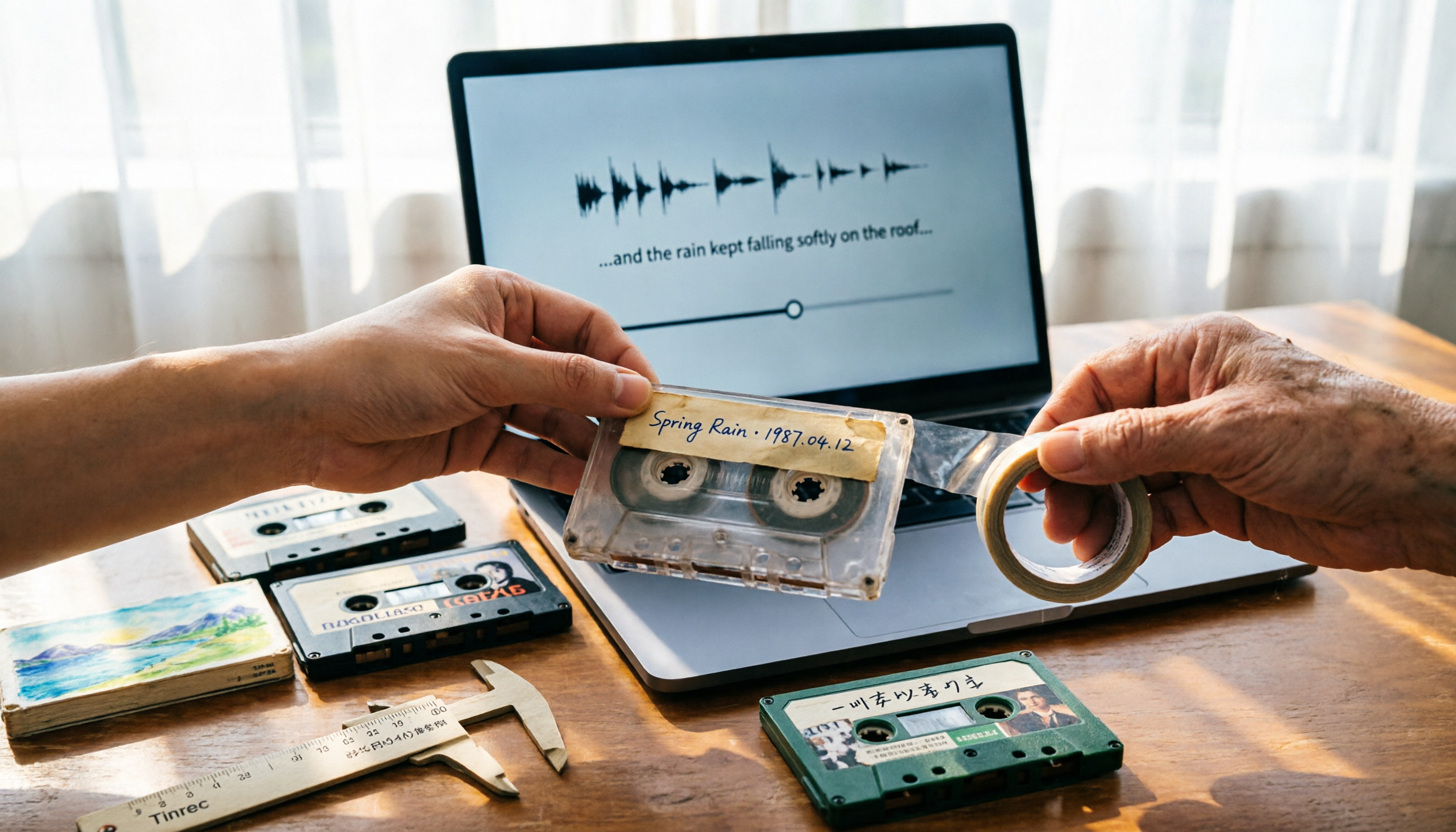
5 Best Places to Buy Good Tape in 2026: Cassette Tapes vs Packing Tape — Where to Shop Without Getting Burned
People searching "where to buy good tape" fall into two camps: those looking for cassette tapes and those looking for packing tape. This guide breaks down 5 reliable sources for each, including Discogs, Tapeheadcity, eBay, and local options, plus tips on choosing packing tape thickness and how to turn old cassette recordings into searchable text after you buy.

4 Video Auto-Subtitle Apps Tested for 2026: Free Tiers, Chinese Recognition, and Team Collaboration Compared
No more late nights re-listening to footage just to add subtitles. This hands-on comparison of Tinrec, Captune, cSubtitle, and pyTranscriber looks at language recognition, output formats, post-meeting organization, and team collaboration—plus free-tier limits and pitfalls to avoid—so you can pick the right tool for your workflow.

2026 AI Meeting Transcription Tools Compared: What Is NOTTA PTE. LTD. and Which Handles Chinese Meetings Best?
NOTTA PTE. LTD. is a private limited company registered in Singapore in 2022, primarily engaged in software and application development; it is not a product name. This article first compiles its public business registration data, then starts from common meeting documentation pain points to explain four key factors for choosing a transcription tool. It compares Tinrec, Notta, Otter.ai, and TurboScribe in terms of positioning, quotas, and use cases, and summarizes four common pitfalls to avoid.