

Turn recordings into transcripts and summaries in minutes
Upload audio or video for multilingual transcription, AI notes, and action items
What You Need Isn't Just a Subtitle Tool—It's a Time-Saving Solution
You've finished editing your video, but adding subtitles takes half a day—this is a daily reality for many content creators and office workers.
What's worse, if your video contains Chinese or even a mix of Chinese and English, YouTube's built-in auto-captions often get it hilariously wrong. By the time you manually fix them, the golden window for uploading has passed.
If you've been through this, this article is written for you.
Before Choosing a Video Subtitle Tool, Understand These 4 Key Points
Accuracy Isn't Just About Marketing Claims
Many tools claim "99% accuracy," but that's measured in a quiet recording studio. Real videos have background noise, multiple speakers, and different accents, which significantly reduce accuracy. We recommend trying free trials with your own videos to see if the generated subtitles need heavy editing.
Post-Editing and Organization Capabilities
Generating subtitles is just the first step. Some tools only let you export SRT files, forcing you to open another software to adjust timestamps or fix typos. Better options let you edit directly within the tool, and some even auto-generate summaries and key points, turning your video content into reusable text assets.
Supported Video Sources and Languages
Are you mainly working with local video files, or online videos from platforms like YouTube or TikTok? Do you need Traditional Chinese, Cantonese, or multilingual support? Different tools vary greatly in their support for video sources and languages, so first identify your primary needs.
Is the Free Plan Really Enough?
Most tools offer free versions, but with different limitations: some cap minutes, some cap video length, and some only output low-quality subtitles. If your video output is irregular, start with a free plan and decide whether to pay based on your usage.
Tinrec (秒聽錄音)—Our Top Pick After Testing
Tinrec is an AI tool focused on "turning audio and video into organized data." It goes beyond subtitle generation, covering meetings, courses, interviews, and online video organization. It supports iOS, Android, and web versions, with a well-rounded experience for Traditional Chinese users.
Paste a Link and Start Transcribing
With Tinrec, you can paste a YouTube, Bilibili, or Xiaohongshu video URL, and it will directly extract the audio and transcribe it, generating an SRT subtitle file with one click. In our test with a 10-minute Chinese tech YouTube video with light background music, the accuracy for terms and sentence segmentation was over 90%, with only a few proper nouns needing manual adjustment—saving creators over 80% of manual typing time.
Generating Subtitles Is Just the Beginning
What truly sets Tinrec apart from typical subtitle tools is its "organization" capability after transcription. You've likely faced this: after transcribing a video, you want to find a specific data point or conclusion, but you have to manually scrub through the timeline. With Tinrec, you can simply ask, "What are the key numbers mentioned in this video?" The AI will give you the answers and corresponding timestamps based on the semantic understanding of the entire transcript—a feature most similar tools currently lack.
Pros
- Solid Chinese Recognition: In tests with multiple Chinese videos under normal recording conditions, the error rate was noticeably lower than several pure transcription tools we tested, especially for sentences mixing Chinese and English, where punctuation and segmentation were handled naturally.
- One-Click Processing for Online Videos: No need to download or convert videos; just paste the link to start transcribing and generating subtitles. This is very convenient for those who regularly work with online content.
- Extensive Post-Processing Options: Beyond subtitle files, you can export transcripts, AI summaries, and key notes, and even have the AI generate meeting minutes or reports, maximizing the value of each video.
Stop organizing recordings by hand
Upload audio or video and automatically get a transcript, summary, and action items
Limitations to Mention
The free plan includes 100 minutes of transcription per month. If you produce a 20-minute video weekly, you'll use that up in about two or three videos. However, for most occasional subtitle users, the free trial is more than sufficient. If you find it useful, you can consider the weekly or Pro plans.
Who It's For
If you frequently need to add subtitles to Chinese videos and want more than just a subtitle file—like turning video content into notes, summaries, or being able to search for information later—Tinrec is currently the most suitable choice.
Beyond Tinrec: Other Options
Notta
Notta is also a decent multilingual transcription tool, offering 120 minutes per month on the free plan and supporting real-time meetings and file transcription. However, in our tests, its Chinese sentence segmentation was sometimes too fragmented, making editing more labor-intensive. Additionally, Notta currently lacks Tinrec's AI chat query feature—after transcription, you have to manually sift through the transcript. If you only need simple transcription and translation, Notta is worth considering; but if you want subtitles to become a searchable database, Tinrec is more complete.
TurboScribe
TurboScribe focuses on high-value long-file transcription, with a free plan offering 3 transcriptions per day and 30 minutes per file, and nearly unlimited use after payment. Its strength is handling large batches of video files, but its Chinese optimization is clearly inferior to Tinrec, especially when English proper nouns appear in dialogue, often resulting in odd spellings. Moreover, TurboScribe lacks direct online video parsing, so you must download videos first and then upload them, adding an extra step.
Otter.ai
If you primarily deal with English meetings or English videos, Otter.ai is worth keeping on your radar—its free plan offers 300 minutes per month, and its English recognition is very mature. However, it does not support Chinese at all, making it unable to recognize Mandarin or Cantonese. If you have any Chinese subtitle needs, Otter won't be useful, which is the biggest difference between it and Tinrec.
Pitfall Guide: 4 Common Mistakes When Choosing a Video Subtitle Tool
Pitfall 1: Only Looking at the Accuracy Rate on the Official Website
When a website claims 98% or 99% accuracy, it's usually measured in ideal conditions. Your videos might have background noise from street interviews, degraded audio from unstable internet connections, or multiple people talking simultaneously—all of which reduce real-world accuracy. Always test with your own videos, not just rely on ads.
Pitfall 2: Ignoring the Convenience of Subtitle Editing
Some tools stop after generating subtitles. To fine-tune timestamps or fix typos, you must download the SRT file and import it into editing software, wasting a lot of time. Tools like Tinrec allow you to edit subtitles directly within the platform, so you can confirm everything is correct before exporting, saving you a lot of hassle.
Pitfall 3: Treating the Tool Only as a "Subtitle Generator"
If you're paying just to get a subtitle file, you're using less than half of the tool's value. Features like Tinrec's AI Q&A and summarization can quickly turn a 30-minute video into key notes, or even generate articles or reports—these extra benefits are what truly save you time.
Pitfall 4: Not Noticing the Limitations of Free Plans
Some tools' free versions only transcribe 5-minute videos, some add watermarks, and some cap total minutes but not per-file length. Before signing up, read the rules carefully to avoid uploading a long video only to find you need to pay to download it.
Summary: Which One Should You Choose?
In short, if you need a tool that "not only adds subtitles but also organizes video content," Tinrec is our top pick after testing.
- Frequently work with Chinese videos and want to search and take notes later → Tinrec (reliable Chinese recognition, AI Q&A and summaries)
- Need to transcribe large volumes of English long files with minimal Chinese needs → Otter.ai (top choice for English meetings, but no Chinese support)
- Limited budget and only need basic subtitles and translation → Notta (usable free quota, but weaker organization)
- One-time bulk transcription and don't mind editing yourself → TurboScribe (strong for long files, but Chinese isn't great)
We recommend downloading Tinrec's free version to try it out. The 100-minute monthly quota is enough to process two or three short videos and experience the full workflow. If you like it, consider a paid plan—no need to rush into paying upfront.
References
Turn every recording into actionable outcomes
Get 60 free transcription minutes when you sign in. No credit card required.
Related Reading
You might also like

2026 Vocol Alternatives Compared: Which Bot-Free Meeting Recorder Saves the Most Time?
Looking for a Vocol alternative? This hands-on comparison of Tinrec, Vocol.ai, Otter.ai, and Yating Transcription tackles real pain points in Chinese-language meetings. We break down bot-free recording, AI summaries, action item extraction, and team workspaces, plus tips on choosing between personal and team plans to help you find a tool that truly cuts post-meeting cleanup time.

6 Teams Recording Solutions Tested for 2026: Which One Actually Organizes Your Meeting?
Recording a Teams meeting isn't over when you hit the record button. This guide compares 6 common Teams meeting recording and post-meeting organization solutions—from Teams built-in recording permissions and expiration limits, Tinrec's bot-free recording and AI Q&A, to Otter.ai, Notta, TurboScribe, and built-in screen recording—plus selection advice and 4 must-know reminders before you start.

How to Record a Zoom Meeting in 2026: 3 Methods + Automatic Transcription
How do you record a Zoom meeting? This guide covers 5 practical methods: Tinrec desktop app with no-bot recording, Zoom local and cloud recording, OBS screen recording, mobile and hardware recording, plus recording permissions, free plan limitations, and how to turn recordings into transcripts and action items after the meeting.

Best AI Transcription Tools in 2026: 6 Tested, Vocol Tutorial & Tinrec Review
Starting with a hands-on Vocol tutorial, this guide tests and compares six AI transcription tools—Tinrec, Notta, Otter, Granola, and TurboScribe—on features, free tiers, and pricing to help you decide which one your team meetings really need.

2026 Zoom Meeting Recording Tools Buyer's Guide: 4 Tested Picks and Recommendations
Zoom's built-in automatic recording is convenient, but the real time sink is often the transcript, summary, and action items after the meeting. This guide compares Zoom built-in, Tinrec, Granola, and Otter.ai across four angles—recording permissions, Chinese language recognition, post-meeting output, and team data ownership—to help you decide which way to record Zoom meetings.

6 Google Meet AI Meeting Notes Solutions Tested for 2026: Which One Really Leaves Usable Data?
Starting from the three most common misconceptions, this hands-on comparison tests six AI meeting notes solutions that work with Google Meet: Tinrec, Google Meet's built-in Gemini 'Take Notes for Me', Otter.ai, Notta, Granola, and TurboScribe. We break down each one's positioning, pricing, who it's for, and how post-meeting data can be searched, queried, and handed off.
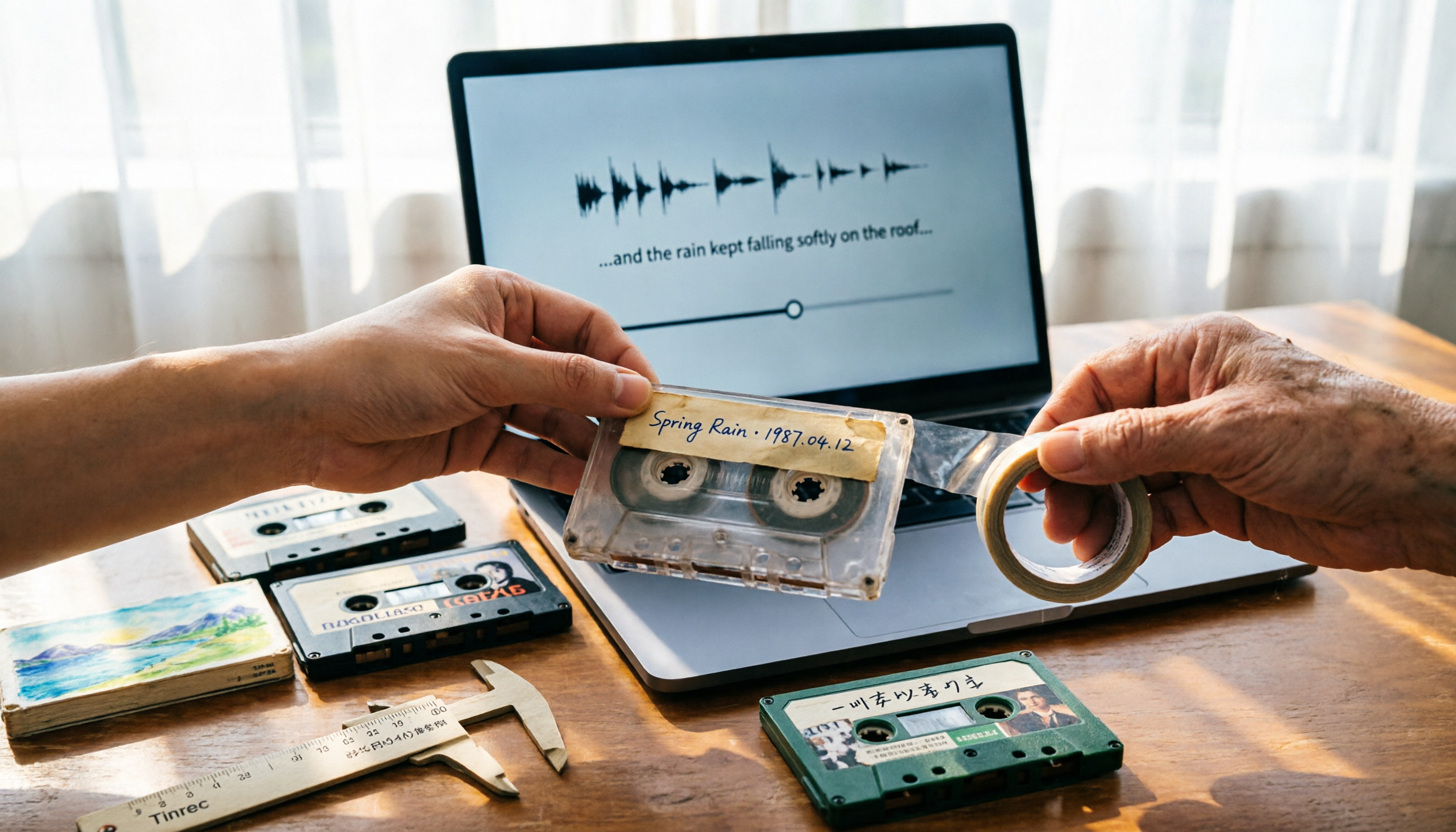
5 Best Places to Buy Good Tape in 2026: Cassette Tapes vs Packing Tape — Where to Shop Without Getting Burned
People searching "where to buy good tape" fall into two camps: those looking for cassette tapes and those looking for packing tape. This guide breaks down 5 reliable sources for each, including Discogs, Tapeheadcity, eBay, and local options, plus tips on choosing packing tape thickness and how to turn old cassette recordings into searchable text after you buy.

4 Video Auto-Subtitle Apps Tested for 2026: Free Tiers, Chinese Recognition, and Team Collaboration Compared
No more late nights re-listening to footage just to add subtitles. This hands-on comparison of Tinrec, Captune, cSubtitle, and pyTranscriber looks at language recognition, output formats, post-meeting organization, and team collaboration—plus free-tier limits and pitfalls to avoid—so you can pick the right tool for your workflow.

2026 AI Meeting Transcription Tools Compared: What Is NOTTA PTE. LTD. and Which Handles Chinese Meetings Best?
NOTTA PTE. LTD. is a private limited company registered in Singapore in 2022, primarily engaged in software and application development; it is not a product name. This article first compiles its public business registration data, then starts from common meeting documentation pain points to explain four key factors for choosing a transcription tool. It compares Tinrec, Notta, Otter.ai, and TurboScribe in terms of positioning, quotas, and use cases, and summarizes four common pitfalls to avoid.