

Turn recordings into transcripts and summaries in minutes
Upload audio or video for multilingual transcription, AI notes, and action items
What You Need Isn't Just a Subtitle Generator, but a Tool That Makes Your Content Truly Usable
You've finished editing your video and are about to upload it, only to realize that adding subtitles is the most time-consuming part—many creators know this pain all too well.
What's more, for some meeting recordings and online courses, you don't just want subtitles; you also want to take notes, highlight key points, and be able to search through them later.
If a subtitle tool only "converts speech to text and pastes it on," then after the subtitles are done, you'll have to spend more time reorganizing the content—essentially doing the same work twice.
In this article, I tested 4 AI subtitle generators and found that one of them not only adds subtitles but also turns your video content into a searchable, queryable database.
Before Choosing an AI Subtitle Generator, Understand These 4 Key Points
Transcription Accuracy Isn't Everything
Many tools claim 99% accuracy, but that's measured in a quiet recording studio. Real videos often have background noise, overlapping speech, and accents—rather than relying on marketing claims, it's best to test with your own content using free trials.
Language Support Breadth Matters
If you frequently handle Cantonese, mixed Chinese-English, or multilingual content, make sure the tool supports it. Some tools excel only in English and make mistakes when Chinese is mixed in.
Subtitle Editing Flexibility
Auto-generated subtitle timelines and line breaks aren't always perfect. A good tool should let you quickly adjust fonts, positions, and merge or split subtitles, rather than forcing you to export to an editor for tweaks.
Post-Processing Content Reuse (Often Overlooked)
Generating subtitles is just the first step. If you've recorded a meeting, you'll want automatic summaries, action items, and even the ability to search the recording by keywords later. Most subtitle tools can't do this, but our top pick, Tinrec, can.
Tinrec (Miao Ting Lu Yin)—Our Top Pick After Testing
Tinrec is an AI recording and audio/video organization tool that supports 14 languages, available on iOS, Android, and web. Although it doesn't position itself as a "pure subtitle tool," it performs excellently in subtitle generation and offers capabilities others lack.
Core Features Are Not Just Useful—They Fit Real Workflows
Simply paste a video link into Tinrec, and it generates a transcript and subtitle file. More practically, after transcription, you can ask it: "What are the key points mentioned in this video?" Tinrec finds answers based on semantics, not just keyword matching. Currently, few competitors offer this feature.
For meeting recordings, Tinrec automatically generates summaries, chapters, and action items, and can even have AI produce reports or tables—treating subtitles as an entry point to complete content organization.
Hands-On Experience
I tested it with a 5-minute Chinese meeting recording (with slight background noise). Tinrec's transcript required almost no corrections, and the timeline alignment was accurate. The generated subtitles can be exported directly as SRT files, making it easy to fine-tune in editing software.
Pros
Stop organizing recordings by hand
Upload audio or video and automatically get a transcript, summary, and action items
- Beyond subtitles, it uses AI to organize content, answer questions, and export multiple formats (transcript, summary, action items, mind map)
- Cross-platform support (mobile, web, desktop) without needing extra hardware
- Stable recognition for Mandarin, Traditional Chinese, and Cantonese, making it suitable for Chinese-language creators
Cons
- Subtitle style editing is basic; it lacks dynamic design options like professional editing tools, so you may want to export and fine-tune in Premiere or CapCut
- The free plan has monthly transcription minute limits; heavy users need to pay, but it's sufficient for most people processing a few videos per week
Who Is It For?
If you need subtitles for videos and also want to turn them into reusable content—such as course recordings, meeting minutes, interview material—or if you want to quickly search what was said in a video later, Tinrec is currently the most complete choice.
Beyond Tinrec: What Other Options Are There?
FlexClip
An online video editor that generates auto subtitles and lets you add text animations and adjust styles, ideal for short-form video creators. However, it's essentially an editing tool without AI Q&A or summary features—if you need to organize key points after subtitles, FlexClip won't help. Tinrec handles both subtitles and content summaries in one go.
WayinVideo
Offers 60 minutes of free subtitle generation daily, with good accuracy and simple operation. Suitable for those who just want quick subtitles without post-processing. But it lacks AI chat queries and doesn't extract meeting notes or action items—all of which Tinrec provides.
cSubtitle
Focuses on speech-to-text and subtitles, with easy upload and good support for Cantonese and Mandarin. It also lacks content reuse features, and searching historical files is difficult. If you want to continue "using" the content after subtitles, Tinrec is a better fit.
Pitfall Guide: 3 Common Mistakes When Choosing a Subtitle Generator
Mistake 1: Only Looking at Official Accuracy Claims
Many tools claim "98% accuracy," but that's often in noise-free environments. Real videos have ambient noise and accents, which reduce accuracy. Instead of relying on ads, test with your own videos using free credits.
Mistake 2: Ignoring Content Reuse
Many think "as long as subtitles are generated, it's fine," but when you later need to find meeting conclusions or course highlights, there's no summary or search capability—you have to rewatch. That's when you realize you chose the wrong tool, solving only half the problem. Tinrec's auto-summaries and AI Q&A fill this gap.
Mistake 3: Not Considering Cross-Platform and Formats
Generating subtitles only on mobile but being unable to edit or export compatible formats on desktop can stall you. Before choosing, ensure it can export SRT or VTT and supports your usual editing software. Tinrec supports multiple export formats and cross-device sync, so it's relatively hassle-free.
Conclusion: Which One Should You Choose?
If you only need quick subtitles and love lots of dynamic text templates → FlexClip is a good supplementary tool. If you have regular subtitle needs and want a completely free option → WayinVideo's daily 60 minutes can be a stopgap.
However, if you want subtitles to be more than just subtitles—automatically generating summaries, action items, and even finding key points via Q&A—then Tinrec is the most complete choice in this review. It treats "generating subtitles" as the first step, and the subsequent content organization is where the real time savings lie.
We recommend trying Tinrec's free version first; the monthly base quota is enough for a few videos, letting you experience its AI Q&A and summary features. If it suits you, consider upgrading—no need to spend money upfront.
References
- AI Subtitle Generator - Online Auto Subtitles | FlexClip
- AI Subtitle Generator – 99% Accurate, Free 60 Minutes Daily - WayinVideo
- CantoSub | Hong Kong | Cantonese | AI Subtitle Generation!
- Online AI Recording Video to Text and Chinese Subtitles - Free Trial - cSubtitle
- CapCut Auto Caption Generator | Free Online Auto Subtitles
Turn every recording into actionable outcomes
Get 60 free transcription minutes when you sign in. No credit card required.
Related Reading
You might also like

2026 Vocol Alternatives Compared: Which Bot-Free Meeting Recorder Saves the Most Time?
Looking for a Vocol alternative? This hands-on comparison of Tinrec, Vocol.ai, Otter.ai, and Yating Transcription tackles real pain points in Chinese-language meetings. We break down bot-free recording, AI summaries, action item extraction, and team workspaces, plus tips on choosing between personal and team plans to help you find a tool that truly cuts post-meeting cleanup time.

6 Teams Recording Solutions Tested for 2026: Which One Actually Organizes Your Meeting?
Recording a Teams meeting isn't over when you hit the record button. This guide compares 6 common Teams meeting recording and post-meeting organization solutions—from Teams built-in recording permissions and expiration limits, Tinrec's bot-free recording and AI Q&A, to Otter.ai, Notta, TurboScribe, and built-in screen recording—plus selection advice and 4 must-know reminders before you start.

How to Record a Zoom Meeting in 2026: 3 Methods + Automatic Transcription
How do you record a Zoom meeting? This guide covers 5 practical methods: Tinrec desktop app with no-bot recording, Zoom local and cloud recording, OBS screen recording, mobile and hardware recording, plus recording permissions, free plan limitations, and how to turn recordings into transcripts and action items after the meeting.

Best AI Transcription Tools in 2026: 6 Tested, Vocol Tutorial & Tinrec Review
Starting with a hands-on Vocol tutorial, this guide tests and compares six AI transcription tools—Tinrec, Notta, Otter, Granola, and TurboScribe—on features, free tiers, and pricing to help you decide which one your team meetings really need.

2026 Zoom Meeting Recording Tools Buyer's Guide: 4 Tested Picks and Recommendations
Zoom's built-in automatic recording is convenient, but the real time sink is often the transcript, summary, and action items after the meeting. This guide compares Zoom built-in, Tinrec, Granola, and Otter.ai across four angles—recording permissions, Chinese language recognition, post-meeting output, and team data ownership—to help you decide which way to record Zoom meetings.

6 Google Meet AI Meeting Notes Solutions Tested for 2026: Which One Really Leaves Usable Data?
Starting from the three most common misconceptions, this hands-on comparison tests six AI meeting notes solutions that work with Google Meet: Tinrec, Google Meet's built-in Gemini 'Take Notes for Me', Otter.ai, Notta, Granola, and TurboScribe. We break down each one's positioning, pricing, who it's for, and how post-meeting data can be searched, queried, and handed off.
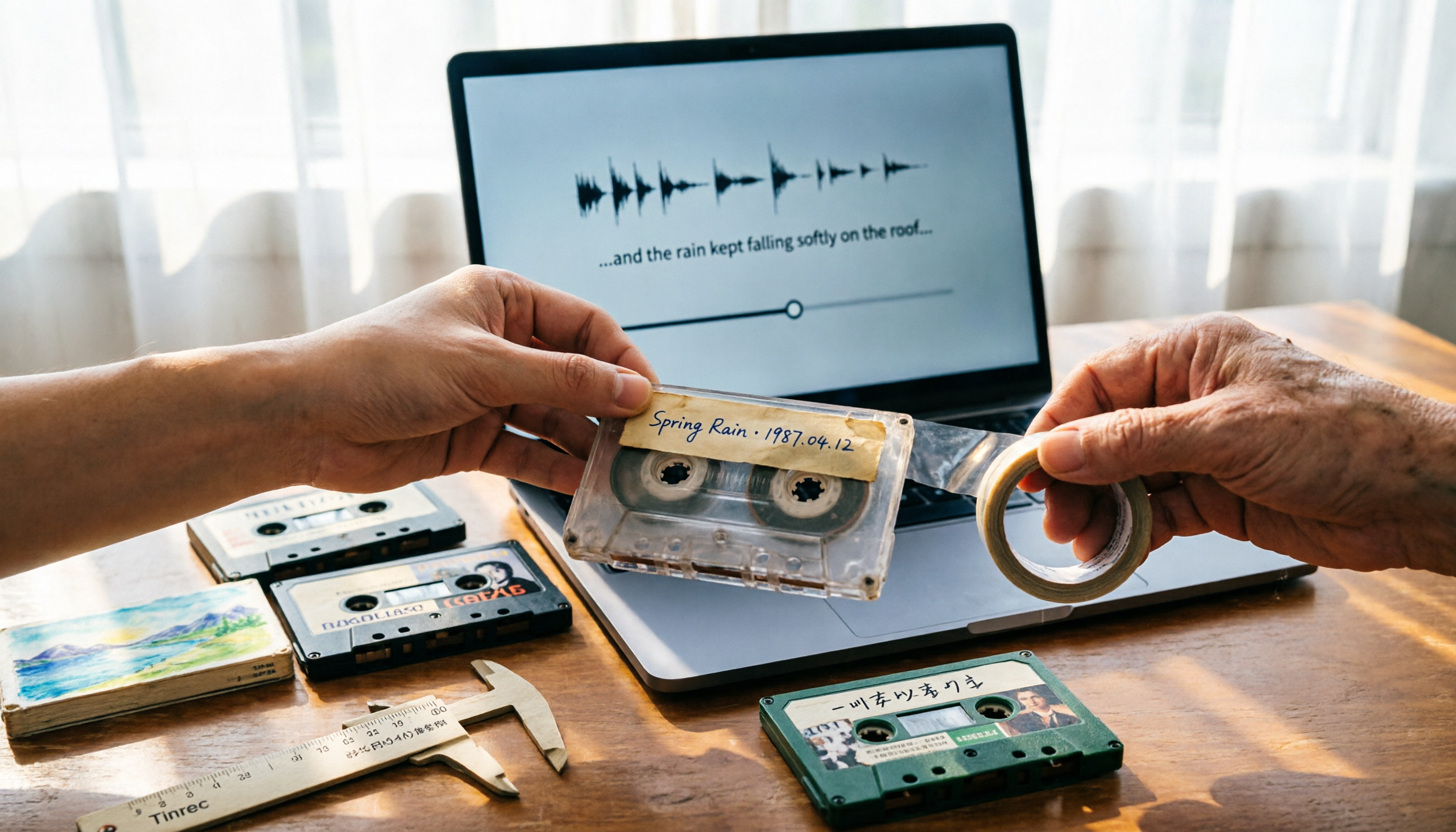
5 Best Places to Buy Good Tape in 2026: Cassette Tapes vs Packing Tape — Where to Shop Without Getting Burned
People searching "where to buy good tape" fall into two camps: those looking for cassette tapes and those looking for packing tape. This guide breaks down 5 reliable sources for each, including Discogs, Tapeheadcity, eBay, and local options, plus tips on choosing packing tape thickness and how to turn old cassette recordings into searchable text after you buy.

4 Video Auto-Subtitle Apps Tested for 2026: Free Tiers, Chinese Recognition, and Team Collaboration Compared
No more late nights re-listening to footage just to add subtitles. This hands-on comparison of Tinrec, Captune, cSubtitle, and pyTranscriber looks at language recognition, output formats, post-meeting organization, and team collaboration—plus free-tier limits and pitfalls to avoid—so you can pick the right tool for your workflow.

2026 AI Meeting Transcription Tools Compared: What Is NOTTA PTE. LTD. and Which Handles Chinese Meetings Best?
NOTTA PTE. LTD. is a private limited company registered in Singapore in 2022, primarily engaged in software and application development; it is not a product name. This article first compiles its public business registration data, then starts from common meeting documentation pain points to explain four key factors for choosing a transcription tool. It compares Tinrec, Notta, Otter.ai, and TurboScribe in terms of positioning, quotas, and use cases, and summarizes four common pitfalls to avoid.