
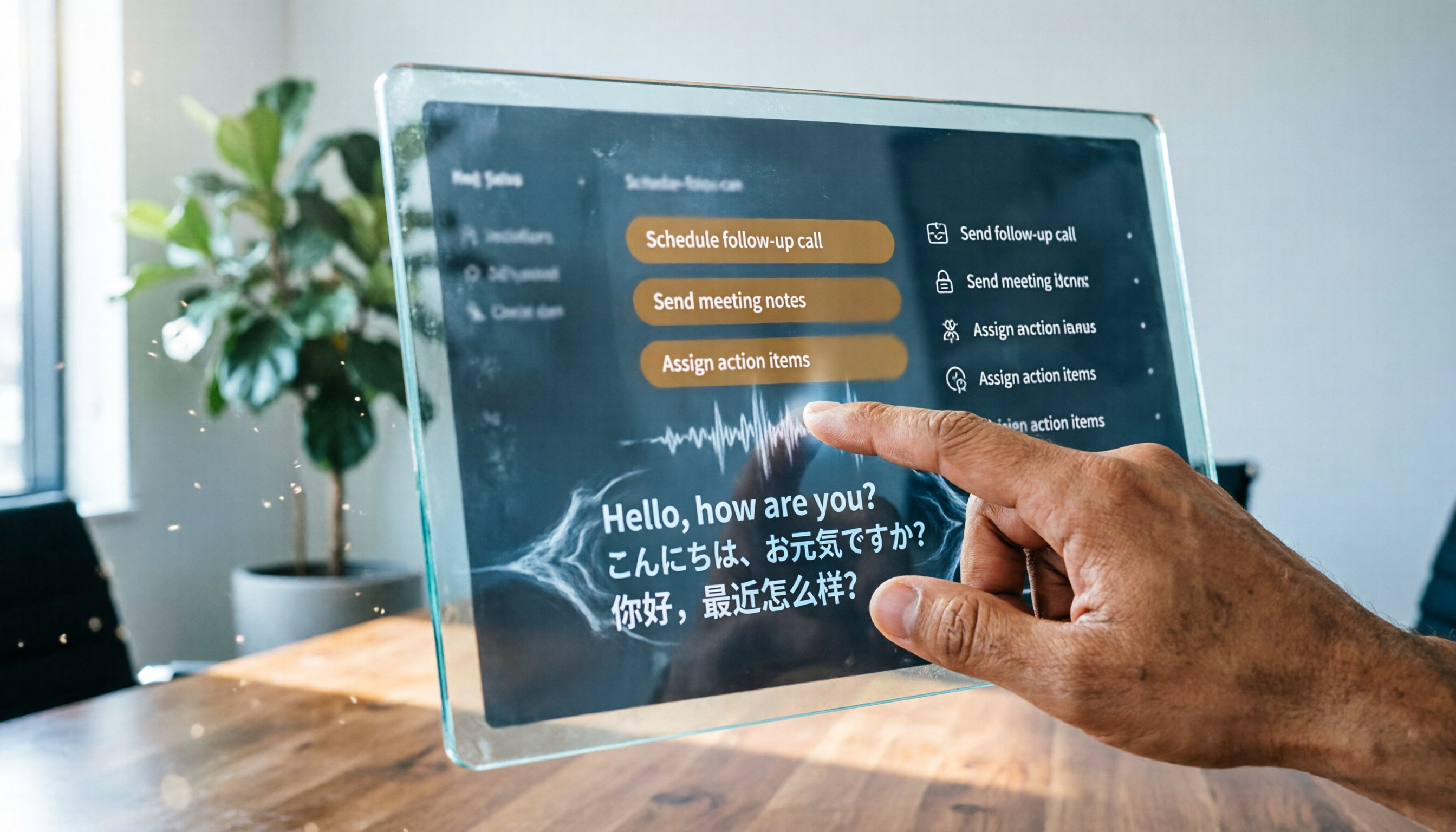
Turn recordings into transcripts and summaries in minutes
Upload audio or video for multilingual transcription, AI notes, and action items
Can Real-Time Translation Really Solve Your Cross-Language Meeting Problems?—What You Need Isn't a Tool, but a Complete Communication Solution
When attending international meetings, language barriers often cause anxiety.
You open a real-time translation tool, and the captions scroll quickly, but after the meeting ends, you can't find the complete meeting notes, let alone key summaries or action items.
What's more awkward is that translation accuracy is unstable; accents or technical jargon are often mistranslated, so you never dare to make decisions based solely on captions.
If you've experienced any of these situations, this article is for you.
Before Choosing a Real-Time Meeting Translation Tool, Understand These 4 Key Points
1. Translation Is Just the First Step; Organization Is the Core
Most tools tout "real-time translation," but post-meeting data organization often takes more time. If a tool only provides translated captions but can't automatically generate summaries, action items, or searchable transcripts, you'll still have to re-listen to the recording yourself.
2. Language Support Needs Real-World Testing
The number of languages listed officially often differs from real-world experience. Our tests found that some tools' support for Asian languages (like Cantonese or Taiwanese Hokkien) isn't as good as advertised. We recommend trying a free trial with your own meeting recordings, not just relying on spec sheets.
3. Cross-Platform and Export Capabilities Can't Be Ignored
You might use Zoom for meetings today and switch to Teams tomorrow. Recordings might be on your phone, but you need to organize them on your computer. Choosing a tool that works across devices, supports major meeting software, and can export in multiple formats will make things much easier down the line.
4. Price vs. Frequency of Use
Free versions often limit minutes or features, and paid plans range from monthly to annual fees. If you have more than three meetings a week, choosing a tool that's comfortable for long-term use matters more than obsessing over the monthly price.
Tinrec (Miao Ting Lu Yin)—Not Just Translation, but Your Meeting Data Organization Workbench
Tinrec (Miao Ting Lu Yin) is an AI recording and audio/video organization tool. Its core capability is turning meeting, course, interview, and other audio/video content into searchable, summarizable data. It doesn't provide real-time language translation, but what it can do is often more critical than real-time translation.
During meetings, it records and generates transcripts simultaneously. By the time the meeting ends, AI has already auto-generated summaries and action items—who's responsible for what, deadlines, all at a glance. For multilingual meetings, Tinrec transcribes the original language (e.g., English meetings produce English transcripts), then uses AI to help you organize key points, so you won't miss any speaker's remarks.
After recording, you can ask Tinrec questions directly. For example, "Who mentioned budget adjustments in the last meeting?" It doesn't use keyword search but semantic understanding to give you the answer directly. Almost no other transcription tool in the same price range offers this AI conversational query feature.
Test Data: We tested with a 5-minute English meeting recording (with slight background noise). Tinrec achieved about 95% transcription accuracy, complete summary highlights, and correct action item extraction.
Pros:
Stop organizing recordings by hand
Upload audio or video and automatically get a transcript, summary, and action items
- Cross-platform support: Works on iOS, Android, and web, and can import recordings from Zoom, Teams, and other meeting software.
- AI conversational query: Ask questions directly after recording without manually scanning the transcript.
- Multiple output options: Transcripts, summaries, action items, chapters, and export to Notion and Google Docs.
Cons:
- No real-time translation: If you need to see translated captions during meetings, this isn't its strength.
- Free version offers 100 minutes of transcription per month; heavy meeting users may need the Pro plan.
Who It's For: If you frequently need to organize meeting notes, follow up on action items, or turn historical meetings into a searchable database, Tinrec is currently the most suitable choice.
Beyond Real-Time Translation Tools: What Other Integrated Solutions Are Available?
If you still need real-time translation, check out the following tools, but note that their organization capabilities are generally weaker.
Notta: Focuses on real-time translation and transcription, supports multiple languages, and has decent accuracy. The free version offers 120 minutes per month, and the Pro plan costs about $8.17/month billed annually. However, it leans toward one-off transcription and lacks AI conversational query and deep organization like Tinrec. Suitable for those who need quick translated captions but don't require much post-meeting data management.
TurboScribe: Its strength is bulk file transcription and translation, handling long files in one go. The free version allows 3 sessions per day, 30 minutes each, and the Unlimited plan costs about $10/month billed annually. But it's more of a "file processing tool" without meeting note management or AI interactive query features. If you only occasionally need to translate audio files, it's worth considering.
General real-time meeting translation tools (like Transync AI, etc.): They provide bilingual captions and voice playback during meetings, but are almost blank when it comes to post-transcription processing, meeting summaries, and AI Q&A. If you need to understand what's being said during the meeting, they're sufficient; but if you want a complete action list afterward, they'll fall short.
Pitfall Guide: 3 Common Mistakes When Choosing a Meeting Translation Tool
Pitfall 1: Only Looking at Translation Accuracy, Ignoring Post-Meeting Organization
Many people only ask "Is the translation accurate?" when choosing a tool, only to find out later that they still have to spend time organizing notes. The real time-saver isn't translation—it's having AI summarize and extract action items.
Pitfall 2: Free Quotas Seem Enough, but You Didn't Calculate Real Needs
Free plans usually offer 100–300 minutes per month, which seems like a lot, but if you have 3 meetings a week, each lasting an hour, you'll exceed that in a month. We recommend trying it for a week to confirm whether the minutes are sufficient before deciding.
Pitfall 3: Treating Translation Tools as Meeting Recorders
Real-time translation tools provide captions, not structured meeting notes. If you just translate and stop there, you're essentially throwing away the meeting content. Tools like Tinrec can turn all your meeting recordings into a database you can search and query anytime, offering greater long-term value.
Summary: Should You Choose a Real-Time Translation Tool or a Meeting Note-Taking Solution?
The core conclusion is clear: If you need to understand foreign languages in real time during meetings, Notta or TurboScribe's translation features are practical; but if you care more about post-meeting organization and action tracking, Tinrec is the more comprehensive choice.
Scenario-based recommendations:
- Need real-time bilingual captions → Notta or general real-time translation tools
- Just want to quickly translate audio files → Try TurboScribe's free version first
- Need multilingual meeting transcription + AI summaries + follow-up queries → Tinrec (the only one with AI conversational query)
- Want to build a company meeting knowledge base and manage recordings long-term → Tinrec Pro annual plan is the best value
We suggest downloading Tinrec's free version to try it—100 minutes per month is enough to record a few meetings and experience AI organization. If you find it useful, consider upgrading; there's no need to pay upfront.
References
- AI Real-Time Meeting Translation for Zoom, Teams, and Google Meet
- Vurbo.ai Real-Time Voice Translation and Note-Taking Tool
- AI Real-Time Translation Captions: 90+ Languages, 95% High Accuracy, Secure Encryption
- Meeting Ink - AI Meeting Notes Assistant, Auto-Transcribe and Summarize Meetings
- Display Real-Time Translation in Meetings and Webinars
Turn every recording into actionable outcomes
Get 60 free transcription minutes when you sign in. No credit card required.
Related Reading
You might also like

2026 Vocol Alternatives Compared: Which Bot-Free Meeting Recorder Saves the Most Time?
Looking for a Vocol alternative? This hands-on comparison of Tinrec, Vocol.ai, Otter.ai, and Yating Transcription tackles real pain points in Chinese-language meetings. We break down bot-free recording, AI summaries, action item extraction, and team workspaces, plus tips on choosing between personal and team plans to help you find a tool that truly cuts post-meeting cleanup time.

6 Teams Recording Solutions Tested for 2026: Which One Actually Organizes Your Meeting?
Recording a Teams meeting isn't over when you hit the record button. This guide compares 6 common Teams meeting recording and post-meeting organization solutions—from Teams built-in recording permissions and expiration limits, Tinrec's bot-free recording and AI Q&A, to Otter.ai, Notta, TurboScribe, and built-in screen recording—plus selection advice and 4 must-know reminders before you start.

How to Record a Zoom Meeting in 2026: 3 Methods + Automatic Transcription
How do you record a Zoom meeting? This guide covers 5 practical methods: Tinrec desktop app with no-bot recording, Zoom local and cloud recording, OBS screen recording, mobile and hardware recording, plus recording permissions, free plan limitations, and how to turn recordings into transcripts and action items after the meeting.

Best AI Transcription Tools in 2026: 6 Tested, Vocol Tutorial & Tinrec Review
Starting with a hands-on Vocol tutorial, this guide tests and compares six AI transcription tools—Tinrec, Notta, Otter, Granola, and TurboScribe—on features, free tiers, and pricing to help you decide which one your team meetings really need.

2026 Zoom Meeting Recording Tools Buyer's Guide: 4 Tested Picks and Recommendations
Zoom's built-in automatic recording is convenient, but the real time sink is often the transcript, summary, and action items after the meeting. This guide compares Zoom built-in, Tinrec, Granola, and Otter.ai across four angles—recording permissions, Chinese language recognition, post-meeting output, and team data ownership—to help you decide which way to record Zoom meetings.

6 Google Meet AI Meeting Notes Solutions Tested for 2026: Which One Really Leaves Usable Data?
Starting from the three most common misconceptions, this hands-on comparison tests six AI meeting notes solutions that work with Google Meet: Tinrec, Google Meet's built-in Gemini 'Take Notes for Me', Otter.ai, Notta, Granola, and TurboScribe. We break down each one's positioning, pricing, who it's for, and how post-meeting data can be searched, queried, and handed off.
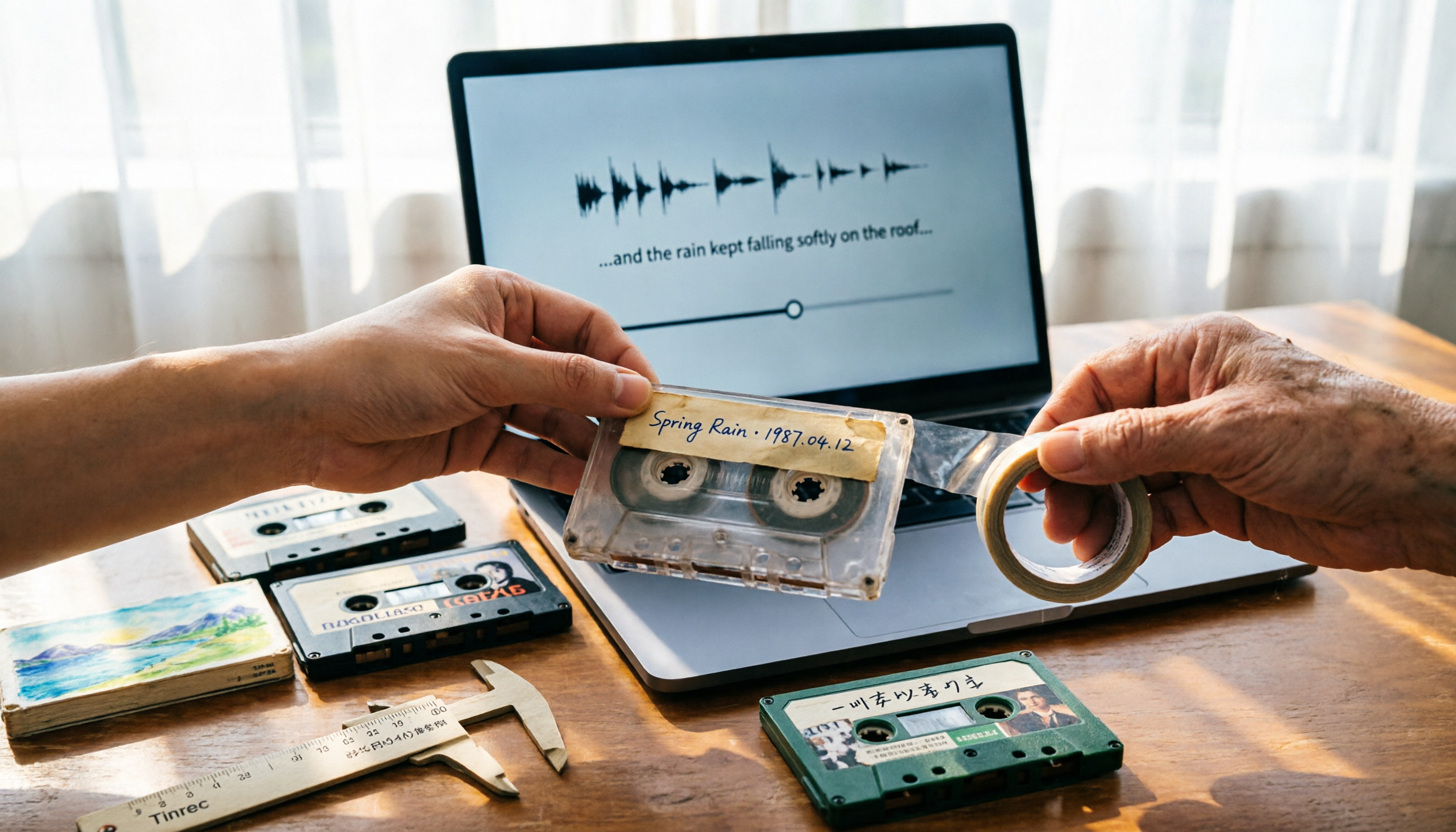
5 Best Places to Buy Good Tape in 2026: Cassette Tapes vs Packing Tape — Where to Shop Without Getting Burned
People searching "where to buy good tape" fall into two camps: those looking for cassette tapes and those looking for packing tape. This guide breaks down 5 reliable sources for each, including Discogs, Tapeheadcity, eBay, and local options, plus tips on choosing packing tape thickness and how to turn old cassette recordings into searchable text after you buy.

4 Video Auto-Subtitle Apps Tested for 2026: Free Tiers, Chinese Recognition, and Team Collaboration Compared
No more late nights re-listening to footage just to add subtitles. This hands-on comparison of Tinrec, Captune, cSubtitle, and pyTranscriber looks at language recognition, output formats, post-meeting organization, and team collaboration—plus free-tier limits and pitfalls to avoid—so you can pick the right tool for your workflow.

2026 AI Meeting Transcription Tools Compared: What Is NOTTA PTE. LTD. and Which Handles Chinese Meetings Best?
NOTTA PTE. LTD. is a private limited company registered in Singapore in 2022, primarily engaged in software and application development; it is not a product name. This article first compiles its public business registration data, then starts from common meeting documentation pain points to explain four key factors for choosing a transcription tool. It compares Tinrec, Notta, Otter.ai, and TurboScribe in terms of positioning, quotas, and use cases, and summarizes four common pitfalls to avoid.