
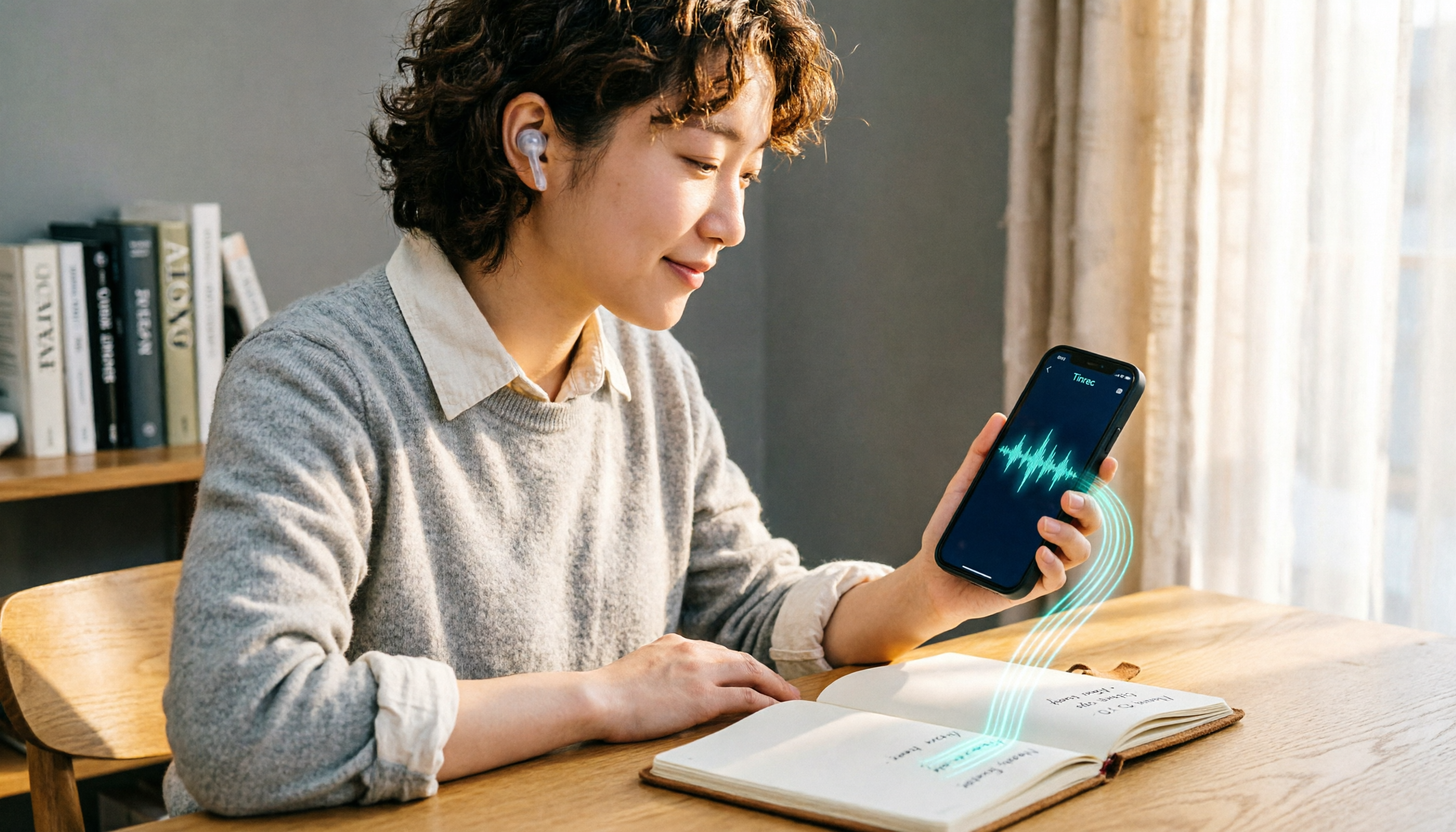
Turn recordings into transcripts and summaries in minutes
Upload audio or video for multilingual transcription, AI notes, and action items
Two hours in meetings, two more hours writing notes? You don't need a tool—you need a solution
Two hours in a meeting, then two more hours writing up the minutes—that's the daily grind for many office workers. To make it worse, some meetings are recorded online, some on your phone, and some are web videos, so you don't even know where to start. And some people, to save money, go looking for so-called "Mod APK" cracked versions, only to end up with a virus on their phone or a banned account. If you've been there, this article is for you.
Before choosing a recording-to-text tool, get these 4 key points straight
Many people only look at the official claim of "98% accuracy," but real meetings have background noise and people talking over each other, which drops accuracy. Test the free version with your own recordings.
AI features aren't just about transcription—what matters more is auto-summarization, action item extraction, and even Q&A to find key points. That's what actually saves time.
Cross-platform support is also crucial: do you often record on your phone and then edit on your computer? If a tool only works on one platform, it's a pain.
Free quotas need to be reasonable: some free versions are nearly useless, while others offer decent trial limits. Try before you buy.
Tinrec—Our Top Pick After Testing
Tinrec is an AI recording and audio/video organization tool that supports iOS, Android, and web. It doesn't just turn audio into text—it turns meetings, classes, interviews, and web videos into searchable, summarizable, and queryable content.
Open Tinrec during a meeting, and it transcribes in real time. By the time the meeting ends, the AI has already generated a summary and action items—who's responsible for what, and deadlines, all at a glance.
After recording, you can ask Tinrec: "Who mentioned the budget in the last meeting?" It won't just give you keyword search results—it uses semantic understanding to give you the answer directly. Currently, few competitors in this price range offer this feature.
We tested a 15-minute Chinese meeting recording (using an iPhone, indoors, with slight air conditioning noise), and Tinrec's transcription quality was stable, with accurate summaries and action item extraction. Actual results may vary with audio quality, accents, and background noise, but overall performance was impressive.
Three advantages of Tinrec:
- Multiple input sources: Besides live recording, you can upload audio files or paste YouTube or Bilibili video links for transcription. This is super convenient for organizing web videos.
- AI Q&A: After transcription, you can query the content like a database, no need to manually scroll through the transcript.
- Cross-platform sync: Works on phone, computer, and web, with synced data so you can pick up where you left off.
We'll be honest about limitations: the free version has basic transcription limits, but heavy users will need to pay. If you only occasionally organize meetings or classes, the free version is a good starting point.
If you often need to organize Chinese meeting or class recordings, or want to use AI to find key points after recording, Tinrec is a solid choice worth considering.
Stop organizing recordings by hand
Upload audio or video and automatically get a transcript, summary, and action items
Beyond Tinrec: What Other Options Are There?
Notta: Notta is a direct competitor to Tinrec, with similar features. The free plan offers 120 minutes per month, while Pro costs about $8.17/month (billed annually) for 1,800 minutes. However, Tinrec offers more complete web video link transcription and AI Q&A, and its Chinese content organization experience is more tailored to local users. If you only need basic transcription, Notta is an option, but steer clear of shady Mod APKs.
Otter.ai: Otter is the go-to for English meetings, with a generous free plan of 300 minutes per month. However, it doesn't support deep organization of Chinese content, and while Tinrec can handle web videos and local files, Otter is mainly for meetings. If you primarily record English meetings, Otter is a more cost-effective choice than Tinrec.
TurboScribe: TurboScribe excels at batch transcription of long files, with a free plan offering 3 transcriptions per day, up to 30 minutes per file. But it focuses on file-to-text conversion and lacks Tinrec's AI Q&A and post-processing summarization. If you just need to convert large volumes of audio to text, TurboScribe works, but for further organizing into usable content, Tinrec is more complete.
Avoid These 4 Common Mistakes When Choosing a Recording-to-Text Tool
Mistake 1: Downloading Mod APK cracked versions. Many websites offer Notta Mod APK or similar cracked versions, claiming to unlock Premium for free. But these modified APKs may contain malware, risking theft of your recordings or even account bans. Using cracked versions also violates terms of service, and your important meeting notes could vanish overnight. Instead of taking that risk, use legitimate free plans or choose tools like Tinrec that offer free quotas.
Mistake 2: Believing official accuracy claims. Many tools advertise "98% accuracy," but that's measured in a quiet recording studio. Real meetings have noise, accents, and overlapping speech, which significantly reduces accuracy. Test with your own recordings on the free version—don't just trust the ads.
Mistake 3: Ignoring cross-platform needs. If you record on your iPhone today and edit on your computer tomorrow, a tool without cross-platform support will be a headache. Tinrec's iOS, Android, and web sync solves this.
Mistake 4: Using transcription tools purely for transcription. If you only use it for "recording to text," you're using only a third of its capability. With Tinrec's AI Q&A, you can ask "What was the meeting's conclusion?" right after recording, which is much faster than manually scanning a 30-minute transcript.
Summary: Which One Should You Choose?
Overall, if you need to organize meetings, classes, interviews, or web videos, and want automatic summarization, Q&A, and export after transcription, Tinrec is currently the most comprehensive choice. Its AI Q&A and web video transcription are features many competitors lack.
Recommendations by scenario:
- Need Chinese meeting notes + AI summaries → Tinrec (great Chinese experience, useful AI Q&A)
- Want to organize YouTube/Bilibili videos → Tinrec (paste link to transcribe, rare among competitors)
- Want to ask questions about the recording → Tinrec (full-featured AI Q&A)
- Zero budget, only English meetings → Otter.ai (free 300 minutes)
- Only need bulk file transcription → TurboScribe (strong for long files, but weak on organization)
Finally, we recommend trying Tinrec's free version first—don't rush to pay. Experience the transcription and AI summary effects, and upgrade if you find it useful. And never download shady Mod APKs—your recording data is more important than the money you'd save.
References
- Notta 6.75.12 Apk Mod (Premium) - Modosaka
- Notta-Transcribe Audio to Text Mod apk Mod speed download - Notta-Transcribe Audio to Text MOD apk 6.30.7.0 free for Android.
- Download Notta (Premium/vip/pro/unlocked) From A2Z APK, Download APK, Mod APK, Android Apps & Games
- Notta Mod APK 1.1.1.0 Download - Best Productivity app
- Notta Transcribe Audio to Text (MOD, Premium Unlocked/VIP/PRO) v5.42.5.0 APK Download - ApkSoul.net
Turn every recording into actionable outcomes
Get 60 free transcription minutes when you sign in. No credit card required.
Related Reading
You might also like

2026 Hands-On Comparison of 4 Recording-to-Text Apps: Notta AI vs. Tinrec – Which Offers Better Value?
We tested several recording-to-text apps, including Notta AI, Tinrec, Otter, and Fireflies, to help you find the best option for Chinese meetings and audio file organization.

2026 In-Depth Comparison of 4 Recording-to-Text Apps: Notta vs Tinrec – Which Is Better for Chinese Content Organization?
We tested four recording-to-text tools – Notta, Tinrec, Otter.ai, and TurboScribe – focusing on accuracy, AI features, cross-platform support, and free tiers. Here's why Tinrec is the top choice for organizing Chinese content.

2026 Hands-On Comparison of 4 Windows Speech-to-Text Tools: Beyond Notta App, Tinrec Excels at Chinese Transcription
Looking for Notta for Windows? This hands-on comparison of 4 Windows speech-to-text tools reveals the differences between Notta, Tinrec, Otter, and TurboScribe, and why Tinrec is better suited for Chinese users handling multi-source audio and video transcription.

2026 Hands-On Comparison of 3 AI Audio/Video Organization Tools: Beyond Notta Showcase, Tinrec Understands Chinese Better
Looking for tools to organize meeting recordings, course audio, and online videos beyond Notta Showcase? This article tests Tinrec, Notta Showcase, and Otter.ai, comparing input sources, AI Q&A, Chinese language handling, and export capabilities to help you find the best audio/video organization tool.

2026 Apple Watch Recording-to-Text App Comparison: Notta, Voice Memos, and Tinrec – Which Is Most Practical?
Recording quickly with Apple Watch is easy, but the real challenge is transcription and organization. This hands-on comparison of Notta, Apple Voice Memos, and Tinrec helps you find the most time-saving recording and organizing solution.
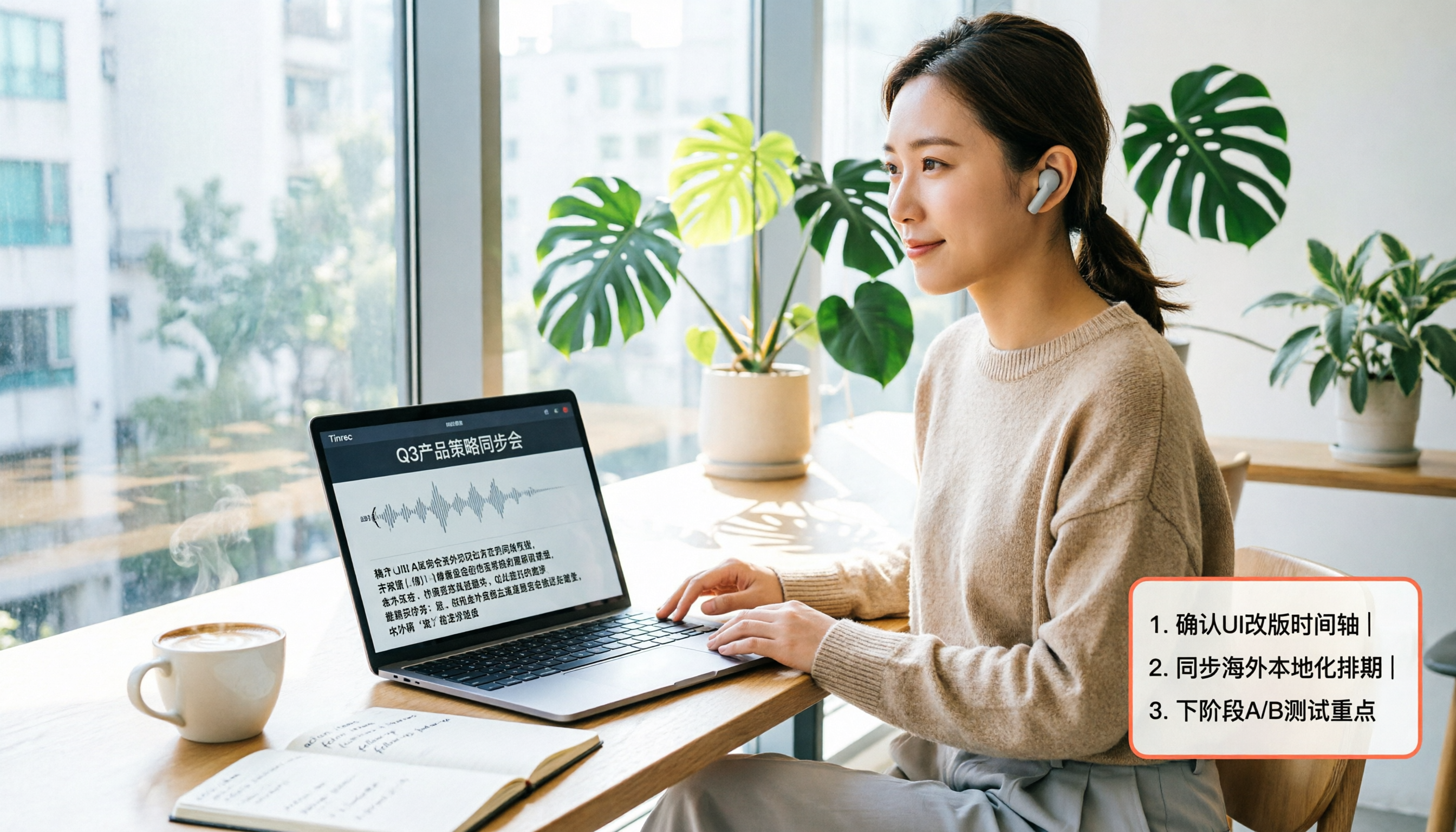
2026 Hands-On Test of 3 AI Meeting Transcription Tools: Notta, Tinrec, and Otter—Which Has the Smoothest Login?
We tested the login flows and feature differences of three AI meeting transcription tools—Notta, Tinrec, and Otter—to help you find the best option for users in the U.S.

Notta App Review 2026: 3 Key Points on Features, Pricing, and Privacy Concerns
Notta App is a highly discussed AI meeting recorder and transcription tool, but user reviews are mixed. This article covers Notta's core features, pricing plans, privacy controversies, and real feedback from G2 and Trustpilot to help you quickly decide if Notta is worth using.

5 Best Notta Alternatives Tested in 2026: Which One Works Best for Chinese Meetings and Online Video Transcription?
Looking for a Notta app but find its features or pricing unsuitable? This hands-on comparison of 5 alternatives focuses on Chinese transcription, AI summaries, online video processing, and free tiers to help you pick the best tool for meetings, classes, and interview recordings.

2026 Tested: 4 Speech-to-Text Tools Compared — Check Tinrec Before Downloading Notta
Still looking to download Notta? This hands-on comparison of Notta, Otter, TurboScribe, and Tinrec reveals which one is best for Chinese meetings, classes, and media transcription.