
Turn recordings into transcripts and summaries in minutes
Upload audio or video for multilingual transcription, AI notes, and action items
According to research, most students and young professionals rarely revisit their recordings due to the high cost of re-listening. Are you facing the same dilemma: recording a full lecture afraid of missing something, only to find you never have time to listen to the 2-hour file? Or cramming for finals with a pile of recordings but no written notes?
This article breaks down the most efficient "voice note-taking method" for 2026, comparing hardware voice recorders (e.g., Philips, PLAUD) and software solutions (e.g., Tinrec) across key dimensions, and provides a complete workflow including transcription, AI summary, and key point query.
Quick Navigation Conclusion:
- If you prioritize recording quality and hardware feel: Go with dedicated recorders like Philips or PLAUD NOTE.
- If you value efficiency and cross-device sync: Choose AI software like Tinrec to record directly from your phone or import files and generate notes automatically.
- Budget-conscious students: Start with software or an entry-level recorder.
1. Hardware vs. Software: How to Choose Lecture Recording Tools?
Tools on the market fall into two categories: dedicated hardware recorders and AI recording software. Hardware excels in audio clarity and battery life, while software offers flexibility and organization features.
Below is a core comparison of popular models (Philips, PLAUD, LTP, FJ) and emerging software (Tinrec):
| Dimension | AI Software (e.g., Tinrec) | AI Smart Recorder (e.g., PLAUD, Philips) | Traditional Long-Recording Recorder (e.g., LTP, FJ) |
|---|---|---|---|
| Core Advantage | Best organization efficiency: Generates summaries, action items, supports multi-language & video-to-text. | Balanced recording & portability: Physical buttons with some AI features, convenient for call recording. | Extreme battery life: Up to 130 hours, ideal for marathon lectures or evidence gathering. |
| Real-time | High: Record anytime from phone/computer with real-time transcription. | Medium: Need to transfer files to app for AI processing. | Low: Recording only, no transcription; requires manual re-listening. |
| Language Support | Automatic recognition of 10 languages including Chinese, English, Japanese, Korean. | Varies by brand: Philips supports 24 languages, PLAUD supports multi-language. | Usually no translation features. |
| Smart Features | Transcripts, AI conversation query, YouTube video-to-text. | Transcripts, AI summaries, call recording (PLAUD). | Voice-activated recording (VOR), scheduled recording, MP3 playback. |
| Price Barrier | Low: Free tier (100 minutes), flexible subscription. | High: Hardware cost (several hundred USD) + possible subscription. | Low to Medium: One-time hardware cost, affordable. |
| Best for | Lecture notes, online courses, meeting minutes, video learning. | Business meetings, field interviews, iPhone call recording. | Long fixed-location recording, simple evidence, budget-conscious users. |
2. In-Depth Analysis of Popular Lecture Recording Tools
2.1 Hardware Group: Focused on Recording and Specific Scenarios
Based on market reviews and user feedback, here are some standout options if you prefer physical devices:
Stop organizing recordings by hand
Upload audio or video and automatically get a transcript, summary, and action items
- PLAUD NOTE Smart Recording Card: Ultra-thin (0.29cm), portable like a credit card. Its highlight is integration with ChatGPT for summaries and a magnetic accessory that solves iPhone call recording. Ideal for those seeking high-tech aesthetics and discretion.
- PHILIPS Smart Voice Recorder (VTR5102Pro): A legacy brand's AI transformation, offering "lifetime free transcription" (requires companion app). Solid noise reduction and multi-language translation make it great for cross-language learners.
- LTP and FJ Series: Practical choices. LTP boasts 130-hour battery, FJ supports 60-meter long-distance recording and memory card expansion. While lacking AI features, they are cost-effective for users who only need audio backup and don't mind manual organization.
2.2 Software Group: Tinrec's Full-Process Solution
If you don't want to carry an extra recorder, or your audio comes from online courses, AI software like Tinrec offers a more complete post-processing workflow. It goes beyond recording to "understanding."
- Multi-source integration: Beyond live recording, it solves a pain point—online video-to-text. Just paste a YouTube or podcast link, and Tinrec generates transcripts and notes.
- AI conversation query: A highlight of software solutions. Instead of Ctrl+F for keywords in a 3-hour lecture, you can "ask" the AI (e.g., "What did the teacher say about the final exam scope?") and get answers based on the recording.

3. Hands-On Tutorial: How to Automatically Organize Lecture Notes
Here's a standard workflow using AI tools (e.g., Tinrec) to transform lecture audio into review notes, doubling learning efficiency.
Step 1: Record High-Quality Audio or Import Files
Ensure clear audio at the start of class.
- Live recording: Enable Tinrec's real-time speech-to-text. Sit closer to the speaker; the software transcribes speech to text on screen, helping you catch any missed content.
- Existing files: If you recorded with a traditional recorder (e.g., LTP/FJ), use the audio file to text feature to upload MP3/WAV for post-processing.

Step 2: Get Structured Summaries and Transcripts
After recording, don't just look at dense transcripts. Use AI understanding:
- Click "Generate Summary" to automatically divide content into "Key Conclusions," "Action Items" (e.g., assignment deadlines), and "Detailed Notes."
- Use the speaker differentiation feature to clearly separate teacher's lecture from student questions.
Step 3: Special Handling for Online Courses
For Coursera or YouTube tutorials:
- Use the podcast/video to text feature and input the video URL.
- This saves you from "listening"—just read the generated transcript to quickly scan key points.

Step 4: AI Interactive Review
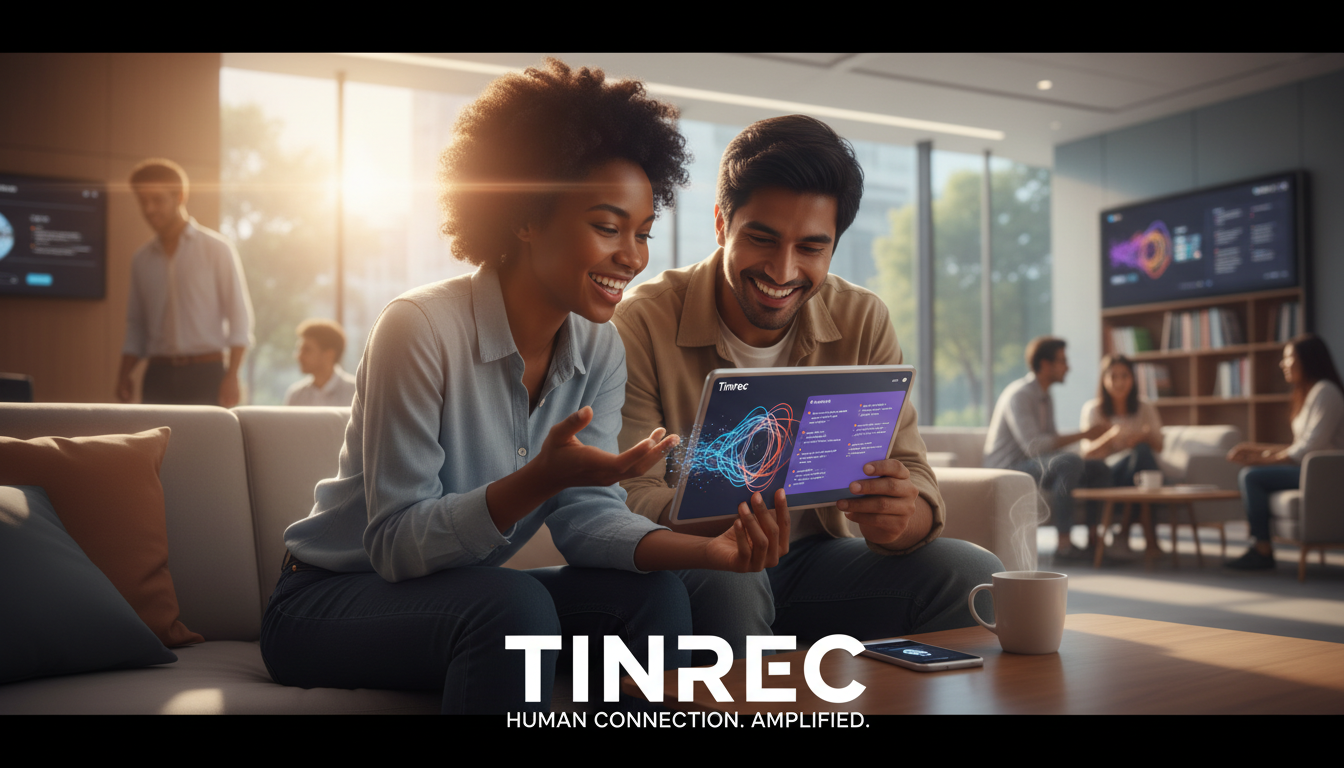
When reviewing, no need to re-listen to the entire audio. Use the AI conversation query feature—like having a personal TA:
- Example query: "List three key theories mentioned in this lecture."
- Example query: "What reference books did the teacher mention?"

4. FAQ
Q1: Is smartphone recording significantly worse than a professional recorder?
A: In typical 20–30 person classrooms or meeting rooms, modern smartphones with apps like Tinrec offer sufficient recording quality. However, for large lecture halls or ultra-long-distance (e.g., 60 meters) recording, a professional recorder with directional microphone (e.g., FJ or Philips) is recommended, and then import the file into software for transcription.
Q2: How accurate is speech-to-text?
A: Current mainstream AI models (e.g., Whisper) achieve over 95% accuracy for Chinese in clear environments. Accuracy may drop in noisy environments, heavy accents, or frequent code-switching. Tinrec supports Chinese, English, Japanese, Korean, and more, effectively handling foreign language courses.
Q3: Do these tools require payment?
A: Hardware recorders are one-time purchases (approximately NT$1,500–NT$5,000), with some brands like PLAUD possibly requiring additional AI subscription. Software like Tinrec offers a free version (100 minutes per month); for heavy usage, choose Basic or Pro plans—lower initial investment than hardware.
Q4: How to solve iPhone's inability to record calls?
A: Due to iOS privacy policy, apps cannot directly record calls. Two solutions: use a hardware device like PLAUD NOTE that records via MagSafe physical transmission, or enable speakerphone and record the environment with another device or Tinrec desktop version.
Q5: Can online course videos be converted to notes?
A: Traditional recorders cannot handle video links. Use a software tool with "link parsing" capability. Tinrec supports YouTube or TikTok links, directly converting video content to text notes and summaries—ideal for self-learners.
Q6: Can I export recordings to other note apps?
A: Yes. Most tools support export to TXT, Word, or PDF. Tinrec supports multiple export formats; you can copy the AI summary directly to Notion or Evernote for archiving.

Turn every recording into actionable outcomes
Get 60 free transcription minutes when you sign in. No credit card required.
Related Reading
You might also like
5 Best iPhone Screen Recording with Audio Solutions in 2026: Built-in vs Tinrec vs Otter vs Notta vs TurboScribe
Can iPhone screen recording capture audio? Yes, it can record both system audio and microphone sound. This guide covers the actual settings for built-in screen recording, why there's no sound, and tests importing recordings into Tinrec for transcripts, summaries, and action items—making screen recordings not just usable but searchable and collaborative meeting materials.
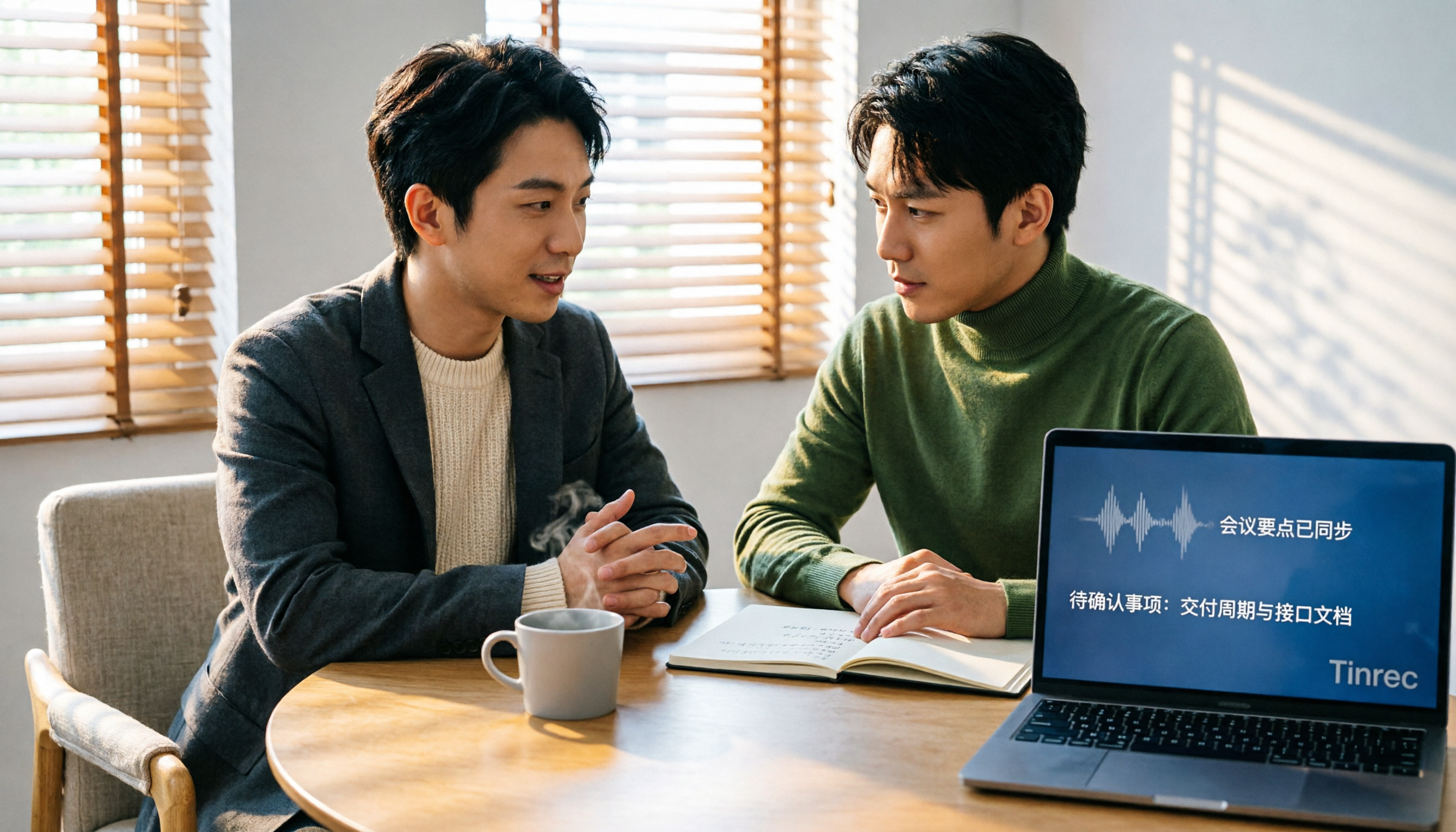
4 Recording Tools Tested for 2026: How to Record Meetings Without Disturbing or Alerting Others
Want to record a meeting but worried about a recording indicator popping up or a bot appearing in the participant list? This article compares four recording methods—Tinrec, Granola, Otter.ai, and PLAUD—and explains why bot-free desktop capture is the least disruptive. It also covers key buying factors like Chinese recognition, audio retention, post-meeting organization, and legal risks.

Can You Record Phone Calls Freely in 2026? 5 Steps for Legal Recording and Organizing
You can't just record phone calls whenever you want. This article first helps you understand the legal and system notification mechanisms for call recording, then explains in 5 steps how to record legally and how to organize recordings afterward, and compares the differences between Tinrec and PLAUD Note in post-recording workflows.
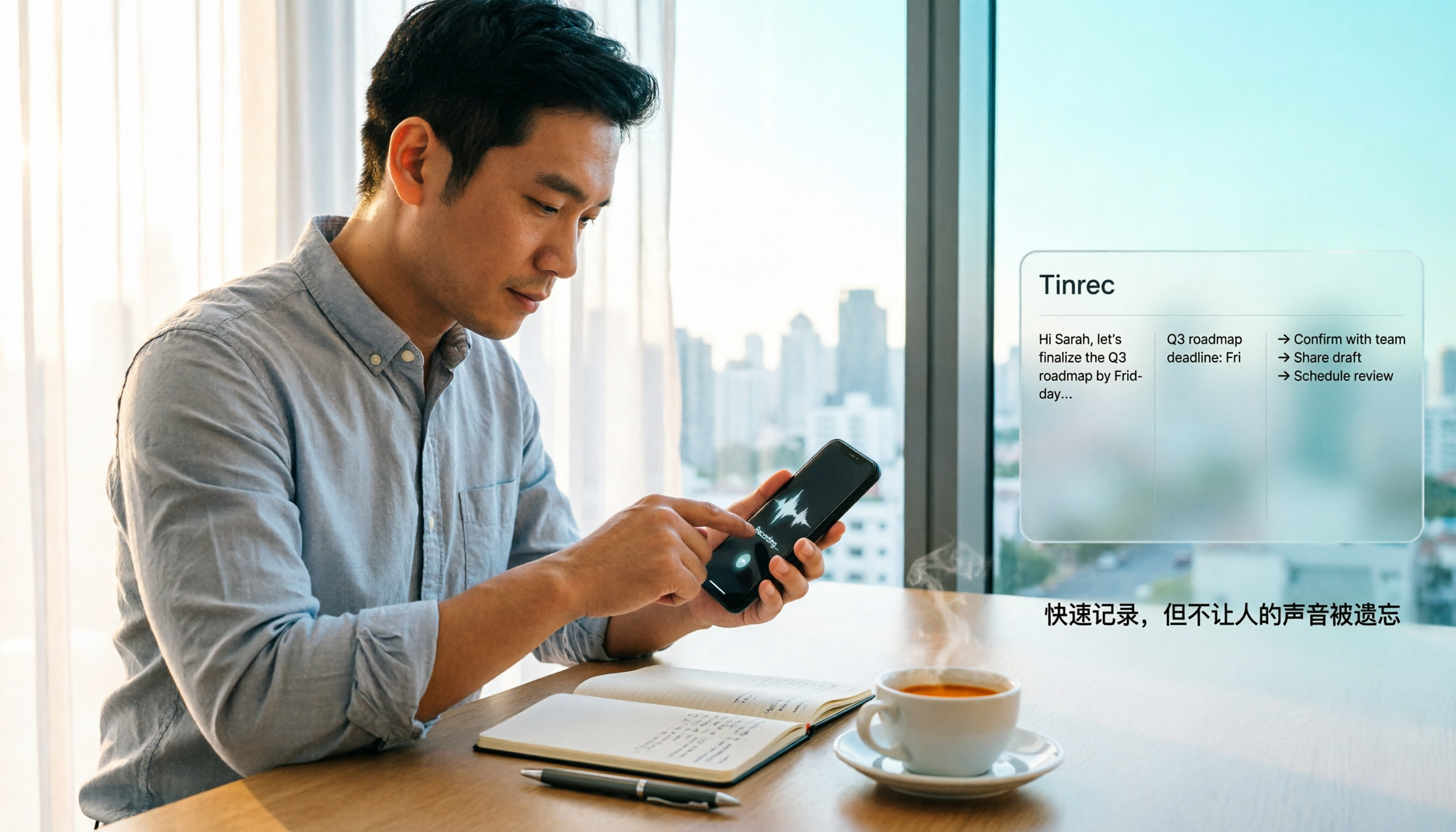
How to Quickly Start Recording on iPhone in 2026: 3 Shortcuts + Auto-Organize After Recording
iPhone has a one-tap recording method, but the settings are buried. This guide covers 3 ways to quickly start recording: Action Button, Back Tap, and Shortcuts on Home Screen. It also explains how to use Tinrec to turn recordings into transcripts, summaries, and to-dos, so quick recording actually saves time instead of piling up unheard audio files.
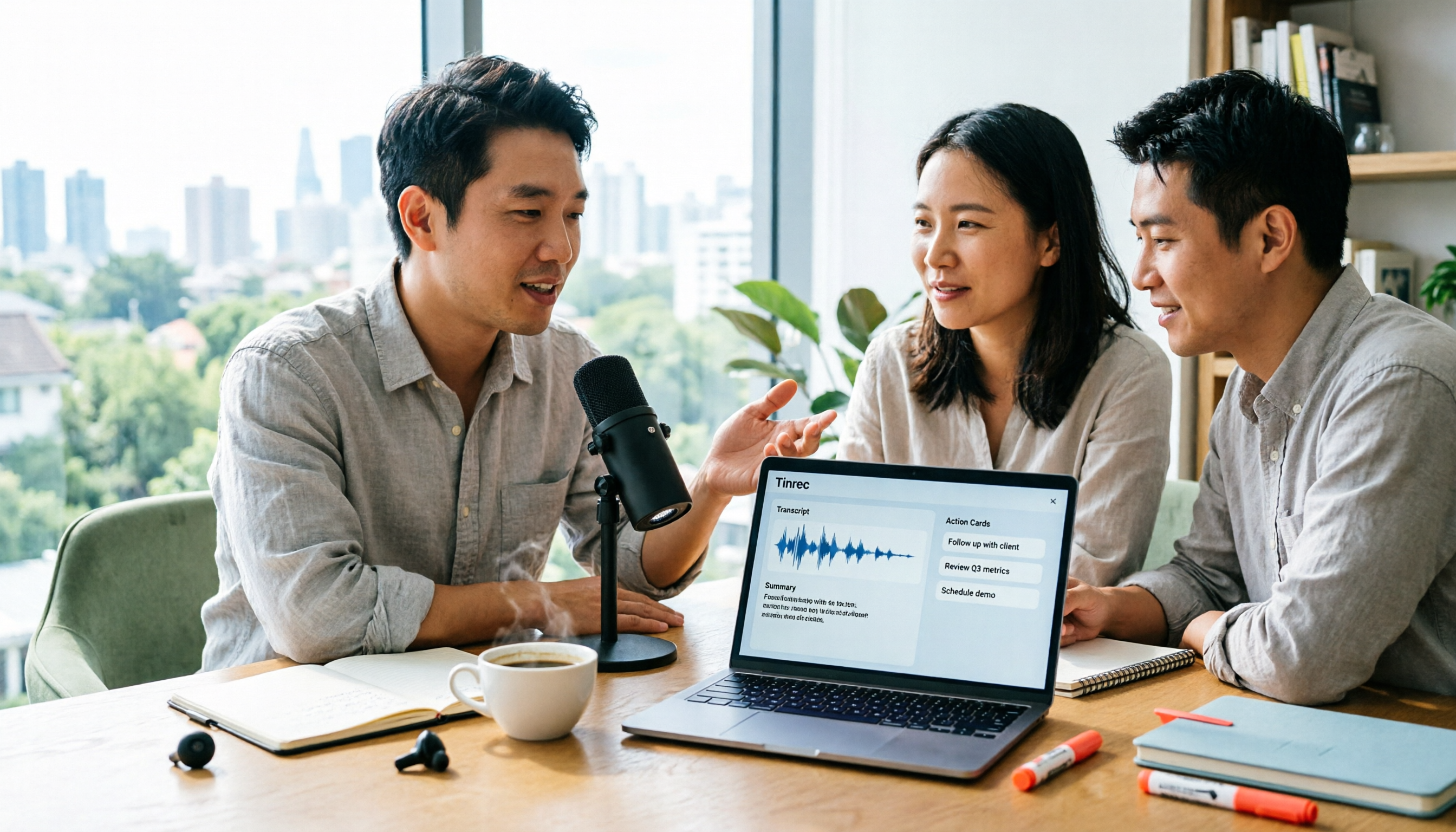
2026 Mac Audio-to-Text Showdown: Beyond Built-in Voice Memos, Why Tinrec Saves More Time
Apple's built-in Voice Memos can record, store, and edit audio, but after recording, you still have to create transcripts, summaries, and to-do lists yourself. This article compares Mac's built-in recording with Tinrec, explaining how bot-free online meeting recording, AI summaries, action item extraction, AI Q&A, and team spaces fill the post-recording workflow gap.
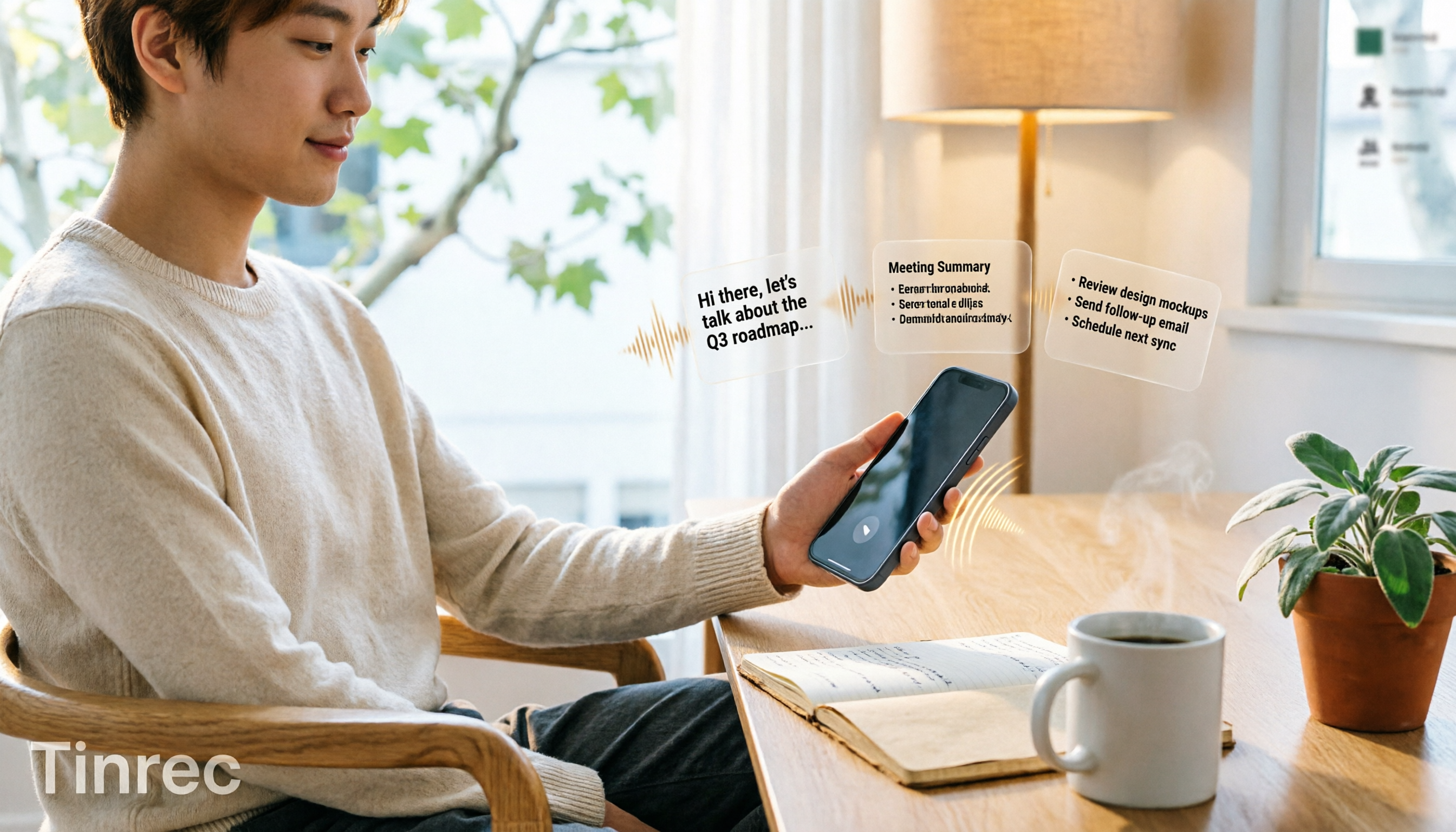
3 iPhone Quick Recording Methods Tested: Which One Auto-Organizes Transcripts After One-Tap Start?
Want to record quickly on iPhone? There are three one-tap start methods: Action Button, Back Tap, and Shortcuts. This article tests the setup steps, compatible models, and limitations of each, then compares what happens after you hit record—showing how Tinrec turns a phone recording into a searchable transcript, summary, and to-do list.

Complete Guide to iPhone Recording in 2026: Voice Memos Location, Export, and Meeting Organization
Where are iPhone recordings stored? The answer is the Voice Memos app, but many people can't find them in Files after recording. This complete guide first explains the three locations of iPhone recordings, how to export to the Files app, and quick launch settings, then discusses how to choose organization tools to turn meeting recordings into searchable, queryable, and deliverable data.

2026 Recording App Buying Guide: Tinrec vs Notta and 3 More Compared
A recording app shouldn't just capture audio. This guide compares Tinrec, Notta, Otter, Granola, and TurboScribe on Chinese transcription, bot-free meeting recording, post-meeting organization, and team collaboration—with a focus on whether you can use the output right away. It also covers free tiers, pricing, and key buying considerations.

4 AI Recording Tools Compared for 2026: Should Students Start with Free or Paid?
From class notes and group discussions to thesis interviews, we compare 4 common approaches to AI recording tools and demonstrate with Tinrec to explain whether the free version is enough, when to upgrade, and if group projects need the team plan.