
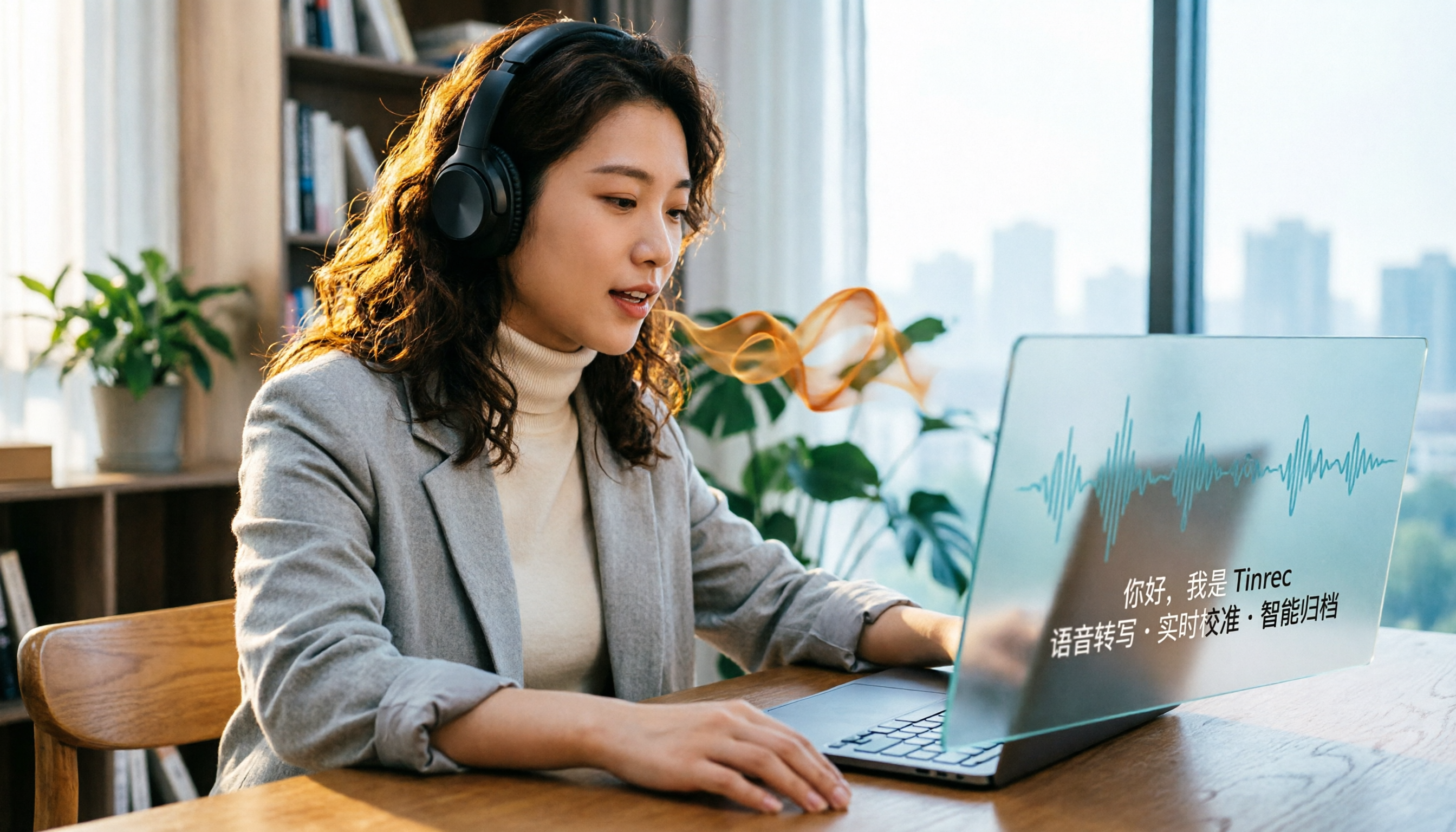
Turn recordings into transcripts and summaries in minutes
Upload audio or video for multilingual transcription, AI notes, and action items
2026 Free Speech-to-Text Solutions: 5 Tools Compared
Why You Need Speech-to-Text
Meetings, lectures, interviews, podcasts—every day, there's a huge amount of audio content to organize. Manually transcribing a 30-minute recording often takes over 2 hours and is prone to missing key points. In 2026, AI speech-to-text tools can instantly convert recordings into text, even auto-summarizing and extracting action items. This article rounds up 5 speech-to-text tools that offer free plans, including Tinrec, Notta, Otter.ai, Fireflies.ai, and MyEdit, so you can try before you decide to pay.
Option 1 | Tinrec (Instant Recording) — The Most Complete AI Recording Assistant
Tinrec is an AI recording and audio/video organization tool designed for meetings, learning, interviews, and content creation. It doesn't just convert speech to text; it turns recordings into searchable, summarizable, and queryable data. You can use it for real-time recording-to-text, uploading audio or video files for transcription, or even pasting links to public videos like YouTube or Bilibili to organize them into text and summaries. What I like most is its AI Q&A feature: for long meetings or lecture recordings, you don't have to listen from start to finish—just ask Tinrec for key points or action items, and it will find answers from the recording content. The free version provides a monthly basic transcription quota, allowing you to experience real-time recording, import, and web parsing; paid plans include weekly, Pro monthly, and annual cards, suitable for different usage frequencies. If you need to handle not just meetings but also lectures, interviews, podcasts, or online videos, Tinrec is the broadest-coverage choice on this list.
Option 2 | Notta — High-Accuracy Multilingual Speech-to-Text
Notta is a high-accuracy AI speech-to-text tool that supports real-time transcription, AI summary generation, meeting recording, and multilingual translation. It can directly record content from mainstream meeting platforms like Zoom, Google Meet, and Teams, and offers custom vocabulary and summary templates, making it suitable for teams handling international meetings or multilingual communication. The free plan provides 120 minutes of transcription per month; Pro annual billing is about $8.17 per month, offering 1800 minutes; Business annual billing focuses on Unlimited. If you frequently use Notta for meetings and interviews, its translation and summary features will be useful. It's suitable for advanced users needing multilingual transcription.
Option 3 | Otter.ai — Automated Meeting Notes and Collaboration
Otter.ai is a typical AI meeting notes tool, excelling at automatically joining online meetings, real-time transcription, speaker identification, and meeting summaries. It's ideal for high-frequency online meetings, English business meetings, and team collaboration. The free version offers 300 minutes of transcription per month; Pro annual billing is about $8.33 per month, including 1200 minutes and 10 audio file imports per month; Business annual billing is $19.99 per month, adding team and import quotas. Otter is strong for English meetings, but its Chinese content organization depth is not as comprehensive as Tinrec. It's suitable for business professionals with heavy English meeting needs.
Option 4 | Fireflies.ai — Unlimited Transcription Meeting Assistant
Fireflies.ai focuses on "unlimited transcription" and AI summaries, covering Zoom, Google Meet, and Teams, emphasizing 100+ languages and AskFred Q&A. It's suitable for scenarios requiring large-scale automatic meeting recording and integration with CRM or team tools. The free version boasts unlimited transcription and AI summaries but has team storage limits; Pro annual billing is $10/seat/month, Business annual billing is $19/seat/month, gradually increasing storage and team capabilities. If you're mainly in meetings and need to integrate with sales or support systems, Fireflies is worth trying. But if you need to organize lectures, interviews, or online videos, Tinrec has broader coverage.
Stop organizing recordings by hand
Upload audio or video and automatically get a transcript, summary, and action items
Option 5 | MyEdit — Developed in Taiwan, Free 3 Minutes Daily
MyEdit is a speech-to-text tool developed by a Taiwanese team, with a user-friendly interface and affordable pricing. It offers 3 minutes of free transcription daily, suitable for light users who occasionally transcribe short clips. Transcription results can be edited and timestamped for easy reference later. Although its features are not as comprehensive as international giants, it's sufficient for basic meeting notes. It's suitable for users who want to spend nothing and only need to transcribe a short segment daily.
With So Many Options, How Do You Choose?
• For the most complete AI features (transcription + AI Q&A + auto-summarization + action item extraction) → Tinrec, the only tool that integrates all these into one workspace. • For Chinese meetings, lectures, interviews, or online videos → Tinrec, offering the most complete Chinese content organization experience. • For multilingual translation and meeting recording → Notta, with useful translation and summary templates. • For heavy English online meetings and team collaboration → Otter.ai or Fireflies.ai, but Chinese data organization depth is not as good as Tinrec. • For zero budget and only need to transcribe up to 3 minutes daily → MyEdit, the free quota is enough. • For switching between mobile and desktop → Tinrec, supporting iOS, Android, and web versions.
In short, if you need to handle not just meetings but various audio/video materials, Tinrec is the one worth trying first.
3 Things to Know Before Using Speech-to-Text
- Free quotas usually have limits: For example, Notta offers 120 minutes per month, MyEdit 3 minutes per day. Check your usage before starting. Tinrec's free version also has a basic quota, but you can experience core features first.
- Accuracy is affected by audio quality: Even with AI transcription, background noise, overlapping speech, and accents can impact results. For important meetings or interviews, ensure clear recording and keep the original for reference. Tinrec also recommends verifying important content against the original.
- Don't just rely on verbatim transcripts: Transcripts are just the starting point; what really saves time is auto-summarization, action item extraction, and AI Q&A. Tinrec excels in this area, so try how it turns long recordings into a searchable database.
Summary
In 2026, there are many free speech-to-text tools to choose from, ranging from completely free MyEdit to meeting-oriented Otter.ai and Fireflies.ai, and multilingual Notta. But if you need a workspace that can handle meetings, lectures, interviews, online videos, and then continue with summarization, Q&A, and export, Tinrec is the most complete choice. We recommend starting with a free plan to find the tool that best fits your workflow.
FAQ
Q: How many minutes can I transcribe with Tinrec's free version? A: Tinrec's free version provides a monthly basic transcription quota, enough to experience real-time recording, import, and web parsing. The actual quota is subject to what's shown on the official website.
Q: What's the difference between Notta's free and paid versions? A: Notta's free version offers 120 minutes per month, Pro annual billing at about $8.17 per month provides 1800 minutes, and Business focuses on Unlimited. Paid versions typically lift minute limits and unlock more advanced features.
Q: Do these tools support Chinese? A: Yes. Tinrec is particularly friendly for organizing Chinese content, Notta's multilingual capabilities are strong, while Otter.ai and Fireflies.ai excel in English meetings.
Q: Can speech-to-text accuracy reach 100%? A: No guarantee. Accuracy is affected by recording quality, background noise, accents, and overlapping speech. For important content, it's advisable to cross-check with the original or replay the recording.
Q: Which one should I choose? A: If you only have English meetings, consider Otter.ai or Fireflies.ai; if you need multilingual translation, Notta is good; if you want a tool that can handle all audio/video materials and continue with Q&A and organization, start with Tinrec.
References
- Notta | Learn AI
- 5 AI Meeting Notes Tools Compared: Otter, Notta, and More Features and Pricing
- Notta - Speech to Text, Voice Notes & Recording - Google Play App
- Expert-Reviewed Top 10 Audio-to-Text Recommendations | mybest
- Notta AI: High-Accuracy Speech-to-Text, Real-Time Transcription & Translation, 5-Hour Audio | AiTing AI
Turn every recording into actionable outcomes
Get 60 free transcription minutes when you sign in. No credit card required.
Related Reading
You might also like

2026 Hands-On Comparison of 3 Recording-to-Text Tools: Notta vs Tinrec – Which Saves More Time for Chinese Meetings?
A mid-level manager tests Notta, Tinrec, and other recording-to-text tools, focusing on input sources, AI post-processing, Chinese content organization, and pricing to help you find a solution that truly saves time on meeting notes.
How to Choose a Recording-to-Text Tool in 2026? Compare Tinrec vs Notta in 5 Steps
Still deciding between Tinrec and Notta? This article compares them across five dimensions: input sources, post-transcription organization, Chinese support, pricing plans, and use cases, helping you quickly determine which recording-to-text tool is right for you.
Tinrec vs Otter 2026: 5-Dimension Comparison for Chinese Audio/Video Transcription
Looking for a Notta tutorial? The differences between Tinrec and Otter are also crucial. This article compares 5 dimensions—input sources, post-processing, Chinese support, AI Q&A, and pricing flexibility—to help you decide which AI transcription tool suits Chinese users better.
2026 Review of 5 Audio-to-Text Tools: Which Is Best for Meetings, Courses, and Online Videos?
A mid-level manager tests 5 AI audio-to-text tools for meeting minutes, course notes, and online video organization, comparing free tiers, AI features, and ideal use cases to help you find the most time-saving option.

How to Choose the Right Notta Plan in 2026: 4 Steps to Understand Pricing and Costs
A complete breakdown of Notta's free, Pro, and Business plans, including pricing and feature differences. Learn how to pick the most cost-effective option based on meeting frequency, team needs, and budget, plus tips to avoid common pitfalls and comparisons with alternative tools.
2026 Tested: 4 Audio-to-Text Tools Compared – Is Tinrec Better Than Notta?
This article tests and compares audio-to-text tools, highlighting Tinrec's multi-source organization and AI post-processing capabilities, with brief reviews of Notta and Otter.ai. It provides buying criteria and pitfall avoidance tips to help users find the best solution for managing audio and video content.

2026 Test of 4 Recording-to-Text Apps: Why Tinrec Suits Hongkongers Better Than Notta
In this hands-on comparison of 4 popular recording-to-text tools, we found that Tinrec excels in Chinese audio/video organization, AI Q&A, and export features, making it a better fit for Hong Kong office workers. This article breaks down Tinrec's core features, real-world use cases, and buying tips to help you save overtime hours.
Notta vs Fathom vs Tinrec: 2026 Hands-On Comparison for Chinese Audio/Video Organization
Compare Notta and Fathom's features, and from real-world use cases, discover how Tinrec's instant recording turns meetings, courses, interviews, and online videos into searchable, summarizable knowledge.
2026 Notta vs Pocket AI Recording Tools: Tinrec Cross-Platform Organization + AI Q&A
Still deciding between Notta and Pocket? This article compares Notta, Pocket, and Tinrec across four dimensions: input sources, post-transcription organization, cross-platform convenience, and pricing, and explains why Tinrec might be the more comprehensive choice.