
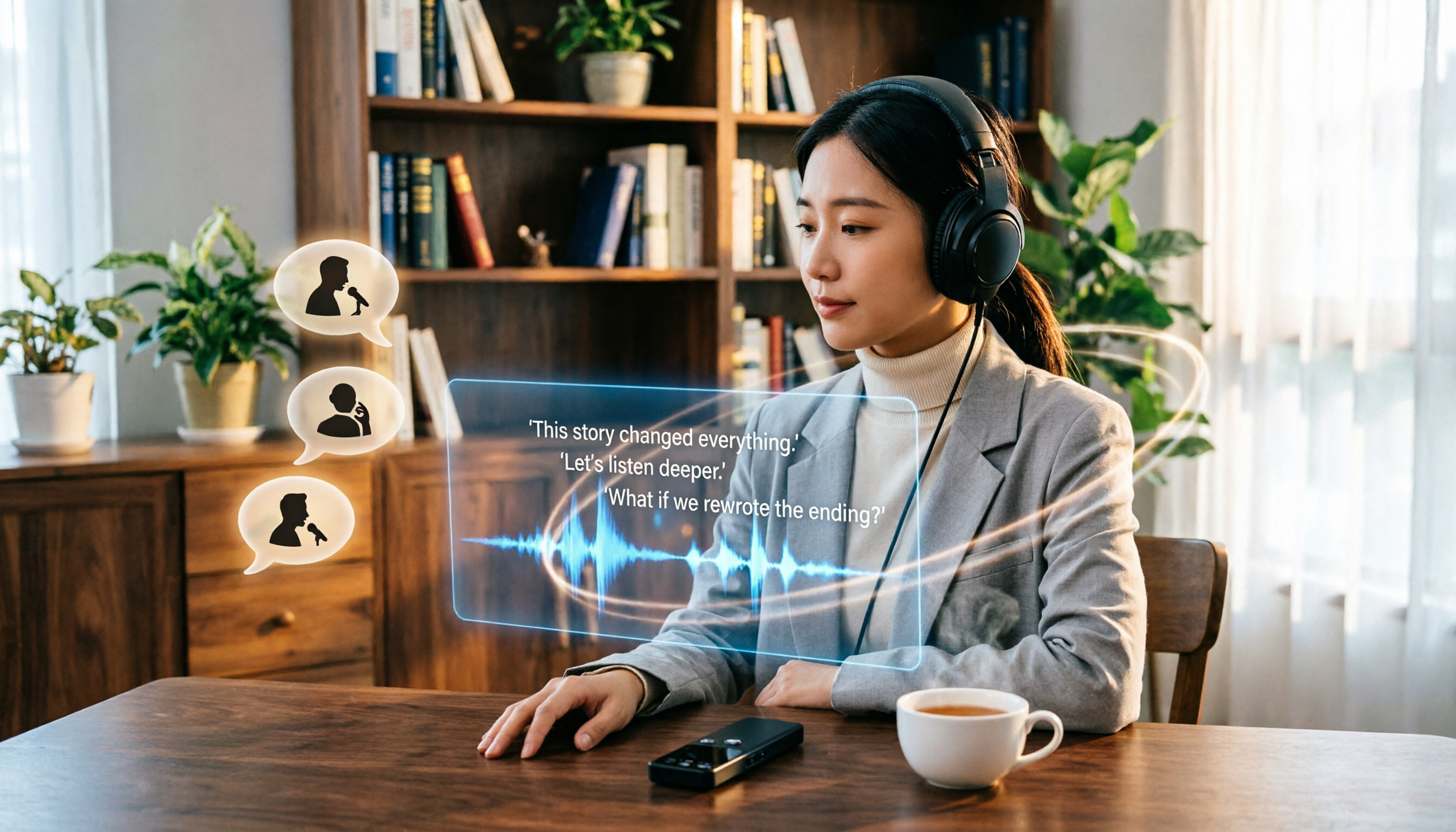
Turn recordings into transcripts and summaries in minutes
Upload audio or video for multilingual transcription, AI notes, and action items
Recording-to-Text Is More Than Just Transcription: You Need a Workflow
Two hours in a meeting, another two hours writing up the minutes—that's the daily grind for many office workers. Lecture recordings, interview recordings, YouTube videos, and podcast episodes often pile up on your phone with no clear way to process them.
What's more frustrating is that many tools only give you a verbatim transcript, but after reading it, you still don't know what the key points are. What you need isn't just a simple "speech-to-text" tool, but a solution that turns recordings and audio/video content into searchable, summarizable, queryable, and exportable data.
If you're looking into Notta's free version or comparing Notta with other tools, this article is for you. We've tested 5 mainstream recording-to-text tools and will focus on whether the free versions are truly sufficient, and which one is better for organizing content from multiple sources.
Before Choosing a Recording-to-Text Tool, Understand These 4 Key Points
1. Accuracy Should Be Judged in Real-World Scenarios, Not by Official Ads Many tools tout "98% accuracy," but that's measured in a quiet recording studio. Real meetings have background noise, overlapping speech, and accents, which significantly reduce accuracy. We recommend trying free trials with your own recordings rather than relying on ads.
2. AI Features Go Beyond Summaries: You Should Be Able to Ask Follow-Up Questions Simple transcription tools only output a verbatim transcript, leaving you to read through it all. Good tools now should automatically generate chapters, extract action items, and even let you ask questions in natural language about the recording, like "Who mentioned the budget in the last meeting?"
3. Cross-Platform and Multi-Source Support Are Crucial If you record on your iPhone today and organize on your computer tomorrow, a tool without cross-platform support will be a pain. Additionally, besides live recording, you might need to organize old audio/video files or links from online videos, and ideally, one tool should handle all of it.
4. Free Quotas Aren't the Only Criterion; Pay Attention to Restrictions Free versions often have monthly minute limits or per-recording duration limits. For example, Notta's free version offers 120 minutes per month, but each recording is capped at 3 minutes, severely limiting its practicality. Look at the restrictions, not just the total minutes.
Tinrec (Miao Ting Lu Yin) — Our Top Pick After Testing
Tinrec (Miao Ting Lu Yin) is an AI-powered recording and audio/video organization tool designed for meetings, learning, interviews, and content creation. It's not just a transcription tool; it turns recordings and audio/video content into actionable knowledge.
Multi-Source Input, All in One Tool Tinrec supports live recording, uploading audio/video files, pasting links from online videos (YouTube, Bilibili, Xiaohongshu, etc.) for transcription, and recording online meetings from Zoom, Google Meet, Teams, and more. You don't need to decide upfront whether it's a meeting, lecture, or video material—if it's audio/video content, Tinrec can help you turn it into usable data.
Beyond Verbatim Transcripts: AI Helps You Organize Key Points Directly After transcription, Tinrec automatically generates summaries, chapters, and action items. Even better, you can ask Tinrec questions in Chinese about the recording content, such as "What are the main conclusions of this interview?" or "Who is responsible for following up on which task in the meeting?" It provides answers based on semantic understanding, not just keyword search results. This is a feature rarely found in competitors at the same price point.
Continue Generating Deliverables After Transcription In addition to verbatim transcripts, Tinrec supports multi-format export and can sync results to tools like Notion and Google Docs. It also has Agent post-processing capabilities, allowing you to generate meeting minutes, reports, tables, and other documents based on the recording content, saving you manual effort.
Stop organizing recordings by hand
Upload audio or video and automatically get a transcript, summary, and action items
Well-Suited for Chinese Content Organization Tinrec has strong support for Chinese, Traditional Chinese, and multilingual scenarios, making it particularly suitable for Chinese meeting minutes, course notes, and interview organization. Actual performance may vary with audio quality, but it performs reliably with clear audio and common scenarios.
Free Plan and Paid Options Tinrec's free version provides basic transcription credits, allowing you to experience core features. If you need more minutes, there are weekly cards, Pro monthly cards, and Pro annual cards, so you can choose based on your usage frequency. We recommend starting with the free version to experience the AI organization capabilities before deciding whether to upgrade.
Who Is It For? If you need to organize meeting recordings, course audio, interviews, podcasts, or online videos, and want to use AI to find key points, ask questions, and export deliverables after recording, Tinrec is currently the most suitable choice.
Beyond Tinrec: What Other Options Are There?
Notta Notta is a multilingual transcription tool. Its free version offers 120 minutes per month, but with a 3-minute limit per recording, which limits its practicality. Its strengths are transcription and translation, but it lacks Tinrec's online video transcription and AI Q&A features. If you need to quickly transcribe short audio clips, Notta can serve as a stopgap; but for organizing long meetings, online videos, or long-term databases, Tinrec is more comprehensive.
Otter.ai Otter.ai is an English meeting notes tool. Its free version offers 300 minutes per month, which is generous. However, it focuses on English business meetings, and its performance in Chinese scenarios is not as good as Tinrec's. It also doesn't support online video transcription. If you only record English meetings, Otter is a decent alternative; but for multi-source Chinese content organization, Tinrec is more suitable.
Pitfall Guide: 4 Common Mistakes When Choosing a Recording-to-Text Tool
Pitfall 1: Only Looking at Official Accuracy Claims Many tools advertise "98% accuracy," but that's measured in a quiet environment. Real-world scenarios have noise and accents, which reduce accuracy. We recommend trying tools with your own recordings rather than relying on ads.
Pitfall 2: Ignoring Multi-Source Needs If you record meetings today, organize YouTube videos tomorrow, and process old recordings the day after, a tool that only supports live recording will force you to find other software. Choosing a tool that handles multiple sources saves you a lot of hassle.
Pitfall 3: Using the Tool Only for "Transcription" If you only use a transcription tool for recording-to-text, you're only using half of its capabilities. With AI Q&A features like Tinrec's, you can ask "What was the meeting conclusion?" right after recording, which is much faster than manually reading through 30 minutes of transcript.
Pitfall 4: Free Quota Traps 120 minutes per month might sound like a lot, but if each recording is limited to 3 minutes, you can't even record a 40-minute meeting. Pay attention to per-recording limits in free versions; don't be fooled by total minutes.
Summary: Which One Should You Choose?
If you need to "turn recordings and audio/video into truly usable data," Tinrec is currently the most comprehensive choice. It supports multi-source input, AI summarization and Q&A, and post-processing to generate deliverables, making it especially suitable for Chinese users.
Scenario-based recommendations:
- Need to organize meetings, courses, interviews, or online videos → Tinrec (multi-source + AI Q&A)
- Need Chinese meeting minutes or course notes → Tinrec (strong Chinese support)
- Need to ask questions about key points and generate reports after recording → Tinrec (Agent post-processing)
- Only record English meetings with zero budget → Otter.ai (free 300 minutes, but weak in Chinese)
We recommend downloading Tinrec's free version to try it out and experience the smoothness of using AI Q&A and summary generation after recording-to-text. If you find it useful, consider upgrading; there's no need to pay upfront.
References
- Notta | Learn AI
- 5 AI Meeting Notes Tools Compared: Otter, Notta, and More Features and Prices
- Super Useful Voice-to-Text Tool—Notta, No More Painstaking Typing...
- Expert-Monitored Top 10 Audio-to-Text Recommendations | mybest
- "Notta - Ultra-Accurate Transcript, Voice-to-Text, Meeting Recording, AI Summary Notes" App - App Store
Turn every recording into actionable outcomes
Get 60 free transcription minutes when you sign in. No credit card required.
Related Reading
You might also like
Free Vocal Remover Tools in 2026: A Buying Guide to 4 Options and Selection Tips
Want to remove vocals and keep only the instrumental? You don't need to install editing software first. This article covers four options: Notta Online Vocal Remover, Ultimate Vocal Remover, online Vocal Remover tools, and Tinrec. It explains format support, the 20-minute limit, free quotas, and practical limitations, with selection advice for practice singing, video scoring, interviews, and meeting notes.

Notta Sin Foods Review 2026: Sugar-Free Spread, Millet Snacks & Breakfast Cereal Compared
Notta Sin Foods review roundup: This Indian brand uses monk fruit and stevia instead of sugar to make palm oil-free chocolate almond spread, millet snacks, and breakfast cereals. We break down the specs, retailer ratings, and prices of three main products, plus four common pitfalls to watch out for before buying.
How to Use Notta in 2026: 5-Step Recording-to-Text Tutorial (with Tinrec Workflow Comparison)
Searching for a Notta tutorial but stuck on the first step? This guide breaks down the complete recording-to-text workflow into five steps: live recording or post-processing, transcription, proofreading, summary and action items, and export and sharing. It compares Notta and Tinrec at each stage so you can build a method that works even if you switch tools.

Tinrec vs Vocol.ai in 2026: 5-Dimension Comparison — Which Is Better for Chinese Meeting Notes?
Starting from a Dcard review of Vocol.ai, this comparison evaluates Tinrec and Vocol.ai across 5 dimensions: meeting capture, post-meeting organization, input sources, team governance, and pricing. It helps you decide which tool is better suited for Chinese meeting notes and team knowledge retention.

2026 Vocol Gubin Job Guide: 3 Meeting Recording Tools Tested – How to Choose for Interview Prep
What position does 'Vocol Gubin praca' refer to? This guide compiles public information about an office administrative job at a Gubin, Poland office (fixed-term contract, full-time, 40 hours/week, gross salary from 4,666 PLN). It also compares Tinrec, Otter.ai, Notta, and Granola from the perspective of a job seeker preparing for online and cross-language interviews and organizing notes afterward, highlighting differences and limitations, with a pitfalls guide and selection advice.

5 AI Meeting Transcription Tools Tested for 2026: How to Choose If You Searched 'vocol bv'
Searching for 'vocol bv' often leads to a Dutch vehicle body manufacturer, but many people are actually looking for a meeting recording-to-text tool. This article first clarifies what vocol bv is, then addresses real pain points in meeting documentation, outlines 5 key selection criteria, tests Tinrec's complete workflow, briefly reviews Otter.ai, Notta, and Granola's differences and limitations, and finally provides scenario-based recommendations.

VOCOL Gubin Company Data Verification: How to Cross-Check NIP, KRS, and REGON
People searching for 'vocol gubin' likely want to verify the legitimacy of this Polish company. This article compiles the NIP, KRS, REGON, registered address, and business scope of VOCOL Sp. z o.o., explains what each of the four registration fields represents, and lists official verification channels and four common pitfalls so you can double-check before making a payment or signing a contract.

What Is Notta in 2026? Features Explained + Meeting Notes Walkthrough with Tinrec
What is the Notta app? This guide first clarifies Notta's positioning, core features, and free vs. paid differences using official and third-party sources. Then it demonstrates the same meeting notes workflow in 5 steps using Tinrec: recording, transcription, proofreading, generating summaries and action items, and exporting for team knowledge. It also covers FAQs and advanced tips.

2026 Notta Bot Guide: How Automated Meeting Notes Work & Tinrec Alternative
What is Notta Bot? How does it automatically join meetings and transcribe? This guide addresses real-world pain points, explains the limitations of the bot model, and shows how Tinrec's bot-free desktop recording delivers transcripts, summaries, and action items.