

Turn recordings into transcripts and summaries in minutes
Upload audio or video for multilingual transcription, AI notes, and action items
I attend about 15 meetings a week—team meetings, project status updates, one-on-ones, and cross-departmental coordination. The most annoying part used to be the aftermath: some meetings required turning recordings into subtitles for hearing-impaired colleagues, or clipping key moments into videos for clients. I tried Notta, and its transcription accuracy is indeed high, but after transcription, I had to manually clean up the timeline and remove filler words, which still took time. Later, my team switched to Tinrec, and I found it doesn't just transcribe—it automatically organizes summaries, chapters, and action items, and subtitle export is seamless. Now I've canceled my Notta subscription. This article discusses whether Tinrec is worth it if you're looking for a Notta alternative like I was.
What Can AI Subtitles Do for You?
Scenario 1: Convert meeting recordings to subtitles for archiving or sharing After a two-hour meeting, taking minutes is already exhausting; if you also need subtitles, it's double the work. With AI subtitles—like Tinrec—the moment the meeting recording ends, it's already transcribed. You can directly export the subtitle file for colleagues or paste it into a shared document.
Scenario 2: Convert course audio to subtitles for efficient review Online courses or lecture recordings often run two to three hours, and manually marking key points is painful. Tinrec doesn't just transcribe; it automatically divides into chapters and highlights key points, giving you a subtitled course notes document.
Scenario 3: Convert online videos to text material Many ideas come from videos on YouTube or Bilibili, but video content isn't searchable. Tinrec lets you paste a video link and get text and subtitles, turning it into your own text material library.
Scenario 4: Convert interview recordings to subtitles for precise quoting When conducting user or expert interviews, you need to quote exact words. After transcription, Tinrec allows you to ask questions about the content, like "What was the interviewee's reaction to the price?" It gives you the answer directly, without having to listen to the entire recording.
What Are the Core Capabilities of AI Subtitles?
Real-time transcription: Generates text as you record, not after. Tinrec's real-time transcription lets you see the text while recording, so you don't miss key points. Notta also has real-time transcription, but Tinrec is more stable with mixed Chinese content.
Multi-source transcription: Tinrec not only accepts audio files but also lets you paste online video links and upload audio/video files, which is more flexible than Notta. Last week, I uploaded a client interview MP4 directly to Tinrec and got the transcript and subtitles in minutes.
AI organization: This is where Tinrec beats Notta. Notta gives you a transcript; Tinrec automatically generates summaries, chapters, and action items, essentially creating a draft meeting minutes for you.
Subtitle export: Tinrec can export transcripts as subtitle files, making it easy to import into video editing software or share with your team. Notta also supports subtitles, but Tinrec's export process is smoother, without constant format switching.
AI Q&A: After transcription, you can ask Tinrec questions like "What was the decision in this meeting?" or "What pain points did the client mention?" It answers based on the content, not just keyword search.
Practical Use Cases
Meeting subtitles and minutes I record every cross-departmental meeting, then use Tinrec to convert to transcript and subtitles, and let AI generate meeting minutes, including action items. It used to take an hour to organize; now it takes 10 minutes. When my boss asks about the last meeting's conclusions, I just paste the summary.
Stop organizing recordings by hand
Upload audio or video and automatically get a transcript, summary, and action items
Class notes and review I occasionally take online management courses. I used to type while listening and couldn't keep up. Now I turn on Tinrec's real-time transcription during class and use AI Q&A to review key points afterward, making review much more efficient.
Interview research and quoting We record interviews for user research. Previously, transcription was outsourced and took a week. Now I use Tinrec to transcribe directly and get the text the same day. I can also use the Q&A feature to quickly find keywords mentioned by users, saving a lot of time.
Online video content organization I often watch industry analysis videos on YouTube, but I forget them after watching. Now I throw the link into Tinrec, get text and summary, and save it to my database. Later, I can search keywords to find it, turning videos into a searchable knowledge base.
4 Things to Consider When Choosing an AI Subtitle Tool
Diverse input sources: Some tools only record or upload files, not handle online videos. Tinrec supports live recording, file upload, and web links, covering 90% of my use cases.
Post-transcription organization: Don't just look at transcription accuracy; what matters is whether it helps you organize after transcription. Tinrec's AI summary and Q&A features mean I don't have to find key points from the transcript myself. Some tools have good summary features, but Tinrec's chapter organization suits my reading habits better.
Chinese content support: If you need to handle mixed Chinese-English or Traditional Chinese content, you must test it. Tinrec provides stable transcription quality for Chinese meetings and interviews, and subtitle export preserves Traditional Chinese terms.
Price and free tier: Notta's free version offers 120 minutes per month; Tinrec's free version also has basic limits, suitable for trial. If you have many meetings weekly, I recommend going Pro; the time saved far exceeds the monthly fee. Don't just compare minutes; compare "how much work is saved after organization."
FAQ
Q: Which is better for subtitles, Tinrec or Notta? A: If you only need high-accuracy transcription and translation, Notta is strong. But if you need automatic organization, Q&A, and subtitle export after transcription, Tinrec is more comprehensive. I switched from Notta to Tinrec because the post-processing saved me so much time.
Q: What audio/video formats does Tinrec support? A: Tinrec supports common audio and video file formats, and you can also paste links from YouTube, Bilibili, etc. For specific formats, please check the official documentation.
Q: Is Tinrec's free version sufficient? A: If you only occasionally transcribe a meeting recording or video, the free version is a good start. But if you have meetings daily like me, I recommend a paid plan—it's the cost of a couple of Starbucks drinks a month.
Q: How accurate is the transcription? A: Accuracy depends on recording quality, background noise, and accents; no tool can guarantee 100%. Tinrec performs well with clear audio, but for important content, it's best to cross-check with the original.
Q: Can Tinrec replace Notta? A: If you're a Notta user and your main pain point is "spending too much time organizing after transcription," Tinrec is worth trying. If you heavily rely on Notta's translation features, I suggest testing both before deciding.
Conclusion
If you're looking for a Notta alternative or a tool that can turn recordings and videos into usable subtitles and data, Tinrec is the top recommendation from my team's testing. It doesn't just transcribe; it emphasizes organization and usability, especially for Chinese content. The free version lets you experience core features, so why not try it with a meeting recording?
References
- Notta | Learn AI
- Notta - Speech to Text, Voice Notes and Recording - Google Play App
- 5 AI Meeting Minutes Tools Compared: Otter, Notta, and More Features and Prices
- Notta Tutorial: AI Transcript and Translation | Mason AI Lab
- 2026 5 Best Recording-to-Text Apps Tested: Beyond Notta, What Other Good Options? - Tinrec Blog
Turn every recording into actionable outcomes
Get 60 free transcription minutes when you sign in. No credit card required.
Related Reading
You might also like
Free Vocal Remover Tools in 2026: A Buying Guide to 4 Options and Selection Tips
Want to remove vocals and keep only the instrumental? You don't need to install editing software first. This article covers four options: Notta Online Vocal Remover, Ultimate Vocal Remover, online Vocal Remover tools, and Tinrec. It explains format support, the 20-minute limit, free quotas, and practical limitations, with selection advice for practice singing, video scoring, interviews, and meeting notes.

Notta Sin Foods Review 2026: Sugar-Free Spread, Millet Snacks & Breakfast Cereal Compared
Notta Sin Foods review roundup: This Indian brand uses monk fruit and stevia instead of sugar to make palm oil-free chocolate almond spread, millet snacks, and breakfast cereals. We break down the specs, retailer ratings, and prices of three main products, plus four common pitfalls to watch out for before buying.
How to Use Notta in 2026: 5-Step Recording-to-Text Tutorial (with Tinrec Workflow Comparison)
Searching for a Notta tutorial but stuck on the first step? This guide breaks down the complete recording-to-text workflow into five steps: live recording or post-processing, transcription, proofreading, summary and action items, and export and sharing. It compares Notta and Tinrec at each stage so you can build a method that works even if you switch tools.

Tinrec vs Vocol.ai in 2026: 5-Dimension Comparison — Which Is Better for Chinese Meeting Notes?
Starting from a Dcard review of Vocol.ai, this comparison evaluates Tinrec and Vocol.ai across 5 dimensions: meeting capture, post-meeting organization, input sources, team governance, and pricing. It helps you decide which tool is better suited for Chinese meeting notes and team knowledge retention.
2026 Vocol Gubin Job Guide: 3 Meeting Recording Tools Tested – How to Choose for Interview Prep
What position does 'Vocol Gubin praca' refer to? This guide compiles public information about an office administrative job at a Gubin, Poland office (fixed-term contract, full-time, 40 hours/week, gross salary from 4,666 PLN). It also compares Tinrec, Otter.ai, Notta, and Granola from the perspective of a job seeker preparing for online and cross-language interviews and organizing notes afterward, highlighting differences and limitations, with a pitfalls guide and selection advice.

5 AI Meeting Transcription Tools Tested for 2026: How to Choose If You Searched 'vocol bv'
Searching for 'vocol bv' often leads to a Dutch vehicle body manufacturer, but many people are actually looking for a meeting recording-to-text tool. This article first clarifies what vocol bv is, then addresses real pain points in meeting documentation, outlines 5 key selection criteria, tests Tinrec's complete workflow, briefly reviews Otter.ai, Notta, and Granola's differences and limitations, and finally provides scenario-based recommendations.
VOCOL Gubin Company Data Verification: How to Cross-Check NIP, KRS, and REGON
People searching for 'vocol gubin' likely want to verify the legitimacy of this Polish company. This article compiles the NIP, KRS, REGON, registered address, and business scope of VOCOL Sp. z o.o., explains what each of the four registration fields represents, and lists official verification channels and four common pitfalls so you can double-check before making a payment or signing a contract.

What Is Notta in 2026? Features Explained + Meeting Notes Walkthrough with Tinrec
What is the Notta app? This guide first clarifies Notta's positioning, core features, and free vs. paid differences using official and third-party sources. Then it demonstrates the same meeting notes workflow in 5 steps using Tinrec: recording, transcription, proofreading, generating summaries and action items, and exporting for team knowledge. It also covers FAQs and advanced tips.
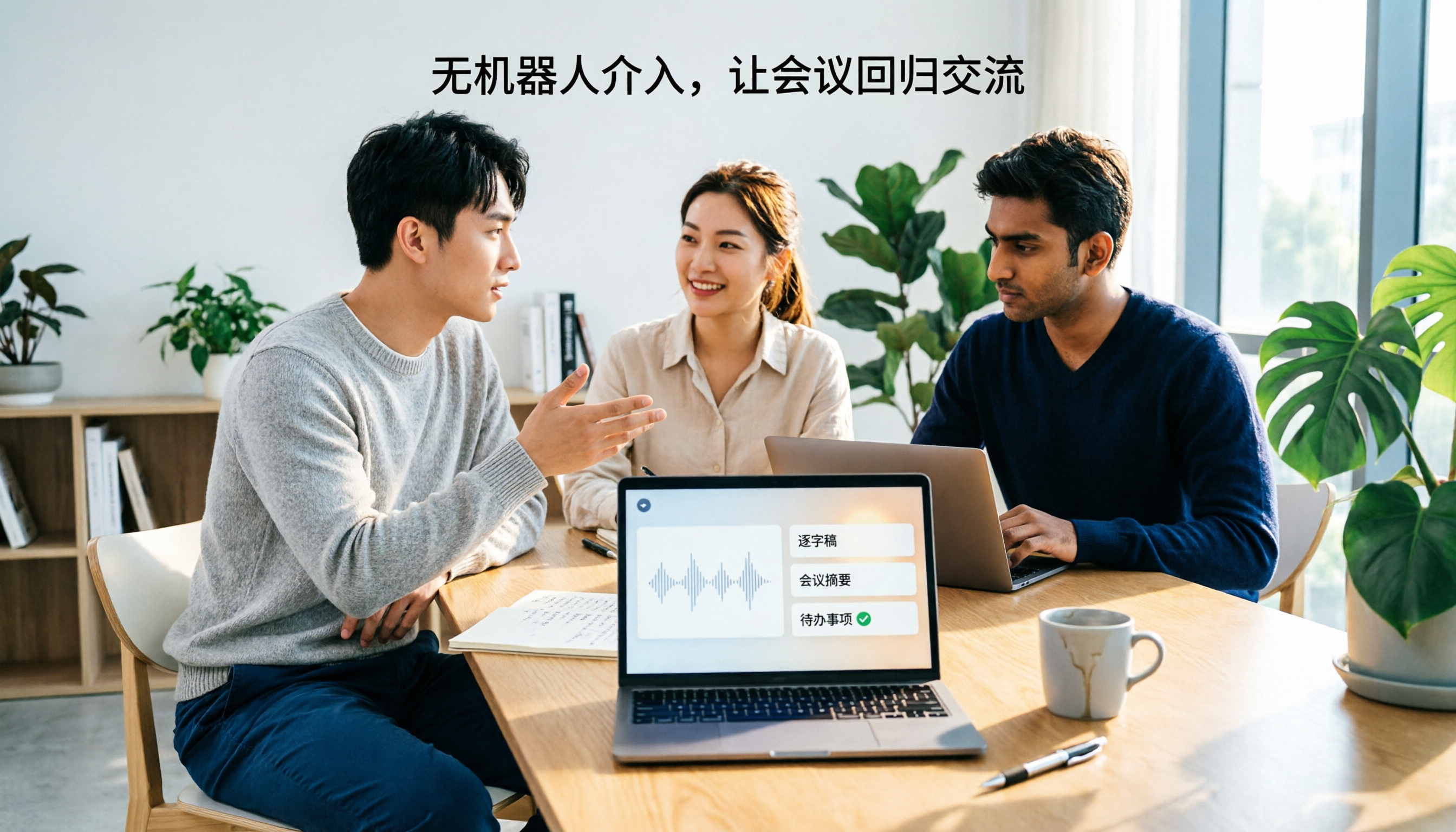
2026 Notta Bot Guide: How Automated Meeting Notes Work & Tinrec Alternative
What is Notta Bot? How does it automatically join meetings and transcribe? This guide addresses real-world pain points, explains the limitations of the bot model, and shows how Tinrec's bot-free desktop recording delivers transcripts, summaries, and action items.