
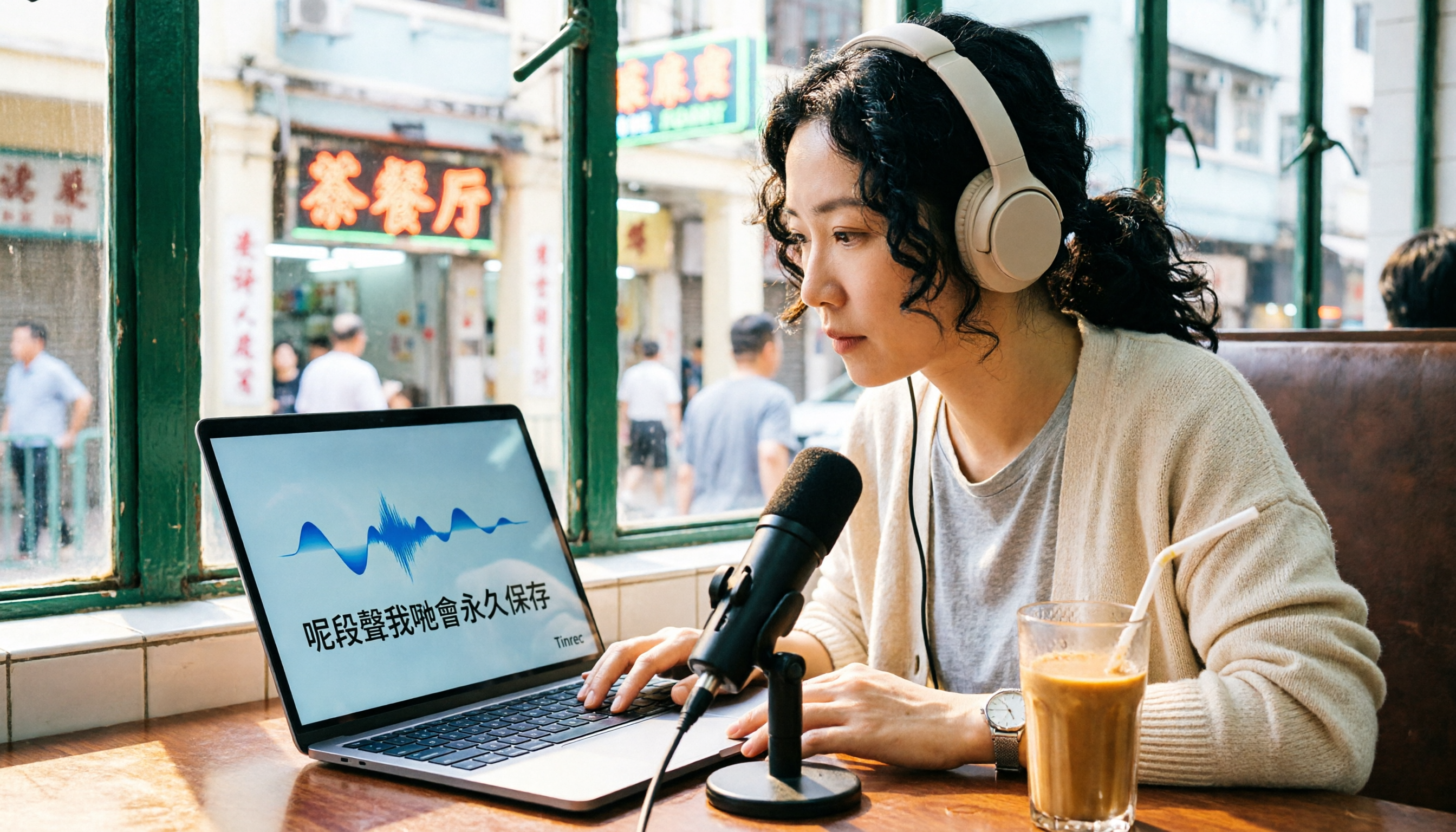
Turn recordings into transcripts and summaries in minutes
Upload audio or video for multilingual transcription, AI notes, and action items
The Biggest Pain Point for Cantonese Speakers: Converting Meeting, Class, and Interview Audio to Text
In Hong Kong or Macau, Cantonese is the primary language of daily communication. Whether it's company meetings, university lectures, client interviews, or your own voice memos, turning them into text afterward is often a headache.
Manual transcription is time-consuming, and Cantonese is full of colloquial expressions like "搞掂" (get it done), "即刻" (right away), "聽日" (tomorrow), and "點解" (why). Most speech recognition tools handle Mandarin well but frequently make errors with Cantonese. On Dcard, many users have posted asking, "Is there a good Cantonese voice-to-text tool?"
If you have the same problem, this article tests three tools to help you find a solution that truly handles Cantonese audio files.
4 Key Points to Understand Before Choosing a Cantonese Voice-to-Text Tool
Before comparing, there are several aspects worth considering to avoid buying a tool that doesn't fit your needs.
1. Cantonese Recognition Accuracy Is Core Many tools claim to "support multiple languages," but real-world testing reveals significant differences in Cantonese recognition. Don't just rely on official marketing; try free trials with your own audio files to see if colloquial terms and connected speech are transcribed correctly.
2. Post-Transcription Organization Features Matter More If you only get a raw transcript, you'll still have to read through it manually. A good tool should automatically generate summaries, chapters, action items, and even let you ask questions about the content, saving you a lot of time.
3. Diverse Input Sources Besides uploading audio files, do you need to paste YouTube links, record directly, or capture computer meeting audio? Check the supported input methods to handle different scenarios.
4. Free Tier and Pricing Free versions usually have minute limits. Understand whether the free tier is enough for testing before deciding to pay. Also, consider cross-platform support to avoid sync issues between phone and computer.
Tinrec (秒听录音) - Our Top Pick After Testing
Tinrec (秒听录音) is a multilingual AI recording and audio/video organization tool available on iOS, Android, and web. It doesn't just convert speech to text; it emphasizes post-transcription organization and usability.
In our tests, we used several Hong Kong YouTube videos, a meeting recording, and an interview recording. Tinrec's recognition of Cantonese colloquialisms was impressive; common terms like "搞掂," "即刻," and "聽日" were transcribed correctly. Errors mainly occurred in segments with heavy background noise or multiple people speaking simultaneously. Overall, its Cantonese transcription capability ranked among the best in our tests.
Beyond accuracy, Tinrec's AI post-processing features stood out. After recording, it automatically generates summaries, chapters, and action items. For example, from a 30-minute meeting recording, it lists discussion points, decisions, and responsible persons—much faster than manually reviewing the transcript.
Even more useful is the AI Q&A feature. You can ask Tinrec directly, "Who mentioned the budget?" or "What was the meeting conclusion?" It answers based on semantic understanding of the content, not just keyword search. Most competitors at this price point lack this feature.
Additionally, Tinrec supports multiple input sources: live recording, uploading audio or video files, pasting YouTube or Bilibili links, and even recording online meetings on your computer. This is very convenient for those who need to organize content from various sources.
Stop organizing recordings by hand
Upload audio or video and automatically get a transcript, summary, and action items
Summary of advantages:
- Excellent Cantonese recognition, suitable for Chinese content organization.
- Not just transcription; includes auto-summary, action items, and AI Q&A.
- Cross-platform (iOS, Android, web) with diverse input sources.
- Free tier provides basic quota for thorough testing.
We must also honestly mention limitations: the free tier has a monthly transcription limit, and heavy users will need to pay. Also, when using online video transcription, be sure to comply with platform terms of service and copyright regulations.
If you frequently handle Cantonese recordings and want to quickly find key points and generate summaries after transcription, Tinrec is definitely worth trying.
Alternatives to Tinrec
Otter.ai Otter is a well-known AI meeting notes tool with strong English transcription and a free tier of 300 minutes per month. However, it does not support Cantonese. If your recordings are primarily in Cantonese, Otter will be completely unusable. It's only suitable for users with purely English meetings, whereas Tinrec handles both Chinese and Cantonese—something Otter cannot do.
Notta Notta is a multilingual transcription tool that also supports Cantonese. Its free tier offers 120 minutes per month, less than Tinrec, and it focuses mainly on transcription and translation, with simpler AI Q&A and post-processing features. Tinrec's free tier already includes AI summaries and Q&A, and supports pasting video links for direct transcription, which Notta lacks. If you only need large transcription minutes, Notta's paid plan might be considered, but for comprehensive organization features, Tinrec is more complete.
TurboScribe TurboScribe is a cost-effective file transcription tool with a free tier of 3 transcriptions per day, suitable for occasional long-file transcription. However, its output is mainly raw transcripts without AI summaries or Q&A. Tinrec not only gives you text but also automatically organizes key points, action items, and allows you to ask follow-up questions—a significant difference for those who need to truly "understand" the recording content.
Avoid These 3 Common Mistakes When Choosing a Cantonese Voice-to-Text Tool
Mistake 1: Buying Based on "Supports Multiple Languages" Claims Many tools claim to support over 100 languages, but actual Cantonese recognition quality varies widely. Always test the free version with your own audio files instead of relying on ads.
Mistake 2: Ignoring Post-Transcription Organization Features If you only use the tool for "voice-to-text," you're wasting its AI capabilities. For example, Tinrec's AI Q&A lets you ask "What's the conclusion?" right after recording, much faster than manually reviewing a 30-minute transcript. When choosing a tool, check for features like summaries, action items, and Q&A.
Mistake 3: Overlooking Cross-Platform Needs You might record on your phone today and want to organize on your computer tomorrow. If the tool doesn't support cross-device sync, it's inconvenient. Tinrec offers iOS, Android, and web versions, making switching easy—a point often overlooked.
Conclusion: Which One Should You Choose?
Based on our comprehensive testing, if you need to handle Cantonese audio files and want to quickly organize key points, generate summaries, or even query content via Q&A, Tinrec is currently the most comprehensive choice.
Here's a quick guide for different scenarios:
- Need to transcribe Cantonese meetings, classes, or interviews → Tinrec (excellent Cantonese recognition, complete AI organization)
- Need to extract Cantonese text from YouTube videos → Tinrec (supports pasting links for direct transcription)
- Need cross-platform use between phone and computer → Tinrec (iOS, Android, web)
- Only record English meetings, no Chinese needed → Otter.ai (larger free tier for English transcription)
We recommend downloading Tinrec's free version to try it out; the monthly basic quota is enough to test a few recordings. Upgrade if you find it useful—there's no need to pay upfront.
References
Turn every recording into actionable outcomes
Get 60 free transcription minutes when you sign in. No credit card required.
Related Reading
You might also like

2026 AI Meeting Recorder Comparison: Is Notta Pricing Worth It?
Notta's pricing page shows US$8.17, US$15, and US$16.67—which one will you actually pay? This article breaks down the real costs and hidden add-ons of Notta's Free, Pro, Business, and Enterprise plans, and compares Tinrec, Otter.ai, Granola, and TurboScribe across four key buying factors to help Hong Kong office workers find the most time-saving solution.

Notta Transcription Review 2026: 58 Languages + AI Summaries, 3 Limitations to Know First
Is Notta worth using? This review breaks down Notta's 58-language transcription, AI summaries, and AI chat features from three decision points: recording length per session, language mix, and post-meeting output. It also covers practical limits like the free plan's 3-minute cap per recording, mixed reviews on transcription quality, and data usage terms, then compares Tinrec, Otter.ai, and TurboScribe to help you decide before paying.

Nottaa Collection 1/12 Horse Figure Review: 3 Colorways & Pre-Order Bonus Breakdown
The Nottaa Collection 1/12 horse figure stands 22cm tall and comes in two styles with three colorways, plus a pre-order bonus saddle and reins. This article compares scale, styling, accessories, material listings, and pricing, and notes a Hong Kong retailer's HK$350 price tag, stock shortages, and pre-order deposit details to help you distinguish versions and bonuses before ordering.

2026 AI Meeting Notes Pricing Compared: Discounts, Free Tiers, and Team Plans
Most promo codes for meeting tools found online have expiration dates, plan restrictions, and can't be combined—so pasting them often doesn't work. This article addresses three common pitfalls and uses Tinrec as an example to show how to calculate costs: free quota, weekly pass, Pro, and team seats. It breaks down 'saving money' into verifiable steps and lists 5 things to watch for when choosing a tool, plus FAQs.

2026 AI Meeting Notes Tools Compared: Notta Showcase Pricing vs. Tinrec — Which to Choose?
People searching for Notta Showcase pricing are often torn between paying for a tutorial documentation tool or putting budget toward meeting notes. This article compares Notta Showcase and Tinrec across five dimensions—positioning, pricing structure, recording workflow, team governance, and post-meeting output—and honestly notes which pricing details must be confirmed on the official page.

2026 Nottage Hill Wine Prices in the Philippines: Shiraz vs Chardonnay Comparison
Buying Hardy's Nottage Hill in the Philippines? The same bottle has completely different pricing logic on Lazada, online wine shops, and Winery.ph. This guide covers the flavor differences between Shiraz, Cabernet Sauvignon & Shiraz, and Chardonnay, compares公开 listed prices and shipping-inclusive costs, and lists the four most common pitfalls that lead to overpaying or buying the wrong wine.

2026 AI Meeting Transcription Tools Compared: Notta Review and Chinese Transcription — Which Is Enough?
An honest Notta review covering its 58 languages, AI summaries, and meeting bot strengths, plus what to watch for: the free plan's 3-minute per-recording limit, bilingual add-on costs, and billing complaints. Tinrec is compared on the same basis to help you decide which tool fits your meeting style.

2026 Nottaa Collection 1/12 Female Body Guide: Xiaofang vs. Serena & Accessory Buying Tips
Nottaa Collection 1/12 Female Body NT-04 comes in two versions: Xiaofang and Serena. This guide addresses common concerns of customizers, covering key points to check before buying a 1/12 female body, the differences in character between the two versions, accessory lists, pre-order bonuses, plus common pitfalls and buying advice.

2026 Notta Comparison: NOTTA REAL Jacket Wholesale Pricing vs. Notta Transcription Subscription Costs
Many people search for "notta real jacket price" but confuse two things: the price of Turkish wholesale brand NOTTA REAL Jacket and the subscription plans for AI transcription tool Notta. This article separates the two, then compares Tinrec and Notta across 5 dimensions to help you decide which fits your needs.