
Turn recordings into transcripts and summaries in minutes
Upload audio or video for multilingual transcription, AI notes, and action items
Tinrec vs cSubtitle | Quick Overview
If you're searching Dcard for tools to convert Cantonese recordings to text, you'll likely come across two options: services like cSubtitle that simply upload and transcribe, and platforms like Tinrec that integrate AI organization features.
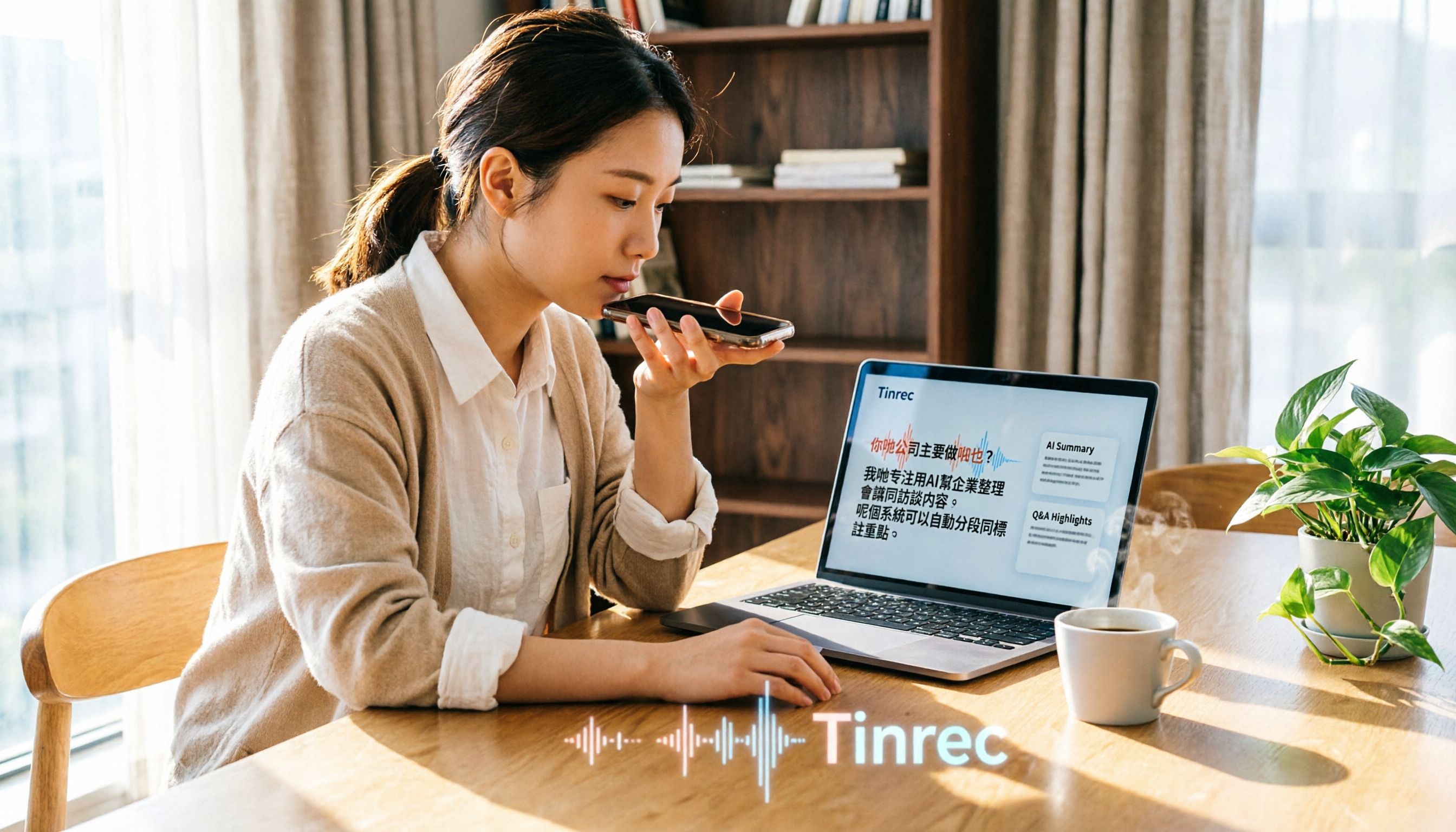
Tinrec is an AI recording and audio/video organization tool designed for meetings, learning, interviews, and content creation. It not only converts speech to text but also automatically summarizes, extracts action items, and supports Q&A. cSubtitle, on the other hand, focuses on "upload video or audio files → quickly generate text files, Word documents, and subtitle files," emphasizing simplicity and speed.
Here's a basic comparison:
| Feature | Tinrec | cSubtitle |
|---|---|---|
| Positioning | AI recording and audio/video organization workspace | Online speech-to-text and subtitle tool |
| Input Sources | Live recording, file upload, online video links, online meetings | Only supports uploading video/audio files |
| Output | Transcript, AI summary, chapters, action items, mind map, export | Text file, Word document, subtitle file (with timestamps) |
| Platform | Mobile, desktop, web | Web-based (no account required) |
| Free Plan | Basic transcription quota, try multiple features | Free version: quick 3-minute transcription |
Below, I'll compare across 5 key dimensions to see which is better for handling Cantonese recordings.
Dimension 1 | Input Source Variety
cSubtitle works simply: you must have a video or audio file ready, upload it to the website, and then the system starts transcribing. In other words, if you're in a meeting or class and want to "record and transcribe simultaneously," cSubtitle can't do that.
Tinrec is much more flexible. Besides uploading audio/video files, it can record directly, paste links to public videos from YouTube, Bilibili, Xiaohongshu, etc., and even handle recordings from online meetings like Zoom and Google Meet. For those who frequently juggle meetings, courses, interviews, and online videos, Tinrec's coverage is clearly broader.
→ This dimension: Tinrec clearly wins.
Dimension 2 | Post-Transcription Processing
cSubtitle's output is primarily a transcript, with Word documents and subtitle files that include timestamps, making it easy to proofread or add subtitles. But once you have the transcript, organizing key points, summarizing, and listing action items are still on you.
Tinrec doesn't just give you a text file. After transcription, it automatically generates an AI summary, divides long content into chapters, extracts action items, and can even create a mind map. Even better, you can ask questions directly about the recording, such as "What are the key points of this meeting?" or "What action items are there?" Tinrec answers as if querying a database. For those who need to quickly digest long recordings, the time saved is substantial.
→ This dimension: Tinrec clearly wins.
Dimension 3 | Cantonese Recognition and Chinese Content
cSubtitle focuses on Chinese, and its website clearly states support for "Cantonese (HK)" and mentions AI speech-to-text accuracy of over 90%. In practice, as long as the recording quality isn't too poor, it can produce readable Cantonese transcripts.
Stop organizing recordings by hand
Upload audio or video and automatically get a transcript, summary, and action items
Tinrec's product content and use cases also clearly cover Chinese, Traditional Chinese, and multilingual users, suitable for Chinese meetings, courses, interviews, and video organization. However, note that actual transcription quality is affected by audio quality, noise, accents, and technical terms, so it's not advisable to claim a fixed accuracy rate. But Tinrec's advantage is that after transcription, you can ask questions and generate summaries directly in Chinese (including Cantonese), which cSubtitle lacks.
→ This dimension: Tinrec slightly wins (both support Cantonese adequately, but Tinrec's subsequent AI processing is more comprehensive).
Dimension 4 | Pricing and Free Plans
cSubtitle's free version offers "quick 3-minute" transcription, suitable for testing; the pro version allows you to view history and use longer durations, but the official website doesn't disclose full pricing—you need to register to find out.
Tinrec offers a free version with basic transcription quota, allowing you to experience features like live recording, file import, and online video parsing. Paid plans include weekly, Pro monthly, and Pro yearly options, so you can choose based on usage frequency: short-term intensive use can opt for the weekly card, while long-term users get a lower monthly cost with the yearly card. Overall, Tinrec's free plan lets you experience more features, and paid options are more flexible.
→ This dimension: Tinrec wins (free version has fewer restrictions, paid choices are more flexible).
Dimension 5 | Platform and Convenience
cSubtitle is a pure web service, with the advantage of no installation or account needed—just open a browser, upload a file, and use it. But the downside is that all operations must be done on the web; there's no mobile app and no offline recording.
Tinrec supports mobile, desktop, and web, with recordings synced across devices. You can record on your phone and later view the transcript, ask questions, or export on your computer, which is much more convenient for those who need to capture notes anytime and organize later.
→ This dimension: Tinrec wins.
What Unique Advantages Does Each Have?
Tinrec's Unique Advantages:
- Multi-Source Input: Live recording, file upload, online video links, online meetings—all in one tool.
- AI Q&A and Post-Processing: After transcription, you can ask questions, generate meeting minutes, reports, or tables—not just transcripts.
- Export and Integration: Export results to Notion, Google Docs, and other common tools to continue your workflow.
- Optimized for Chinese Content: Designed for Chinese meetings, courses, interviews, etc., and can handle mixed Chinese-English content.
cSubtitle's Unique Advantages:
- Simple and Direct: No account, no installation; upload a file and download text and subtitles in minutes.
- Subtitle File Generation: Automatically generates .srt and .vtt subtitle files, making it easy to add subtitles to videos.
Summary: Which Should You Choose?
If you're looking for a Cantonese recording-to-text tool on Dcard, here's my advice:
- If you just need to convert a recording to text or subtitles and don't want to download any software, cSubtitle's free version can be a quick fix.
- If you need more comprehensive organization—like meeting minutes, course notes, interview analysis—or want to ask questions directly about the recording, auto-generate summaries and action items, then Tinrec is the better choice.
- If you frequently handle audio/video from various sources (meetings, online videos, old recordings), Tinrec's multi-source input and AI post-processing will save you a lot of time.
In a nutshell: For most users needing "Cantonese recording to text," Tinrec isn't just transcription—it's a workspace that turns audio/video into actionable knowledge. I recommend downloading Tinrec's free version and testing it with your own recordings.
References
- Online AI Speech, Video, Audio to Text - Free Trial - cSubtitle
- AI Speech-to-Text: Quickly Convert Audio Recordings to Text, Transcripts, and Video Subtitles - Free Trial - cSubtitle
- 《 Free + Cantonese OK: How to Use Google AI Studio to Convert Your Recordings ...
- SoundType AI: Ultra-Precise Transcripts, Speech-to-Text, AI Dictation - Google Play App
- Speech to Text - Google Play App
Turn every recording into actionable outcomes
Get 60 free transcription minutes when you sign in. No credit card required.
Related Reading
You might also like

2026 AI Meeting Recorder Comparison: Is Notta Pricing Worth It?
Notta's pricing page shows US$8.17, US$15, and US$16.67—which one will you actually pay? This article breaks down the real costs and hidden add-ons of Notta's Free, Pro, Business, and Enterprise plans, and compares Tinrec, Otter.ai, Granola, and TurboScribe across four key buying factors to help Hong Kong office workers find the most time-saving solution.

Notta Transcription Review 2026: 58 Languages + AI Summaries, 3 Limitations to Know First
Is Notta worth using? This review breaks down Notta's 58-language transcription, AI summaries, and AI chat features from three decision points: recording length per session, language mix, and post-meeting output. It also covers practical limits like the free plan's 3-minute cap per recording, mixed reviews on transcription quality, and data usage terms, then compares Tinrec, Otter.ai, and TurboScribe to help you decide before paying.

Nottaa Collection 1/12 Horse Figure Review: 3 Colorways & Pre-Order Bonus Breakdown
The Nottaa Collection 1/12 horse figure stands 22cm tall and comes in two styles with three colorways, plus a pre-order bonus saddle and reins. This article compares scale, styling, accessories, material listings, and pricing, and notes a Hong Kong retailer's HK$350 price tag, stock shortages, and pre-order deposit details to help you distinguish versions and bonuses before ordering.

2026 AI Meeting Notes Pricing Compared: Discounts, Free Tiers, and Team Plans
Most promo codes for meeting tools found online have expiration dates, plan restrictions, and can't be combined—so pasting them often doesn't work. This article addresses three common pitfalls and uses Tinrec as an example to show how to calculate costs: free quota, weekly pass, Pro, and team seats. It breaks down 'saving money' into verifiable steps and lists 5 things to watch for when choosing a tool, plus FAQs.

2026 AI Meeting Notes Tools Compared: Notta Showcase Pricing vs. Tinrec — Which to Choose?
People searching for Notta Showcase pricing are often torn between paying for a tutorial documentation tool or putting budget toward meeting notes. This article compares Notta Showcase and Tinrec across five dimensions—positioning, pricing structure, recording workflow, team governance, and post-meeting output—and honestly notes which pricing details must be confirmed on the official page.

2026 Nottage Hill Wine Prices in the Philippines: Shiraz vs Chardonnay Comparison
Buying Hardy's Nottage Hill in the Philippines? The same bottle has completely different pricing logic on Lazada, online wine shops, and Winery.ph. This guide covers the flavor differences between Shiraz, Cabernet Sauvignon & Shiraz, and Chardonnay, compares公开 listed prices and shipping-inclusive costs, and lists the four most common pitfalls that lead to overpaying or buying the wrong wine.

2026 AI Meeting Transcription Tools Compared: Notta Review and Chinese Transcription — Which Is Enough?
An honest Notta review covering its 58 languages, AI summaries, and meeting bot strengths, plus what to watch for: the free plan's 3-minute per-recording limit, bilingual add-on costs, and billing complaints. Tinrec is compared on the same basis to help you decide which tool fits your meeting style.

2026 Nottaa Collection 1/12 Female Body Guide: Xiaofang vs. Serena & Accessory Buying Tips
Nottaa Collection 1/12 Female Body NT-04 comes in two versions: Xiaofang and Serena. This guide addresses common concerns of customizers, covering key points to check before buying a 1/12 female body, the differences in character between the two versions, accessory lists, pre-order bonuses, plus common pitfalls and buying advice.

2026 Notta Comparison: NOTTA REAL Jacket Wholesale Pricing vs. Notta Transcription Subscription Costs
Many people search for "notta real jacket price" but confuse two things: the price of Turkish wholesale brand NOTTA REAL Jacket and the subscription plans for AI transcription tool Notta. This article separates the two, then compares Tinrec and Notta across 5 dimensions to help you decide which fits your needs.