
Turn recordings into transcripts and summaries in minutes
Upload audio or video for multilingual transcription, AI notes, and action items
For those who use Cantonese as their working or creative language, converting speech to text has always been a major pain point. Whether you're a video creator needing subtitles or a professional organizing meeting notes, you often face challenges like the gap between spoken and written Cantonese, difficulty recognizing code-mixed Chinglish, and background noise interference. Manual transcription is not only time-consuming but also a productivity killer.
This article surveys the mainstream Cantonese AI speech-to-text tools in 2026, evaluating them across multiple dimensions including accuracy, functionality, free tiers, and system requirements. We also introduce a new breed of "productivity-oriented" tools for comparison. If you're a creator seeking subtitle accuracy, look to tools like Subanana; if you care more about meeting highlights and action item tracking, productivity tools like Tinrec may be a better fit.
Why Is Cantonese Speech-to-Text So Difficult?
Before choosing a tool, we need to understand the unique challenges of Cantonese recognition, which are also key criteria for evaluating tools:
- Spoken vs. Written Conversion: Cantonese daily speech (e.g., "yi gaa", "gam yeung") differs from formal written Chinese ("now", "like this"). Most generic AI can only transcribe phonetic sounds and cannot directly produce usable formal text.
- Chinese-English Code-mixing (Chinglish): In Hong Kong and workplace communication, sentences often mix English terms (e.g., "Update the Schedule"), and many single-language models have very low recognition rates for this.
- Background Noise: Noise from outdoor interviews or multi-person meetings can severely impact recognition accuracy.
2026 Top Cantonese AI Tools Review & Comparison
Based on the latest test data and market feature analysis, here is a breakdown of tools for different needs:
1. Subanana: Best for Subtitle Creators
According to test data released by Subanana, this tool is built for Hongkongers and Cantonese. In Chinglish scenarios, its accuracy reaches up to 97.5%, and it is one of the few tools that support direct conversion of spoken to written language (accuracy ~95.3%). For creators who need to subtitle videos, it significantly reduces the time spent editing colloquial terms. Its downside is slower processing speed and optimization primarily for subtitling.
2. Adobe Premiere Pro: Built-in Convenience for Editors
As professional post-production software, Premiere Pro's built-in speech-to-text is very convenient for editors (no need to switch apps). However, tests show its Chinglish handling is average (accuracy ~89.4%) and it is sensitive to background noise. Suitable for users already in the Adobe ecosystem who don't demand extreme accuracy.
3. Tinrec (Second Recorder): A Productivity Dark Horse for Meetings & Notes
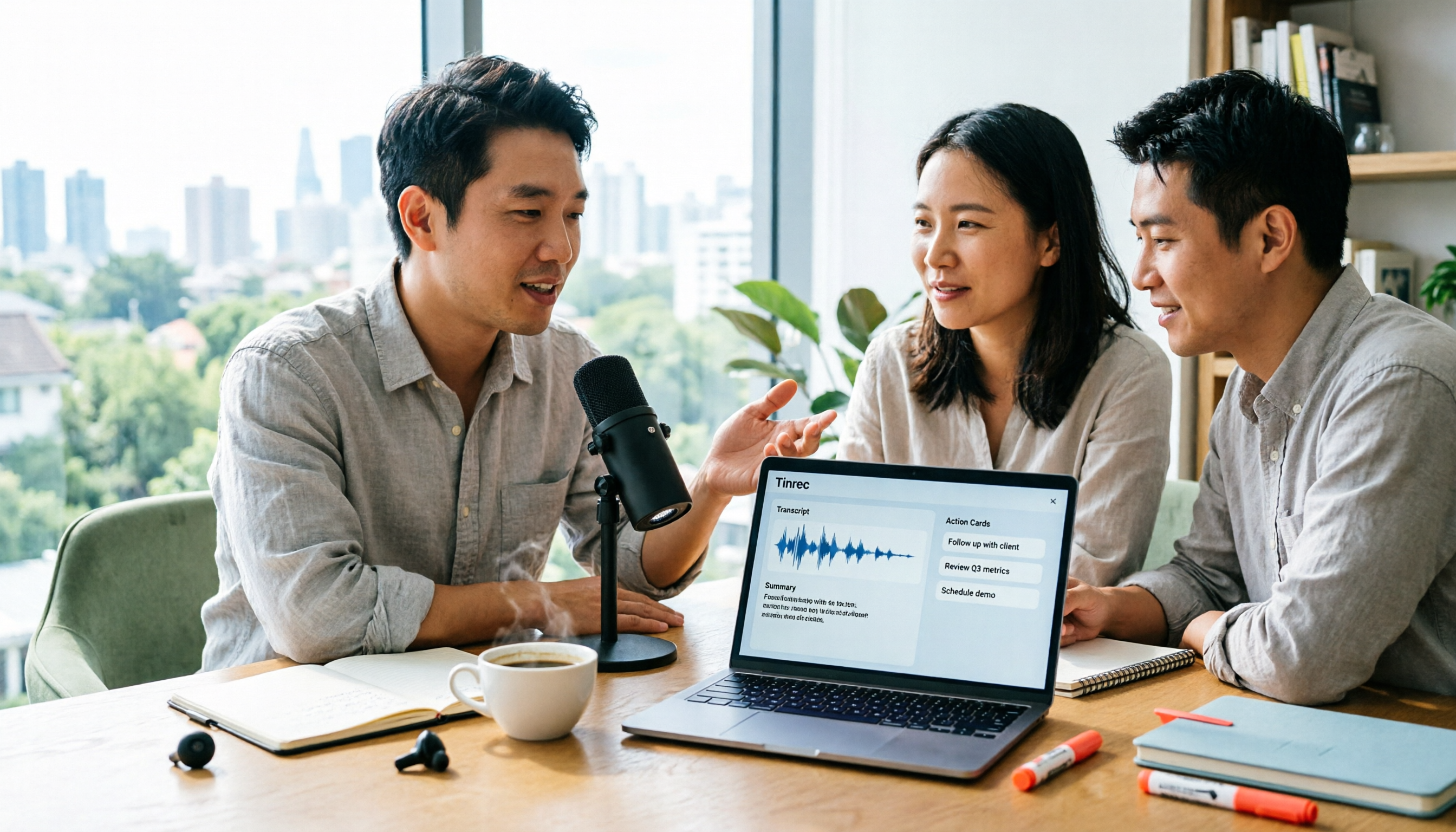
If your need goes beyond "transcribing text" to "understanding content," Tinrec is worth considering. Unlike pure subtitle tools, Tinrec's core strength lies in turning recordings into actionable information. It supports Cantonese among 10 languages and can intelligently analyze long recordings.

Tinrec's differentiating features:
- Smart Meeting Summaries: Not only provides transcripts but also auto-generates summaries and action items, ideal for business meetings or class notes.
- AI Conversational Query: A feature generally absent in subtitle software. You can ask the AI like you would ask a person: "What was the conclusion about the budget in the meeting?" and get answers without replaying the entire recording.
- Multi-device Sync: Supports iOS, Android, and web, allowing you to record and organize anytime, anywhere.
4. pyTranscriber: Free & Open Source
This is open-source software based on Google Speech Recognition API. Pros: completely free. Cons: requires manual installation, rudimentary interface, weak Chinglish recognition. Suitable for users on a tight budget with some technical skills.
Stop organizing recordings by hand
Upload audio or video and automatically get a transcript, summary, and action items
5. Taption & ArcTime
- Taption: A web-based tool from Taiwan with a friendly interface and 15 minutes free. Pros: no installation required. Cons: weaker handling of Cantonese Chinglish.
- ArcTime: Cross-platform post-production software requiring purchased credits. Auto-splitting sometimes needs manual adjustment.
Comparison Table: Which Tool Fits You?
For a quick decision, here is a comparison based on key dimensions:
| Dimension | Tinrec | Subanana | Adobe Premiere Pro | pyTranscriber |
|---|---|---|---|---|
| Core Positioning | Meeting notes, productivity, action item management | Video subtitles, spoken-to-written conversion | Professional video editing | Basic free transcription |
| Cantonese Support | ✅ (Multi-language recognition) | ✅ (Optimized for spoken) | ✅ (Basic recognition) | ✅ (Google API) |
| Chinglish Handling | Good | Excellent | Average | Weak |
| AI Summary/Action Items | ✅ Strong (auto generates to-dos & summaries) | ❌ (Subtitles only) | ❌ (Subtitles only) | ❌ |
| AI Conversational Query | ✅ (Ask questions about the recording) | ❌ | ❌ | ❌ |
| Platform Support | Web / iOS / Android | Web | PC / Mac (installation required) | PC / Mac (installation required) |
| Pricing Model | Free tier / subscription | Basic free / paid upgrade | Subscription (expensive) | Completely free |
Tutorial: How to Turn a Cantonese Recording into Efficient Notes
If you want to quickly organize a Cantonese meeting or interview into key points, here is a step-by-step guide using Tinrec as an example, from recording to generating action items:
Step 1: Import or Live Record
You can record directly using the mobile app or upload an existing audio file.
- Entry points: Live Recording to Text or Audio File to Text

Step 2: Smart Recognition & Speaker Diarization
After uploading, the system automatically performs speech-to-text. For multi-person meetings, Tinrec can distinguish speakers, which is very useful for interview transcriptions.

Step 3: Generate Summary & Action Items
This is the biggest difference from traditional subtitle tools. Click the AI analysis feature; the system will automatically condense lengthy Cantonese conversations into bullet-pointed highlights and extract a to-do list.


Step 4: Use AI Chat to Retrieve Details
If notes miss details, no need to replay. Use the "AI Chat" feature: ask questions (e.g., "What was the deadline David mentioned?") and the AI answers based on the recording.
- Feature link: AI Chat Query

Frequently Asked Questions (FAQ)
Q1: If I only need video subtitles, which should I choose? If your core need is to output SRT files and you care a lot about Cantonese orthography, Subanana is currently the best choice because it's specially optimized for spoken-to-written conversion. If you already have an Adobe subscription, Premiere Pro is the most convenient.
Q2: Do these tools support mobile use? Tinrec offers iOS and Android apps plus a web version with data sync, ideal for recording on the go. Subanana and Taption can be used via mobile browser for cloud services.
Q3: What are typical free version limitations? Most tools have time or feature limits. For example, Taption offers 15 minutes free; Tinrec's free plan gives 100 minutes of recording per month; pyTranscriber is completely free but has a basic interface and lower accuracy.
Q4: For iPhone users, any advice for call recording to text? Due to iOS restrictions, direct call recording is difficult. We recommend using Tinrec's app for in-person recording, or importing recordings made with other devices for transcription and analysis.
Q5: Can I convert YouTube videos directly to text? Yes. Subanana, Taption, and Tinrec all support entering YouTube links for direct parsing. Tinrec goes further by summarizing video content into notes.
- Related feature: Podcast/Online Video to Text
Q6: How is privacy and security of recording files ensured? Choosing reputable cloud services is usually safer than unknown small tools. Check each service's privacy policy. Paid services like Tinrec and Subanana typically have stricter data protection.
Turn every recording into actionable outcomes
Get 60 free transcription minutes when you sign in. No credit card required.
Related Reading
You might also like
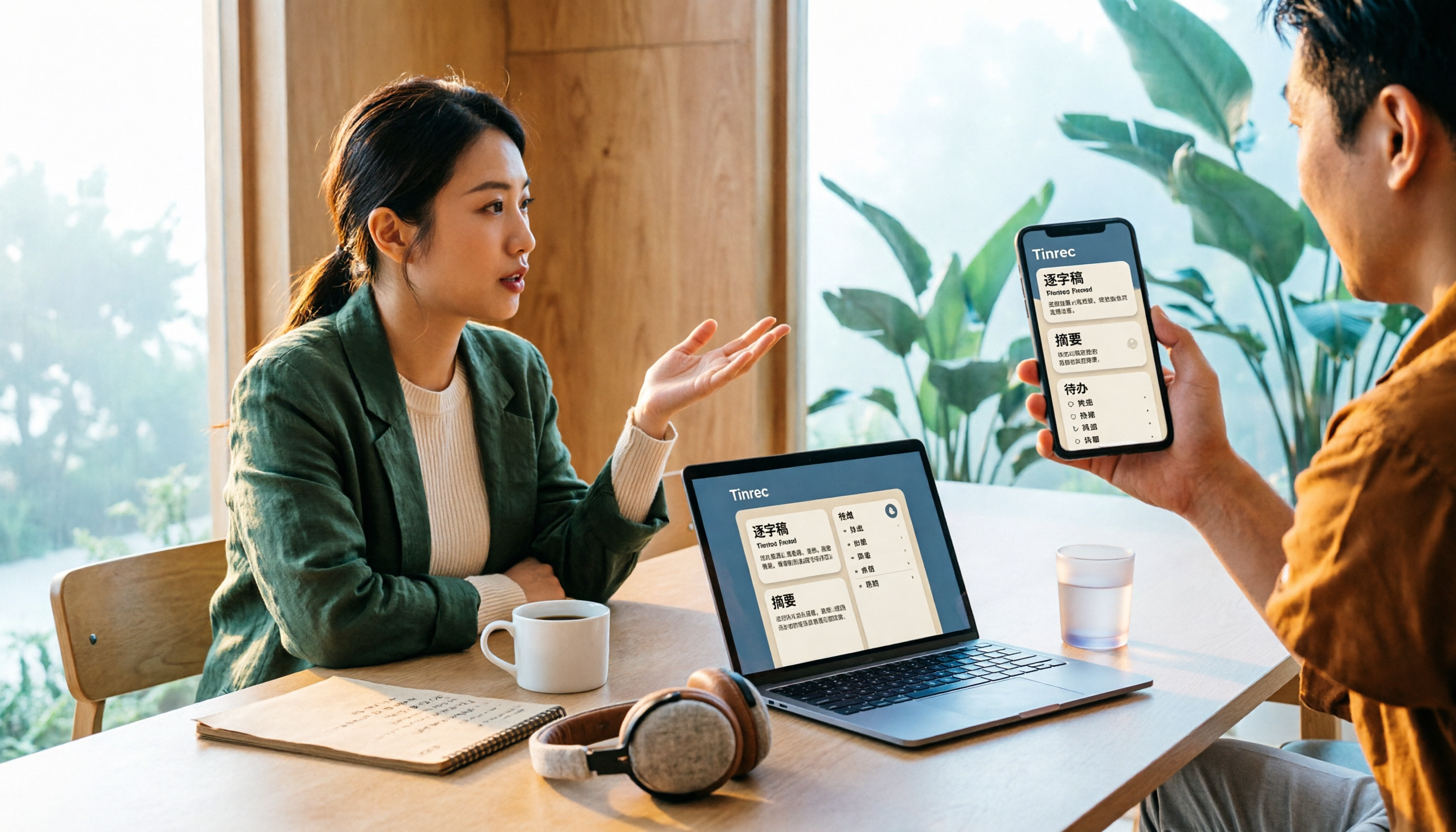
5 Best iPhone Screen Recording with Audio Solutions in 2026: Built-in vs Tinrec vs Otter vs Notta vs TurboScribe
Can iPhone screen recording capture audio? Yes, it can record both system audio and microphone sound. This guide covers the actual settings for built-in screen recording, why there's no sound, and tests importing recordings into Tinrec for transcripts, summaries, and action items—making screen recordings not just usable but searchable and collaborative meeting materials.

4 Recording Tools Tested for 2026: How to Record Meetings Without Disturbing or Alerting Others
Want to record a meeting but worried about a recording indicator popping up or a bot appearing in the participant list? This article compares four recording methods—Tinrec, Granola, Otter.ai, and PLAUD—and explains why bot-free desktop capture is the least disruptive. It also covers key buying factors like Chinese recognition, audio retention, post-meeting organization, and legal risks.

Can You Record Phone Calls Freely in 2026? 5 Steps for Legal Recording and Organizing
You can't just record phone calls whenever you want. This article first helps you understand the legal and system notification mechanisms for call recording, then explains in 5 steps how to record legally and how to organize recordings afterward, and compares the differences between Tinrec and PLAUD Note in post-recording workflows.
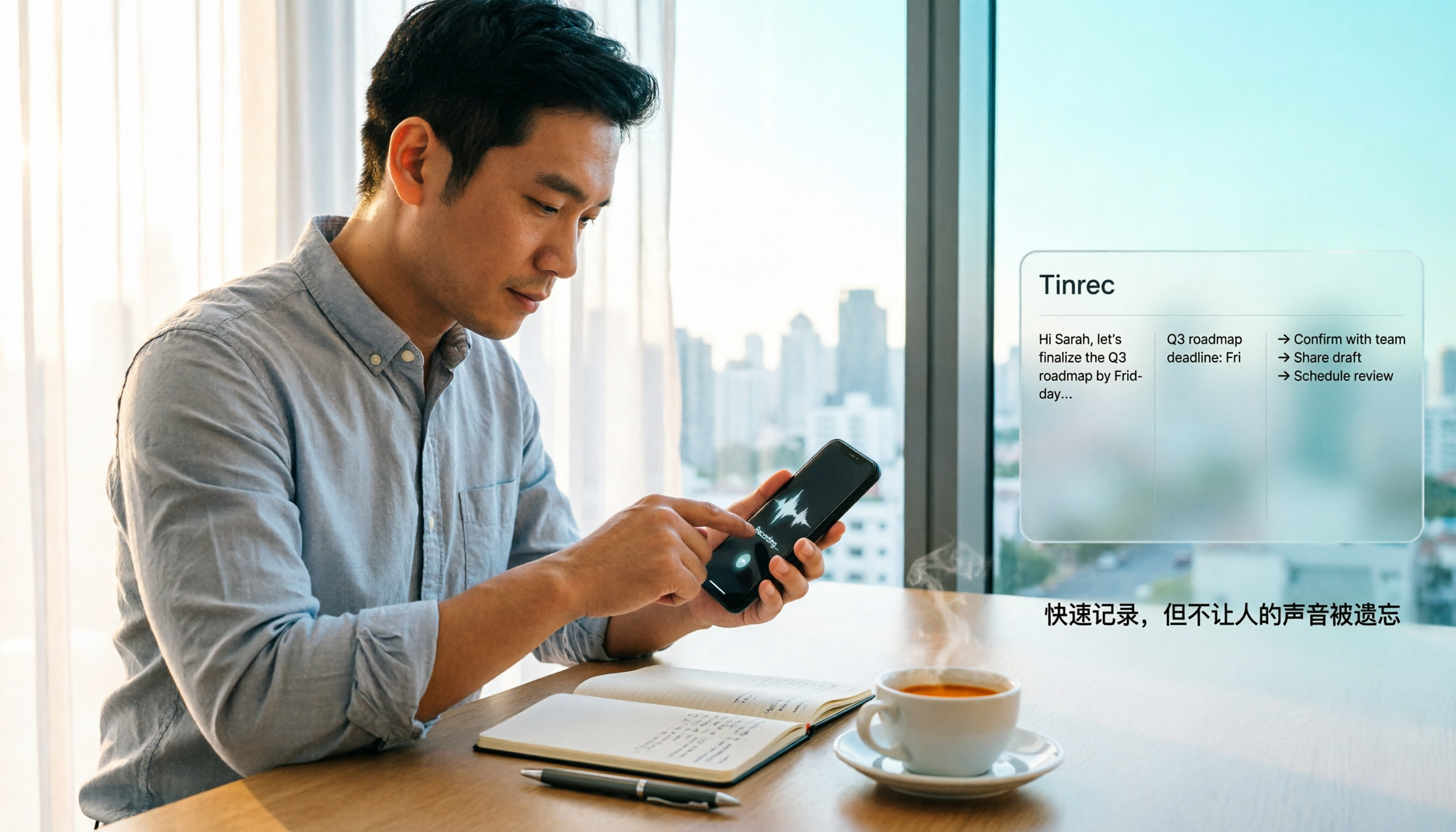
How to Quickly Start Recording on iPhone in 2026: 3 Shortcuts + Auto-Organize After Recording
iPhone has a one-tap recording method, but the settings are buried. This guide covers 3 ways to quickly start recording: Action Button, Back Tap, and Shortcuts on Home Screen. It also explains how to use Tinrec to turn recordings into transcripts, summaries, and to-dos, so quick recording actually saves time instead of piling up unheard audio files.
2026 Mac Audio-to-Text Showdown: Beyond Built-in Voice Memos, Why Tinrec Saves More Time
Apple's built-in Voice Memos can record, store, and edit audio, but after recording, you still have to create transcripts, summaries, and to-do lists yourself. This article compares Mac's built-in recording with Tinrec, explaining how bot-free online meeting recording, AI summaries, action item extraction, AI Q&A, and team spaces fill the post-recording workflow gap.

3 iPhone Quick Recording Methods Tested: Which One Auto-Organizes Transcripts After One-Tap Start?
Want to record quickly on iPhone? There are three one-tap start methods: Action Button, Back Tap, and Shortcuts. This article tests the setup steps, compatible models, and limitations of each, then compares what happens after you hit record—showing how Tinrec turns a phone recording into a searchable transcript, summary, and to-do list.

Complete Guide to iPhone Recording in 2026: Voice Memos Location, Export, and Meeting Organization
Where are iPhone recordings stored? The answer is the Voice Memos app, but many people can't find them in Files after recording. This complete guide first explains the three locations of iPhone recordings, how to export to the Files app, and quick launch settings, then discusses how to choose organization tools to turn meeting recordings into searchable, queryable, and deliverable data.

2026 Recording App Buying Guide: Tinrec vs Notta and 3 More Compared
A recording app shouldn't just capture audio. This guide compares Tinrec, Notta, Otter, Granola, and TurboScribe on Chinese transcription, bot-free meeting recording, post-meeting organization, and team collaboration—with a focus on whether you can use the output right away. It also covers free tiers, pricing, and key buying considerations.

4 AI Recording Tools Compared for 2026: Should Students Start with Free or Paid?
From class notes and group discussions to thesis interviews, we compare 4 common approaches to AI recording tools and demonstrate with Tinrec to explain whether the free version is enough, when to upgrade, and if group projects need the team plan.