
Turn recordings into transcripts and summaries in minutes
Upload audio or video for multilingual transcription, AI notes, and action items
Facing a one-hour interview recording, meeting notes, or lecture content, are you still repeatedly pausing, replaying, and manually typing? The traditional "listen and type" method is not only time-consuming—it often takes 3 to 4 hours to transcribe a 1-hour audio file. The good news is that with the maturity of AI speech recognition technology, many online tools can now instantly convert MP3 to highly accurate text.
This article will introduce you to the 7 most noteworthy speech-to-text tools in 2026 (including MyEdit, Tinrec, Yating Transcription, etc.), and provide an in-depth comparison of "free credits," "language support," and "feature highlights." If you need to quickly polish a transcript, MyEdit is a good choice; if you value Taiwanese Hokkien recognition, Yating Transcription remains the top pick; and if you need to automatically extract "action items" and "AI summary" from recordings, Tinrec offers a complete workflow solution.
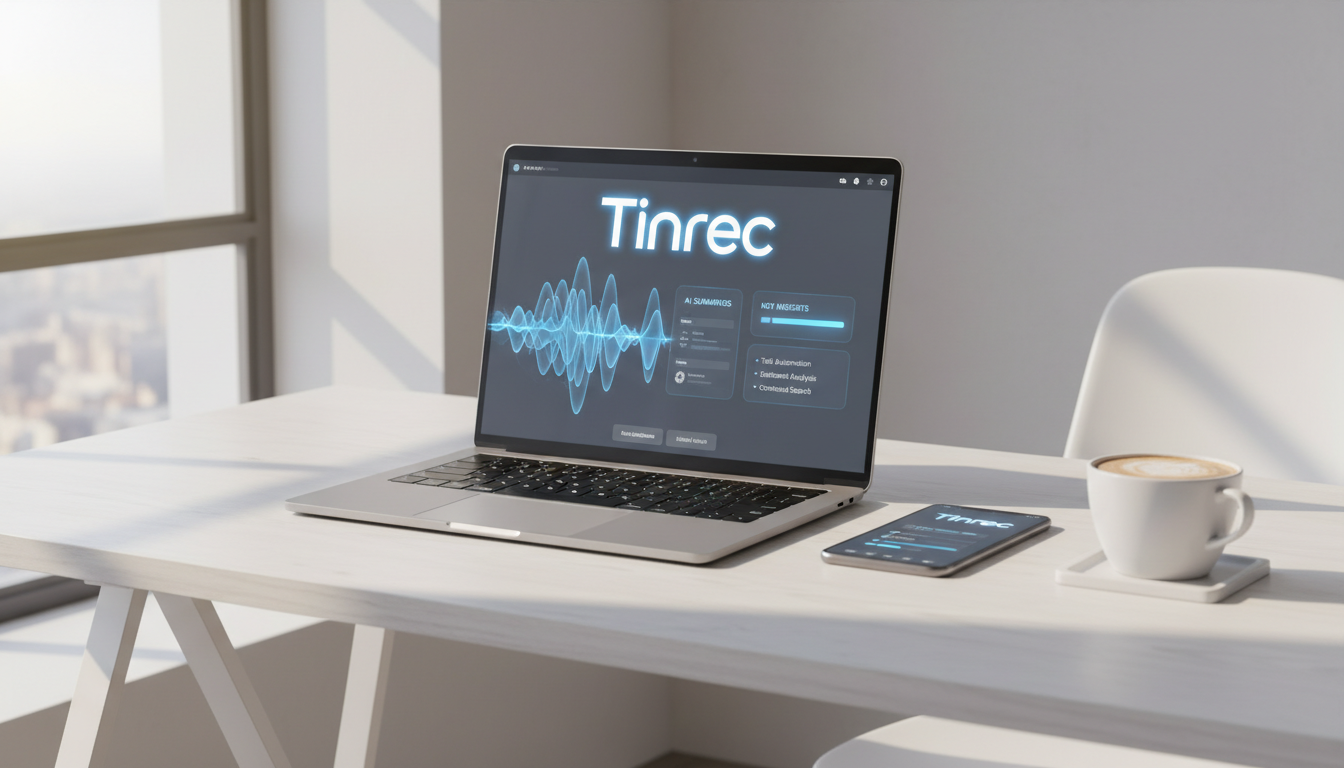
Why Do You Need AI Speech-to-Text Tools?
The biggest problems with traditional audio recordings are "low information density" and "unsearchability." Without converting a 60-minute MP3 file into text, you cannot search for a specific decision point by keyword—you can only rely on memory to drag the progress bar.
Modern AI transcription tools mainly solve three pain points:
- Save Time: AI can typically complete transcription in one-third of the audio length (e.g., a 60-minute recording takes only 5-10 minutes to process).
- Searchable & Editable: Digitize voice data for easy retrieval, copying, and referencing.
- Automated Summarization: Advanced tools can further generate summaries and action lists, turning recordings directly into decision-making aids.
2026 Top 7 Online MP3 to Text Tools Reviewed
Below, based on conversion accuracy, feature completeness, and user reputation, we have selected 7 tools suitable for different scenarios.
1. MyEdit: The All-Round Online Audio Editor
MyEdit is a comprehensive online audio editing website. Besides transcription, it offers noise removal, voice changer, and more. It supports 9 languages including Chinese, English, Japanese, and Korean.
- Best For: Creators who need fine editing and timeline alignment of transcripts.
- Pros: Intuitive interface; when editing text, the audio automatically jumps to the corresponding segment; supports exporting SRT subtitle files.
- Limitations: Free version limits trial to 3 minutes per day; cannot automatically distinguish speakers.
2. Tinrec: End-to-End Workflow from Recording to Action
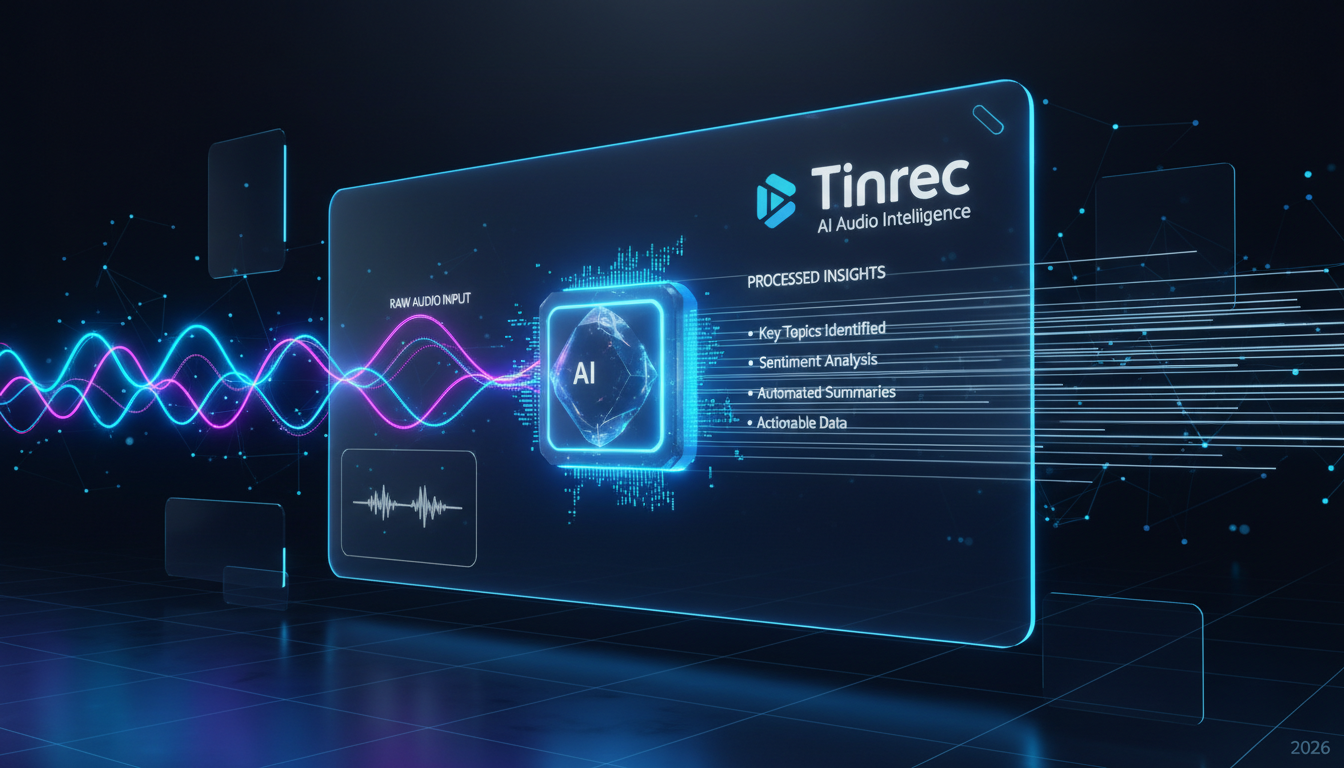
Tinrec is more than just a transcription tool; it emphasizes the "information value" after organization. It supports multi-device sync on iOS, Android, and web, transcribes audio in real-time during recording, and automatically generates meeting minutes and action items via AI.
- Best For: Professionals and students handling meeting notes and interview transcripts.
- Key Features:
- AI Conversation Query: Unlike traditional tools that only search keywords, you can directly ask AI "What was the final budget decided in this meeting?" and it will answer based on the recording content.
- Smart Summary: Automatically extract conclusions and action items (To-do List), saving manual summarization time.
- Multi-Language Support: Recognizes 10 languages including Chinese, Japanese, English, Korean, and Cantonese.
- Free Credits: Free version offers 100 minutes of transcription per month.

3. Yating Transcription: Expert in Taiwanese Mandarin and Hokkien Recognition
Developed by a Taiwanese team, Yating Transcription has a local advantage in recognizing "Taiwanese Mandarin" and "Taiwanese Hokkien," making it suitable for users dealing with dialect content.
- Best For: Journalists, field researchers, or scenarios involving heavy Taiwanese Hokkien conversation.
- Pros: Supports mixed Chinese-English and Taiwanese Hokkien recognition; offers basic summary features.
- Limitations: Relatively slower transcription speed (a 1-minute audio takes several minutes to process); free credit is limited (300 minutes for new accounts, must be used within one month).
4. PowerDirector: Subtitle Savior for Video Creators
If you not only have MP3 but also MP4 videos that need subtitles, PowerDirector's built-in AI speech-to-text function is a powerful choice. It can directly convert speech into subtitle tracks.
- Best For: YouTubers or video editors.
- Pros: Customizable subtitle fonts and effects; supports SRT export.
- Limitations: Requires software download and installation; primarily designed for video editing workflows, less convenient for pure text transcription.
Stop organizing recordings by hand
Upload audio or video and automatically get a transcript, summary, and action items
5. cSubtitle: Dedicated to Short Clips and Subtitles
cSubtitle is an online tool focused on subtitle generation, supporting .srt and .vtt format export.
- Best For: Users who need to quickly generate subtitles for short videos.
- Pros: No installation required; supports online preview and simple style editing.
- Limitations: Free version limits each video to the first 3 minutes; not ideal for long recordings.
6. Good Tape: Cross-Border Tool for Media Professionals
A tool from Denmark, supporting over 90 languages, designed for journalists with emphasis on data security and multilingual support.
- Best For: International journalists handling multilingual interviews.
- Pros: Extremely wide language support; good automatic segmentation.
- Limitations: Free version transcription is very slow (requires queuing); weak support for Chinese punctuation.
7. GitMind: Visual Organization with Mind Maps
GitMind combines speech-to-text with mind mapping, converting recording content directly into a mind map.
- Best For: Learners who prefer taking notes with mind maps.
- Pros: Simultaneously generates a mind map for visual structure.
- Limitations: Text editing features are basic; free version limits to 10 minutes per day.
Online Speech-to-Text Tool Comparison Table
To help you decide quickly, we've compiled a comparison of core dimensions:
| Tool | Free Trial/Credits | Languages Supported | Key Features | Best For |
|---|---|---|---|---|
| MyEdit | 3 minutes/day | 9 languages (Chinese, English, Japanese, etc.) | Strong online editing, timestamp export | Transcript polishing, short audio |
| Tinrec | 100 minutes/month | 10 languages (Chinese, English, Japanese, Korean, Cantonese, etc.) | AI conversation query, auto action items, Web/App | Meeting notes, lecture notes, long audio |
| Yating Transcription | 300 minutes (first month) | Chinese, English, Taiwanese Hokkien | Excellent local recognition for Taiwan | Interviews, content with Taiwanese Hokkien |
| PowerDirector | 3 minutes/day (member points) | 10 languages (Chinese, English, Japanese, etc.) | Auto video subtitling, subtitle effects | Video editing, subtitle creation |
| Good Tape | 3 segments/month (queuing) | 90+ languages | Extensive language coverage | International interviews, multilingual |
| cSubtitle | First 3 minutes | Chinese, English, Cantonese | Simple interface, subtitle format support | Short video subtitles |
Practical Tutorial: 4 Steps to Convert MP3 Recordings to Accurate Text
After choosing a tool, how do you start? The operation logic for most modern tools is similar. Below is an example using a comprehensive workflow (including transcription and summarization):
Step 1: Import Audio File
Go to the tool website (e.g., Tinrec or MyEdit) and find the "Upload" or "Import" button. Current mainstream tools support common formats like MP3, M4A, WAV. If the file is large, ensure a stable internet connection.

Step 2: Select Language and Recognition Settings
After uploading, be sure to select the correct "original audio language."
- Note: If the recording contains multiple languages (e.g., mixed Chinese and English), choose a tool that supports "mixed recognition" or select the primary language for best results.

Step 3: Wait for AI Transcription and Summary Generation
Press start, and the system will automatically convert speech to text. Advanced tools like Tinrec also perform "speaker diarization" (identifying who is speaking) and "AI summary" at this step.
- Tip: You can use the AI conversation feature to directly ask, "What is the deadline mentioned in this recording?" to quickly confirm key information without reading through everything.

Step 4: Proofread and Export
While AI is powerful, names and proper nouns may still be incorrect. Quickly review the text and make corrections.
- Plain text needs: Export as TXT or Word file (suitable for meeting notes).
- Video needs: Export as SRT or VTT file (includes timestamps, suitable for subtitles).
Frequently Asked Questions (FAQ)
Q1: How accurate is audio-to-text conversion? Current AI models (e.g., Whisper or proprietary models) typically achieve over 90% accuracy in clear recording environments. However, accuracy drops with background noise, multiple speakers talking simultaneously, or distant microphone. It's recommended to record close to the microphone.
Q2: Can iPhone directly transcribe recordings to text? iPhone users can use the built-in Voice Memos app (iOS 18.4+ supports partial transcription) or third-party tools like Tinrec that offer an iOS app for on-device recording and real-time transcription, with sync to the web version.
Q3: Are these tools safe? Will meeting content leak? Choosing well-known tools with clear privacy policies is important. Most paid or professional tools (e.g., Good Tape, Tinrec) emphasize data encryption and privacy protection, and do not use user data for public training. For highly confidential content, review each platform's privacy terms.
Q4: What are the typical limitations of free versions? Most online tools' free versions have time limits (e.g., 3 minutes per day, 100 minutes per month) or feature limits (e.g., cannot export SRT, cannot use AI summary). Choose a plan based on your recording frequency.
Q5: What if my recording exceeds 1 hour? Long recordings may encounter upload limits or processing failures. Use audio editing software to split the file into several 30-40 minute chunks and upload them separately, or use a professional tool that supports long recordings.
Q6: Can I directly convert YouTube videos to text? Yes. Some tools like Tinrec allow you to paste a YouTube or online video link for direct analysis and generation of transcripts and summaries, without needing to download the MP3 file first. This is very helpful for online courses.

Turn every recording into actionable outcomes
Get 60 free transcription minutes when you sign in. No credit card required.
Related Reading
You might also like

2026 Smart Meeting Notes Software Comparison: Which One's Output Is Ready to Use?
Meeting notes aren't just about typing—they're about post-meeting organization and follow-up. This article compares Tinrec, Otter.ai, Granola, and PLAUD Note across four dimensions: output format, audio capture method, post-meeting processing, and team knowledge retention. It also includes a ready-to-use meeting notes template and a guide to avoiding common pitfalls.

4 Free AI Meeting Notes Apps Tested: Is the Free Tier Enough?
There are plenty of free AI meeting notes apps, but few can actually deliver a finished record right after a meeting. This article tests Tinrec, Otter.ai, Notta, Granola, and TurboScribe across four dimensions—free tier limits, online meeting audio capture, post-meeting organization, and AI Q&A—to help you decide which free version is truly sufficient.

2026 AI Meeting Notes Apps Free Plans Compared: 5 Options Reviewed
There are many free AI meeting notes apps, but they differ greatly in recording time limits, whether they can record online meetings, and what you get beyond transcription. This article uses the criterion of 'can the free plan handle a complete meeting?' to review five common options and explains Tinrec's actual performance in Chinese meetings, bot-free recording, and team knowledge retention.

2026 Smart Meeting Notes Apps Compared: How Tinrec Turns Meetings into Queryable Team Data
Starting from common misconceptions, this article explains why getting only a transcript doesn't solve the meeting notes problem. It focuses on Tinrec and compares Notta, PLAUD, and Granola in terms of meeting capture methods, post-meeting outputs, Chinese language experience, and team data retention. It concludes with purchasing considerations and FAQs.

3 Smart Meeting Notes Tools Tested for 2026: Which One Really Saves Time with Online Transcripts and AI Q&A?
Meeting notes don't end with turning audio into a transcript. This article starts with the three most common misconceptions and compares Tinrec, Notta, Otter.ai, and Granola on transcripts, AI Q&A, cross-device online viewing, and team knowledge retention. It outlines 4 key buying criteria and 4 pitfalls to avoid, then gives selection advice based on use cases.

Best AI Meeting Recorder in 2026? Hands-On Test of Tinrec vs PLAUD Note
Many people choose an AI meeting recorder based only on recording and transcription, overlooking post-meeting organization and team handoff. This article compares two approaches—Tinrec and PLAUD Note—across meeting capture, Chinese and cross-language support, post-meeting organization, data retention, and team governance, with actionable selection advice and a starter checklist.

4 Smart Meeting Notes Apps Tested for 2026: Free Tiers, Transcripts, and AI Summaries Compared
Smart meeting notes software is more than just audio-to-text. This article addresses three common misconceptions, explains the real value of AI meeting notes tools across four stages—capture, organize, use, and govern—then compares Tinrec and Notta across five dimensions: meeting capture, transcripts and languages, post-meeting output, team governance, and pricing/quotas. Finally, six FAQs help you decide if a free version is enough and how team plans differ.

2026 Smart Meeting Notes App Comparison: Which One Actually Saves You Time?
Spending two hours after a meeting to organize notes is a daily reality for many professionals. This hands-on comparison of Tinrec, Otter.ai, Notta, and PLAUD Note evaluates how each records meetings, what they produce afterward, their Chinese-language experience, and team management features. We break down 4 key buying factors and 3 common pitfalls to help you choose the one that truly saves time.

Best AI Meeting Notes Tools in 2026: 5 Tested + Automatic To-Do Summaries
A mid-level manager who runs 15 meetings a week tested popular AI meeting note tools, covering Chinese recognition, how meetings are recorded, post-meeting output, team data ownership, and quota calculations. He shares 5 key selection criteria and 4 common mistakes, and explains why he ultimately kept Tinrec as his daily go-to.