
Turn recordings into transcripts and summaries in minutes
Upload audio or video for multilingual transcription, AI notes, and action items
Facing a one-hour meeting recording or lecture, are you still rewinding, pausing, and manually typing transcripts? This is a common pain point for office workers and students: recording is easy, but organizing is extremely time-consuming. With the right tool, a task that would take 2 hours to transcribe could be done in just 5 minutes.
This article reviews and compares the mainstream "speech-to-text apps" on the market in 2026. We evaluate language support, transcription accuracy, AI summarization capability, and cross-platform support to help you find the best tool. At the end, we provide a hands-on tutorial and FAQ.
Quick Navigation Conclusion:
- If you only need simple short inputs: Use your phone's built-in dictation (iOS/Android).
- If you need to transcribe long English meetings: Otter.ai is a veteran.
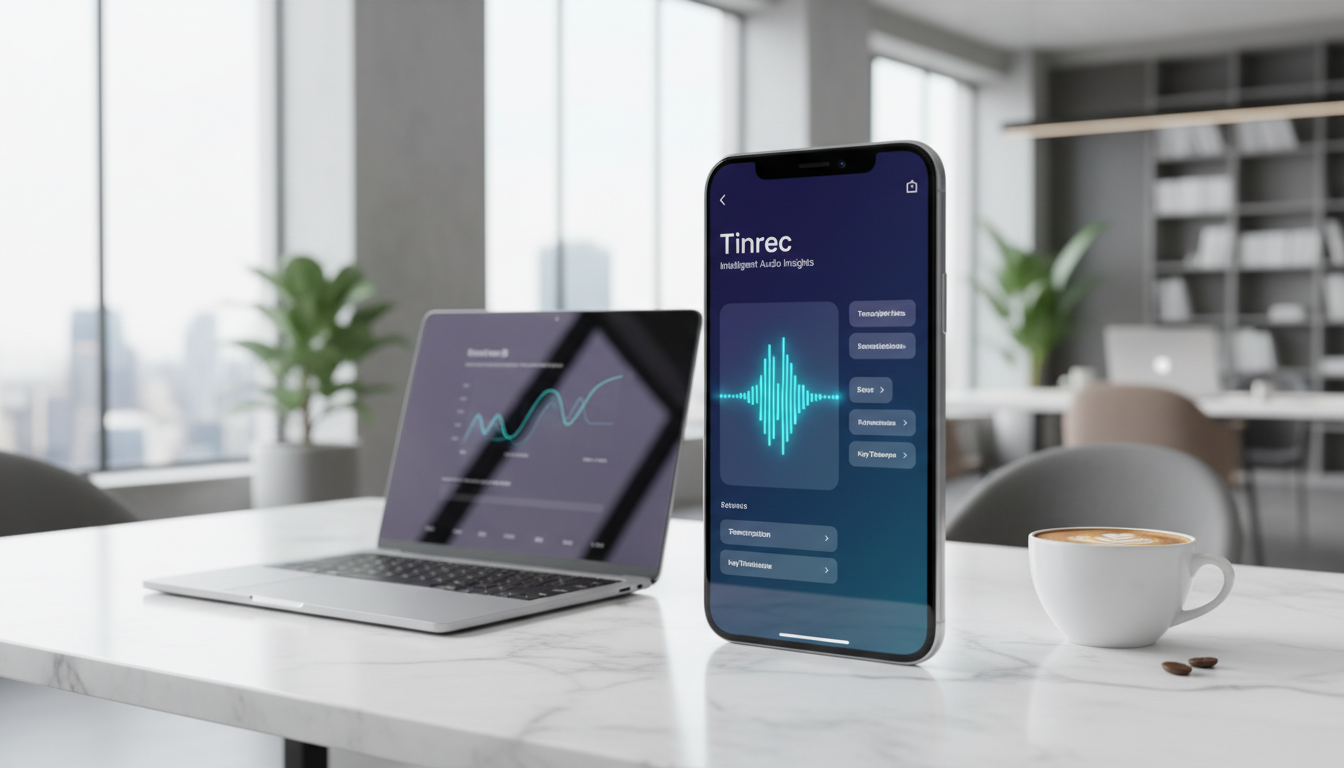
- If you need Chinese/multilingual recognition + AI meeting notes + video-to-text: Consider an all-in-one AI assistant like Tinrec (Voice Recorder).
1. Why Do You Need an "AI Speech-to-Text" Tool? Pain Points of Traditional Recording
In a digital work environment, a simple "recording file" is actually low-density information. If you don't replay it, it's as if it doesn't exist; if you do replay it, you spend as long (or longer) as the recording.
Modern workers face these key challenges:
- High replay cost: A one-hour recording takes 2–3 hours to transcribe manually.
- Difficult information retrieval: You can't Ctrl+F search for keywords like in a text file; finding "the budget figure mentioned by the manager" is like searching for a needle in a haystack.
- Lack of actionable conclusions: Even if you fully record a meeting, without converting it into "action items" or "decision summaries," the meeting is practically wasted.
- Language barriers: For international meetings or foreign language courses, if you can't keep up with listening, post-event transcription is even more painful.
Thus, the new generation of tools isn't just about "transcribing"; the core is about "understanding" and "summarizing."
2. 2026 Selected Speech-to-Text App Comparison Review
To help you quickly narrow down options, we selected common tools on the market for a side-by-side comparison. The dimensions include language ability, feature breadth, and use cases.
| Dimension | Tinrec (Voice Recorder) | Google Dictation/Docs | Otter.ai | iOS/Phone Built-in Recorder | GoodTape |
|---|---|---|---|---|---|
| Core Positioning | All-in-one AI recording assistant | Basic text input | English meeting specialist | Quick memo | File transcription tool |
| Chinese Recognition | Supports (including Taiwanese, Cantonese, etc.) | Supports | Weak/Not supported | Supports | Supports |
| Real-time Transcription | Supports (text appears while recording) | Supports | Supports | Supported on some models | Not supported (requires upload) |
| AI Summary/Action Items | Auto-generates meeting minutes, to-dos | None | Yes (strong point) | Only summary (some models) | None/Paid |
| External Link Transcription | Supports (YouTube/TikTok) | Not supported | Not supported | Not supported | Not supported |
| AI Chat Query | Supports (ask questions about recording content) | None | Supports (English mainly) | None | None |
| Best Use Cases | Meetings, classes, video transcription | Short dictation, writing | International English meetings | Quick notes | Interview transcription |
Analysis and Recommendations:
- Google and built-in phone features: Best for "writing" or "short replies," but lack speaker identification or meeting summary capabilities.
- Otter.ai: High market share in English-speaking countries, but language support is a major barrier for Traditional Chinese users.
- Tinrec (Voice Recorder): More comprehensive in Chinese contexts, especially as it integrates three input sources: "live recording transcription," "file upload," and "video link parsing," with strong AI processing.
Stop organizing recordings by hand
Upload audio or video and automatically get a transcript, summary, and action items

3. Deep Dive: Tinrec's Differentiating Features
Among many tools, Tinrec (Voice Recorder) is designed to optimize the "workflow," not just produce a verbatim transcript. Here are its notable differentiating features:
1. Complete Loop from Recording to Action
Typical tools give you a 10,000-word transcript that you still have to read. Tinrec uses AI to analyze content and automatically extract meeting summaries and action items. This greatly reduces post-meeting organization time for project managers or administrative staff.

2. Supports Multiple Content Sources
Besides live recording and audio file upload, Tinrec can parse links from YouTube, TikTok, or Podcasts. This is very useful for content creators or students who can paste a course or interview video URL and quickly get the text.

3. "Chat" with Your Recording (AI Chat)
This is a newer feature trend. When you have a 3-hour recording, you can directly ask in Tinrec's chat window: "What was the general manager's conclusion on the Q3 budget?" The system answers based on the recording content, offering better semantic understanding than traditional keyword search (Ctrl+F).

4. Hands-On Tutorial: How to Quickly Turn Meetings/Videos into Key Notes
Below we use Tinrec as an example to demonstrate how to convert audio from different sources into usable notes. The workflow typically consists of two phases: "Input" and "Processing."
Scenario 1: Live Meeting/Class Recording
- Start recording: Open the app or web version, click "Record & Transcribe in Real Time." Place your phone close to the speaker or at the center of the meeting table.
- Mark on the fly: During recording, if you hear something important, tap the mark button on the interface for easy reference later.
- Finish and generate: After recording ends, the system automatically saves and begins transcription. After a short wait, you can view the transcript and AI-generated summary.

Scenario 2: Organizing Existing Audio or Video Files
- Import file: If you recorded with a voice recorder or have existing MP3/MP4 files, use the "Audio File to Text" feature to upload.
- Select language: Confirm the primary language (e.g., Chinese, English, Japanese) to improve recognition accuracy.
- Export and share: After transcription, you can export the content as Word, PDF, or TXT to integrate into your meeting notes document.

Scenario 3: Quickly Absorb Online Video Information
- Copy link: Copy the URL of a YouTube or other supported platform video.
- Paste and parse: Use the "Video to Text" feature and paste the URL.
- AI query: Video too long to watch? Use the AI chat to ask: "What are the three key points mentioned in this video?"

5. Frequently Asked Questions (FAQ)
Q1: Are these speech-to-text apps completely free? Most professional tools use a "Freemium" model. For example, built-in phone functions are usually free; tools like Tinrec with AI summarization typically offer a monthly free usage quota (e.g., Tinrec offers 100 free minutes per month). For heavy use, a paid plan is required.
Q2: How accurate is recognition if the recording contains both Chinese and English (mixed)? It depends on the app's algorithms. Traditional tools often garble when switching languages. Tools that support multilingual recognition (e.g., Tinrec supports 10 languages) handle single languages better, but for frequent code-switching (Chinese-English mix), best results require a clear recording environment.
Q3: Can speech-to-text accuracy reach 100%? Currently, top AI models (e.g., Whisper) can achieve over 95% accuracy in clear environments. However, background noise, multiple people talking simultaneously, and microphone distance affect results. Choose tools that support "speaker diarization" to improve readability.
Q4: Can I transcribe LINE calls or Zoom/Teams meetings? These apps usually cannot directly "record" internal phone call audio (due to iOS/Android privacy restrictions). The solution: use speakerphone and record with another device, or use a desktop web tool to record internally on your computer.
Q5: Why do I need AI summaries? Can't I just read the verbatim transcript? Verbatim transcripts retain all filler words (e.g., "um," "like," "you know"), making reading inefficient. AI summaries filter out noise and directly present "what was said" and "what needs to be done"—that's the value of meeting minutes.
Q6: What options do iPhone users have? Besides iOS's built-in Voice Memos, Tinrec also offers an iOS version with cross-device sync. This means you can record on your iPhone, then edit and export on your computer's web version for a smoother workflow.

Turn every recording into actionable outcomes
Get 60 free transcription minutes when you sign in. No credit card required.
Related Reading
You might also like

How to Follow Up on Project Meeting Action Items in 2026: A Complete 5-Step Guide
After a project meeting, action items often get lost in chat threads and lack clear owners. This article breaks down a complete 5-step process for following up on project meeting action items, from pre-meeting preparation, bot-free recording, AI summaries and action item extraction, to export tracking and closure documentation. It uses Tinrec as a practical demonstration tool and also covers 5 key considerations and common questions when choosing a meeting follow-up tool.

Meeting Minutes Email Template 2026: 5-Section Structure + 3 Scenario Examples
Stuck with the task of emailing meeting minutes after a meeting wraps up? This guide offers copy-paste meeting minutes email templates covering routine weekly meetings, client meetings, and cross-departmental decision meetings, plus common mistakes and 6 practical FAQs.
2026 Comparison of 4 Meeting Action Plan Tools: Which One Best Tracks Post-Meeting Actions?
Meetings end, but action plans go nowhere—the problem is often not the people, but that the tool only gives you a transcript. This article starts from 'whether post-meeting actions are captured' and outlines 5 key factors for choosing a meeting action plan tool. It compares Tinrec, Otter.ai, Fireflies.ai, and Notta in terms of recording method, to-do extraction, Chinese language performance, and team ownership, and includes 4 common pitfalls and selection advice.
4 AI Meeting Task Extraction Tools Compared in 2026: From Transcript to To-Do List
You have the meeting transcript, but no one remembers who's responsible for what. This article compares four tools—Tinrec, Otter.ai, Notta, and TurboScribe—from a task extraction perspective, covering four key decision points, hands-on experience, common pitfalls, and scenario-based recommendations to help you find the one that turns meeting noise into actionable signals.

4 Meeting Notes Tools Tested for 2026: Which One Turns Discussions into Actionable Plans?
Even the most detailed meeting notes are useless if no one follows up. This article covers 4 key points for writing meeting action plans, 3 common mistakes, and hands-on comparisons of Tinrec, Notta, Granola, and PLAUD Note on task extraction, post-meeting follow-up, and team collaboration.

2026 Free Post-Meeting Email Automation Options: 5 Tools Compared
Always sending post-meeting emails the next day? The problem isn't your writing—it's that meeting content isn't captured well. This article reviews the free tiers and limitations of 5 post-meeting email automation and assistance methods, and tests how Tinrec turns transcripts, AI summaries, and action items into one-click email material. Suitable for students and small teams.

3 Meeting Recap Email Templates Compared for 2026: Which Format Best Moves Projects Forward?
We break down three meeting recap email template styles and how to choose one, covering structure, examples, and common mistakes. Plus, learn how Tinrec turns meeting recordings into citable minutes, to-dos, and action lists so your post-meeting emails don't get ignored.

2026 Comparison of 4 Meeting Note Tools: Which One Actually Turns Meeting Conclusions into Action Plans?
Meetings end with conclusions, but no one follows through? This article starts from the real need to turn meeting conclusions into action plans, outlines 4 key purchasing points, and compares Tinrec, Notta, Otter.ai, and Granola on bot-free recording, AI summaries and to-dos, post-meeting Q&A, and team data retention, with prices and limitations, to help you choose the one that truly connects to execution.

2026 AI Follow-Up Email Tools Comparison: Tinrec Ensures No Post-Meeting Follow-Up Is Missed
The meeting ending is just the beginning of follow-up. This article tests 3 AI tools related to post-meeting follow-up emails, including Tinrec, Manus, and Genspark, covering meeting transcription, action item extraction, and email draft generation, helping you bridge the last mile from the meeting room to the inbox.