

Turn recordings into transcripts and summaries in minutes
Upload audio or video for multilingual transcription, AI notes, and action items
2026 Tested: 5 Meeting Productivity Tools Compared – Which AI Notes Really Save You Time?
Meetings run until quitting time, and you still need to work overtime on the minutes?
Working in Central, meetings fill your day, and at night you still have to replay recordings and type transcripts—overtime until 8 PM is the norm. The bigger headache is Cantonese meetings: few tools support Cantonese transcription, and accuracy varies widely; often, replaying the recording is worse than retyping from scratch. If you've been through this, this article is for you. With the right tool, you can save most of the note-taking time.
Before Choosing a Meeting Tool, Understand These 4 Key Points
Accuracy: Don't just trust the official 98%. Look at real scenarios—meeting rooms have air conditioning noise, keyboard clicks, and people talking over each other, which is completely different from a recording studio. Our tests use real recordings, not cherry-picked audio clips. Only under these conditions do the differences between tools emerge.
AI Features: Just transcribing isn't enough. What really helps is automatic summaries, action item extraction, and the ability to ask follow-up questions. If you just want to find who mentioned a specific number, scrolling through a transcript takes forever; AI Q&A makes a huge difference.
Cross-Platform: Record on iPhone, organize on computer. Many tools separate mobile and desktop, or only support one platform. Hong Kongers mostly use iPhones, but meetings often involve computers; without cross-platform support, it's painful.
Free Tier: Is it enough to truly test? A trial isn't just for show; you need enough minutes to record a meeting or two to test accuracy and AI summaries.
Tinrec (秒听录音) – Our Top Pick After Testing
Tinrec (秒听录音) is an AI recording and organizing tool for meetings, learning, interviews, and content creation. It supports iOS, Android, and web, covering live recording, audio/video files, and online video links. It doesn't just convert speech to text; it also auto-generates summaries, chapters, action items, and lets you ask AI about the content.
In practice, when you open Tinrec during a meeting, it generates a live transcript; as soon as the meeting ends, AI has already organized the summary and action items—who's responsible for what and deadlines at a glance. If you want to quickly find out "Who mentioned the budget in the last meeting?" Tinrec doesn't just give keyword search results; it directly answers based on semantic understanding. This AI conversational query feature is almost nonexistent in competitors at the same price point.
We tested with a 5-minute Cantonese meeting recording (with background AC and keyboard noise). Tinrec's transcription was stable, with notably fewer errors on names, company names, and technical terms compared to other tools. Of course, actual accuracy depends on audio quality, accents, and overlapping speech, but at this price point, it's one of the best choices for Chinese content.
Pro 1: Multi-source coverage. Unlike some tools that only handle online meetings, Tinrec can transcribe local audio files and YouTube/Bilibili video links, perfect for those who need to organize various materials.
Pro 2: Post-transcription capabilities. Beyond transcripts, it provides summaries, chapters, action items, mind maps, and can export to Notion, Google Docs, etc. It's not just transcription; you can continue working with it.
Pro 3: No extra hardware needed. Compared to recording hardware like PLAUD, Tinrec works with your phone or computer, so there's no reason to spend extra money on another device.
Stop organizing recordings by hand
Upload audio or video and automatically get a transcript, summary, and action items
Limitation: The free version has a monthly base quota; heavy users may need to upgrade. Also, it's not a bot that automatically joins meetings; you need to manually start recording or import files. But for most people who meet two or three times a week, the free version is enough to test its capabilities.
Who is it for? If you frequently record Cantonese meetings, classes, interviews, or want to organize all your audio/video materials in one go, Tinrec is the most time-saving choice.
Beyond Tinrec: Other Options
Otter.ai: The top choice for English meetings; the free tier offers a generous 300 minutes per month, and Pro costs $8.33/user/month annually. However, it doesn't support Cantonese, and it's less comprehensive for online video links and multi-source organization than Tinrec. If you mainly record English business meetings, it's a good option; but if you need Cantonese transcription and AI Q&A, Tinrec is the one.
Notta: Overlaps significantly with Tinrec; both are multi-platform transcription tools. Notta's free tier offers 120 minutes per month, and Pro costs $8.17/month annually. Notta excels in subtitles and translation, but Tinrec is more complete in AI Q&A, online video transcription, and post-export processing. If you just need quick subtitle transcription, Notta is fine; but if you want to ask follow-up questions after transcription, Tinrec wins.
Fireflies.ai: Focuses on automatically joining online meetings; the free tier boasts unlimited transcription but has team storage limits. Its strength is team meeting automation, but for personal use in organizing courses, interviews, and online videos, it's less convenient than Tinrec. If you frequently have Zoom/Teams team meetings, Fireflies helps; if you need an all-in-one organizing tool, Tinrec is more comprehensive.
Pitfall Guide: 4 Common Mistakes When Choosing a Meeting Tool
Pitfall 1: Trusting official accuracy rates. Many tools advertise "98% accuracy," but that's in a studio environment. Real meetings have noise, and accuracy drops significantly. We recommend using your own recordings for free trials, not just relying on ads.
Pitfall 2: Ignoring cross-platform support. You might record on iPhone today and want to organize on your computer tomorrow; if the tool doesn't support cross-platform, you'll be stuck. Before choosing, check if it has iOS, Android, and web versions.
Pitfall 3: Not using AI features, treating it as a voice recorder. If you only use it for transcription, you're using a third of its capabilities. For example, Tinrec's AI Q&A lets you ask "What was the meeting conclusion?" right after recording, which is ten times faster than manually scrolling through 30 minutes of transcript. Not using it is a waste.
Pitfall 4: Thinking you need hardware for good recording. Modern phone microphones are already excellent; there's no need to buy a PLAUD just for recording unless you're a heavy on-the-go recorder. Apps like Tinrec are sufficient.
Summary: How Should You Choose?
In short: If you need Cantonese transcription, want AI summaries and action items right after recording, and need cross-platform organization of audio/video—Tinrec is the top choice.
Scenario-based recommendations:
- Cantonese + multi-source material organization → Tinrec (covers meetings, courses, interviews, videos)
- Want AI Q&A to find key points → Tinrec (competitors at the same price almost lack this feature)
- Need cross-platform (phone + computer) → Tinrec (iOS, Android, web all available)
- Pure English meetings + team collaboration → Otter.ai (the only exception; it's mature for English scenarios)
- Want to try free first → Tinrec free version (monthly base quota, enough for two or three meetings)
We recommend downloading Tinrec's free version to try it—there's a monthly base transcription quota, enough for two or three meetings to experience the effect. If you find it useful, consider upgrading; there's no need to pay upfront.
References
Turn every recording into actionable outcomes
Get 60 free transcription minutes when you sign in. No credit card required.
Related Reading
You might also like

How to Use Tinrec in 2026: Turn Concert Interview Footage into AI Summaries and Action Items
Starting with Tape B's Red Rocks shows, this guide explains why recording audio isn't the same as organizing it. Using Tinrec as an example, it breaks down live transcription, AI summaries, action item extraction, and team spaces, plus pricing and 5 key considerations for choosing a tool.

Is Notta's Free Plan Enough in 2026? 4 Steps to Decide If You Need to Upgrade
Notta's free plan offers 120 minutes per month with a 3-minute cap per recording—is that actually enough? This article walks you through 4 steps to figure it out, comparing free tier limits, meeting capture, post-meeting output, Chinese-language experience, and team governance across five dimensions against Tinrec, helping you decide whether to stay on the free plan or switch tools.

2026 AI Subtitle Tool Buying Guide: 5 Tested Criteria + 3 Pitfalls to Avoid
Starting from two needs—'adding subtitles to videos' and 'meeting transcripts'—this guide outlines 5 key criteria for choosing AI subtitle tools in 2026. It includes hands-on testing of Tinrec's performance in meeting organization, AI Q&A, and team collaboration, compares use cases for CapCut, FlexClip, Taption, and WayinVideo, and concludes with pitfalls and selection advice.

2026 Comparison of 3 Speech-to-Text Tools: Good Tape vs. Tinrec — Which Is Better for Chinese Meetings?
What is Good Tape and is it any good? This article starts from real meeting scenarios and compares Good Tape, Tinrec, and Otter.ai in a hands-on test, covering Chinese transcription, bot-free meeting recording, post-meeting summaries and action items, team collaboration, and pricing to help you decide which tool fits your workflow.

Notta AI Pricing 2026: 3 Plans Explained + How to Calculate Real Costs
How is Notta AI priced? What are the limits of the free 120 minutes, why is Pro's US$8.17 only a monthly equivalent for annual billing, and how do Business's per-seat fees and AI Credits affect your budget? We break it down item by item and compare the cost structures of Tinrec, Otter.ai, and TurboScribe to help you choose the plan that's truly worth it.

3 AI Meeting Note Tools Tested: What to Know Before Paying Monthly for Notta Pro in 2026
Notta Pro costs about USD 13.99/month billed monthly, or about USD 8.17/month billed annually—a difference of over 40%. Switching from annual to monthly requires canceling and resubscribing. This article compares Tinrec, Notta, and Otter.ai across billing cycles, quota calculations, post-meeting workflows, and team seats, highlighting common pitfalls when switching from monthly to annual, adding features, and seat pricing.

2026 AI Meeting Recorder Comparison: Is Dcard's Favorite Meeting Ink Worth It?
Is Meeting Ink, the tool buzzing on Dcard, actually worth using? This article compares four AI meeting recorder tools using the same criteria, from language recognition and meeting recording methods to post-meeting summaries and team permissions. It also breaks down Tinrec's bot-free recording, AI follow-up questions, and team governance features to help you pick the one that truly saves time.

2026 AI Meeting Notes Tools Compared: Meeting Ink vs. Tinrec and More
This guide tackles three common misconceptions about choosing an AI meeting notes tool and compares Meeting Ink, Notta, Otter.ai, and Tinrec on audio capture methods, post-meeting organization, Chinese language support, and team collaboration. It concludes with recommendations based on different use cases.
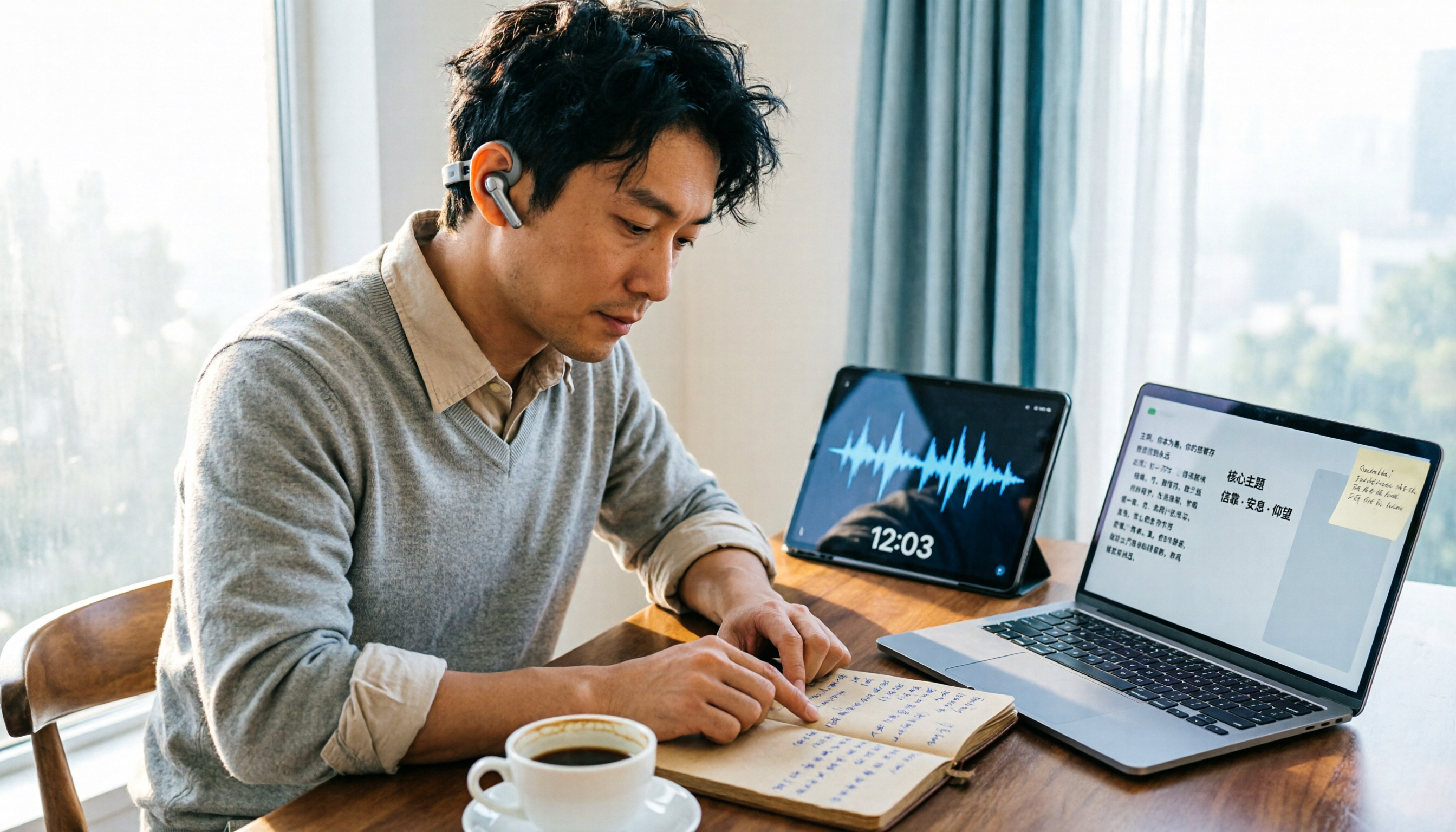
How to Organize Worship Audio in 2026: Before Your Throne Transcript + AI Summary
Before Your Throne is a 12-minute worship EP released by Mattie Nottage in 2024. Starting from the real pain of organizing long audio files, this guide explains how to turn worship and sermon recordings into citable transcripts, summaries, and notes, and compares Tinrec, Otter.ai, TurboScribe, and Granola in terms of differences and use cases.