

Turn recordings into transcripts and summaries in minutes
Upload audio or video for multilingual transcription, AI notes, and action items
2026 Hands-On Comparison of 3 Multilingual Meeting Recorder Apps: Tinrec Is the Best Fit for Hong Kong Professionals
What do Hong Kong professionals fear most? It's not meetings—it's writing meeting minutes afterward. Especially in multinational companies where conversations mix Cantonese and English, transcribing recordings can be a real headache. After testing the latest multilingual meeting recorder apps, Tinrec stood out the most: it handles mixed Cantonese-English, AI summaries, and conversational queries exceptionally well, saving time and avoiding overtime.
What Can a Multilingual Meeting Recorder App Do for You?
Scenario 1: Get meeting minutes 5 minutes after the meeting ends
Previously, a two-hour meeting might require another hour to organize. With Tinrec, the moment the meeting ends, the AI has already generated a summary, conclusions, and action items—who is responsible for what and deadlines are all clear at a glance.
Scenario 2: Automatic recognition of mixed Cantonese-English meetings
No need to manually switch languages. Tinrec supports 10 languages, including Chinese, English, Japanese, and Korean, and automatically adapts to mixed Cantonese-English meetings, saving a lot of time.
Scenario 3: Organize online videos, podcasts, and lecture recordings
Not just meetings—have YouTube or Bilibili videos or podcasts you want to transcribe? With Tinrec, just paste the link to get key points and summaries without having to listen through everything.
What Are Tinrec's Core Capabilities?
Real-time transcription: text appears as you record
Tinrec's real-time transcription delay is under 1 second, so during meetings you can watch the text sync and confirm nothing is missed, without waiting for the recording to finish.
AI semantic summarization: not just condensation, but structured organization
It lists meeting topics, discussion conclusions, action items, and responsible persons separately, rather than a long block of text. You can see the key points at a glance.
AI conversational query: ask questions about the recording directly
After transcription, you can ask Tinrec directly: "Who mentioned the budget in the meeting?" "What was the client's reaction?" It answers based on semantic understanding, saving you time from searching through the transcript.
Multilingual recognition: handles mixed Cantonese-English well
In tests with mixed Cantonese-English meetings, Tinrec's recognition accuracy was high, with no garbled text. It supports 10 languages, making it ideal for cross-national teams.
Multi-format export: take it to the tools you know
You can export to Notion, Google Docs, OneNote, Dropbox, etc., and integrate directly into your workflow.
Stop organizing recordings by hand
Upload audio or video and automatically get a transcript, summary, and action items
Practical Use Cases
Meetings: Record in real time and sync transcription. When the meeting ends, get minutes and action items immediately, and send them to colleagues for follow-up.
Classes/Lectures: Record a lecture, and Tinrec automatically splits chapters and highlights key points, doubling study efficiency and saving time before exams.
Interviews/Research: With transcription plus AI Q&A, quickly find interviewee viewpoints and quotable material without listening from start to finish.
Content Creation: Paste a YouTube or Bilibili link, get a text summary, find inspiration faster, and even generate subtitles.
4 Things to Consider When Choosing a Multilingual Meeting Recorder Tool
- Language support: Not all tools support mixed Cantonese-English; some require manual switching. Tinrec supports multiple languages and automatic recognition, making it the smoothest to use.
- AI features: Just transcribing text is useless; the key is whether it provides summaries, action items, and Q&A after transcription. Tinrec's AI conversational query helps you find key points directly.
- Input sources: It should support meeting recordings, local files, and online videos. Tinrec handles real-time recording, file transcription, and video link transcription.
- Free tier: Tinrec offers 100 free minutes per month, enough to try a couple of meetings and experience all features before deciding to upgrade.
Frequently Asked Questions
Q1: What are the limitations of the free version?
Tinrec's free version provides 100 minutes of transcription per month, allowing you to try real-time recording, file import, and online video transcription. It's suitable for light users.
Q2: Is mixed Cantonese-English recognition accurate?
In tests with clear audio, it performs well, but background noise, heavy accents, or multiple people speaking at once can affect accuracy. For important meetings, choose a quiet environment and quickly verify key content manually after recording.
Q3: Can it record Google Meet or Teams?
Yes. You can use your phone or computer microphone, or use "Stereo Mix" on your computer to record system audio—it's simple.
Q4: Is the AI summary accurate?
In most cases, it's very accurate, but for industries with many technical terms (e.g., legal, medical), it's recommended to do a quick manual review to ensure no misunderstandings.
Conclusion
Tinrec is not just about transcribing audio to text; it turns audio and video content into a searchable, queryable, and exportable knowledge base. If you have more than 3 meetings a week or often need to organize mixed Cantonese-English recordings, Tinrec is definitely worth trying. With 100 free minutes per month, you'll see how much overtime you can save.
References
- 2026 Latest 5 Bilingual Meeting Recorder AI Tools Recommended: Solving Recording Organization and Cross-Language Communication Pain Points - 秒聽錄音Blog
- 2026 Latest 9 AI Automatic Meeting Recorder Software Recommended: Solving Summary Organization and Transcript Pain Points - 秒聽錄音Blog
- 2026 Latest 5 Recording Real-Time Translation Apps Recommended: Solving Cross-Language Meeting and Transcript Pain Points - 秒聽錄音Blog
- 2026 Latest 5 Online Meeting Real-Time Translation Chinese-to-English Software Recommended: Solving Cross-National Communication and Recording Pain Points - 秒聽錄音Blog
- 2026 Latest 9 AI Meeting Recorder Tools Recommended: Solving Time-Consuming Transcript Organization Pain Points - 秒聽錄音Blog
Turn every recording into actionable outcomes
Get 60 free transcription minutes when you sign in. No credit card required.
Related Reading
You might also like

2026 Transcription Tools Guide: AI Transcription Selection Tips + Tinrec Workflow
There are countless transcription tools, but the real challenge isn't transcription—it's what to do after. This guide covers selection criteria, hands-on testing, and pitfalls to avoid, rounding up transcription tools worth considering in 2026, and demonstrates how Tinrec turns meeting recordings into searchable, queryable, and shareable team knowledge.

4 AI Meeting Recorders Tested for 2026: Which Free Tier Works Best for Students?
A student's hands-on comparison of AI meeting note tools—Tinrec, Notta, Granola, and Otter.ai—covering free tiers, per-recording limits, post-transcript organization, and cross-platform use, with recommendations for class recordings, group projects, and final exam review.

How to Write Meeting Minutes in 2026: 5-Step Template Tutorial
Struggling to produce meeting minutes after the meeting ends? This article provides a ready-to-use meeting minutes template with fields and a 5-step process, and compares "template-only handwriting" vs. "template plus AI workflow" across recording, organizing, tracking, and team knowledge retention, helping you choose the right meeting minutes approach for your team.

2026 Tested: 4 AI Meeting Minutes Generators Compared — Which One Actually Saves You That Hour After the Meeting?
AI meeting minutes generation isn't just about uploading a recording. From the perspective of a mid-level manager who holds 15 meetings a week, I break down the most common misconceptions, 4 key purchasing criteria, and hands-on comparisons of Tinrec, Notta, Otter.ai, and Granola across Chinese-language meetings, bot-free recording, post-meeting Q&A, and team knowledge retention — with final recommendations by scenario.

Tinrec vs Granola 2026: 5-Dimension Comparison — Which Is Better for Chinese Meeting Notes?
Both avoid meeting bots, but how do Tinrec and Granola differ in meeting notes organization? This article compares them across 5 dimensions: meeting capture, Chinese-language experience, post-meeting outputs, input sources, and team governance, providing a side-by-side reference for your choice.
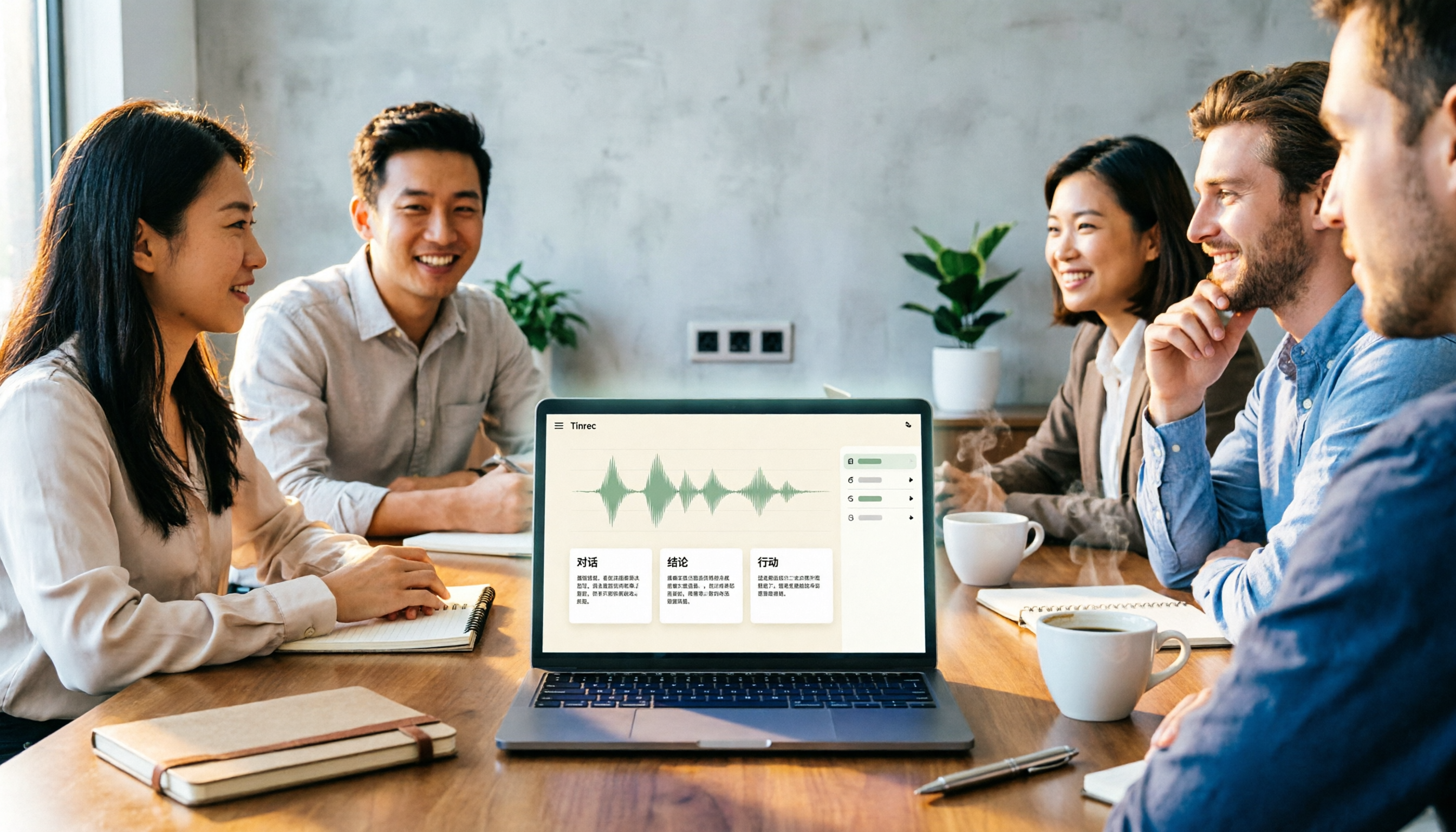
2026 Comparison of 4 Meeting Notes Tools: Which Free Version Is Good Enough?
There are countless meeting notes tools, but what really matters is whether they can turn recordings into trackable conclusions and action items. This article breaks down the selection criteria using 4 common tool approaches and demonstrates Tinrec's practical use for real-time transcription, AI summaries, action item extraction, AI Q&A, and team knowledge retention, along with buying tips and FAQs.

Teams Meeting Creation: 3 Methods Tested in 2026, Tinrec Makes Post-Meeting Cleanup Easier
A comparison of three common ways to create Teams meetings: Teams calendar, Outlook calendar, and channel meetings. Covers attendee invitations, external participants, recording storage, and post-meeting data management, plus how Tinrec fits into transcription, summaries, action items, and team knowledge retention.
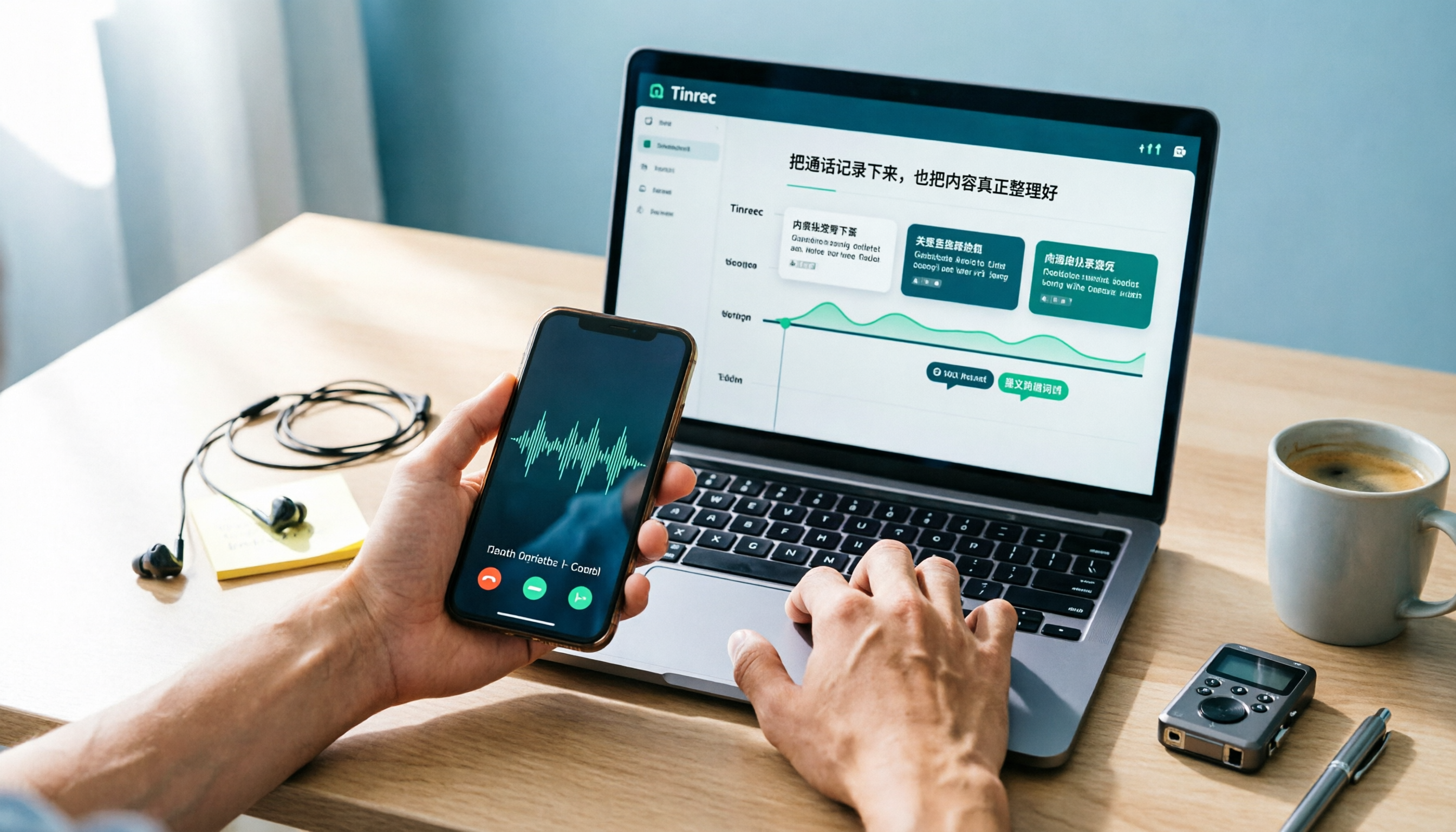
4 LINE Call Recording Methods Compared for 2026: How to Choose Between iPhone, Android, and Desktop
LINE doesn't have built-in call recording, but the methods fall into two layers: capturing the audio and then using it. This guide starts with the system limitations on iPhone and Android, compares screen recording, third-party call recording apps, external recording devices, and Tinrec's post-recording workflow, helping you choose the method that truly saves time.

4 Ways to Start a New Meeting in Microsoft Teams: Instant Meeting, Calendar, Channel, or Outlook — Which Is Fastest?
A comparison of four ways to start a new meeting in Microsoft Teams: Calendar Instant Meeting, Calendar New Meeting, Team Channel Instant Meeting, and the Outlook add-in. It also covers how to use Tinrec to transcribe, summarize, and capture action items after the meeting.