

Turn recordings into transcripts and summaries in minutes
Upload audio or video for multilingual transcription, AI notes, and action items
2026 Hands-On Comparison of 3 AI Office Recording Tools: Free Download and Usage Guide
Spending two hours in a meeting, then another two hours writing up the minutes? Long recordings, lecture audio, and interview videos where you can't find the key points? If you've experienced any of these, this article compares three AI office recording and organizing tools based on hands-on testing, and shows you how to download them for free to find the best fit for your needs.
What You Need Isn't a Voice Recorder, but an AI Tool That Automatically Organizes Your Data
You record meetings, classes, and interviews, but when you actually need the content, you can't find the key points. Manually transcribing is a waste of time, and traditional voice recorders only allow playback, not search. AI recording and organizing tools can automatically transcribe, generate summaries, extract action items, and even let you ask questions about the recording, just like querying a database. Choosing the right tool turns your recordings into usable knowledge.
Before Choosing an AI Office Recording Tool, Understand These 4 Key Points
- Input Sources: Do you only need to record meetings, or also organize online videos and old audio files? Some tools only support online meetings, others only hardware recordings; the more sources supported, the more practical the tool.
- Post-Transcription Processing: Transcription is just the beginning. Can it automatically generate summaries, action items, and chapters? Can you ask questions about the content? This determines how much time the tool can save you.
- Chinese Language Support: If you primarily process Chinese audio, the tool's ability to recognize Traditional and Simplified Chinese is crucial. Don't rely solely on English reviews.
- Free Plans and Download Methods: Is the free allowance sufficient? Are download options convenient (App Store / Google Play / web)? Some tools have many restrictions on the free version, and some require additional hardware.
Tinrec (秒听录音) — Our Top Pick After Testing
Tinrec (秒听录音) is an AI recording and audio/video organizing tool that supports iOS, Android, and web versions, and is free to download. It goes beyond simple speech-to-text, turning meetings, classes, interviews, podcasts, and online videos into searchable, summarizable, and queryable data.
Use cases: Open Tinrec during a meeting, get real-time transcription, and after the meeting, AI automatically generates summaries, chapters, and action items, showing who is responsible for what and deadlines at a glance. Upload past lecture audio or interview recordings to quickly convert them to text and segment them. Paste a YouTube or Bilibili video link to get a transcript and key points, ideal for content creators.
What impressed me most is the AI Q&A feature: after recording, you can ask questions like "What was the meeting conclusion?" or "Who mentioned the budget?" and Tinrec answers based on the content, not just keyword search. This is rare among similar tools; currently, Otter and Notta don't offer the same conversational query experience on their free plans.
Stop organizing recordings by hand
Upload audio or video and automatically get a transcript, summary, and action items
In our tests, under quiet conditions with clear speech, Tinrec's Chinese transcription quality was stable, and summaries and action item extraction were quite accurate. However, note that accuracy drops with background noise or multiple people talking over each other; for important content, cross-check with the original audio.
The free plan offers a monthly base transcription allowance, suitable for light use. For typical office workers with two or three meetings a week, the free allowance is usually sufficient; heavy users can consider weekly or Pro monthly cards, without needing to pay upfront.
Who is it for? If you primarily handle Chinese content, need to organize meetings, classes, and online videos, and want to use AI to find key points after recording, Tinrec is currently the most cost-effective choice.
How to download: Search for "Tinrec 秒听录音" on the App Store or Google Play, or open the web version in your browser and sign up to get started.
Beyond Tinrec, What Other Options Are There?
Otter.ai: Top choice for English meetings, with a generous free plan of 300 minutes per month, ideal for international teams. However, it leans toward online meetings and English content; Chinese organization is not its strength. Tinrec is better suited for Chinese meetings, classes, and online video organization, and offers AI Q&A and multi-format export.
Notta: Feature-complete, with a free plan of 120 minutes per month and Pro at about $8.17/month billed annually. Its transcription and subtitle capabilities are good, but Tinrec emphasizes post-transcription organization, such as AI Q&A, report generation, and export to third-party tools like Notion, which Notta's free version doesn't offer.
PLAUD Note: A portable recording hardware device, suitable for those who need to record without a phone, but requires purchasing additional equipment starting at $169, plus a monthly fee. Tinrec requires no extra hardware; you can use it on your phone or computer, making it more budget-friendly. Additionally, Tinrec supports online video transcription, which hardware recorders cannot do.
Pitfall Guide: 3 Common Mistakes When Choosing an AI Office Recording Tool
Pitfall 1: Only looking at free minutes. Some tools offer large free allowances but only provide transcripts, without summaries or Q&A. You save on transcription time but still have to organize manually. We recommend trying the full features first, not just the allowance.
Pitfall 2: Ignoring input source limitations. If you need to organize YouTube videos or old audio files, don't choose a tool that only supports online meetings. Tinrec is comprehensive in this regard, handling meetings, files, and web links.
Pitfall 3: Not using AI features after downloading. Many people use the tool only for transcription, missing out on AI summaries, action items, and Q&A. After recording, ask "What are the key points?" or "What should we do next?"—it's ten times faster than manually scanning the transcript.
Summary: Which One Should You Choose?
If you need to handle Chinese meetings, classes, interviews, or online videos, and want a free download that's easy to use, Tinrec is the top choice. It excels in diverse input sources, practical AI Q&A, and a great Chinese experience.
Scenario breakdown:
- Chinese meetings + class organization → Tinrec (free download, AI summaries + Q&A)
- Primarily English online meetings → Otter.ai (free 300 minutes)
- Focus on transcription and subtitles → Notta (but free plan has lower limits)
- Portable recording hardware enthusiasts → PLAUD (requires extra cost)
We recommend downloading the free version of Tinrec to try it out; the monthly base allowance covers a few meetings, letting you experience AI Q&A and organization. If you find it useful, consider upgrading—no need to pay upfront.
Note: Competitor prices and features may change; refer to official pages for the latest information.
References
Turn every recording into actionable outcomes
Get 60 free transcription minutes when you sign in. No credit card required.
Related Reading
You might also like
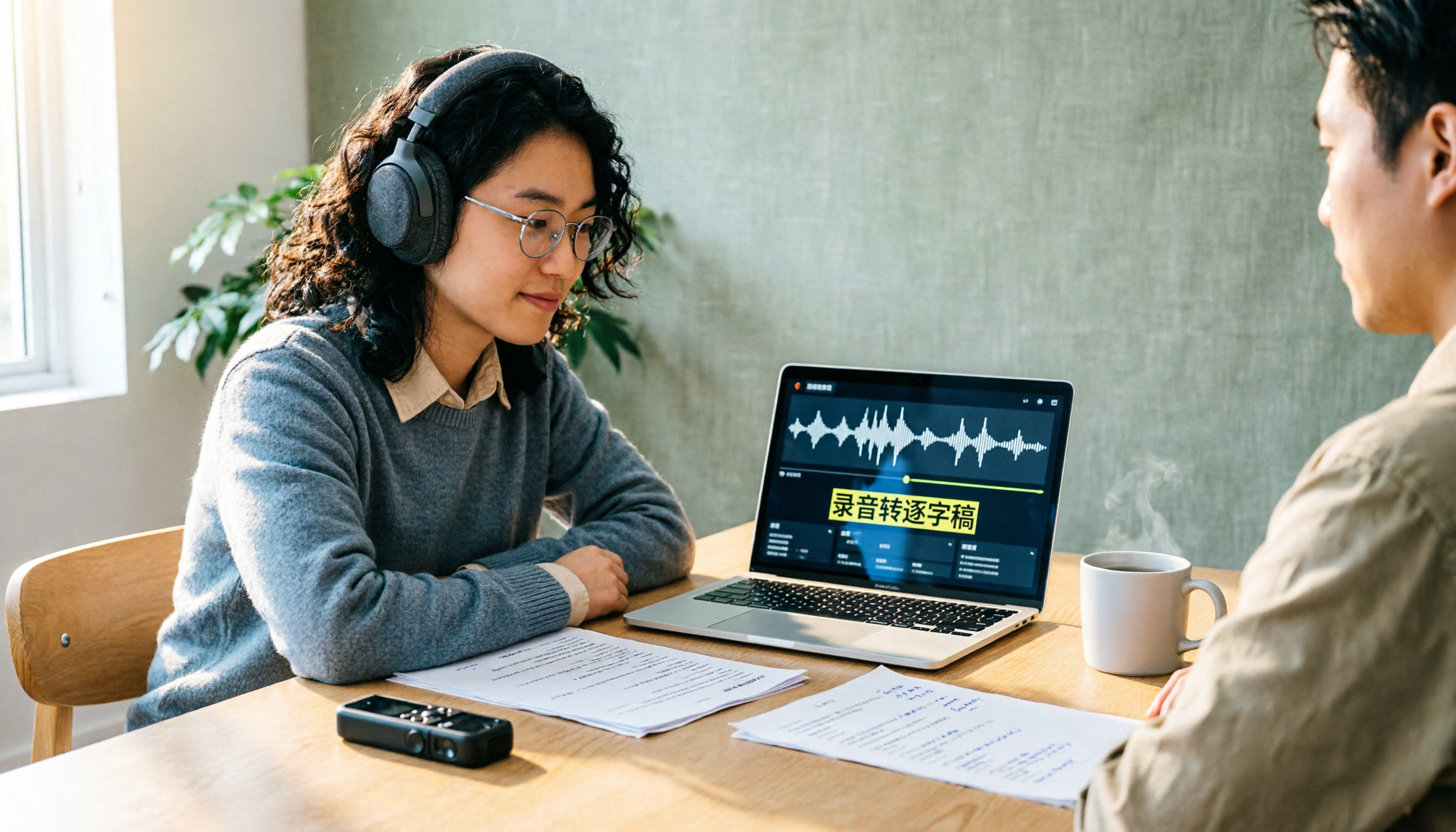
How to Create a Transcript in 2026: 5 Steps from Recording to Quotable Text
A transcript isn't just typing what you hear. This guide starts with the three most common inefficient approaches, then breaks down 5 practical steps: define the purpose, ensure good recording quality, let AI do the first pass, proofread against the audio, and label speakers before exporting. It also shares the author's most efficient tool after testing, Tinrec, along with when to use Notta, TurboScribe, and Yating Transcript.

2026 Zoom AI Meeting Summary Tools Compared: Is Built-in Enough?
How to enable Zoom AI meeting summaries, where to find them, and whether the free version is sufficient? This article starts from real meeting scenarios and compares Zoom's built-in Meeting summary, Tinrec, Otter.ai, and Notta. It covers 4 key selection points, 3 common pitfalls, and scenario-based recommendations to help you decide whether to use the built-in feature or switch tools.

2026 Zoom Transcription Comparison: Built-in, Transcribe, Tactiq, and Tinrec
How do you get a transcript after a Zoom meeting? This comparison covers Zoom's built-in transcription, Transcribe, Tactiq, and Tinrec, breaking down recording methods, Chinese recognition, post-meeting organization, cross-platform support, team collaboration, and pricing to help you choose the approach that best fits your meeting habits.

Tinrec vs Granola 2026: 5-Dimension Comparison — Which Is Better for Chinese Interview Transcripts?
The biggest pitfalls in interview transcription are choosing the wrong mode and only comparing text conversion. This article compares Tinrec and Granola across 5 dimensions, from importing existing audio files, punctuation and paragraphing, post-meeting follow-up questions, to team data retention, explaining how to choose the most time-saving workflow for Chinese interview scenarios.
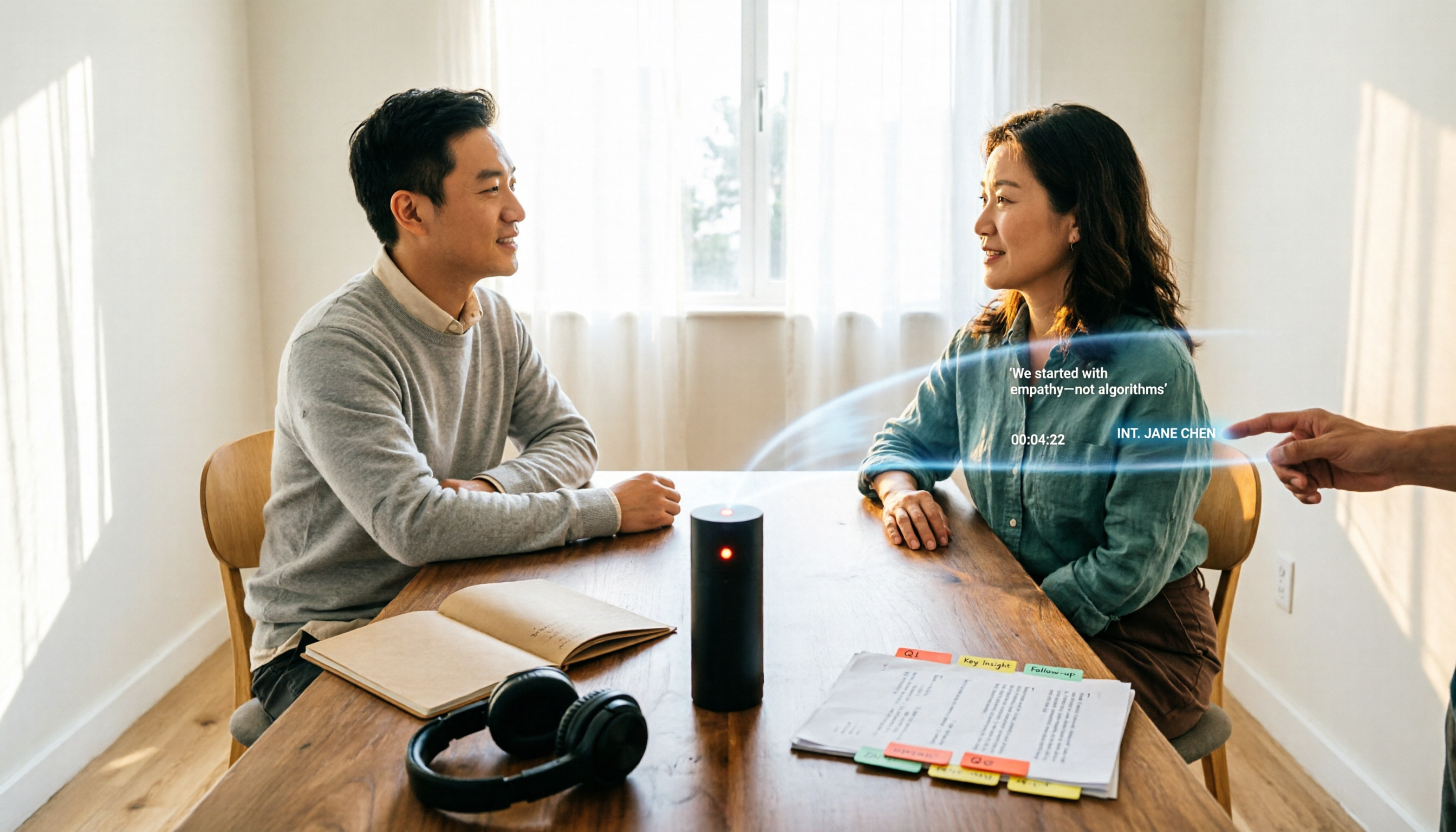
5 Interview Transcription Tools Tested: Which Saves the Most Proofreading Time in 2026?
After a 90-minute interview, the real work begins. This guide compares five interview transcription tools—covering speaker labeling, time codes, export formats, and free tiers—and offers scenario-based recommendations to turn your recordings into citable, codeable transcripts you can hand off to colleagues.

The Complete Guide to Zoom Meeting Recording Tools in 2026: Tinrec's Bot-Free Transcription and Post-Meeting Organization
Recording a Zoom meeting isn't as simple as hitting record. Drawing from real student project experience, this guide breaks down common pitfalls of "recording but never using it," explains the differences between bot-free recording, transcripts, AI summaries, and action item organization, and helps you determine if free tiers are sufficient and how to properly archive meeting data for team projects.
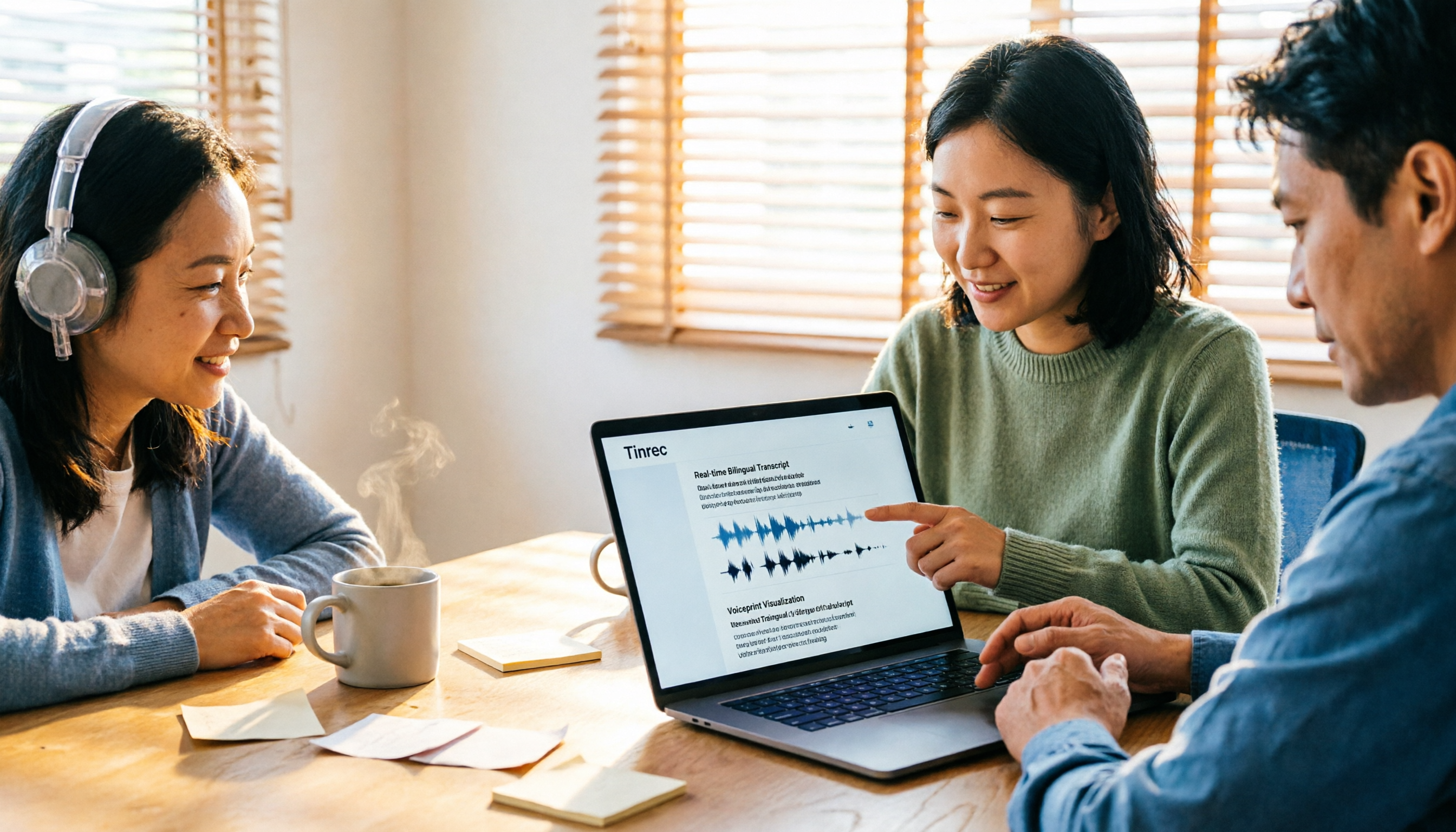
4 Zoom Transcription Tools Tested: Which One Actually Saves Meeting Notes Time in 2026?
Recording a Zoom meeting doesn't automatically give you a transcript. This article addresses three common misconceptions and compares Zoom's built-in transcription, Tinrec, Notta, and TurboScribe on speed of getting transcripts, post-meeting organization, Chinese and mixed Chinese-English handling, and team data ownership. It also lists 4 key points to consider before buying and 4 common pitfalls, with clear recommendations based on use cases.

6 Zoom Meeting Settings and Recording Tools Compared for 2026: From Built-in to AI-Powered
Getting your Zoom meeting settings right determines whether your transcript is usable. This guide starts with microphone audio and recording methods, then compares 6 meeting recording tools—Zoom built-in, Otter, Notta, Granola, TurboScribe, and Tinrec—covering pricing, quotas, and ideal users so you can decide which one to use.

2026 Comparison of 4 Online Meeting Transcription Tools: Which One's Post-Meeting Output Is Actually Ready to Use?
A meeting transcription tool isn't automatically useful just because it produces text. This article addresses three common misconceptions, breaks down 4 key factors for choosing a tool, and compares Tinrec, Otter.ai, Notta, and TurboScribe in terms of meeting capture methods, post-meeting output, Chinese language performance, and team data retention.